PDF Scanner, Convert Document
PDF Scanner, Convert Document
Entwickelt für iPhone
Kostenlos · In-App-Käufe
- Altersfreigabe4+
- KategorieDienstprogramme
- EntwicklerNicola Amber
- SprachenEnglisch
- Größe6,0 MB
Verlinkt auf die offizielle App Store-Seite
Download.org hostet keine Datei von PDF Scanner, Convert Document. Die Schaltfläche öffnet die App-Seite bei App Store, wo Nicola Amber die App veröffentlicht. Eintrag zuletzt geprüft am 18.11.2026.
Screenshots

Info
Der Entwickler hat diesen Text nicht in Ihrer Sprache bereitgestellt.
PDF Scanner, Convert Document: Fast & Easy PDF Converter in Your Pocket!
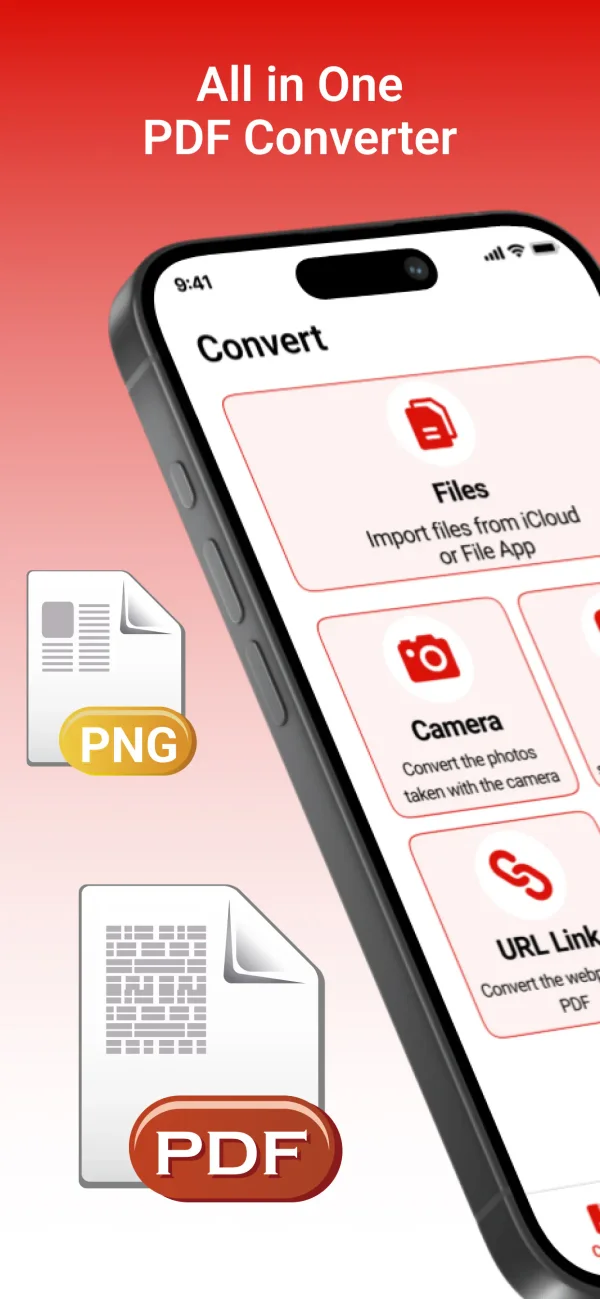
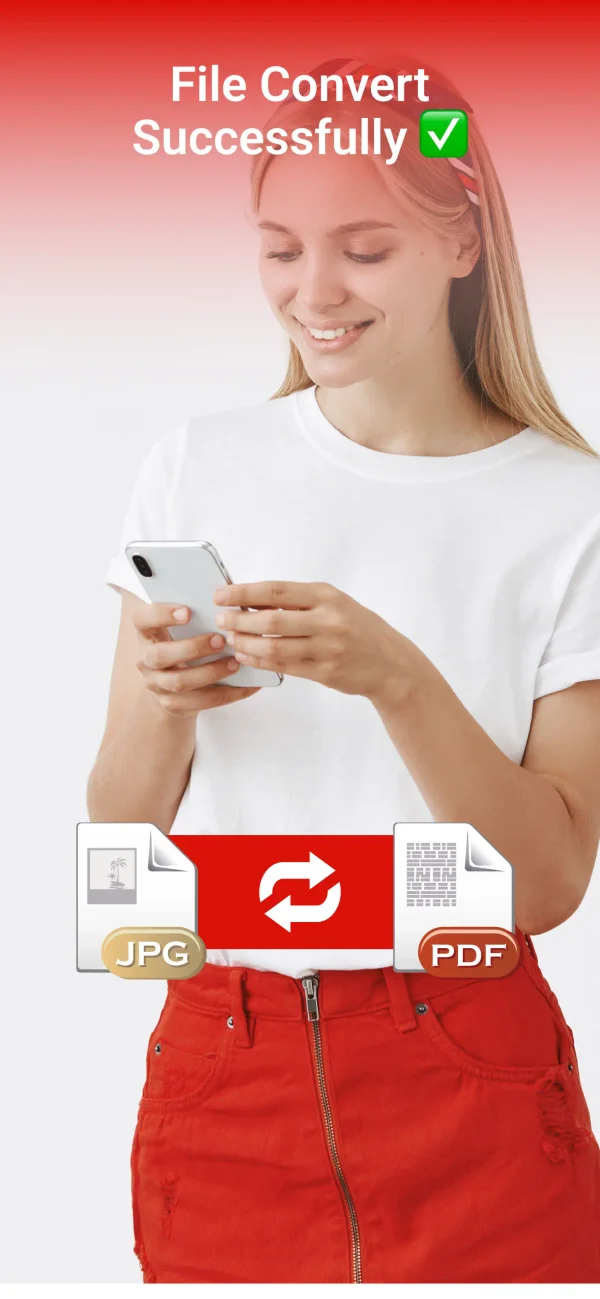
Turn anything into a PDF in seconds with PDF Scan – the all-in-one app to scan, convert, and organize your digital documents. Whether it’s a file, photo, text, or even a URL, this powerful tool helps you create clean, shareable PDFs with just a tap.
Features:
Convert Anything to PDF – Turn photos, files, text, and links into high-quality PDFs.
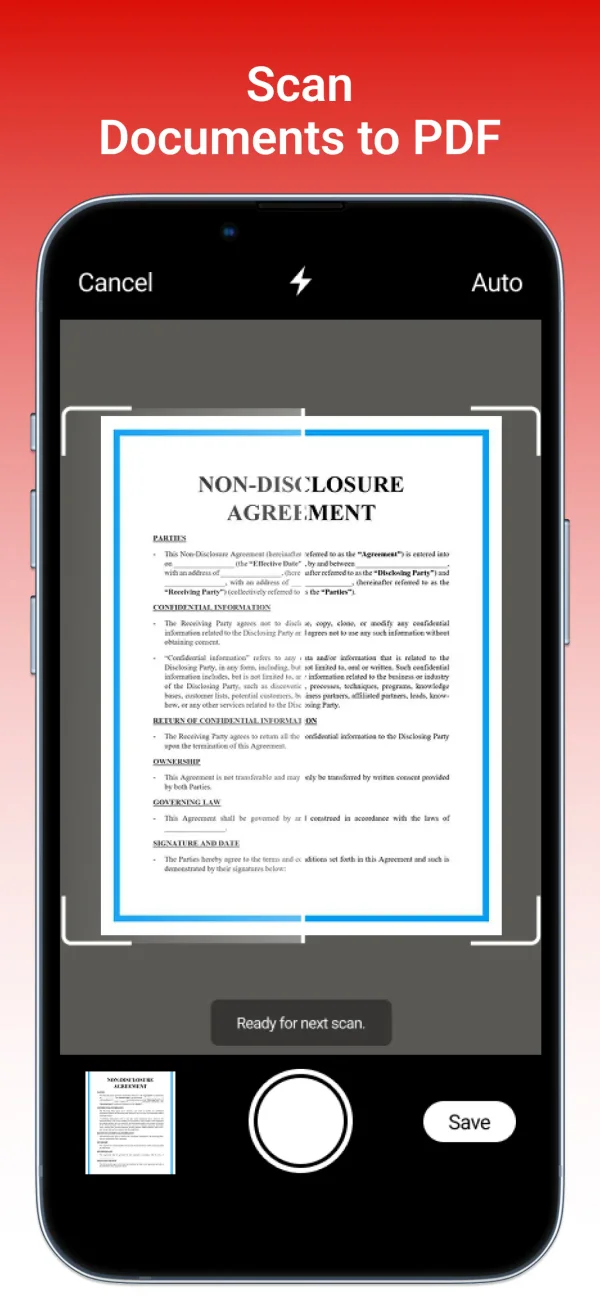
Scan with Camera – Snap a picture of any document and instantly convert it to PDF.
Link to PDF – Save webpages as clean, ready-to-read PDF files.
Text to PDF – Write or paste notes and export them as professional PDFs.
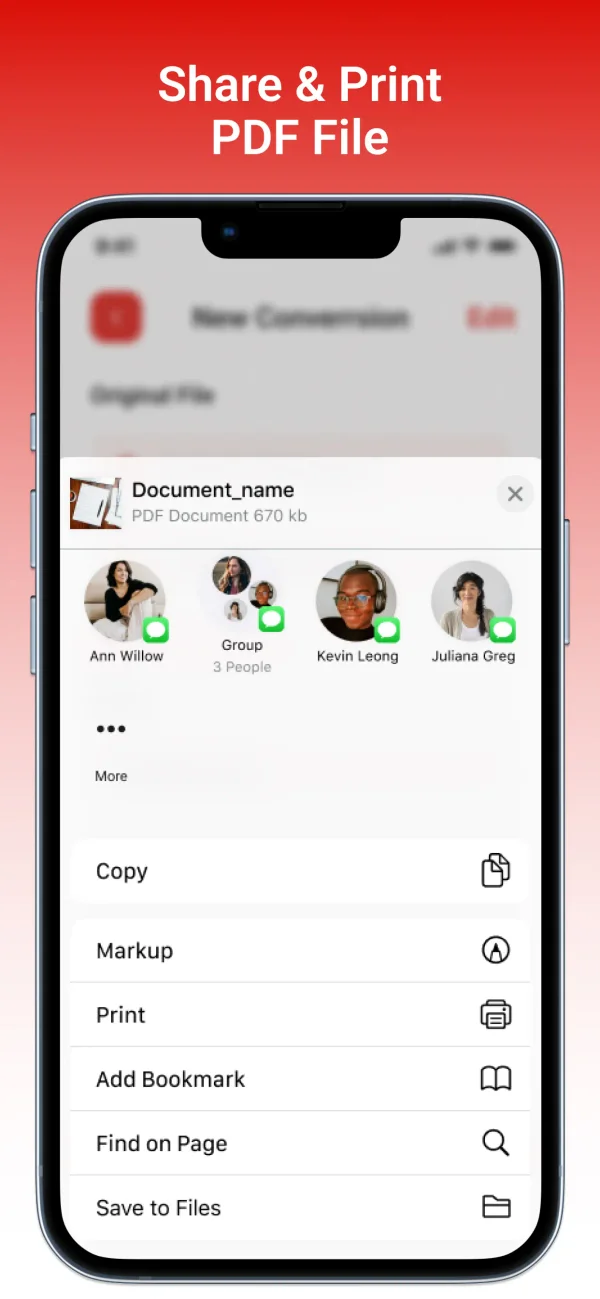
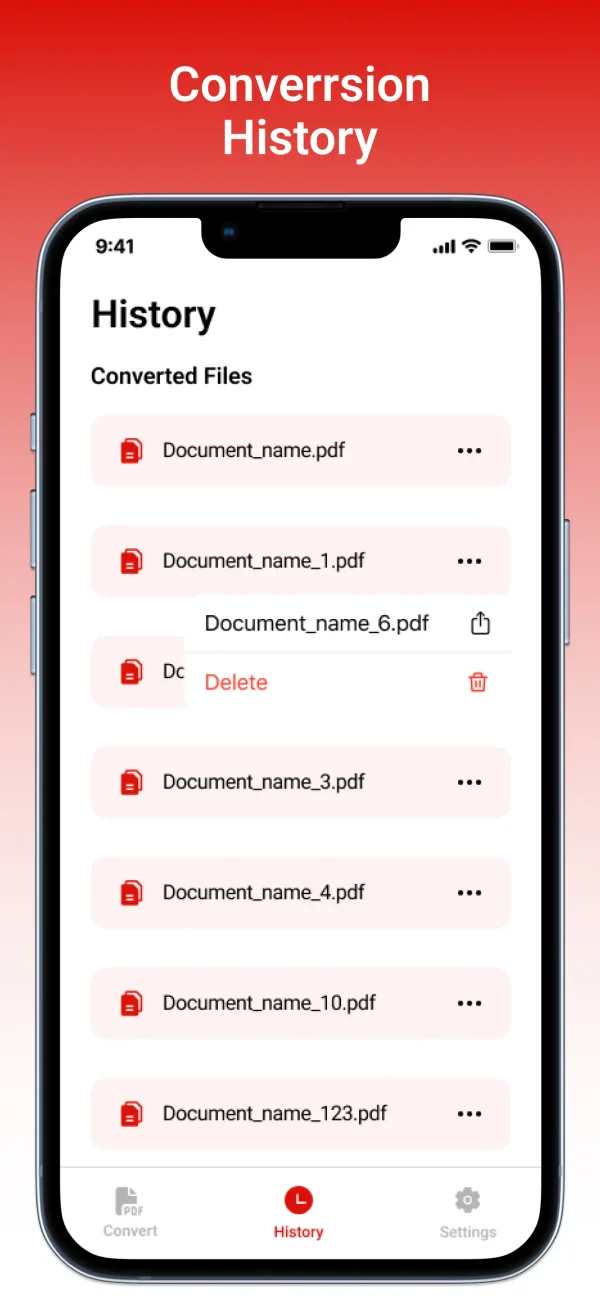
Easy File Management – Organize, rename, and share your PDFs with ease.
(subscription only)
Whether for school, work, or personal use, PDF Scan makes creating PDFs quick and effortless.
Download now and simplify your digital life with PDF Scan!
SUBSCRIPTION TERMS
- Subscriptions is billed weekly
- Payment will be charged to your Apple ID Account at confirmation of purchase
- Subscription automatically renews unless auto-renew is turned off at least 24 hours before the end of the current period
*You can cancel your subscription anytime*
Subscription management is straightforward:
- Access your iPhone's Settings app
- Navigate to your account settings
- Tap on Subscriptions to manage or cancel auto-renewal
Privacy Policy: https://docs.google.com/document/d/1iK48NqnWFWdJEKec6Lf5iLdqC0rq4X_hnIy-WP1j3tU/edit?usp=sharing
Terms of Use: https://www.apple.com/legal/internet-services/itunes/dev/stdeula/
Neue Funktionen
Version 1.3 · 07.06.2025
We’ve made several improvements to make your scanning experience better than ever:
Enhanced Scan Quality – Sharper scans with improved edge detection and auto-crop.
Smarter OCR – Better text recognition for more accurate and searchable PDFs.
Performance Improvements – Smoother performance and stability enhancements.
App-Datenschutz
Was Nicola Amber im App Store zum Umgang dieser App mit Daten angibt.
-
Daten, die zum Tracking Ihrer Person verwendet werden
Können verwendet werden, um Sie über Apps und Websites anderer Unternehmen hinweg zu verfolgen.
- Kennungen
-
Nicht mit Ihnen verknüpfte Daten
Können erfasst werden, sind aber nicht mit Ihrer Identität verknüpft.
- Kennungen
Die Datenschutzpraktiken können variieren, zum Beispiel je nach den von Ihnen verwendeten Funktionen oder Ihrem Alter.
Informationen
- Anbieter
- Nicola Amber
- Kategorie
- Dienstprogramme
- Version
- 1.3
- Aktualisiert
- 07.06.2025
- Veröffentlicht
- 09.05.2025
- Größe
- 6,0 MB
- Erfordert
- iOS 16.0 oder neuer
- Altersfreigabe
- 4+
- Preis
- Kostenlos
- In-App-Käufe
- Ja
- Sprachen
- Englisch
- Copyright
- © Anatolii Avramenko
Das könnte Ihnen auch gefallen
-
 Body Face Editor- Makeup TunePerfect Cam: Retouch & Brush
-
 PDF Bearbeiten - Converter AppReader & Editor: File Scanner
-
 2FA & OTP AuthentifizierungsSecure Authenticator: MFA Auth
-
 Bluetooth BLE Finder & ScannerFind Device - Gerät Finden App
-
 Kamera Scanner Versteckte AntiHome Security Detector Blink
-
 eSign: Fill & Unterschrift PDFDigitale Unterschreiben: Sign
-
 Fernbedienung TV - UniversalUniversal Fernbedienung für TV
-
 Musik Offline Hören - PlayMXMusic Player app Ohne Internet
-
 Find Lost Device - iLocatorMein gerät & kopfhörer finden
-
 2FA Authenticator: TOTP & OTPAuthentifizierungs - MFA Auth