PDF Scanner, Convert Document
PDF Scanner, Convert Document
Conçue pour iPhone
Gratuit · Achats intégrés
- Classification d’âge4+
- CatégorieUtilitaires
- DéveloppeurNicola Amber
- LanguesAnglais
- Taille6,0 Mo
Renvoie vers la page App Store officielle
Download.org n’héberge aucun fichier de PDF Scanner, Convert Document. Le bouton ouvre la page de l’application sur App Store, où Nicola Amber la publie. Fiche vérifiée pour la dernière fois le 18/11/2026.
Captures d’écran

À propos
Le développeur n’a pas fourni ce texte dans votre langue.
PDF Scanner, Convert Document: Fast & Easy PDF Converter in Your Pocket!
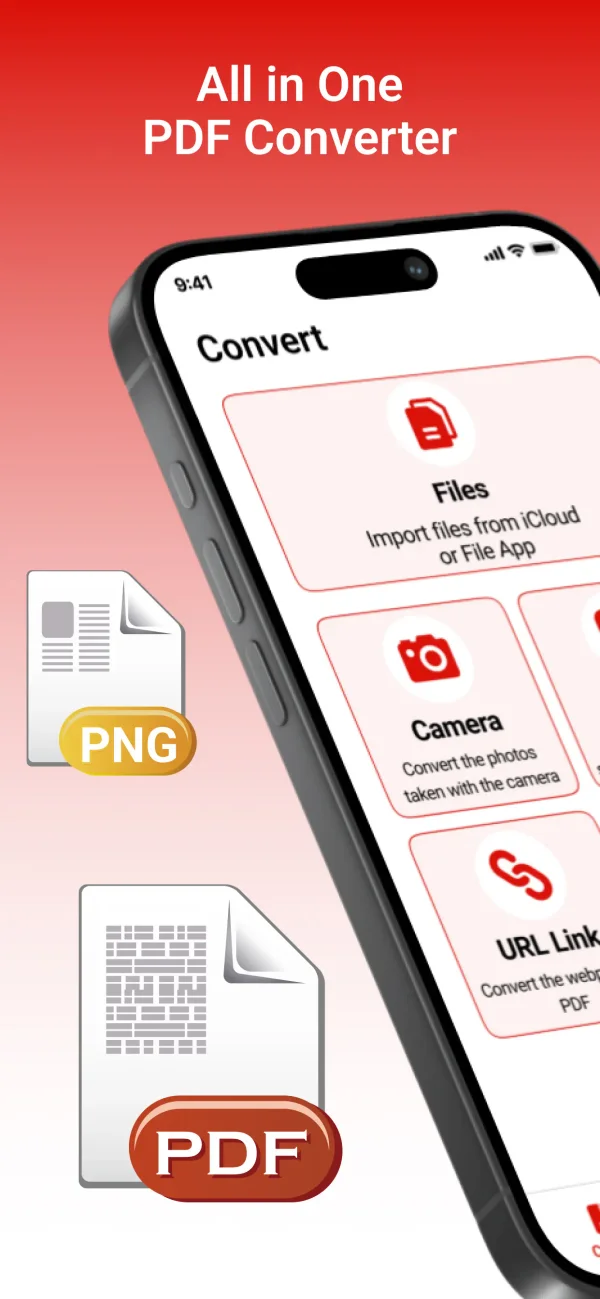
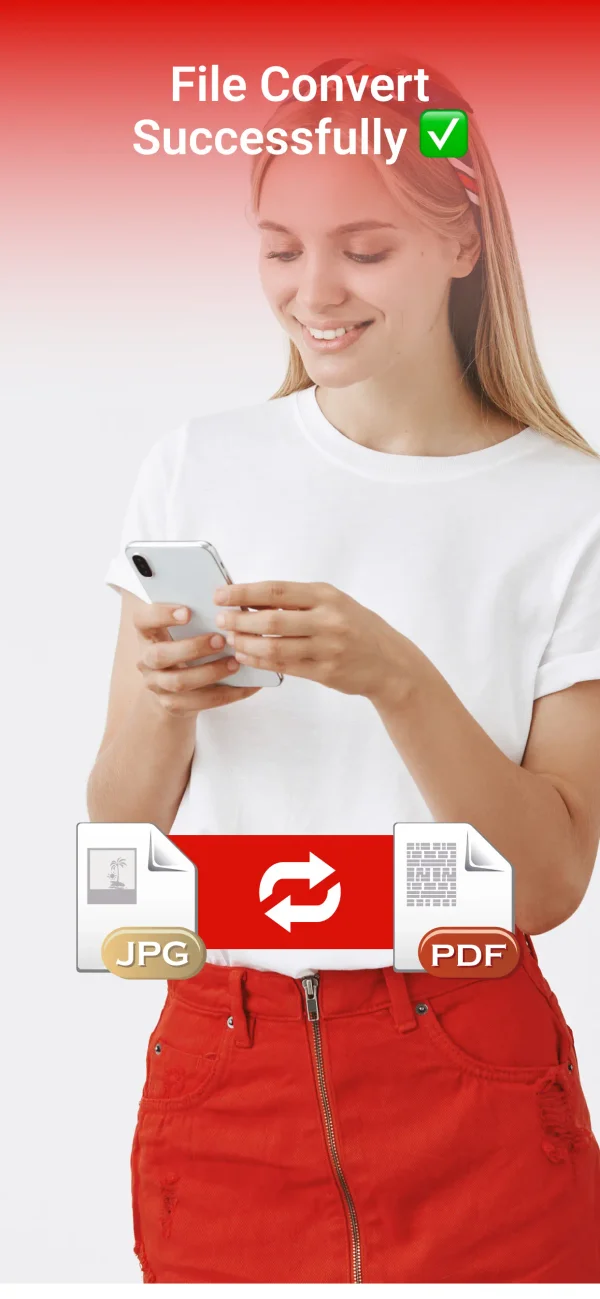
Turn anything into a PDF in seconds with PDF Scan – the all-in-one app to scan, convert, and organize your digital documents. Whether it’s a file, photo, text, or even a URL, this powerful tool helps you create clean, shareable PDFs with just a tap.
Features:
Convert Anything to PDF – Turn photos, files, text, and links into high-quality PDFs.
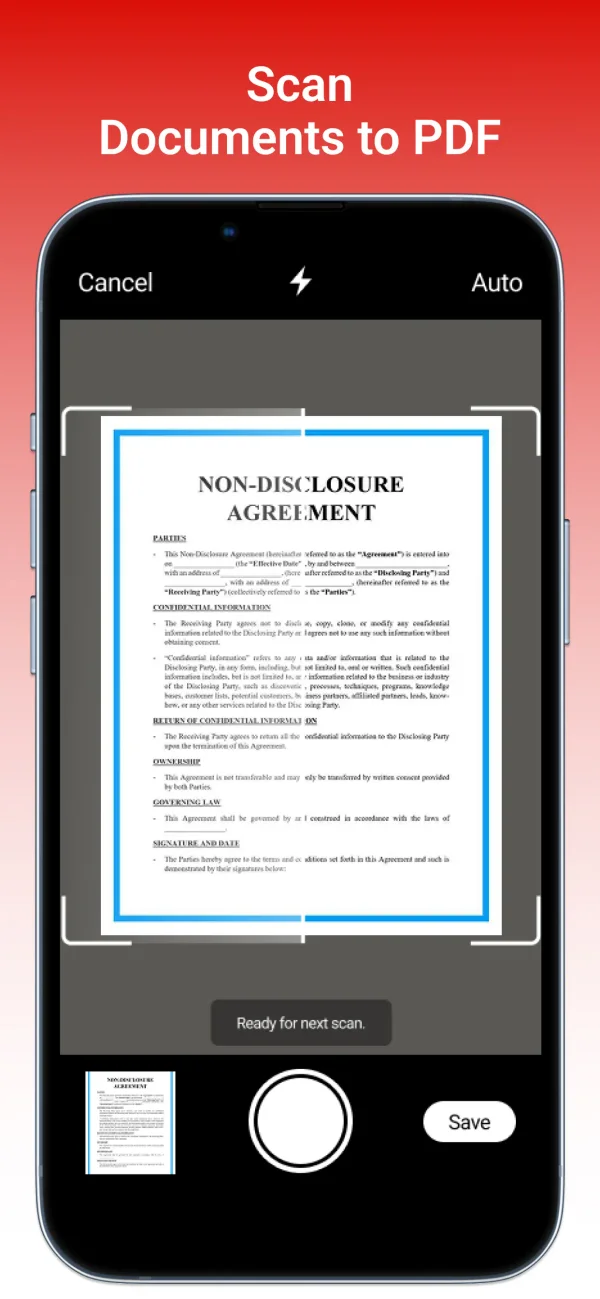
Scan with Camera – Snap a picture of any document and instantly convert it to PDF.
Link to PDF – Save webpages as clean, ready-to-read PDF files.
Text to PDF – Write or paste notes and export them as professional PDFs.
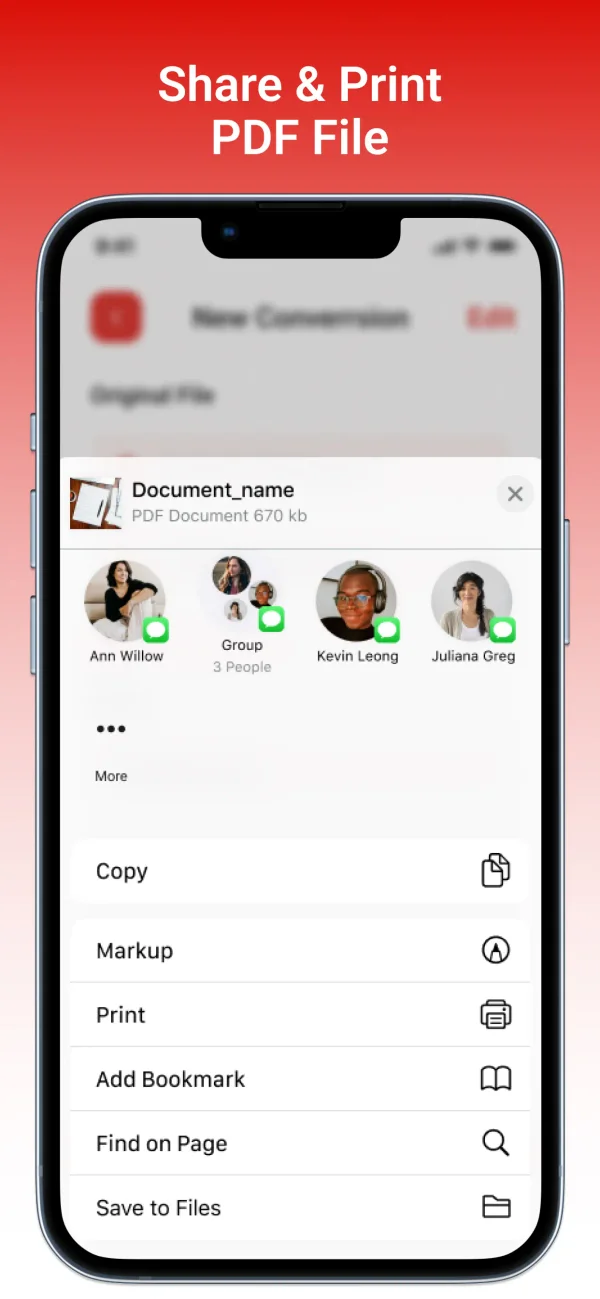
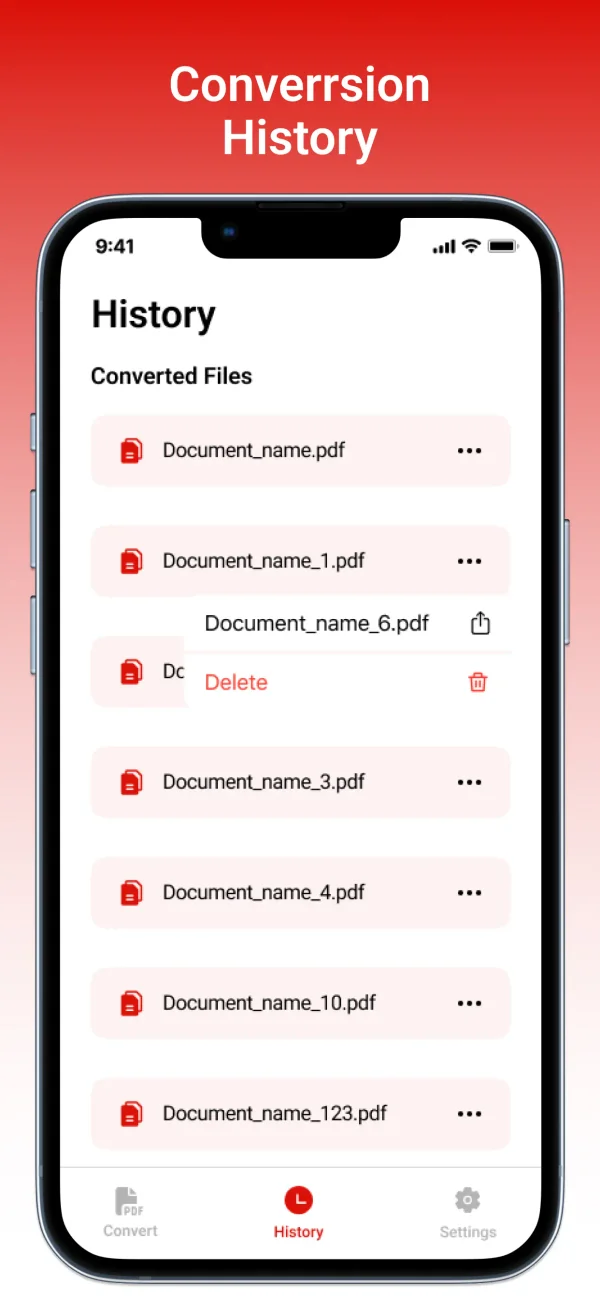
Easy File Management – Organize, rename, and share your PDFs with ease.
(subscription only)
Whether for school, work, or personal use, PDF Scan makes creating PDFs quick and effortless.
Download now and simplify your digital life with PDF Scan!
SUBSCRIPTION TERMS
- Subscriptions is billed weekly
- Payment will be charged to your Apple ID Account at confirmation of purchase
- Subscription automatically renews unless auto-renew is turned off at least 24 hours before the end of the current period
*You can cancel your subscription anytime*
Subscription management is straightforward:
- Access your iPhone's Settings app
- Navigate to your account settings
- Tap on Subscriptions to manage or cancel auto-renewal
Privacy Policy: https://docs.google.com/document/d/1iK48NqnWFWdJEKec6Lf5iLdqC0rq4X_hnIy-WP1j3tU/edit?usp=sharing
Terms of Use: https://www.apple.com/legal/internet-services/itunes/dev/stdeula/
Nouveautés
Version 1.3 · 07/06/2025
We’ve made several improvements to make your scanning experience better than ever:
Enhanced Scan Quality – Sharper scans with improved edge detection and auto-crop.
Smarter OCR – Better text recognition for more accurate and searchable PDFs.
Performance Improvements – Smoother performance and stability enhancements.
Confidentialité de l’application
Ce que Nicola Amber déclare sur l’App Store au sujet du traitement des données par cette application.
-
Données utilisées pour vous suivre
Peuvent être utilisées pour vous suivre sur des applications et des sites web appartenant à d’autres sociétés.
- Identifiants
-
Données n’établissant aucun lien avec vous
Peuvent être collectées, mais ne sont pas liées à votre identité.
- Identifiants
Les pratiques en matière de confidentialité peuvent varier, notamment en fonction des fonctionnalités que vous utilisez ou de votre âge.
Informations
- Vendeur
- Nicola Amber
- Catégorie
- Utilitaires
- Version
- 1.3
- Mis à jour
- 07/06/2025
- Publié
- 09/05/2025
- Taille
- 6,0 Mo
- Nécessite
- iOS 16.0 ou version ultérieure
- Classification d’âge
- 4+
- Prix
- Gratuit
- Achats intégrés
- Oui
- Langues
- Anglais
- Copyright
- © Anatolii Avramenko
Vous aimerez peut-être aussi
-
 Body Face Editor: Tune & BrushPerfect Makeup: Retouch & Slim
-
 PDF Converter: Creator, EditorScanner & Convertir Photo File
-
 Authenticator 2FA & MFA SecureAuth Security: Totp OTP Verify
-
 Find & Detect Device BluetoothScanner Tracker: Phone Monitor
-
 Camera Detecteur: SurveillanceWiFi Network Analyzer Monitor
-
 eSign Signer Remplir DocumentCréateur Signature: Signataire
-
 Telecommande Smart pour TVUniversal Remote Control: Cast
-
 Musique Sans WiFi - PlayMXMusic Player Hors Ligne
-
 Find Lost Device - iLocatorLocaliser mon Appareil
-
 2FA Authenticator - OTP & MFAAuthentificateur - TOTP Auth