PDF Scanner, Convert Document
PDF Scanner, Convert Document
Designed for iPhone
Free · In-app purchases
- Age rating4+
- CategoryUtilities
- DeveloperNicola Amber
- LanguagesEnglish
- Size6.0 MB
Links to the official App Store page
Download.org hosts no file of PDF Scanner, Convert Document. The button opens its official App Store page, published by Nicola Amber. Listing last checked on Nov 18, 2026.
Screenshots

About
PDF Scanner, Convert Document: Fast & Easy PDF Converter in Your Pocket!
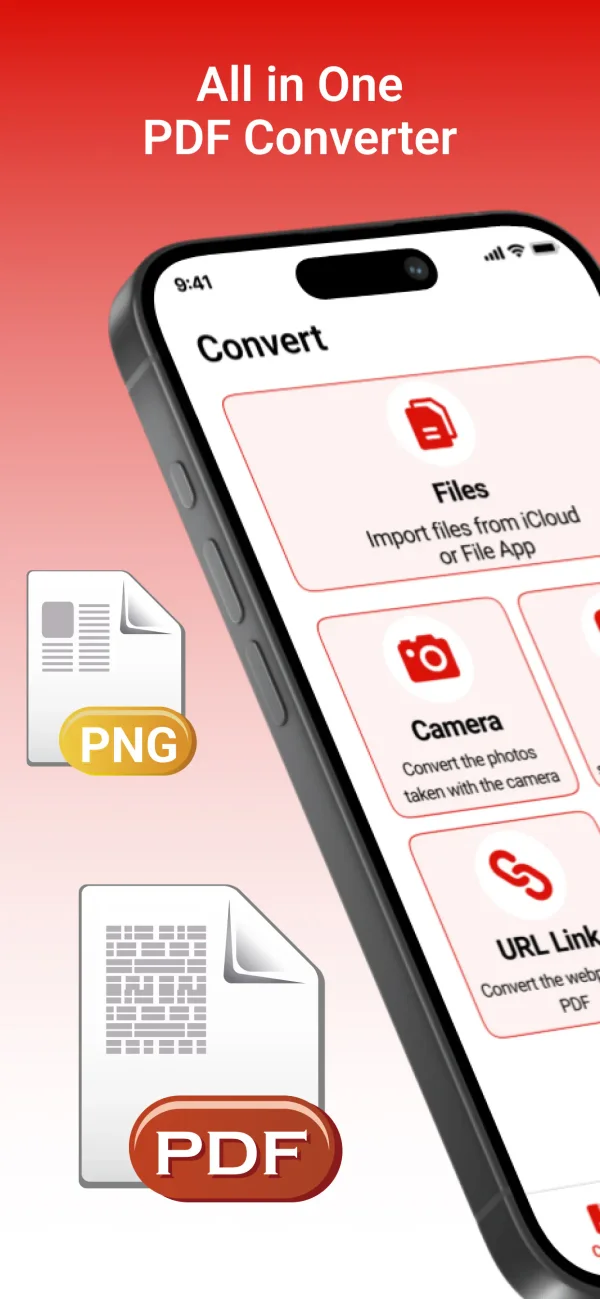
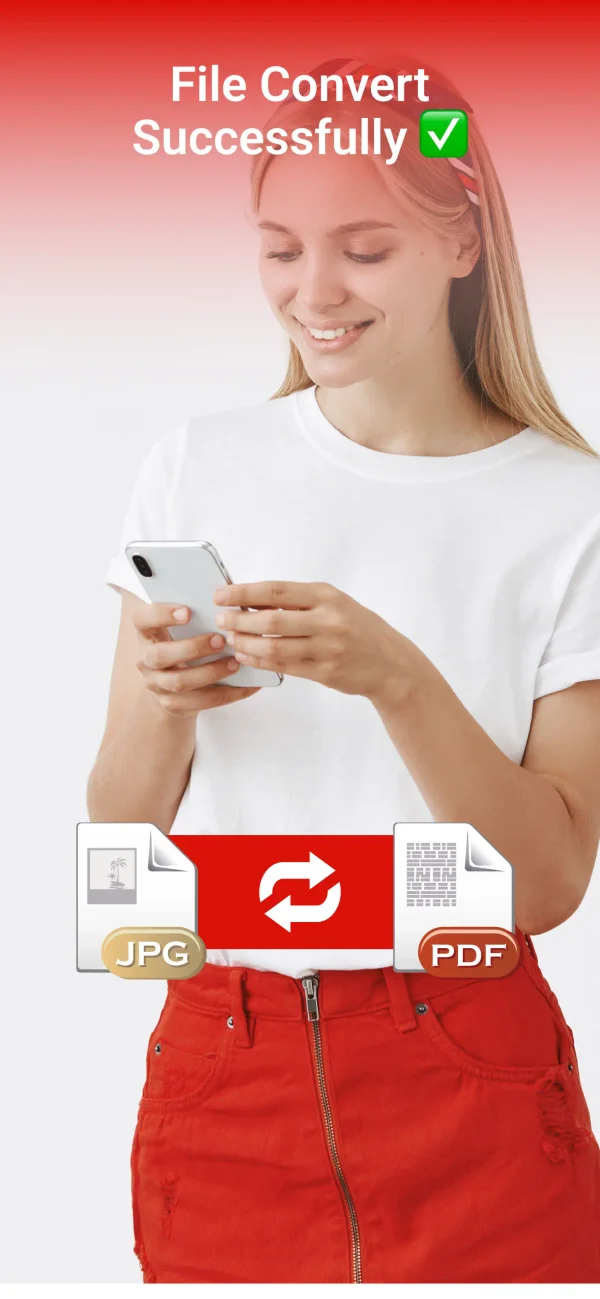
Turn anything into a PDF in seconds with PDF Scan – the all-in-one app to scan, convert, and organize your digital documents. Whether it’s a file, photo, text, or even a URL, this powerful tool helps you create clean, shareable PDFs with just a tap.
Features:
Convert Anything to PDF – Turn photos, files, text, and links into high-quality PDFs.
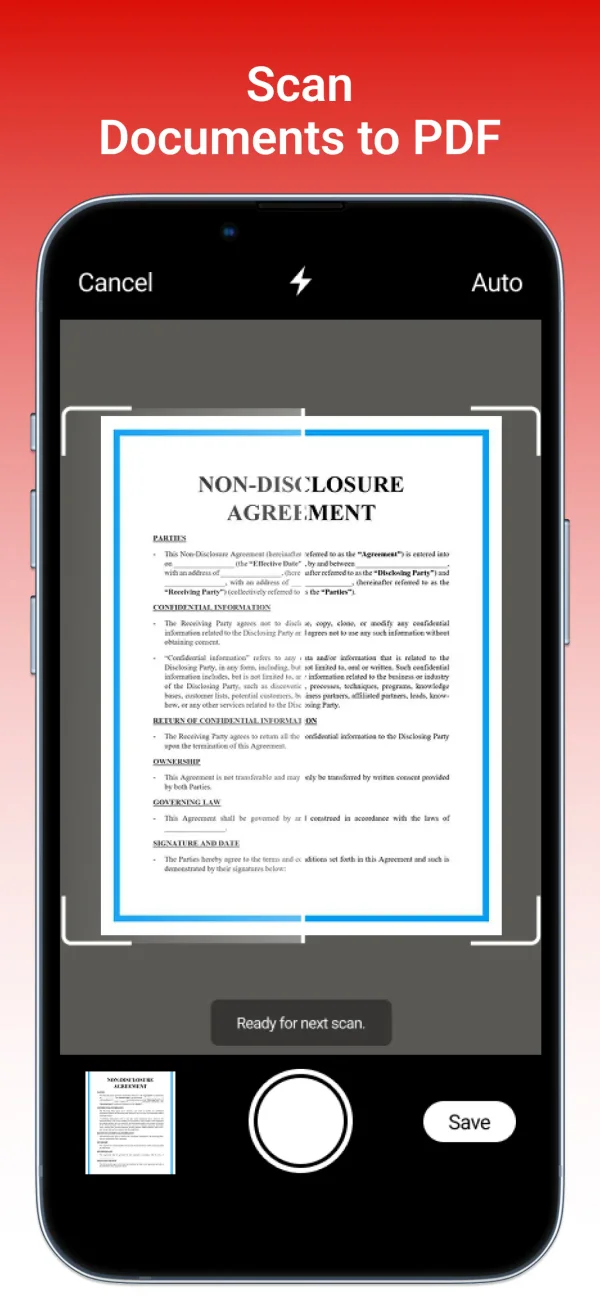
Scan with Camera – Snap a picture of any document and instantly convert it to PDF.
Link to PDF – Save webpages as clean, ready-to-read PDF files.
Text to PDF – Write or paste notes and export them as professional PDFs.
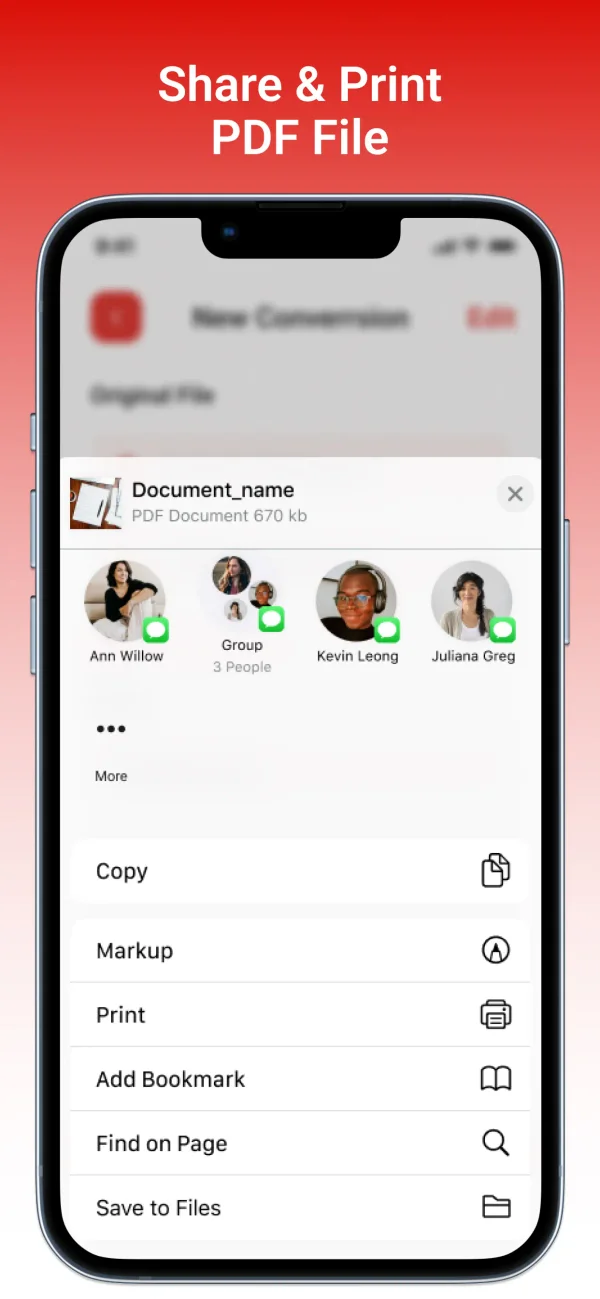
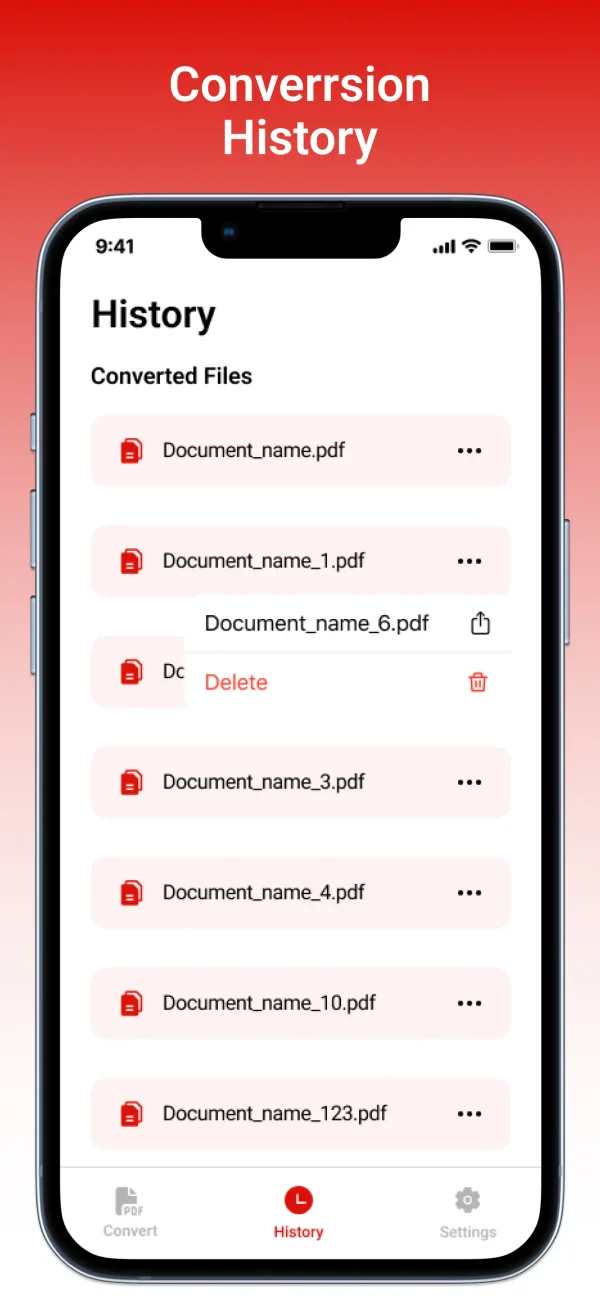
Easy File Management – Organize, rename, and share your PDFs with ease.
(subscription only)
Whether for school, work, or personal use, PDF Scan makes creating PDFs quick and effortless.
Download now and simplify your digital life with PDF Scan!
SUBSCRIPTION TERMS
- Subscriptions is billed weekly
- Payment will be charged to your Apple ID Account at confirmation of purchase
- Subscription automatically renews unless auto-renew is turned off at least 24 hours before the end of the current period
*You can cancel your subscription anytime*
Subscription management is straightforward:
- Access your iPhone's Settings app
- Navigate to your account settings
- Tap on Subscriptions to manage or cancel auto-renewal
Privacy Policy: https://docs.google.com/document/d/1iK48NqnWFWdJEKec6Lf5iLdqC0rq4X_hnIy-WP1j3tU/edit?usp=sharing
Terms of Use: https://www.apple.com/legal/internet-services/itunes/dev/stdeula/
What’s new
Version 1.3 · Jun 7, 2025
We’ve made several improvements to make your scanning experience better than ever:
Enhanced Scan Quality – Sharper scans with improved edge detection and auto-crop.
Smarter OCR – Better text recognition for more accurate and searchable PDFs.
Performance Improvements – Smoother performance and stability enhancements.
App privacy
What Nicola Amber declares on the App Store about how this app handles data.
-
Data used to track you
May be used to track you across apps and websites owned by other companies.
- Identifiers
-
Data not linked to you
May be collected but is not linked to your identity.
- Identifiers
Privacy practices may vary, for example with the features you use or your age.
Information
- Seller
- Nicola Amber
- Category
- Utilities
- Version
- 1.3
- Updated
- Jun 7, 2025
- Released
- May 9, 2025
- Size
- 6.0 MB
- Requires
- iOS 16.0 or later
- Age rating
- 4+
- Price
- Free
- In-app purchases
- Yes
- Languages
- English
- Copyright
- © Anatolii Avramenko
You might also like
-
 Body Makeup Editor: Face TunePerfect Shape: Slim & Skinny
-
 PDF Maker • Editor & ConverterConvert Image: Scanner Reader
-
 MFA Authenticator: Secure 2FA2 Factor Auth: OTP & Verify
-
 Bluetooth BLE Finder & ScannerLost Device Monitor: Find Scan
-
 Detector Device: Find AnalyzerNetwork WiFi Scanner Signal
-
 eSign Fill & Sign PDF DocumentSignature Maker: Signer Filler
-
 Universal Remote Control - TVSmart Remoto Controller & Cast
-
 Music Offline Player - PlayMXListen Audio Mp3 without WiFi
-
 Find Lost Device - iLocatorBluetooth Tracker Air Scanner
-
 Authenticator: Secure 2FA Auth2 Factor Authentication: MFA