PDF Sign Maker & Scan Document
Doc Scanner, Signature Creator
Entwickelt für iPhone, iPad
Kostenlos · In-App-Käufe
- Altersfreigabe4+
- KategorieWirtschaft
- EntwicklerKelvin Chan
- SprachenEnglisch
- Größe19,8 MB
Verlinkt auf die offizielle App Store-Seite
Download.org hostet keine Datei von PDF Sign Maker & Scan Document. Die Schaltfläche öffnet die App-Seite bei App Store, wo Kelvin Chan die App veröffentlicht. Eintrag zuletzt geprüft am 12.11.2026.
Screenshots
Info
Der Entwickler hat diesen Text nicht in Ihrer Sprache bereitgestellt.
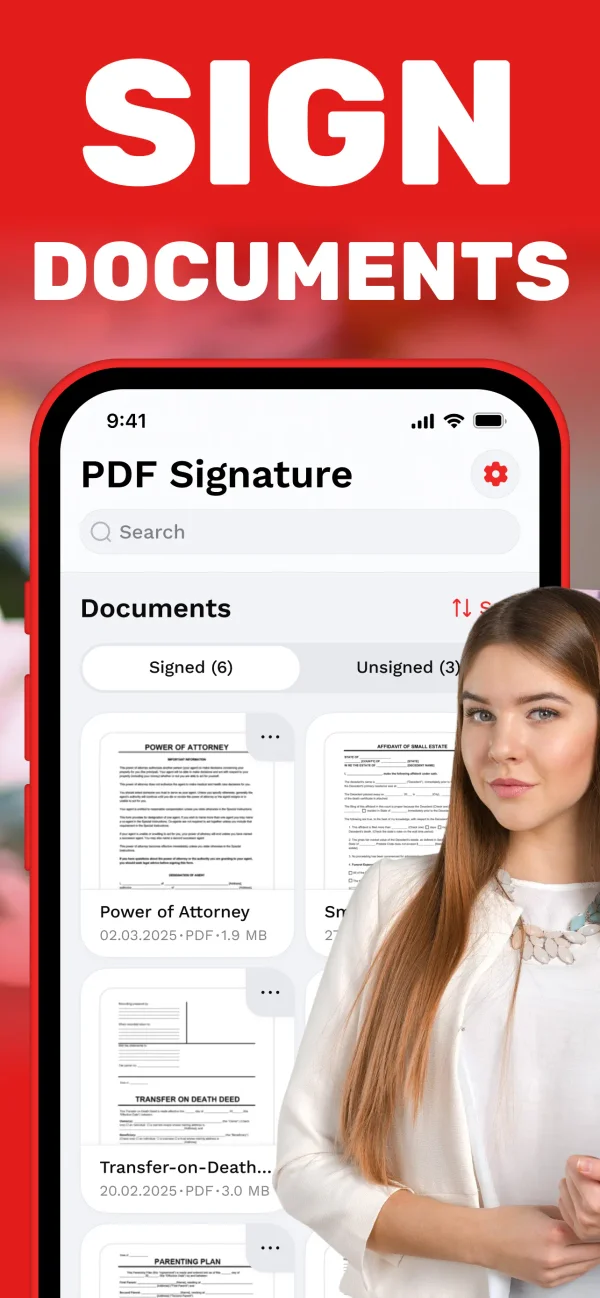
Transform the way you handle documents with our powerful and intuitive PDF Sign Maker & Scan Document, designed to simplify your workflow and boost productivity.
Whether you're digitizing paperwork, filling out forms, or signing contracts, our app provides all the essential tools you need - right at your fingertips.
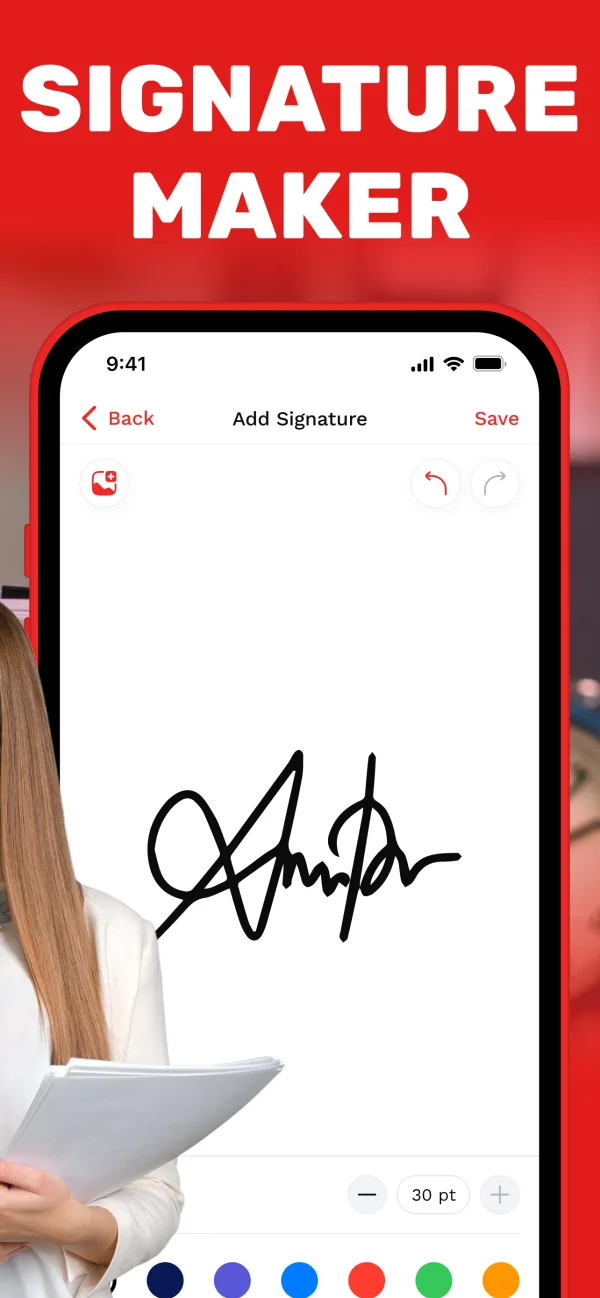
1.Realistic Digital Signatures:
Signing documents has never been more natural.
With the Sign tool, you can draw your signature freehand for a personal touch or add initials with a few taps.
No more printing, signing, and scanning - just seamless, professional e-signatures ready in moments.
2.Seamless Document Import and Export:
Access files from anywhere with support for Dropbox, OneDrive, Google Drive, iTunes Share.
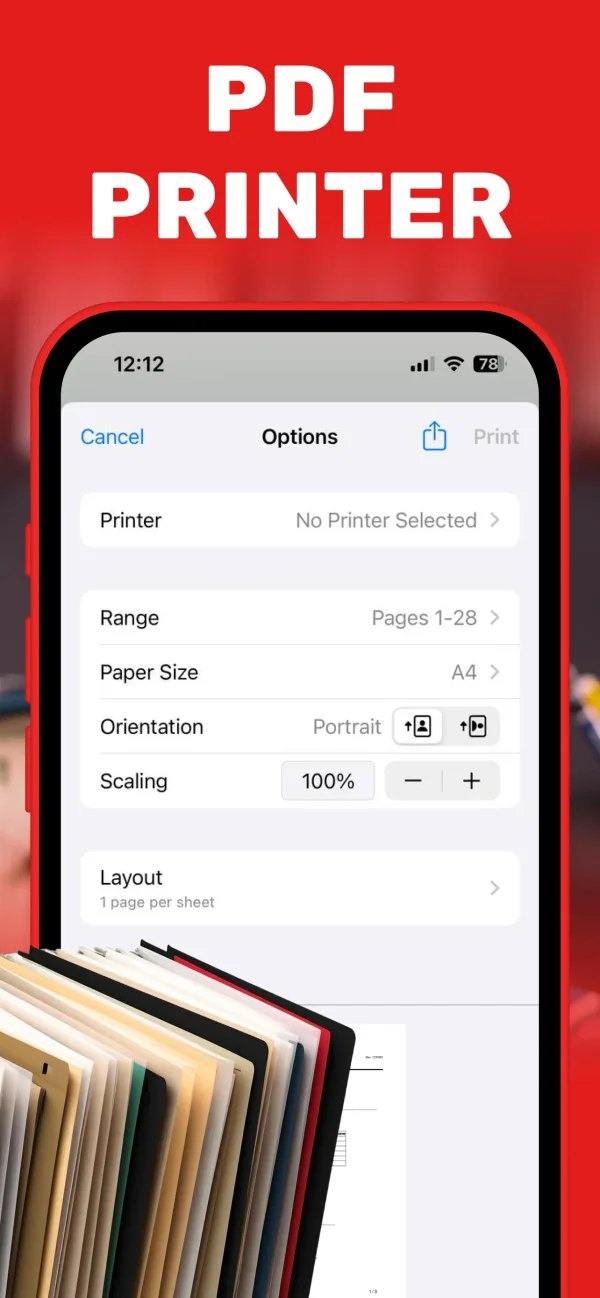
3. Print Anywhere, Anytime:
Skip the hassle of transferring files to a computer - our Print feature lets you send documents directly to a printer from your device.
Whether it’s a last-minute contract or an important form, you can handle paperwork efficiently without extra steps.
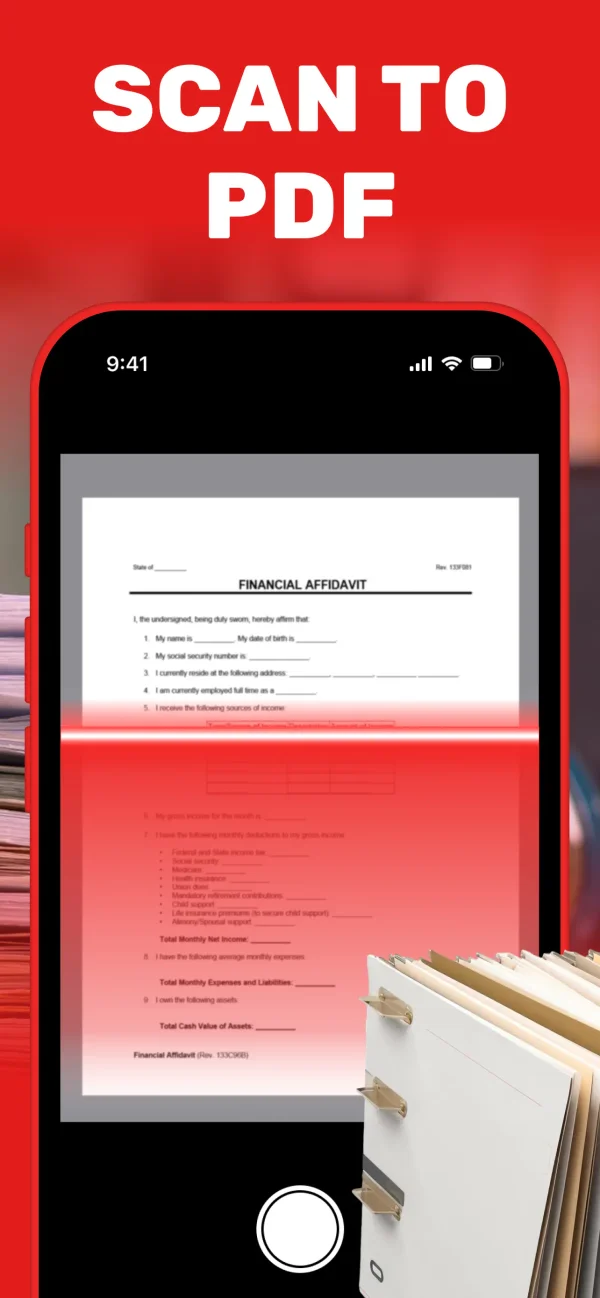
4.Effortless Document Scanning:
Gone are the days of bulky scanners and slow processes. With our Scan feature, you can quickly capture high-quality PDF scans using your device’s camera.
Turn receipts, contracts, or handwritten notes into crisp, digital documents in seconds - perfect for archiving or sharing.
Designed for professionals, students, and anyone who deals with documents regularly, our app combines simplicity with powerful functionality.
No complicated menus, no unnecessary features - just a smooth, reliable way to manage PDF Sign Maker & Scan Document on the go.
Download now and take control of your documents with speed, precision, and convenience. Simplify your workflow today!
Premium Subscription:
Get full access to all premium features with our subscription:
Instant billing via your iTunes account
Auto-renews unless canceled 24+ hours before renewal
Renewal fee charged 24 hours before period ends
Manage anytime in Account Settings
Free trials end upon subscription
Unlock unlimited content today!
Privacy Policy: https://docs.google.com/document/d/1gQDHPTqgRh34lPINXVV58qV1-CaGuY-i-teFafSfTJw/edit?usp=sharing
Term of use: https://docs.google.com/document/d/1dYZOwjLRvApDjGBqjYFQ1eID6AXw_4Z4LxL-h1Wh_Yo/edit?usp=sharing
Support: https://docs.google.com/document/d/1TBpXLKTq6qxrYoOYbCijzC_CF8bkT27w-jrYEaUGPoA/edit?usp=sharing
Neue Funktionen
Version 1.0.1 · 03.06.2025
iOS 18.5 bug fixed
App-Datenschutz
Was Kelvin Chan im App Store zum Umgang dieser App mit Daten angibt.
-
Nicht mit Ihnen verknüpfte Daten
Können erfasst werden, sind aber nicht mit Ihrer Identität verknüpft.
- Nutzungsdaten
- Diagnose
Die Datenschutzpraktiken können variieren, zum Beispiel je nach den von Ihnen verwendeten Funktionen oder Ihrem Alter.
Informationen
- Anbieter
- Kelvin Chan
- Kategorie
- Wirtschaft
- Version
- 1.0.1
- Aktualisiert
- 03.06.2025
- Veröffentlicht
- 26.05.2025
- Größe
- 19,8 MB
- Erfordert
- iOS 16.0 oder neuer
- Altersfreigabe
- 4+
- Preis
- Kostenlos
- In-App-Käufe
- Ja
- Sprachen
- Englisch
- Copyright
- © MYKHAILO ORLOV
Das könnte Ihnen auch gefallen
-
 PDF Scanner & Edit DOC ViewerWirtschaft
-
 PDF Editor:Scanner & Converterpdf,bearbeiten,umwandeln
-
 AI Note Taker: Audio ConverterProduktivität
-
 Digitale Unterschrift: SignerDokumente einfach signieren
-
 Document Converter To PDF EditWirtschaft
-
 Scan: Cam Dokumenten ScannerDokumente Scannen to PDF
-
 Sign PDF Documents & Scan JPEGWirtschaft
-
 Pro Converter, Fotos zu PDFUmwandeln Sie Ihre Dokumente
-
 PDF Scanner: Document Scan PDFWirtschaft
-
 Call Record - Auto RecordingWirtschaft