PDF Sign Maker & Scan Document
Doc Scanner, Signature Creator
Diseñada para iPhone, iPad
Gratis · Compras en la aplicación
- Clasificación por edad4+
- CategoríaEconomía y empresa
- DesarrolladorKelvin Chan
- IdiomasInglés
- Tamaño19,8 MB
Enlaza a la página oficial de App Store
Download.org no aloja ningún archivo de PDF Sign Maker & Scan Document. El botón abre la página de la aplicación en App Store, donde la publica Kelvin Chan. Ficha comprobada por última vez el 12/11/2026.
Capturas de pantalla
Acerca de
El desarrollador no ha proporcionado este texto en tu idioma.
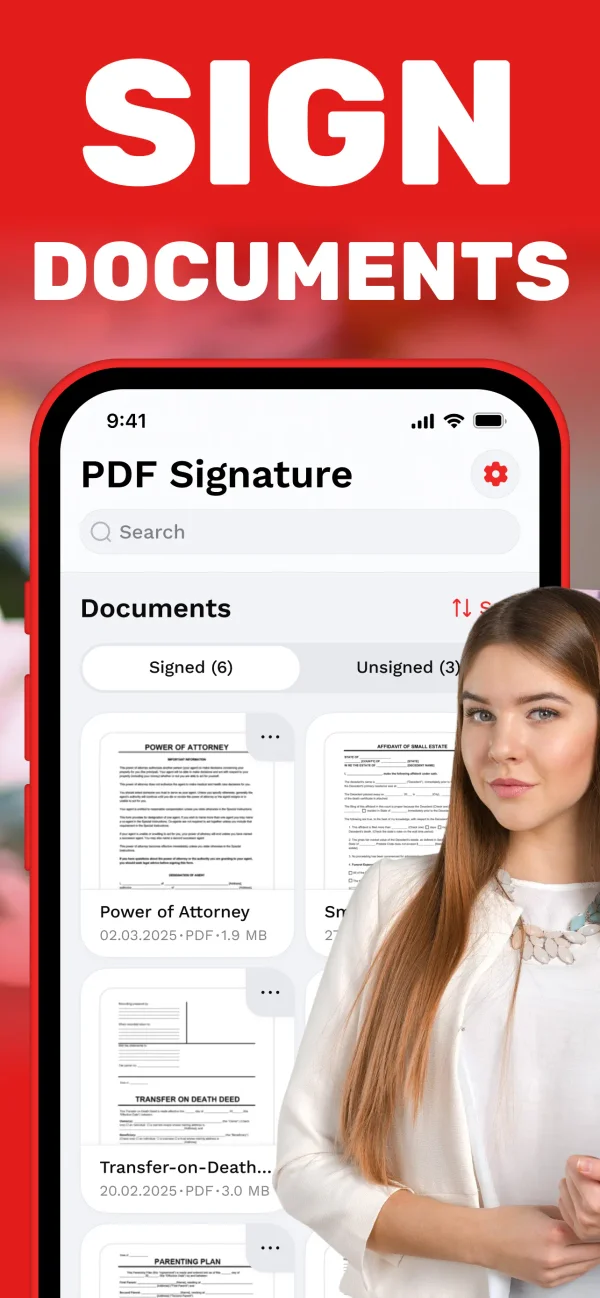
Transform the way you handle documents with our powerful and intuitive PDF Sign Maker & Scan Document, designed to simplify your workflow and boost productivity.
Whether you're digitizing paperwork, filling out forms, or signing contracts, our app provides all the essential tools you need - right at your fingertips.
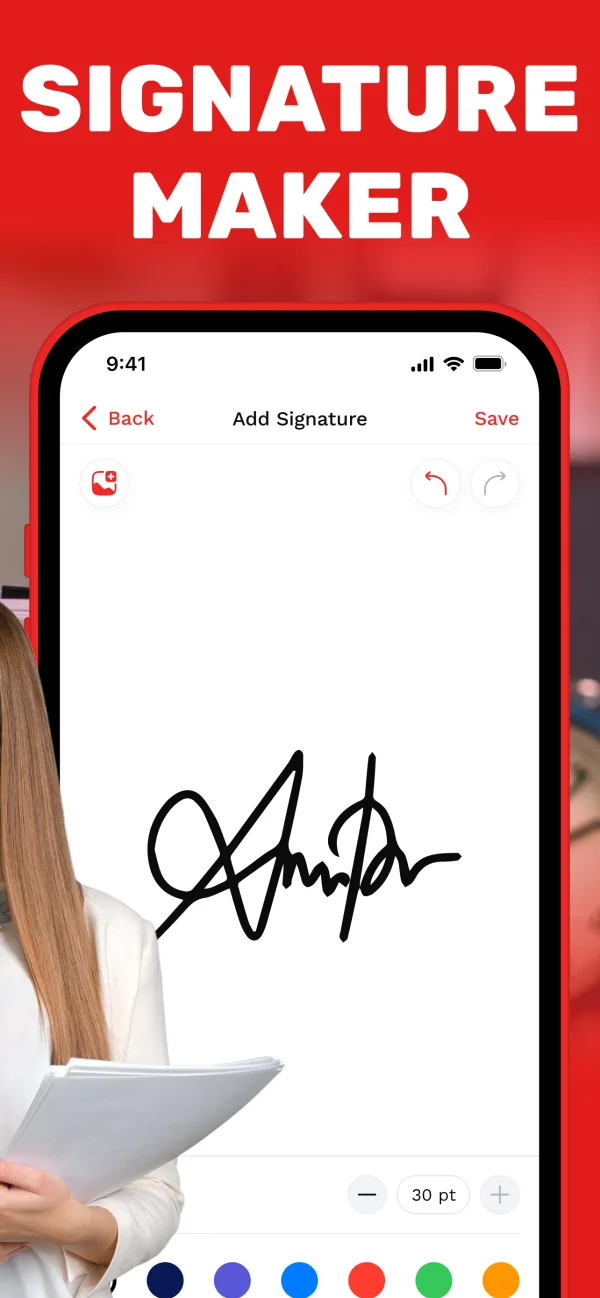
1.Realistic Digital Signatures:
Signing documents has never been more natural.
With the Sign tool, you can draw your signature freehand for a personal touch or add initials with a few taps.
No more printing, signing, and scanning - just seamless, professional e-signatures ready in moments.
2.Seamless Document Import and Export:
Access files from anywhere with support for Dropbox, OneDrive, Google Drive, iTunes Share.
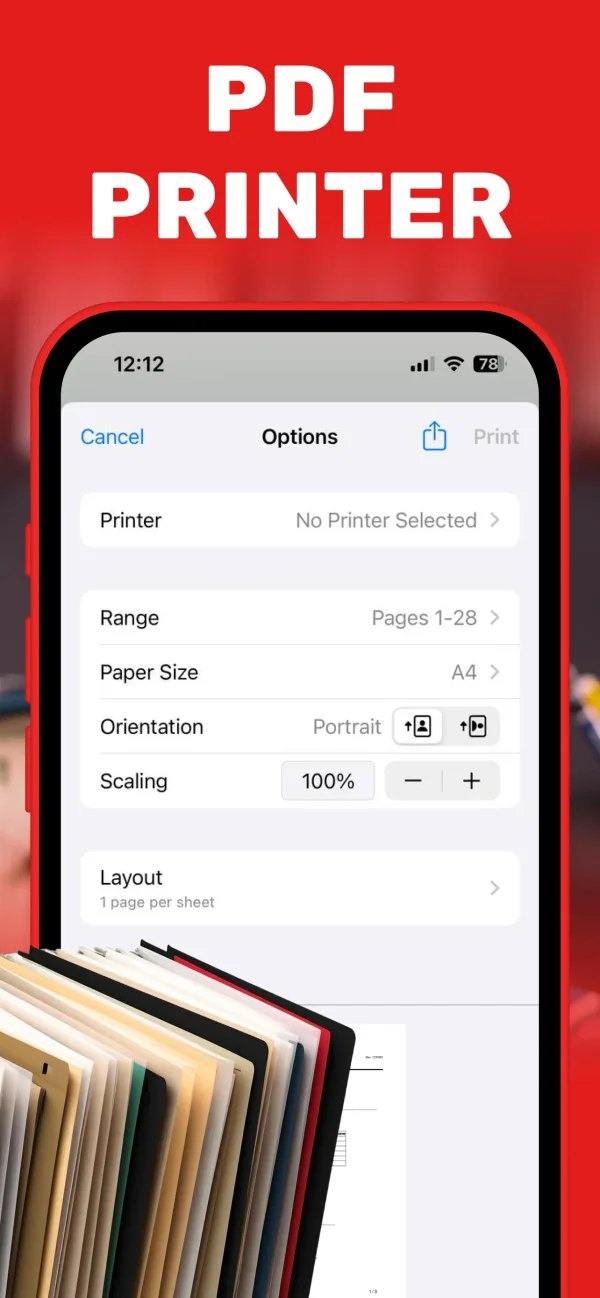
3. Print Anywhere, Anytime:
Skip the hassle of transferring files to a computer - our Print feature lets you send documents directly to a printer from your device.
Whether it’s a last-minute contract or an important form, you can handle paperwork efficiently without extra steps.
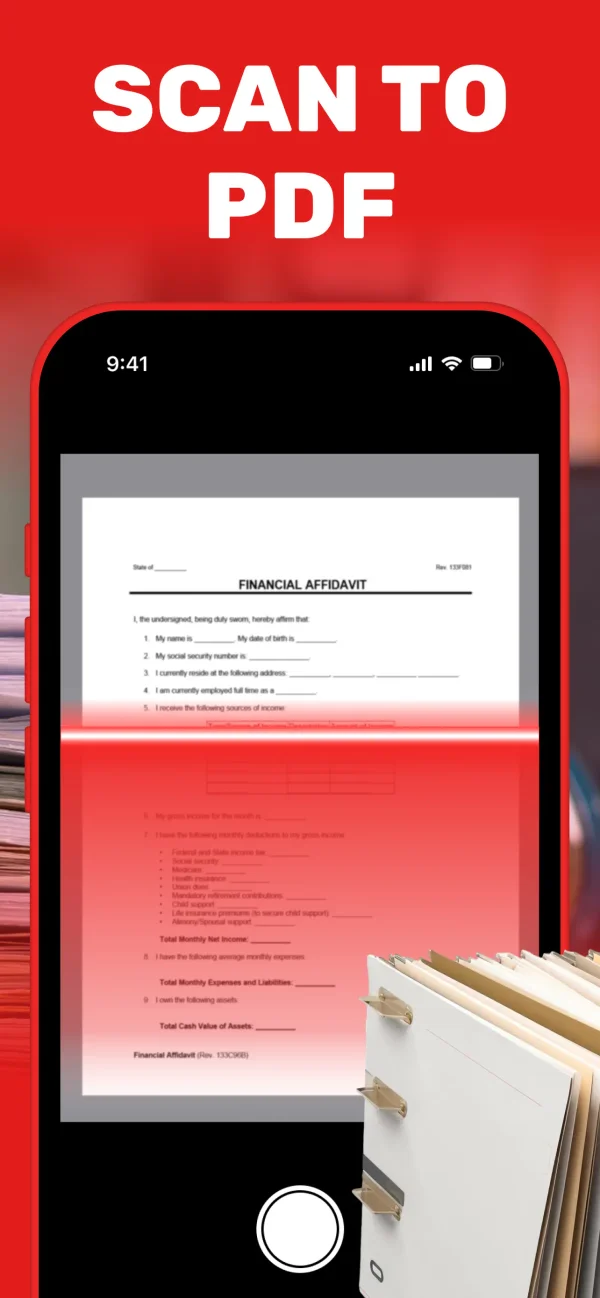
4.Effortless Document Scanning:
Gone are the days of bulky scanners and slow processes. With our Scan feature, you can quickly capture high-quality PDF scans using your device’s camera.
Turn receipts, contracts, or handwritten notes into crisp, digital documents in seconds - perfect for archiving or sharing.
Designed for professionals, students, and anyone who deals with documents regularly, our app combines simplicity with powerful functionality.
No complicated menus, no unnecessary features - just a smooth, reliable way to manage PDF Sign Maker & Scan Document on the go.
Download now and take control of your documents with speed, precision, and convenience. Simplify your workflow today!
Premium Subscription:
Get full access to all premium features with our subscription:
Instant billing via your iTunes account
Auto-renews unless canceled 24+ hours before renewal
Renewal fee charged 24 hours before period ends
Manage anytime in Account Settings
Free trials end upon subscription
Unlock unlimited content today!
Privacy Policy: https://docs.google.com/document/d/1gQDHPTqgRh34lPINXVV58qV1-CaGuY-i-teFafSfTJw/edit?usp=sharing
Term of use: https://docs.google.com/document/d/1dYZOwjLRvApDjGBqjYFQ1eID6AXw_4Z4LxL-h1Wh_Yo/edit?usp=sharing
Support: https://docs.google.com/document/d/1TBpXLKTq6qxrYoOYbCijzC_CF8bkT27w-jrYEaUGPoA/edit?usp=sharing
Novedades
Versión 1.0.1 · 3/6/2025
iOS 18.5 bug fixed
Privacidad de la aplicación
Lo que Kelvin Chan declara en App Store sobre cómo esta aplicación gestiona los datos.
-
Datos no vinculados a ti
Pueden recopilarse, pero no se vinculan a tu identidad.
- Datos de uso
- Diagnóstico
Las prácticas de privacidad pueden variar, por ejemplo, según las funciones que uses o tu edad.
Información
- Vendedor
- Kelvin Chan
- Categoría
- Economía y empresa
- Versión
- 1.0.1
- Actualizado
- 3/6/2025
- Publicado
- 26/5/2025
- Tamaño
- 19,8 MB
- Requiere
- iOS 16.0 o posterior
- Clasificación por edad
- 4+
- Precio
- Gratis
- Compras en la aplicación
- Sí
- Idiomas
- Inglés
- Copyright
- © MYKHAILO ORLOV
Quizá también te guste
-
 PDF Scanner & Edit DOC ViewerEconomía y empresa
-
 PDF Editor:Lector&ConvertidorEditar, firmar, Convertir
-
 AI Note Taker: Audio ConverterProductividad
-
 Firmar documentos: HandSignerFirma documentos fácil
-
 Document Converter To PDF EditEconomía y empresa
-
 Scanner: Cam Escaner de PDFEscanear Documentos
-
 Sign PDF Documents & Scan JPEGEconomía y empresa
-
 Images Converter to PDF AppEconomía y empresa
-
 PDF Scanner: Document Scan PDFEconomía y empresa
-
 Call Record - Auto RecordingEconomía y empresa