
PhotoFrame Simple
Simple and sophisticated
Entwickelt für iPhone, iPad, iPod touch
Kostenlos · In-App-Käufe
- Altersfreigabe4+
- KategorieFoto und Video
- EntwicklerYosuke Seki
- SprachenEnglisch+ 1 weitere
- Größe27,7 MB
Verlinkt auf die offizielle App Store-Seite
Download.org hostet keine Datei von PhotoFrame Simple. Die Schaltfläche öffnet die App-Seite bei App Store, wo Yosuke Seki die App veröffentlicht. Eintrag zuletzt geprüft am 21.11.2026.
Screenshots

Info
Der Entwickler hat diesen Text nicht in Ihrer Sprache bereitgestellt.
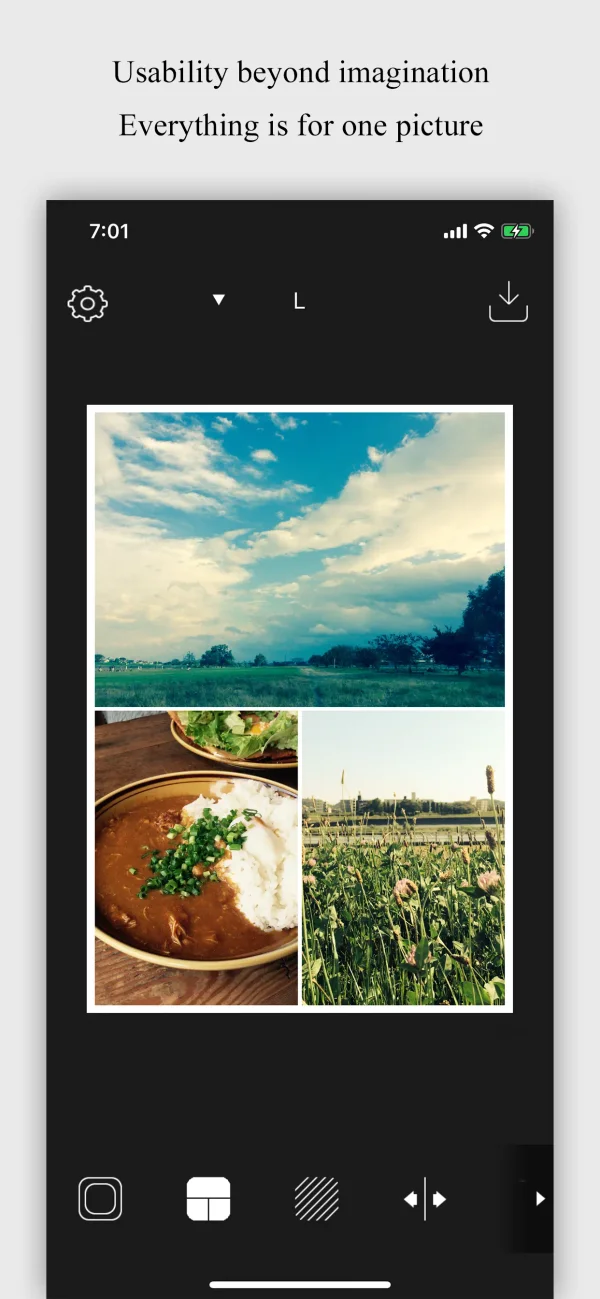
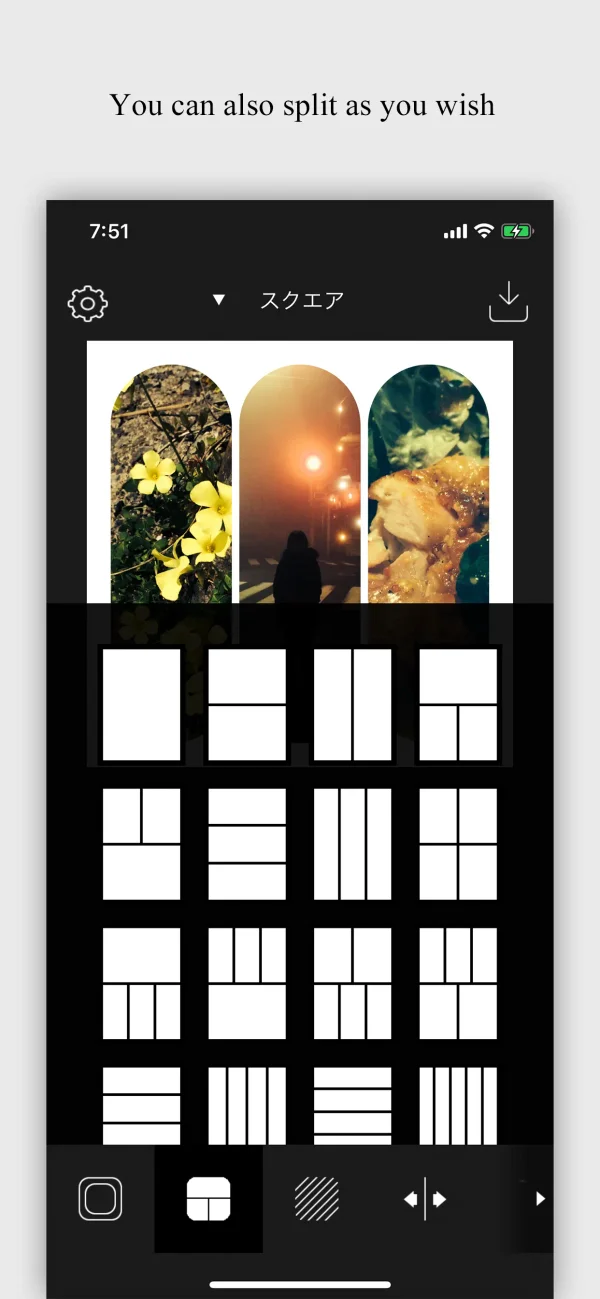
Choose a layout for 2 images or 3 images, and apply rounded corners. There is an infinite number of combinations.
Create your special photo with PhotoFrame.
PhotoFrame is a photo frame app that allows you to bring your photos in the iOS photo albums together.
- Frames
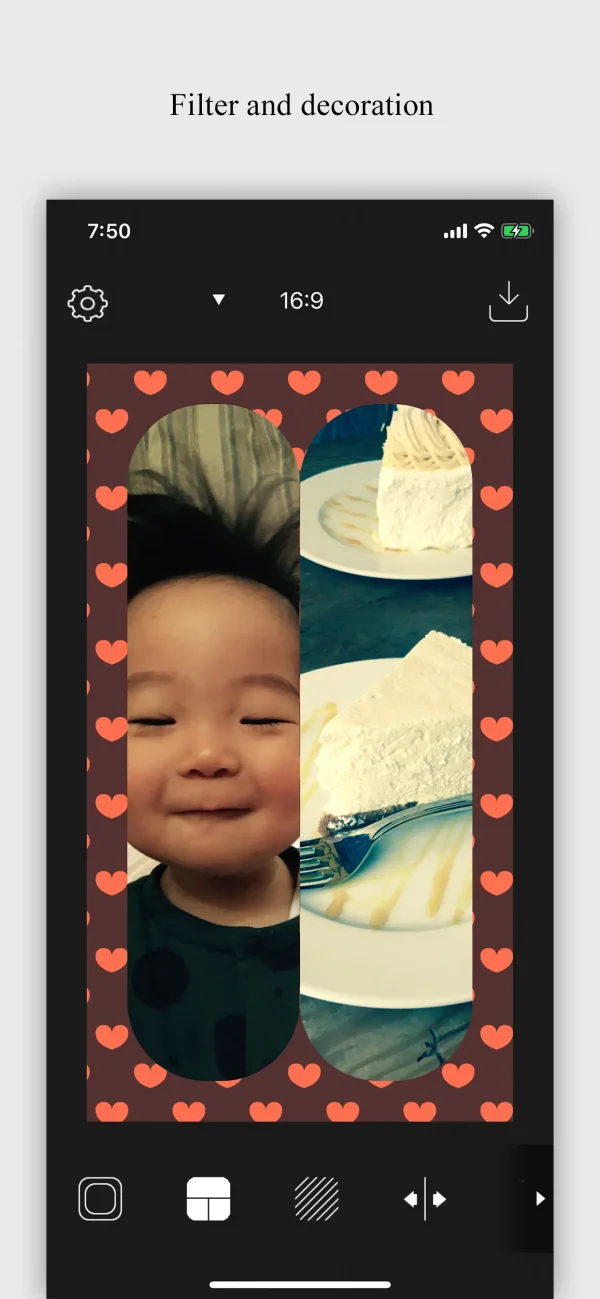
Select any of the frame shapes from a wide collection, then apply color and rounded corners to create your own unique photo frame.
- Sizes
Select different sizes from the printout size to the wallpaper size according to your needs.
The following sizes are available:
DSC, L, postcard (Japanese size), HV, KG, square, 16:9, 4:3 and 3:2.
- Video
You can create collages using not only photos, but also videos.
Place videos in your layout just like photos, and export expressive collages with motion. Capture your favorite moments in a richer, more vivid way than still images alone can offer.
About the video feature:
- You can place up to 6 videos in a single layout.
- Exported videos are limited to a maximum length of 15 seconds.
- Videos longer than 15 seconds will be exported using only the first 15 seconds.
- Videos shorter than 15 seconds will loop as needed during export.
- Adjust the printable area
It's quite common to hear that even though you set the photo dimensions to fit the frame size, when you print the picture at shop, the edges of the frame may get cut off since they will be printed a few millimeters inside.
PhotoFrame enables you to adjust the outline of the frame without cutting anything off for the final print.
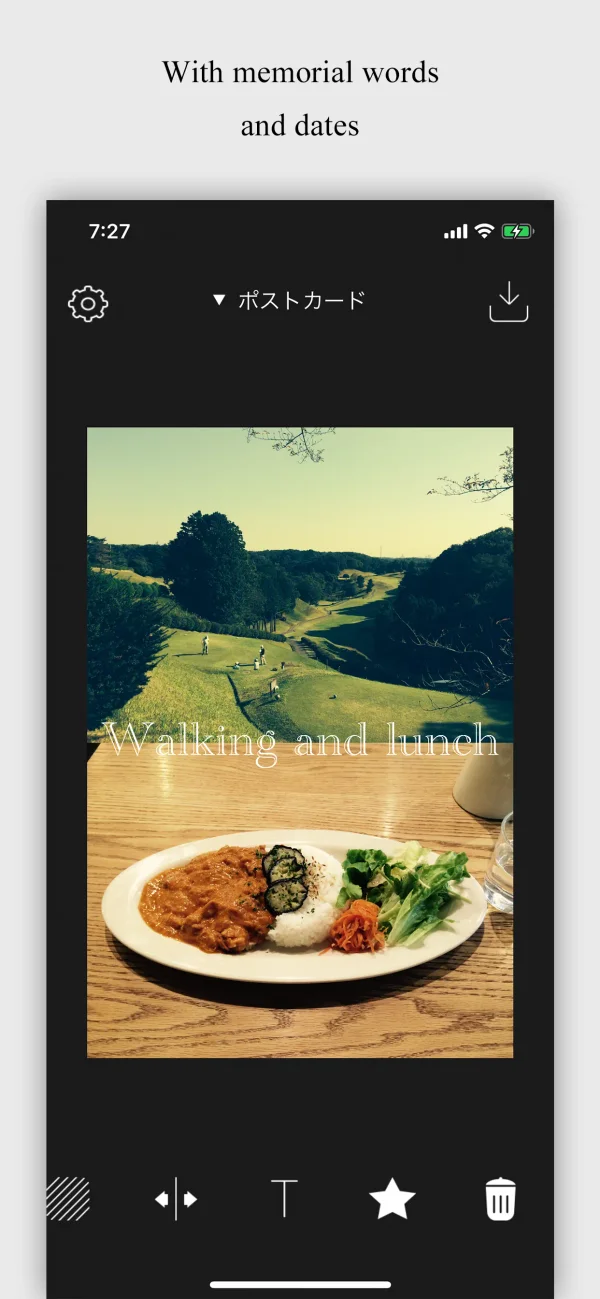
- Add text captions
You can easily add any text or date stamps to your photo.
(Please note that text won't be saved to your Favorites. The text will be removed when you quit the app.)
- Favorites
Save the frames you created to your Favorites.
【Supported OS】
iOS 12 or later
【Supported devices】
iPhone 6sPlus, iPhone 6s, iPhone 5s
Please note that this app has not been tested for compatibility with other devices except those listed above.
【Disclaimer】
While we try our best, we will not be liable for any loss or damage caused by the use of this application such as bugs or errors.
Neue Funktionen
Version 2.12.2 · 04.05.2026
- Improved usability.
App-Datenschutz
Was Yosuke Seki im App Store zum Umgang dieser App mit Daten angibt.
-
Daten, die zum Tracking Ihrer Person verwendet werden
Können verwendet werden, um Sie über Apps und Websites anderer Unternehmen hinweg zu verfolgen.
- Nutzungsdaten
-
Nicht mit Ihnen verknüpfte Daten
Können erfasst werden, sind aber nicht mit Ihrer Identität verknüpft.
- Nutzungsdaten
- Diagnose
Die Datenschutzpraktiken können variieren, zum Beispiel je nach den von Ihnen verwendeten Funktionen oder Ihrem Alter.
Informationen
- Anbieter
- Yosuke Seki
- Kategorie
- Foto und Video
- Version
- 2.12.2
- Aktualisiert
- 04.05.2026
- Veröffentlicht
- 24.02.2014
- Größe
- 27,7 MB
- Erfordert
- iOS 15.0 oder neuer
- Altersfreigabe
- 4+
- Preis
- Kostenlos
- In-App-Käufe
- Ja
- Sprachen
- Englisch, Japanisch
- Copyright
- © Yosuke Seki
Das könnte Ihnen auch gefallen
-
 PicFrameFotocollagen und Layouts
-
 Collage Photo Frame MakerFoto und Video
-
 Digitaler Bilderrahmen DiashowSchöne Diashows erzeugen
-
 FrameMagic - Collage-MacherMagische Collage & Foto-Editor
-
 Fotocollage & FotobearbeitungFoto-Editor und Collagen
-
 Bilderrahmen UnbegrenztRaster-Collage, Foto-Editor
-
 Foto Collage Erstellen・LayoutPic Collagen, Rahmen, Raster
-
 White BorderFoto und Video
-
 Fotos & Bild Editor: PicFitterBilder bearbeiten & anpassen
-
 Project LifeFoto und Video