
PhotoFrame Simple
Simple and sophisticated
Diseñada para iPhone, iPad, iPod touch
Gratis · Compras en la aplicación
- Clasificación por edad4+
- CategoríaFoto y vídeo
- DesarrolladorYosuke Seki
- IdiomasInglés+ 1 más
- Tamaño27,7 MB
Enlaza a la página oficial de App Store
Download.org no aloja ningún archivo de PhotoFrame Simple. El botón abre la página de la aplicación en App Store, donde la publica Yosuke Seki. Ficha comprobada por última vez el 21/11/2026.
Capturas de pantalla

Acerca de
El desarrollador no ha proporcionado este texto en tu idioma.
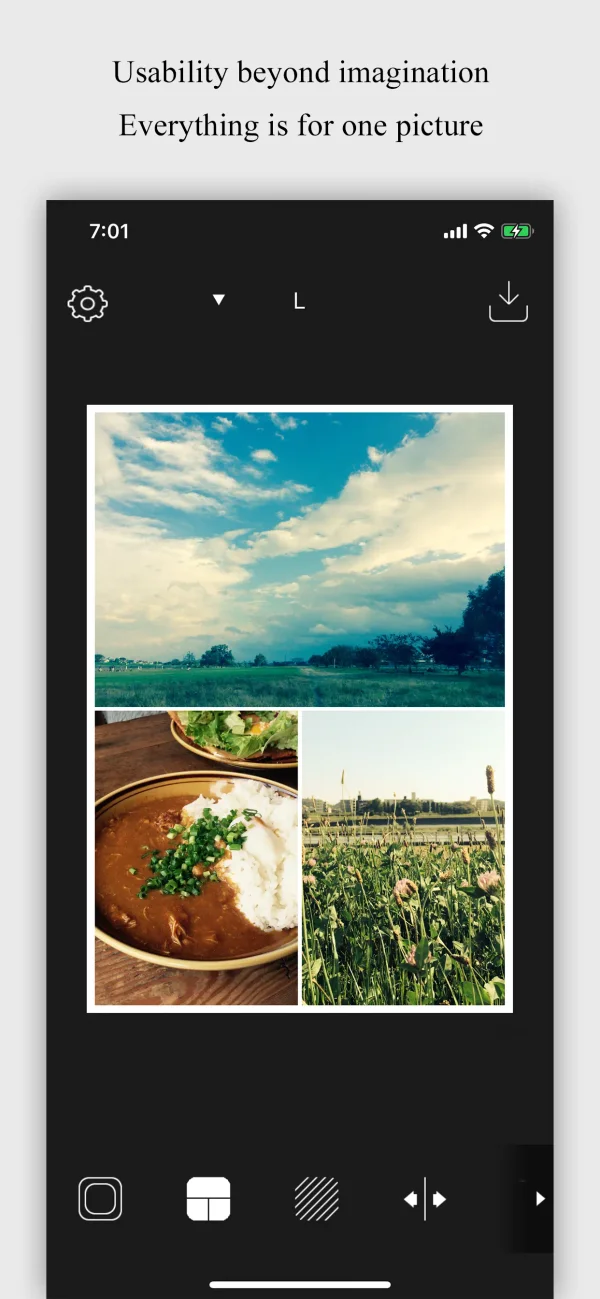
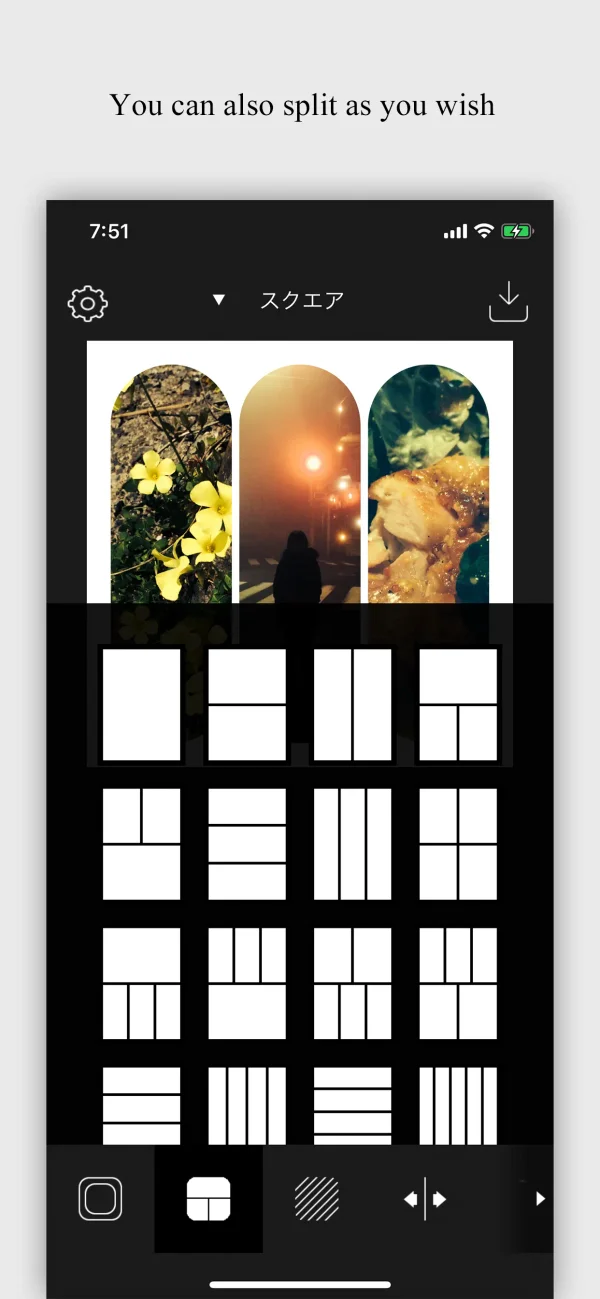
Choose a layout for 2 images or 3 images, and apply rounded corners. There is an infinite number of combinations.
Create your special photo with PhotoFrame.
PhotoFrame is a photo frame app that allows you to bring your photos in the iOS photo albums together.
- Frames
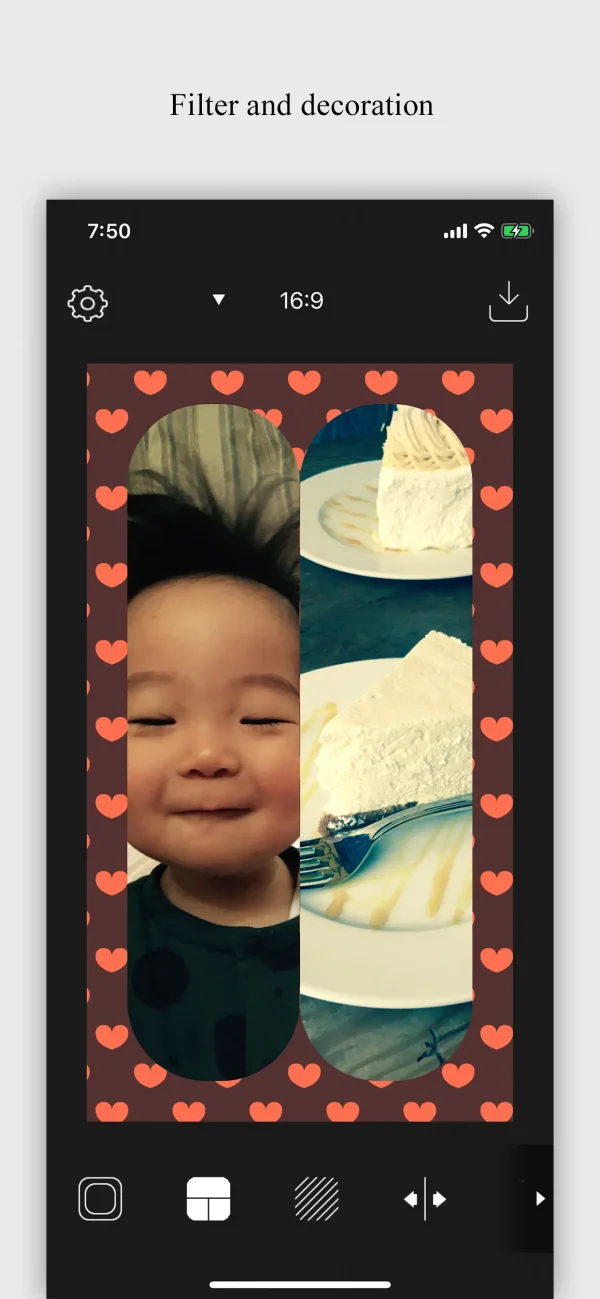
Select any of the frame shapes from a wide collection, then apply color and rounded corners to create your own unique photo frame.
- Sizes
Select different sizes from the printout size to the wallpaper size according to your needs.
The following sizes are available:
DSC, L, postcard (Japanese size), HV, KG, square, 16:9, 4:3 and 3:2.
- Video
You can create collages using not only photos, but also videos.
Place videos in your layout just like photos, and export expressive collages with motion. Capture your favorite moments in a richer, more vivid way than still images alone can offer.
About the video feature:
- You can place up to 6 videos in a single layout.
- Exported videos are limited to a maximum length of 15 seconds.
- Videos longer than 15 seconds will be exported using only the first 15 seconds.
- Videos shorter than 15 seconds will loop as needed during export.
- Adjust the printable area
It's quite common to hear that even though you set the photo dimensions to fit the frame size, when you print the picture at shop, the edges of the frame may get cut off since they will be printed a few millimeters inside.
PhotoFrame enables you to adjust the outline of the frame without cutting anything off for the final print.
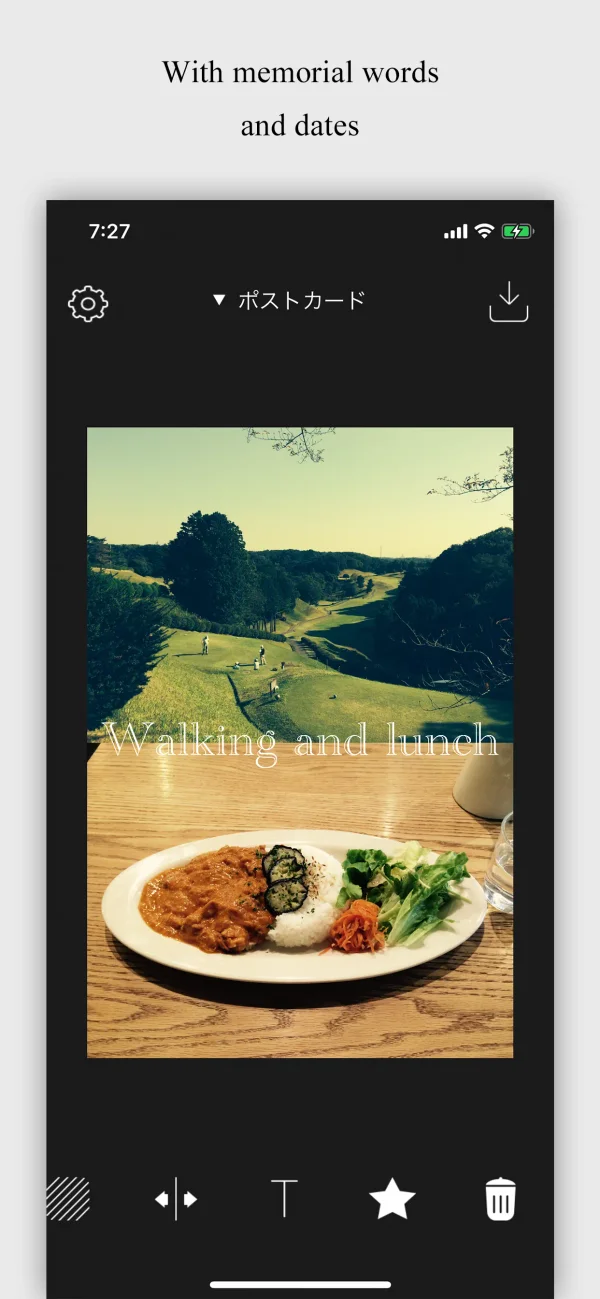
- Add text captions
You can easily add any text or date stamps to your photo.
(Please note that text won't be saved to your Favorites. The text will be removed when you quit the app.)
- Favorites
Save the frames you created to your Favorites.
【Supported OS】
iOS 12 or later
【Supported devices】
iPhone 6sPlus, iPhone 6s, iPhone 5s
Please note that this app has not been tested for compatibility with other devices except those listed above.
【Disclaimer】
While we try our best, we will not be liable for any loss or damage caused by the use of this application such as bugs or errors.
Novedades
Versión 2.12.2 · 4/5/2026
- Improved usability.
Privacidad de la aplicación
Lo que Yosuke Seki declara en App Store sobre cómo esta aplicación gestiona los datos.
-
Datos usados para rastrearte
Pueden usarse para rastrearte en aplicaciones y sitios web propiedad de otras empresas.
- Datos de uso
-
Datos no vinculados a ti
Pueden recopilarse, pero no se vinculan a tu identidad.
- Datos de uso
- Diagnóstico
Las prácticas de privacidad pueden variar, por ejemplo, según las funciones que uses o tu edad.
Información
- Vendedor
- Yosuke Seki
- Categoría
- Foto y vídeo
- Versión
- 2.12.2
- Actualizado
- 4/5/2026
- Publicado
- 24/2/2014
- Tamaño
- 27,7 MB
- Requiere
- iOS 15.0 o posterior
- Clasificación por edad
- 4+
- Precio
- Gratis
- Compras en la aplicación
- Sí
- Idiomas
- Inglés, Japonés
- Copyright
- © Yosuke Seki
Quizá también te guste
-
 PicFrameEditor de collages
-
 Collage Photo Frame MakerFoto y vídeo
-
 Marco De Fotos Digital - VideoPresentación de diapositivas
-
 FrameMagic - Collage MakerCollage mágico y fotos editor
-
 Scrapbook Collage Foto MarcosEditor de fotos collage imagen
-
 Marcos de fotos ilimitadosCollage de imágenes / Marcos
-
 Collage Fotos Historias LayoutMarcos, Plantillas, Photo Grid
-
 White BorderFoto y vídeo
-
 Square Fit Photo: PicFitterFoto y vídeo
-
 Project LifeFoto y vídeo