
PhotoFrame Simple
Simple and sophisticated
Conçue pour iPhone, iPad, iPod touch
Gratuit · Achats intégrés
- Classification d’âge4+
- CatégoriePhoto et vidéo
- DéveloppeurYosuke Seki
- LanguesAnglais+ 1 de plus
- Taille27,7 Mo
Renvoie vers la page App Store officielle
Download.org n’héberge aucun fichier de PhotoFrame Simple. Le bouton ouvre la page de l’application sur App Store, où Yosuke Seki la publie. Fiche vérifiée pour la dernière fois le 21/11/2026.
Captures d’écran

À propos
Le développeur n’a pas fourni ce texte dans votre langue.
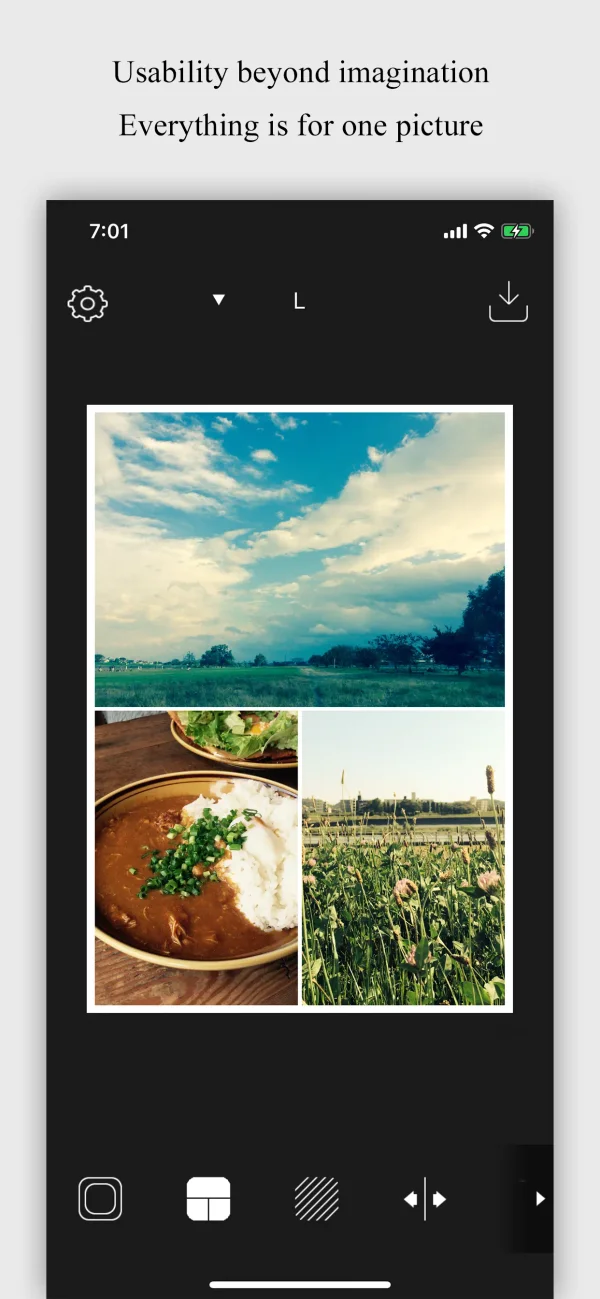
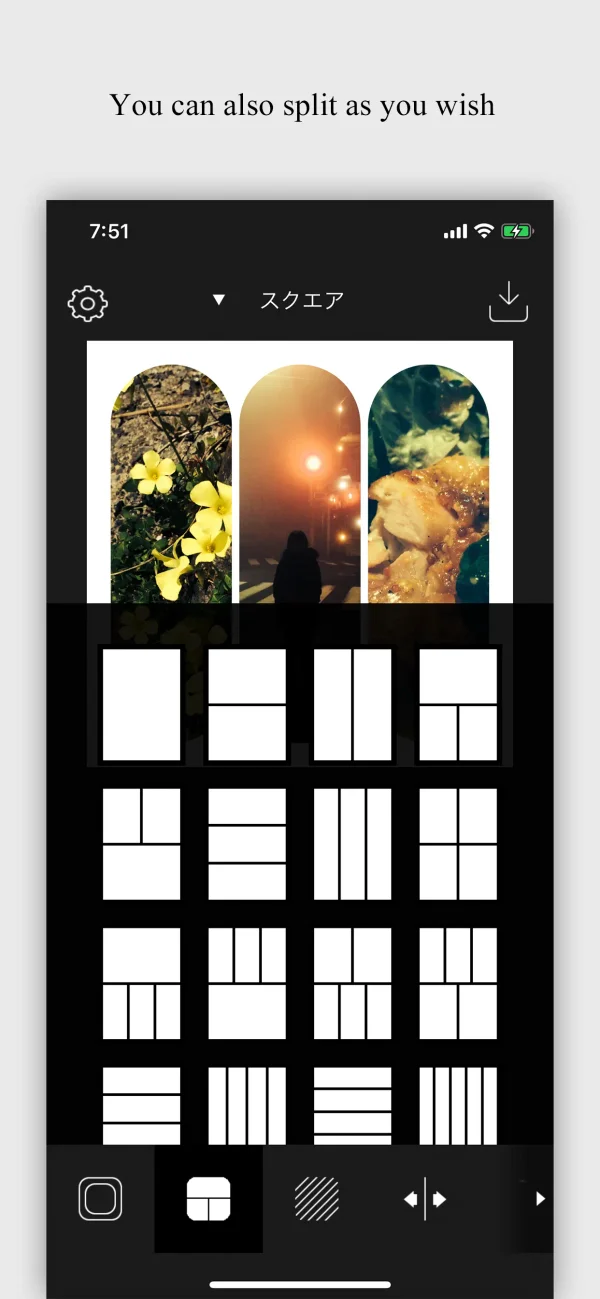
Choose a layout for 2 images or 3 images, and apply rounded corners. There is an infinite number of combinations.
Create your special photo with PhotoFrame.
PhotoFrame is a photo frame app that allows you to bring your photos in the iOS photo albums together.
- Frames
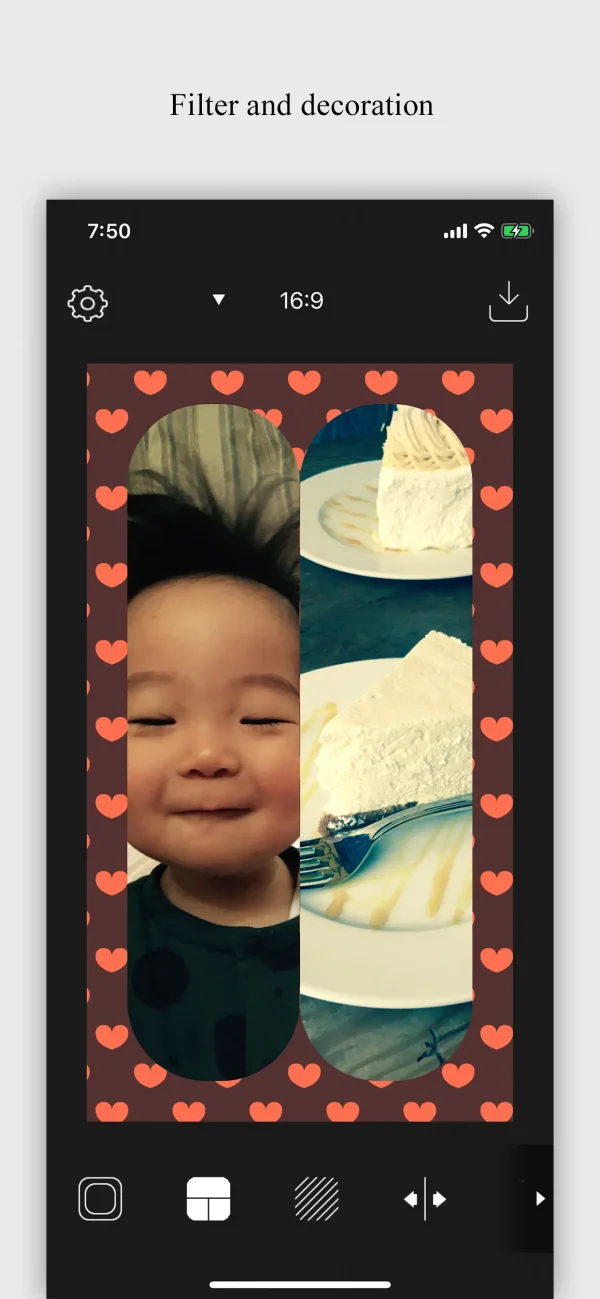
Select any of the frame shapes from a wide collection, then apply color and rounded corners to create your own unique photo frame.
- Sizes
Select different sizes from the printout size to the wallpaper size according to your needs.
The following sizes are available:
DSC, L, postcard (Japanese size), HV, KG, square, 16:9, 4:3 and 3:2.
- Video
You can create collages using not only photos, but also videos.
Place videos in your layout just like photos, and export expressive collages with motion. Capture your favorite moments in a richer, more vivid way than still images alone can offer.
About the video feature:
- You can place up to 6 videos in a single layout.
- Exported videos are limited to a maximum length of 15 seconds.
- Videos longer than 15 seconds will be exported using only the first 15 seconds.
- Videos shorter than 15 seconds will loop as needed during export.
- Adjust the printable area
It's quite common to hear that even though you set the photo dimensions to fit the frame size, when you print the picture at shop, the edges of the frame may get cut off since they will be printed a few millimeters inside.
PhotoFrame enables you to adjust the outline of the frame without cutting anything off for the final print.
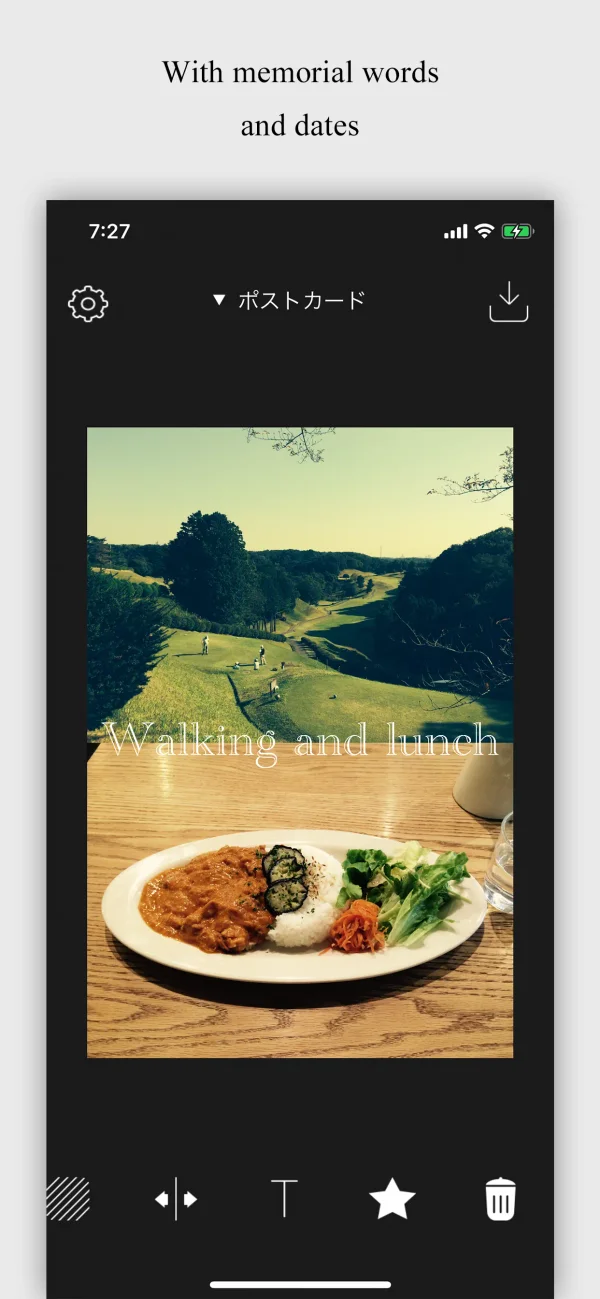
- Add text captions
You can easily add any text or date stamps to your photo.
(Please note that text won't be saved to your Favorites. The text will be removed when you quit the app.)
- Favorites
Save the frames you created to your Favorites.
【Supported OS】
iOS 12 or later
【Supported devices】
iPhone 6sPlus, iPhone 6s, iPhone 5s
Please note that this app has not been tested for compatibility with other devices except those listed above.
【Disclaimer】
While we try our best, we will not be liable for any loss or damage caused by the use of this application such as bugs or errors.
Nouveautés
Version 2.12.2 · 04/05/2026
- Improved usability.
Confidentialité de l’application
Ce que Yosuke Seki déclare sur l’App Store au sujet du traitement des données par cette application.
-
Données utilisées pour vous suivre
Peuvent être utilisées pour vous suivre sur des applications et des sites web appartenant à d’autres sociétés.
- Données d’utilisation
-
Données n’établissant aucun lien avec vous
Peuvent être collectées, mais ne sont pas liées à votre identité.
- Données d’utilisation
- Diagnostic
Les pratiques en matière de confidentialité peuvent varier, notamment en fonction des fonctionnalités que vous utilisez ou de votre âge.
Informations
- Vendeur
- Yosuke Seki
- Catégorie
- Photo et vidéo
- Version
- 2.12.2
- Mis à jour
- 04/05/2026
- Publié
- 24/02/2014
- Taille
- 27,7 Mo
- Nécessite
- iOS 15.0 ou version ultérieure
- Classification d’âge
- 4+
- Prix
- Gratuit
- Achats intégrés
- Oui
- Langues
- Anglais, Japonais
- Copyright
- © Yosuke Seki
Vous aimerez peut-être aussi
-
 PicFrameCollage Grid Layout Editor
-
 Collage Photo Frame MakerPhoto et vidéo
-
 Cadre Photo Numérique - VideoPicture Shuffle & Album Viewer
-
 FrameMagic - Collage MakerCréateur de collages magiques
-
 Collage de Photo et MontageCadres pour photos & Édition
-
 Cadres photo illimitésCollage d’images / Cadres
-
 Foto Collage - Montage PhotoCollage Photos, Pic Layout
-
 White BorderPhoto et vidéo
-
 Square Fit Photo: PicFitterPhoto et vidéo
-
 Project LifePhoto et vidéo