
Pixel-A
Photos into pixel patterns
Entwickelt für iPhone, iPad
Kostenlos · In-App-Käufe
- Altersfreigabe4+
- KategorieGrafik und Design
- EntwicklerAbraham Munguia
- SprachenEnglisch
- Größe67,4 MB
Verlinkt auf die offizielle App Store-Seite
Download.org hostet keine Datei von Pixel-A. Die Schaltfläche öffnet die App-Seite bei App Store, wo Abraham Munguia die App veröffentlicht. Eintrag zuletzt geprüft am 12.11.2026.
Screenshots

Info
Der Entwickler hat diesen Text nicht in Ihrer Sprache bereitgestellt.
Your photo, turned into a pattern you can actually make.
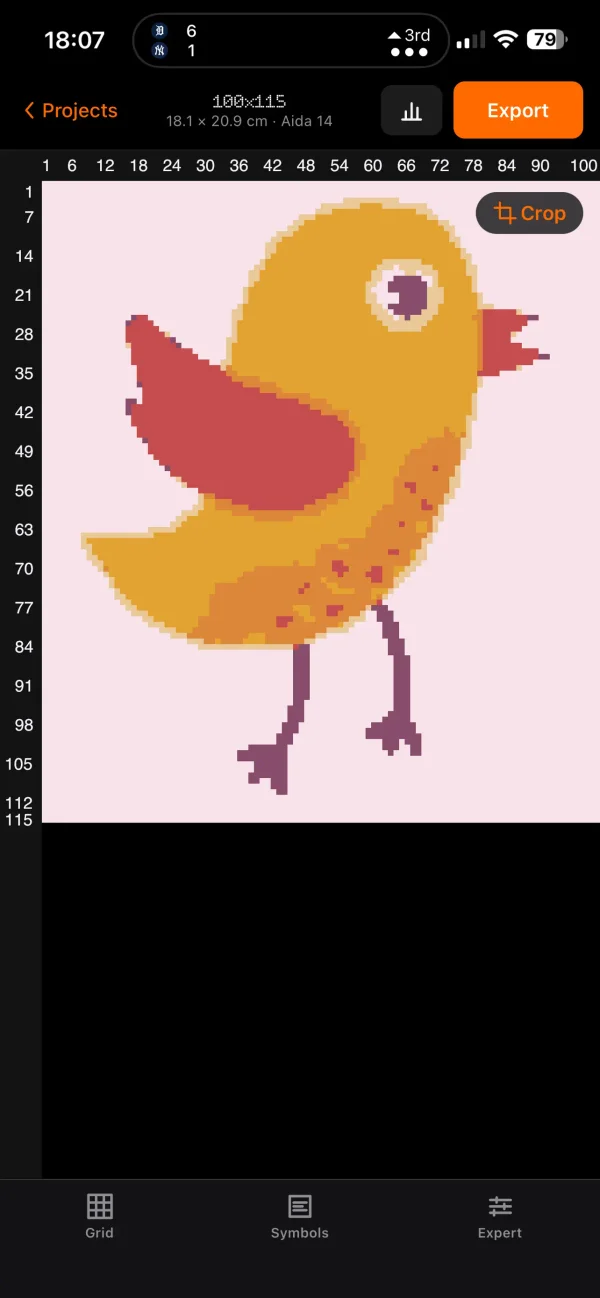
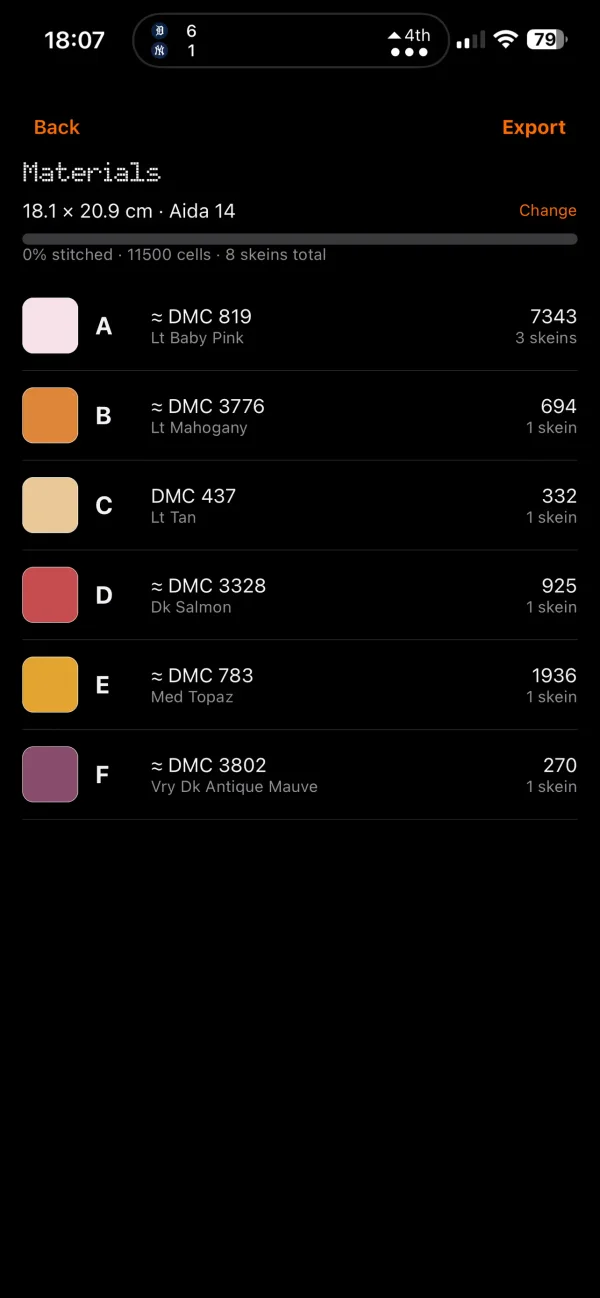
Pixela turns any picture into a crisp pixel grid with a tidy color palette and a printable chart — so you can recreate it however you like:
• Perler / Hama beads — get the bead-by-bead layout for your next fuse-bead art.
• Cross-stitch & embroidery — symbols per color and a printable chart to stitch from.
• Knitting & crochet — color-work charts (intarsia, tapestry, C2C, jacquard): one square per stitch/block.
• Quilting & patchwork — each pixel becomes a fabric square.
• Pixel art, sprites & icons — turn a photo or your own drawing/sketch into true pixels with a controlled palette; export a clean PNG.
• Event & stadium mosaics — plan "pixel performances" and card stunts, seat by seat, sized in meters.
• Wall decor & murals — set the centimeters per tile and get the real wall size to paint or tile.
• LEGO & brick mosaics — each pixel is one brick on the baseplate.
• LED matrices & low-res screens — a pixel map to wire or program each LED.
• Gifts & keepsakes — turn a pet, a portrait, or a logo into a handmade piece.
• Drawings, coloring pages & templates — a ready-made grid to trace, color, or hand off.
WHY YOU'LL LOVE IT
• Pick a photo — Pixela builds the pattern in seconds.
• Control the look — set the number of columns and palette colors with live sliders.
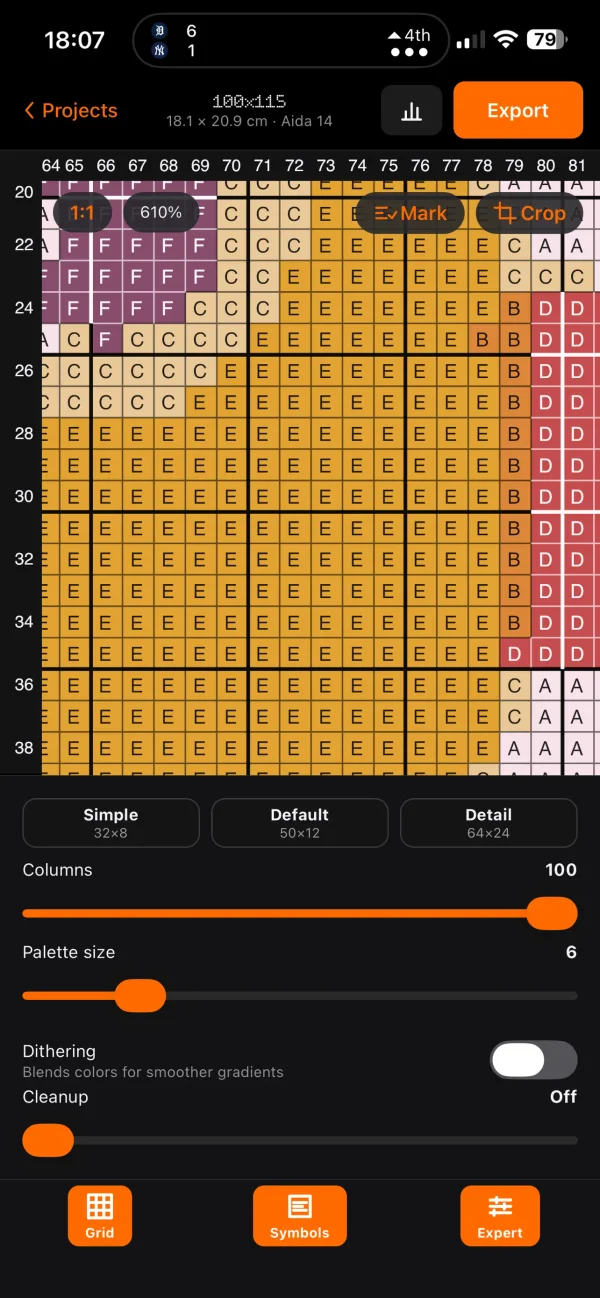
• Color symbols — every color gets a letter so it's easy to follow (great for color-vision needs).
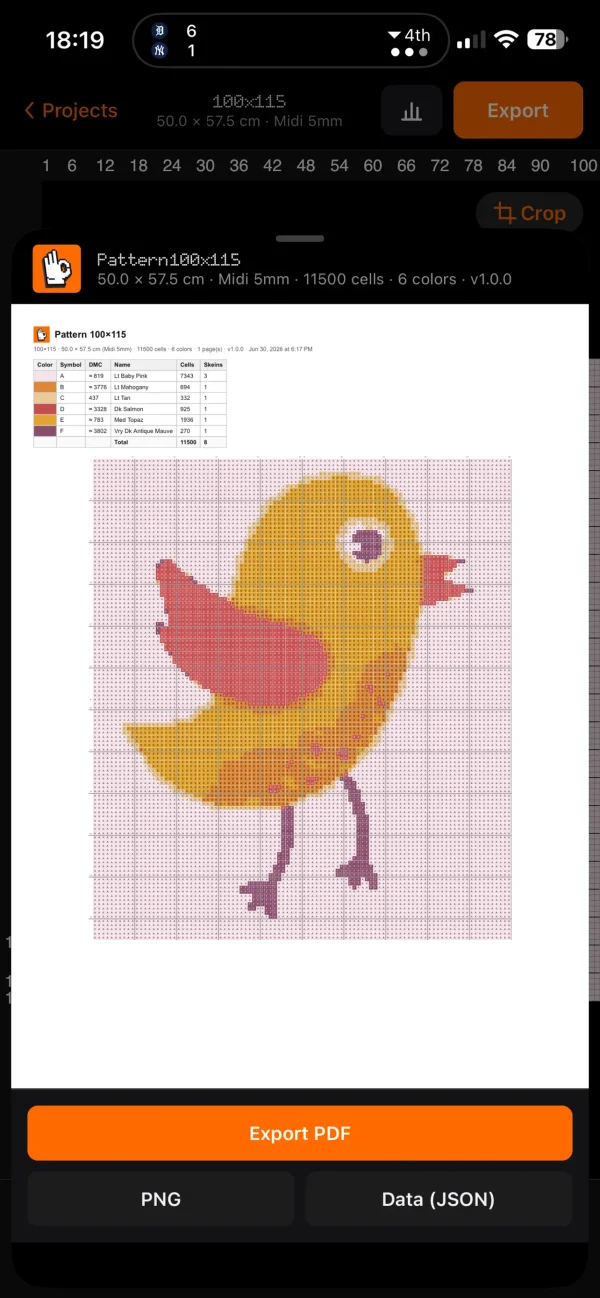
• Printable PDF — a clean legend plus the full symbol chart, ready to print or share.
• Export a clean PNG — the pure pixel art with no grid or symbols, ready to use as a sprite, sticker, or poster.
• Real thread colors — see the nearest DMC floss for every color, and swap any color for the one you prefer.
• Real finished size at any scale — stitches (Aida), beads, or big tiles; shown in cm or meters, so you can size a wall mural or a whole stadium mosaic.
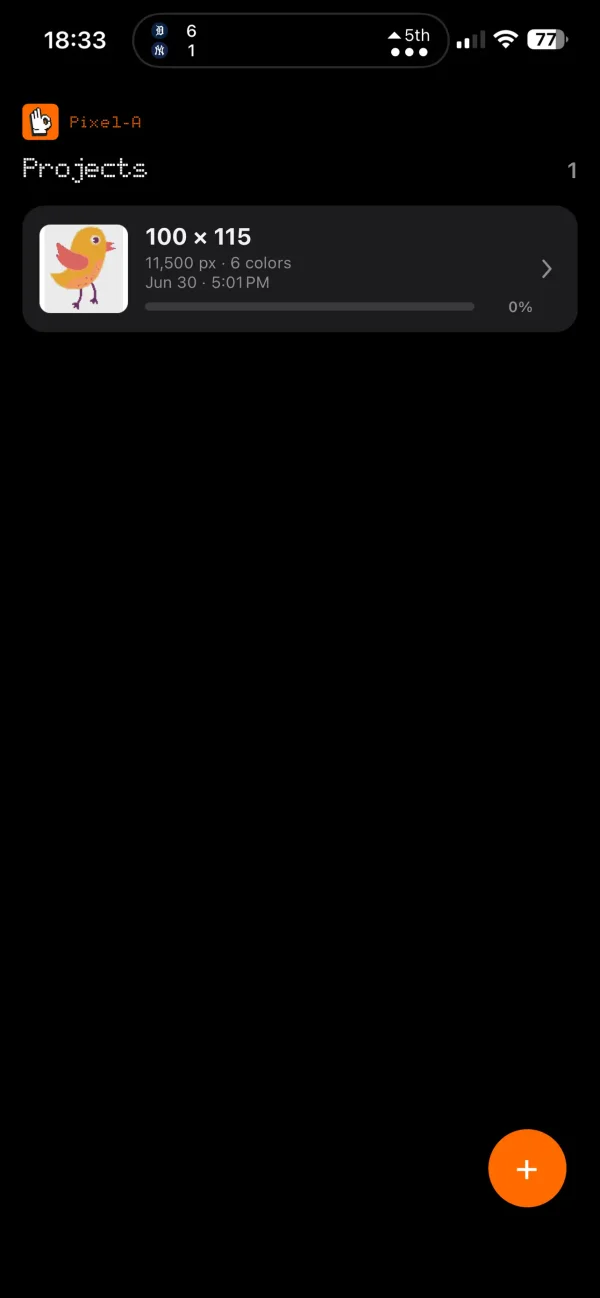
• Track your progress — mark finished cells and watch your % climb.
• Pinch to zoom, tap "1:1" to see the whole thing — built for big, detailed pieces.
• Works offline — everything is processed on your device. Your photos never leave it.
FAIR PRICING
Unlock everything with a single one-time purchase — no subscription, ever.
Private by design: your photos are processed on-device and are never uploaded.
Neue Funktionen
Version 1.0.6 · 16.10.2026
Now supporting brick patterns.
App-Datenschutz
Was Abraham Munguia im App Store zum Umgang dieser App mit Daten angibt.
-
Nicht mit Ihnen verknüpfte Daten
Können erfasst werden, sind aber nicht mit Ihrer Identität verknüpft.
- Käufe
- Kennungen
Die Datenschutzpraktiken können variieren, zum Beispiel je nach den von Ihnen verwendeten Funktionen oder Ihrem Alter.
Informationen
- Anbieter
- Abraham Munguia
- Kategorie
- Grafik und Design
- Version
- 1.0.6
- Aktualisiert
- 16.10.2026
- Veröffentlicht
- 09.07.2026
- Größe
- 67,4 MB
- Erfordert
- iOS 16.4 oder neuer
- Altersfreigabe
- 4+
- Preis
- Kostenlos
- In-App-Käufe
- Ja
- Sprachen
- Englisch
- Copyright
- © 2026 A. Munguia
Das könnte Ihnen auch gefallen
-
 KeKe ArtGrafik und Design
-
 Pick to Pixel: Foto-Pixel ArtPixel-Art-Editor mit Palette
-
 FlossDraftGrafik und Design
-
 PixelPad: Sprite StudioGrafik und Design
-
 PinD Pixel BeadsGrafik und Design
-
 FPP Studio: Paper PiecingQuiltblöcke zum Papiernähen
-
 BeadPixel: Bead Pattern StudioGrafik und Design
-
 AR Trace SketchGrafik und Design
-
 Pixel SwapGrafik und Design
-
 FotoKanavice: KreuzstichmusterFoto als Kreuzstichmuster