
Pixel-A
Photos into pixel patterns
Conçue pour iPhone, iPad
Gratuit · Achats intégrés
- Classification d’âge4+
- CatégorieGraphisme et design
- DéveloppeurAbraham Munguia
- LanguesAnglais
- Taille67,4 Mo
Renvoie vers la page App Store officielle
Download.org n’héberge aucun fichier de Pixel-A. Le bouton ouvre la page de l’application sur App Store, où Abraham Munguia la publie. Fiche vérifiée pour la dernière fois le 12/11/2026.
Captures d’écran
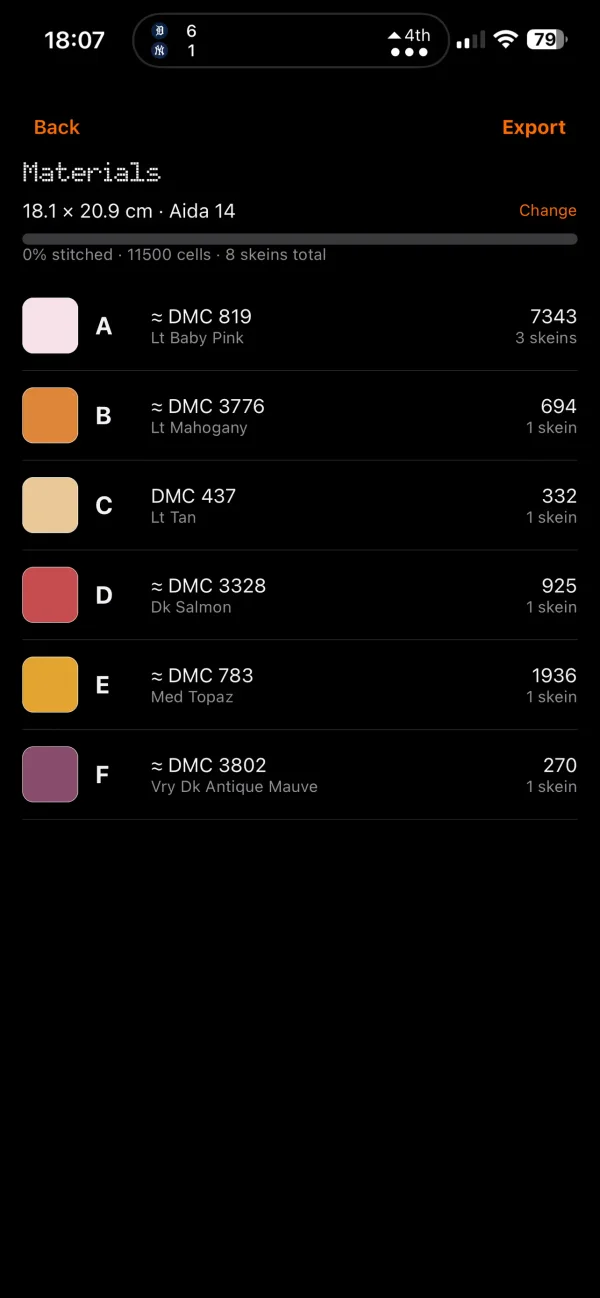

À propos
Le développeur n’a pas fourni ce texte dans votre langue.
Your photo, turned into a pattern you can actually make.
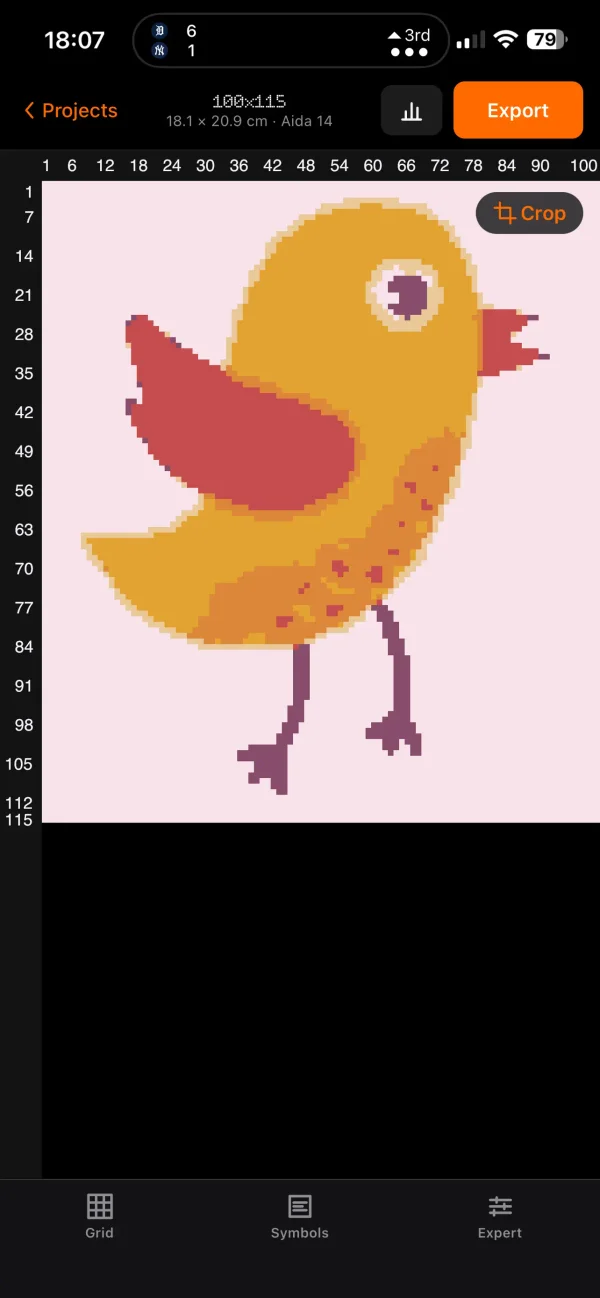
Pixela turns any picture into a crisp pixel grid with a tidy color palette and a printable chart — so you can recreate it however you like:
• Perler / Hama beads — get the bead-by-bead layout for your next fuse-bead art.
• Cross-stitch & embroidery — symbols per color and a printable chart to stitch from.
• Knitting & crochet — color-work charts (intarsia, tapestry, C2C, jacquard): one square per stitch/block.
• Quilting & patchwork — each pixel becomes a fabric square.
• Pixel art, sprites & icons — turn a photo or your own drawing/sketch into true pixels with a controlled palette; export a clean PNG.
• Event & stadium mosaics — plan "pixel performances" and card stunts, seat by seat, sized in meters.
• Wall decor & murals — set the centimeters per tile and get the real wall size to paint or tile.
• LEGO & brick mosaics — each pixel is one brick on the baseplate.
• LED matrices & low-res screens — a pixel map to wire or program each LED.
• Gifts & keepsakes — turn a pet, a portrait, or a logo into a handmade piece.
• Drawings, coloring pages & templates — a ready-made grid to trace, color, or hand off.
WHY YOU'LL LOVE IT
• Pick a photo — Pixela builds the pattern in seconds.
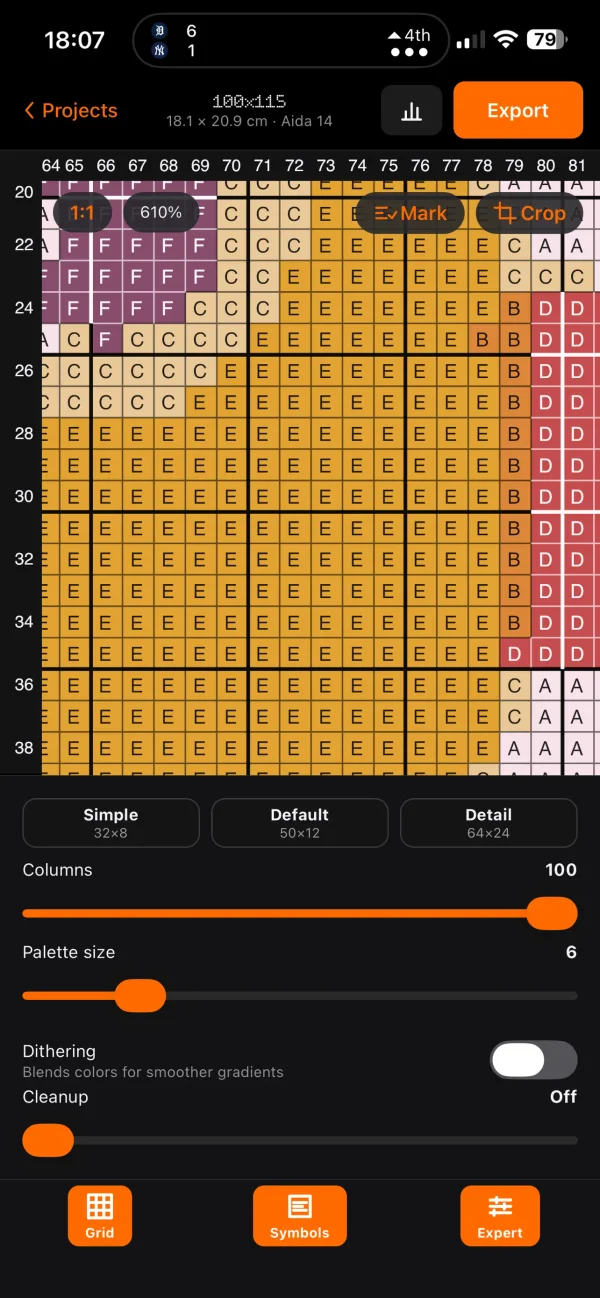
• Control the look — set the number of columns and palette colors with live sliders.
• Color symbols — every color gets a letter so it's easy to follow (great for color-vision needs).
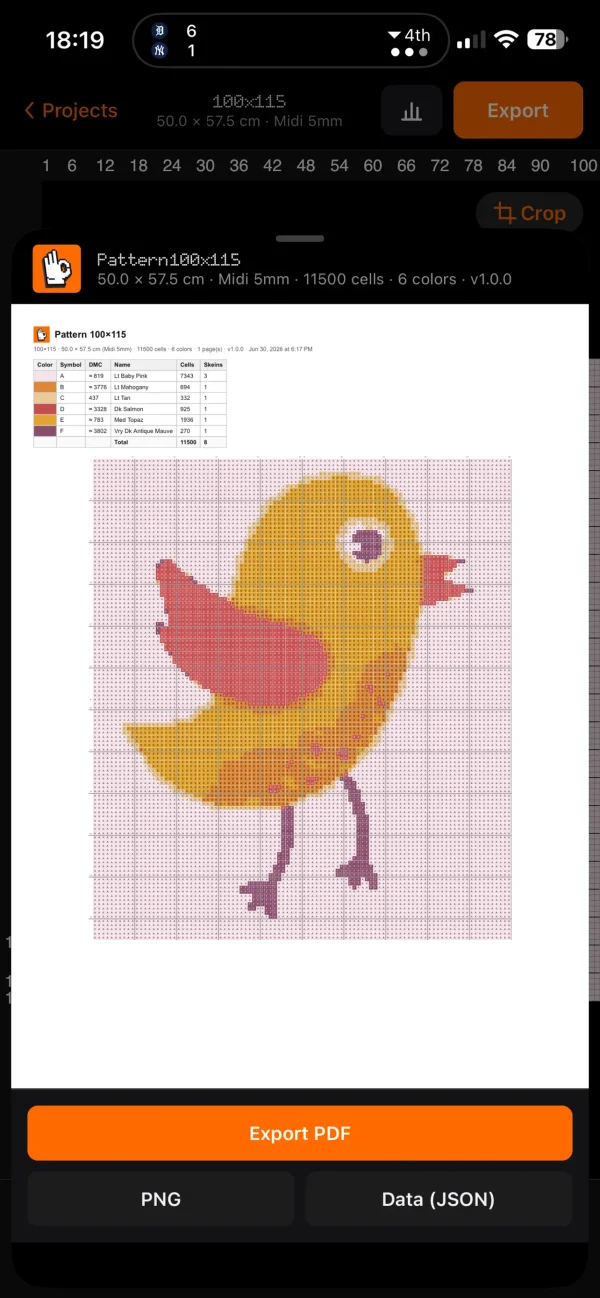
• Printable PDF — a clean legend plus the full symbol chart, ready to print or share.
• Export a clean PNG — the pure pixel art with no grid or symbols, ready to use as a sprite, sticker, or poster.
• Real thread colors — see the nearest DMC floss for every color, and swap any color for the one you prefer.
• Real finished size at any scale — stitches (Aida), beads, or big tiles; shown in cm or meters, so you can size a wall mural or a whole stadium mosaic.
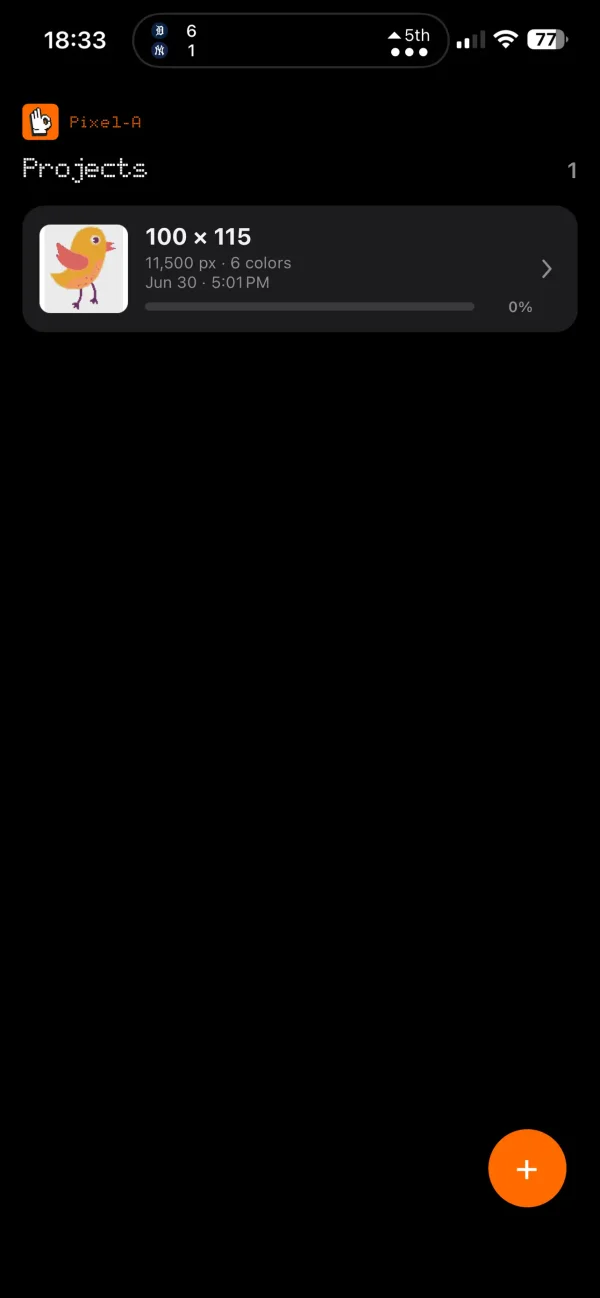
• Track your progress — mark finished cells and watch your % climb.
• Pinch to zoom, tap "1:1" to see the whole thing — built for big, detailed pieces.
• Works offline — everything is processed on your device. Your photos never leave it.
FAIR PRICING
Unlock everything with a single one-time purchase — no subscription, ever.
Private by design: your photos are processed on-device and are never uploaded.
Nouveautés
Version 1.0.6 · 16/10/2026
Now supporting brick patterns.
Confidentialité de l’application
Ce que Abraham Munguia déclare sur l’App Store au sujet du traitement des données par cette application.
-
Données n’établissant aucun lien avec vous
Peuvent être collectées, mais ne sont pas liées à votre identité.
- Achats
- Identifiants
Les pratiques en matière de confidentialité peuvent varier, notamment en fonction des fonctionnalités que vous utilisez ou de votre âge.
Informations
- Vendeur
- Abraham Munguia
- Catégorie
- Graphisme et design
- Version
- 1.0.6
- Mis à jour
- 16/10/2026
- Publié
- 09/07/2026
- Taille
- 67,4 Mo
- Nécessite
- iOS 16.4 ou version ultérieure
- Classification d’âge
- 4+
- Prix
- Gratuit
- Achats intégrés
- Oui
- Langues
- Anglais
- Copyright
- © 2026 A. Munguia
Vous aimerez peut-être aussi
-
 KeKe ArtGraphisme et design
-
 Pick to Pixel: Photo-Pixel ArtÉditeur pixel art et palette
-
 FlossDraftGraphisme et design
-
 PixelPad: Sprite StudioGraphisme et design
-
 PinD Pixel BeadsGraphisme et design
-
 FPP Studio: Paper PiecingBlocs de quilt sur papier
-
 BeadPixel: Bead Pattern StudioGraphisme et design
-
 AR Trace SketchGraphisme et design
-
 Pixel SwapGraphisme et design
-
 FotoKanavice: Cross StitchGraphisme et design