
Pixel-A
Photos into pixel patterns
Projetado para iPhone, iPad
Grátis · Compras no app
- Classificação etária4+
- CategoriaArtes gráficas e design
- DesenvolvedorAbraham Munguia
- IdiomasInglês
- Tamanho67,4 MB
Leva à página oficial na App Store
O Download.org não hospeda nenhum arquivo de Pixel-A. O botão abre a página do app na App Store, onde Abraham Munguia o publica. Página verificada pela última vez em 12/11/2026.
Capturas de tela

Sobre
O desenvolvedor não forneceu este texto no seu idioma.
Your photo, turned into a pattern you can actually make.
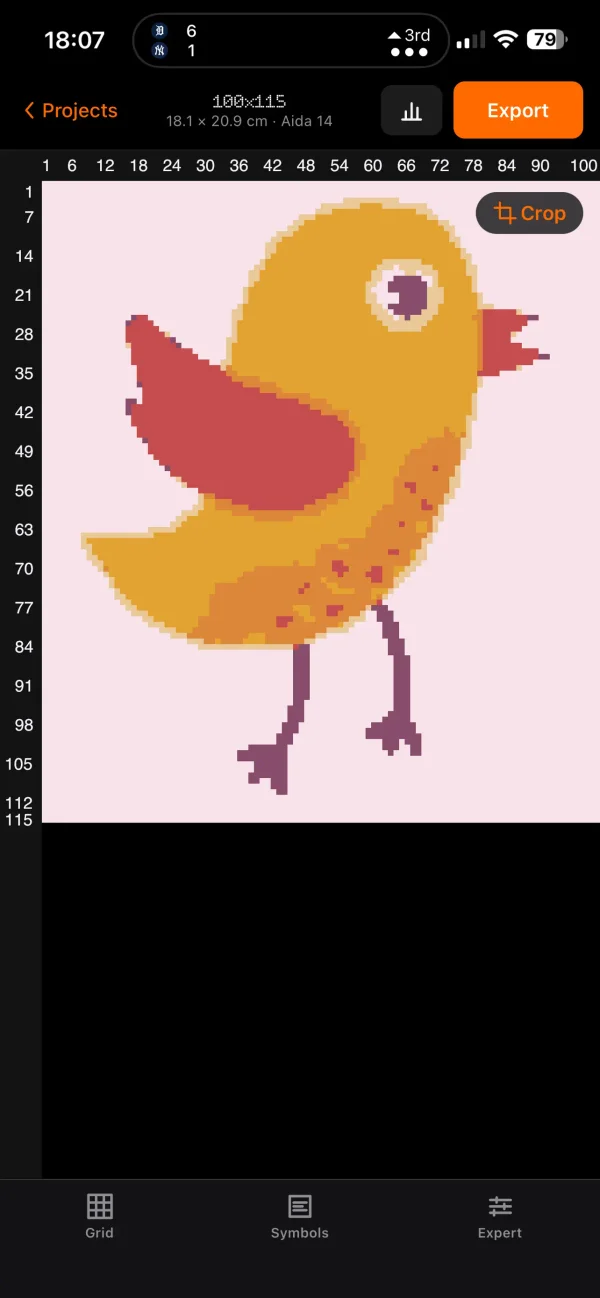
Pixela turns any picture into a crisp pixel grid with a tidy color palette and a printable chart — so you can recreate it however you like:
• Perler / Hama beads — get the bead-by-bead layout for your next fuse-bead art.
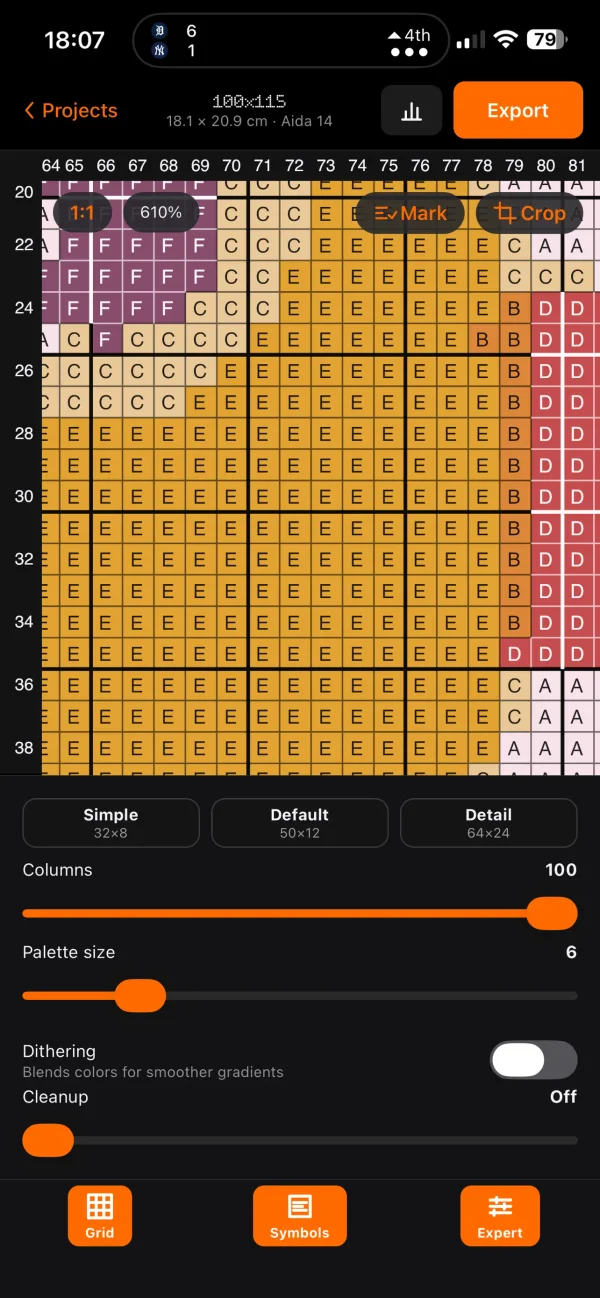
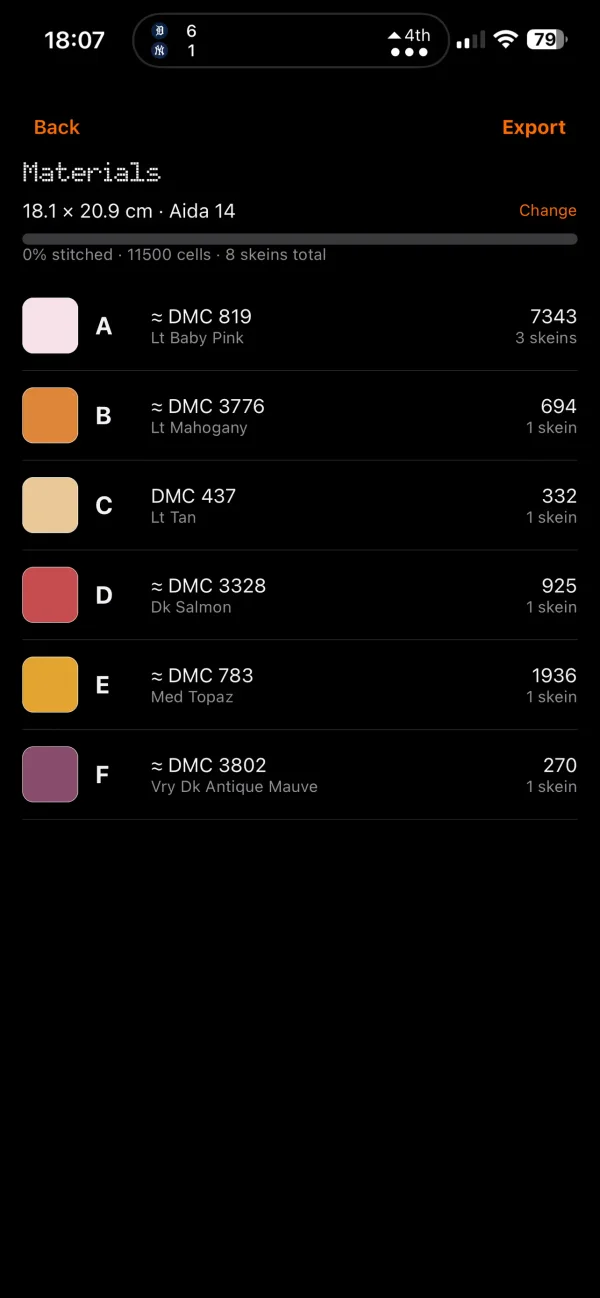
• Cross-stitch & embroidery — symbols per color and a printable chart to stitch from.
• Knitting & crochet — color-work charts (intarsia, tapestry, C2C, jacquard): one square per stitch/block.
• Quilting & patchwork — each pixel becomes a fabric square.
• Pixel art, sprites & icons — turn a photo or your own drawing/sketch into true pixels with a controlled palette; export a clean PNG.
• Event & stadium mosaics — plan "pixel performances" and card stunts, seat by seat, sized in meters.
• Wall decor & murals — set the centimeters per tile and get the real wall size to paint or tile.
• LEGO & brick mosaics — each pixel is one brick on the baseplate.
• LED matrices & low-res screens — a pixel map to wire or program each LED.
• Gifts & keepsakes — turn a pet, a portrait, or a logo into a handmade piece.
• Drawings, coloring pages & templates — a ready-made grid to trace, color, or hand off.
WHY YOU'LL LOVE IT
• Pick a photo — Pixela builds the pattern in seconds.
• Control the look — set the number of columns and palette colors with live sliders.
• Color symbols — every color gets a letter so it's easy to follow (great for color-vision needs).
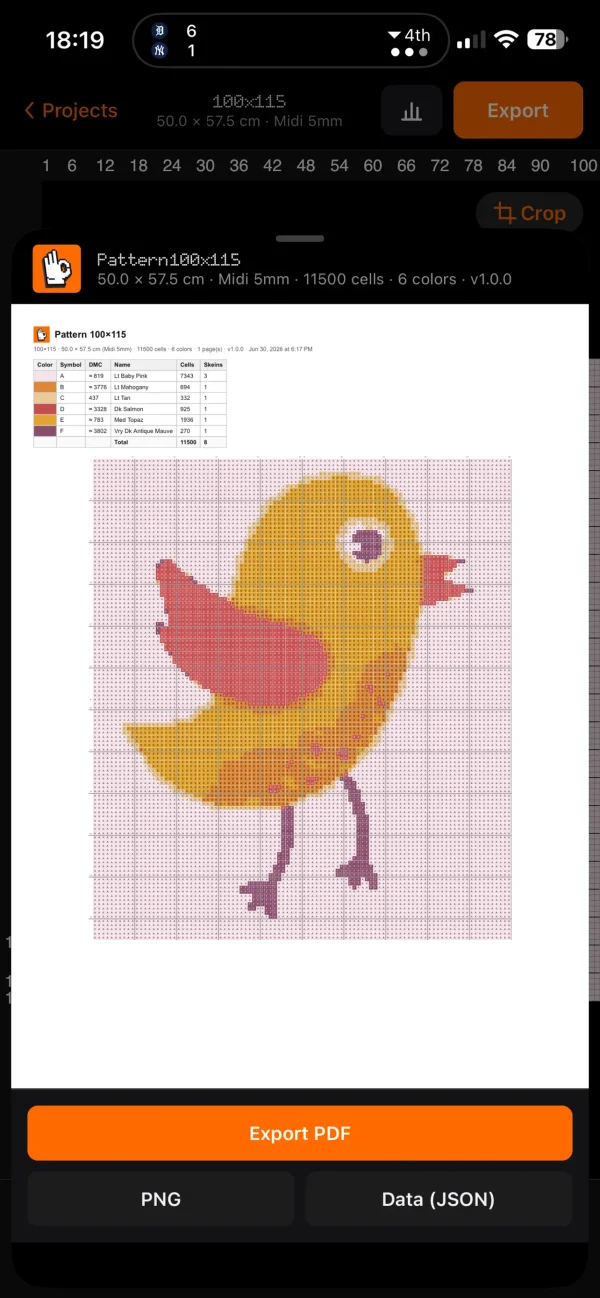
• Printable PDF — a clean legend plus the full symbol chart, ready to print or share.
• Export a clean PNG — the pure pixel art with no grid or symbols, ready to use as a sprite, sticker, or poster.
• Real thread colors — see the nearest DMC floss for every color, and swap any color for the one you prefer.
• Real finished size at any scale — stitches (Aida), beads, or big tiles; shown in cm or meters, so you can size a wall mural or a whole stadium mosaic.
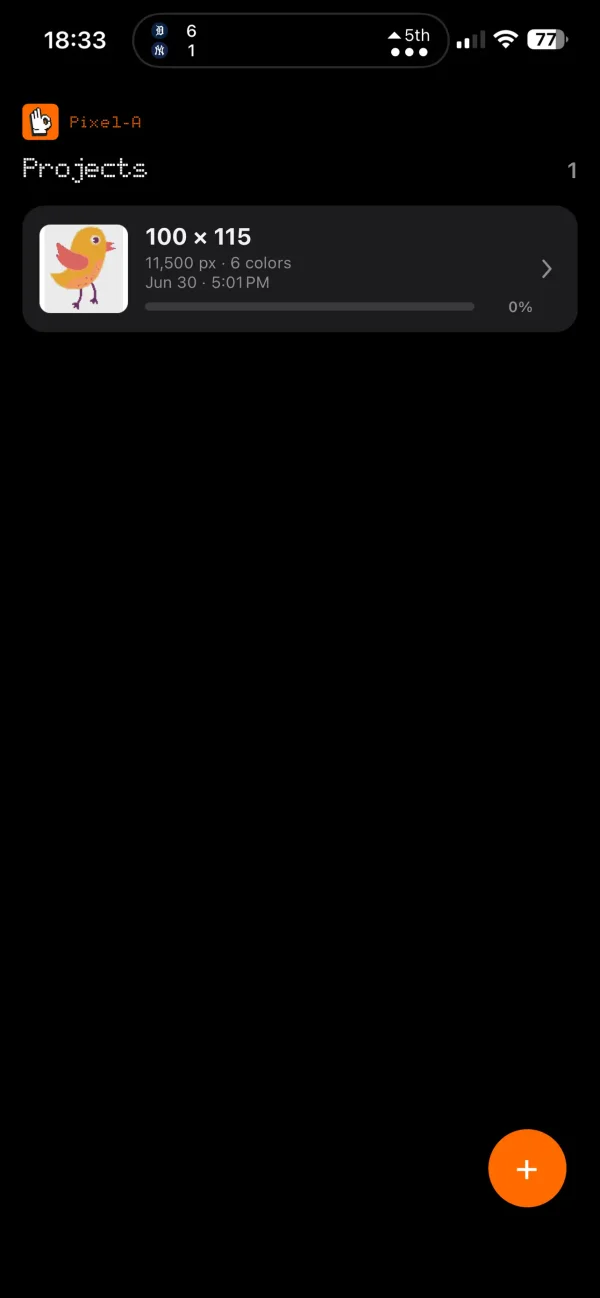
• Track your progress — mark finished cells and watch your % climb.
• Pinch to zoom, tap "1:1" to see the whole thing — built for big, detailed pieces.
• Works offline — everything is processed on your device. Your photos never leave it.
FAIR PRICING
Unlock everything with a single one-time purchase — no subscription, ever.
Private by design: your photos are processed on-device and are never uploaded.
Novidades
Versão 1.0.6 · 16/10/2026
Now supporting brick patterns.
Privacidade do app
O que Abraham Munguia declara na App Store sobre como este app lida com os dados.
-
Dados não vinculados a você
Podem ser coletados, mas não são vinculados à sua identidade.
- Compras
- Identificadores
As práticas de privacidade podem variar, por exemplo, com base nos recursos que você usa ou na sua idade.
Informações
- Vendedor
- Abraham Munguia
- Categoria
- Artes gráficas e design
- Versão
- 1.0.6
- Atualizado
- 16/10/2026
- Lançamento
- 09/07/2026
- Tamanho
- 67,4 MB
- Requer
- iOS 16.4 ou posterior
- Classificação etária
- 4+
- Preço
- Grátis
- Compras no app
- Sim
- Idiomas
- Inglês
- Copyright
- © 2026 A. Munguia
Você também pode gostar
-
 KeKe ArtArtes gráficas e design
-
 Pick to Pixel: Foto-Pixel ArtEditor pixel art com paleta
-
 FlossDraftArtes gráficas e design
-
 PixelPad: Sprite StudioArtes gráficas e design
-
 PinD Pixel BeadsArtes gráficas e design
-
 FPP Studio Paper Piecing QuiltArtes gráficas e design
-
 BeadPixel: Bead Pattern StudioArtes gráficas e design
-
 AR Trace SketchArtes gráficas e design
-
 Pixel SwapArtes gráficas e design
-
 FotoKanavice: Cross StitchArtes gráficas e design