- Altersfreigabe4+
- KategorieBildung
- EntwicklerNYBot
- SprachenEnglisch
- Größe52,4 MB
Verlinkt auf die offizielle App Store-Seite
Download.org hostet keine Datei von PracMath. Die Schaltfläche öffnet die App-Seite bei App Store, wo NYBot die App veröffentlicht. Eintrag zuletzt geprüft am 17.11.2026.
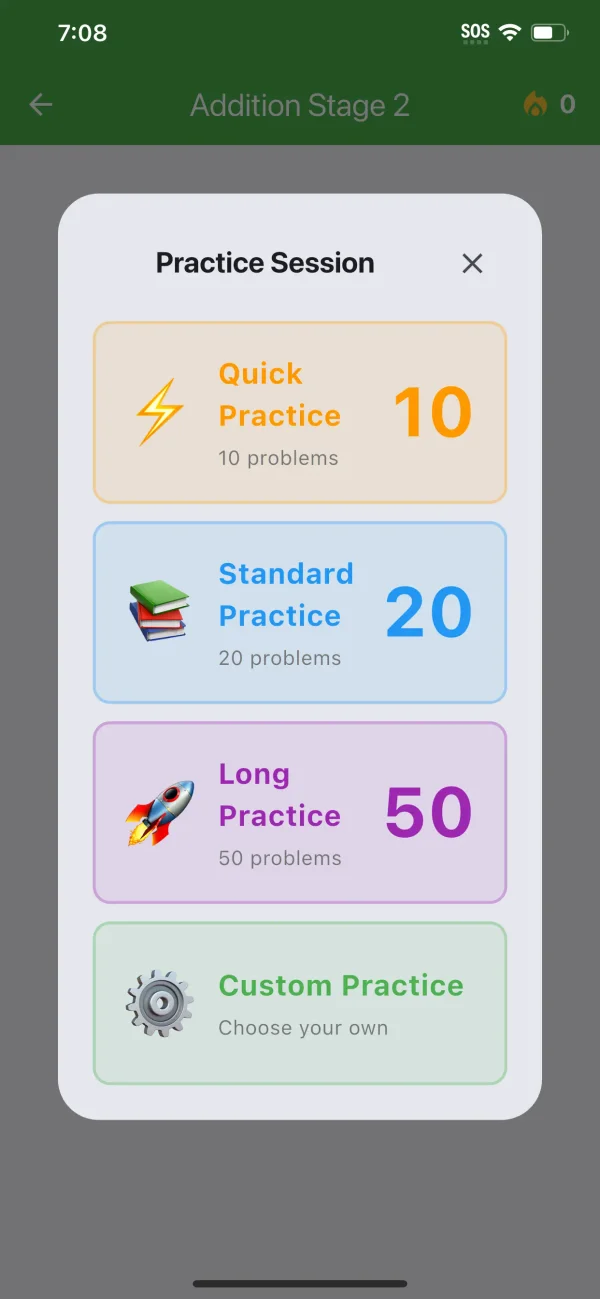
Screenshots

Info
Der Entwickler hat diesen Text nicht in Ihrer Sprache bereitgestellt.
Practice addition, subtraction, multiplication and division for grade 1 to grade 6
PracMath helps students from Grade 1 to Grade 6 build strong math skills through fun, structured practice sessions for addition, subtraction, multiplication, and division.
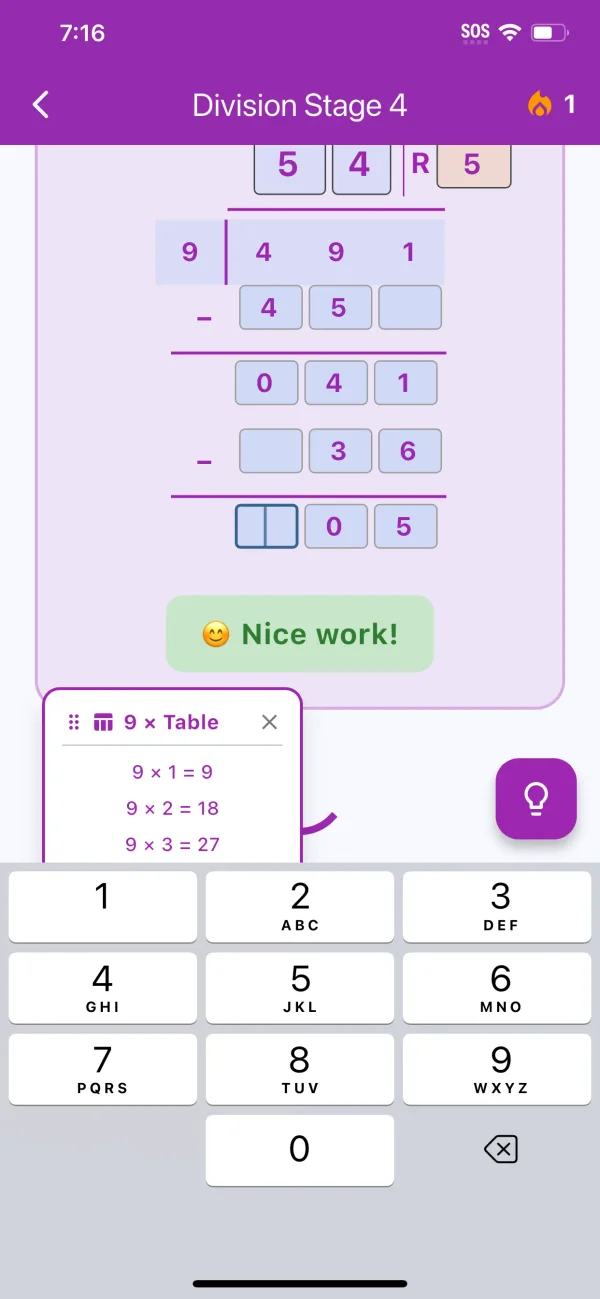
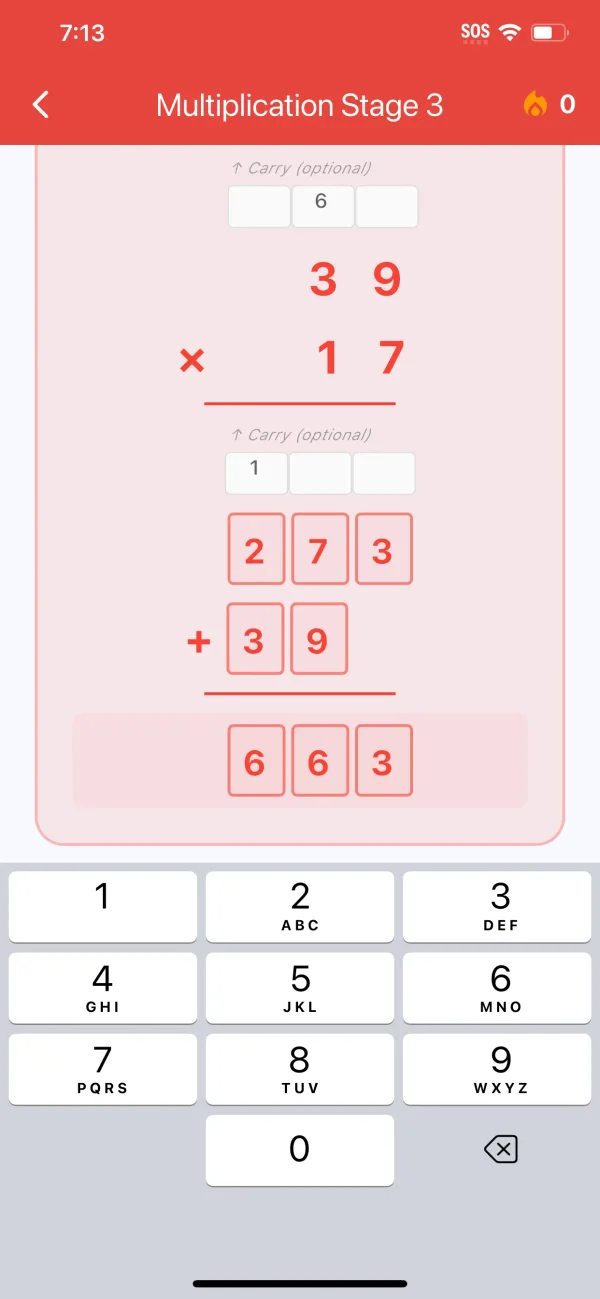
Each operation is divided into progressive stages carefully aligned with grade levels — from simple one-digit exercises to advanced multi-digit and long-division problems.
Students can solve questions in horizontal or vertical format, whichever way they prefer.
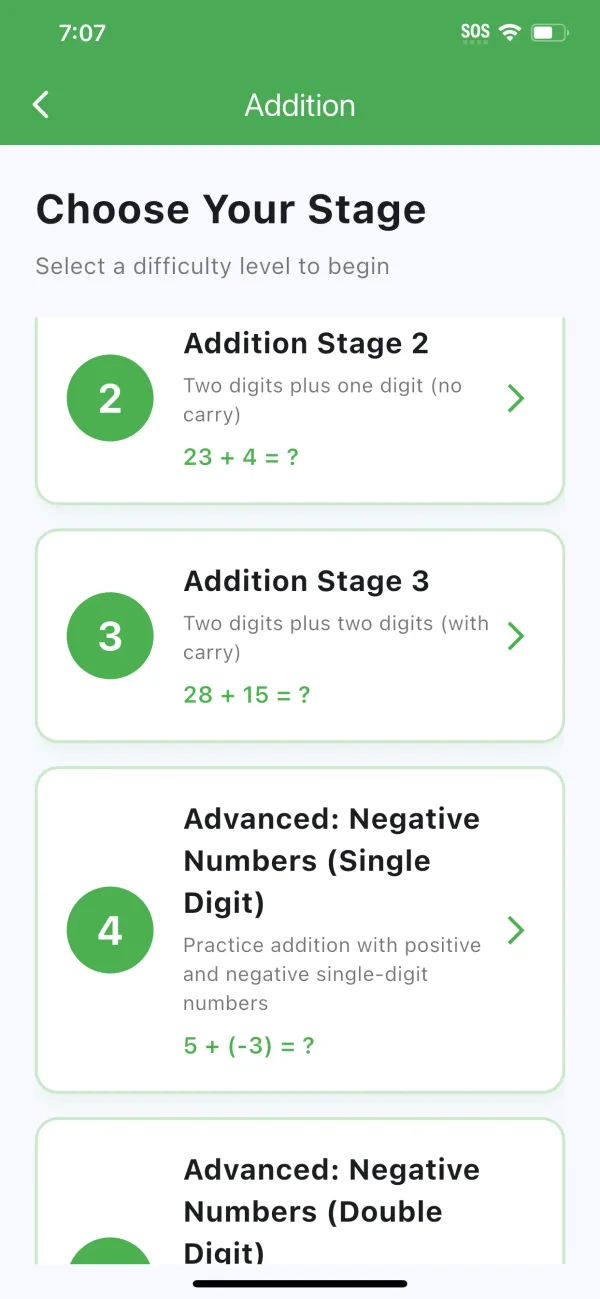
Addition
• Stage 1: One-digit + one-digit (e.g., 3 + 5=?)
• Stage 2: Two-digit + one-digit (e.g., 23 + 7=?)
• Stage 3: Two-digit + two-digit with carrying (e.g., 28 + 15=?)
• Stage 4: Advanced negative numbers (e.g., 5 + (-3) =?)
• Stage 5: Advanced negative numbers (e.g., 25 + (-13)=?)
Subtraction
• Stage 1: One-digit – one-digit (e.g., 8 – 3=?)
• Stage 2: Two-digit – one-digit (e.g., 42 – 6=?)
• Stage 3: Two-digit – two-digit (e.g., 58 – 27=?)
• Stage 4: Advanced: Negative numbers (e.g., 5 - (-3) = ?)
• Stage 5: Advanced: Negative numbers (e.g., 25 - (-13) = ?)
Multiplication
• Stage 1: Single-digit × single-digit (e.g., 5 × 6)
• Stage 2: Two-digit × one-digit (e.g., 23 × 2)
• Stage 3: Two-digit × two-digit (e.g., 34 × 12)
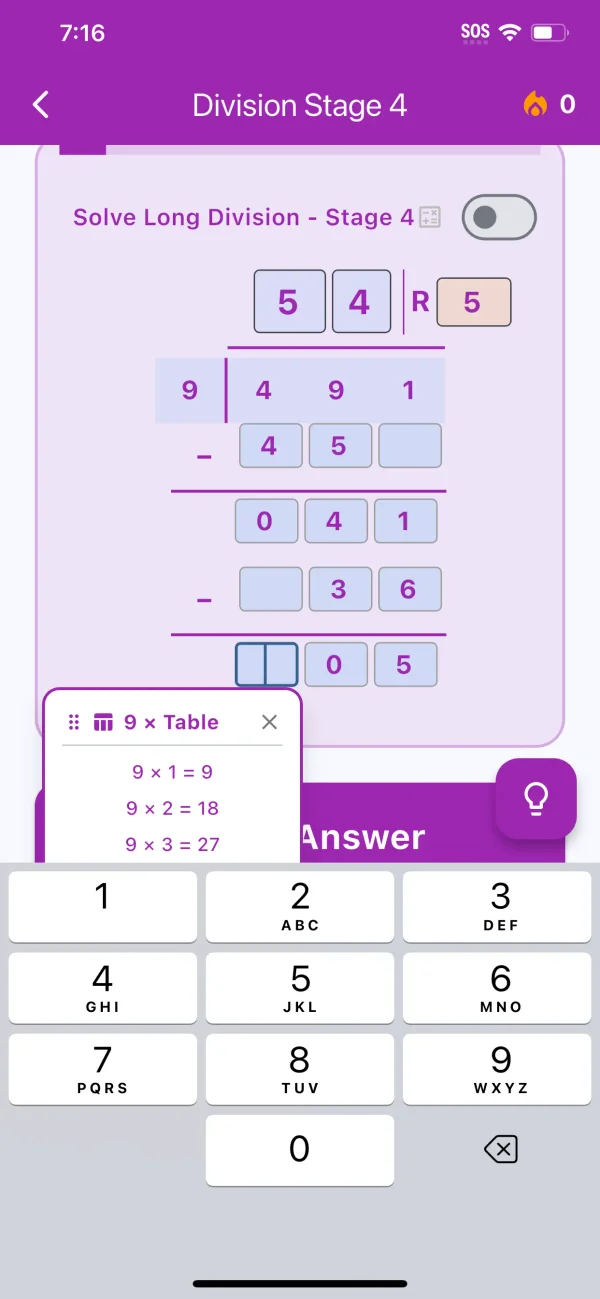
Division
• Stage 1: Division without remainder (e.g., 36 ÷ 3 = 12)
• Stage 2: Division with remainder (e.g., 47 ÷ 7 = 6 R5)
• Stage 3: Long division without remainder (e.g., 234 ÷ 6= 39)
• Stage 4: Long division with remainder (e.g., 235 ÷ 6= 39 R1)
• Stage 5: Long division advanced with zero in quotient (e.g., 913 ÷ 3= 304 R1)
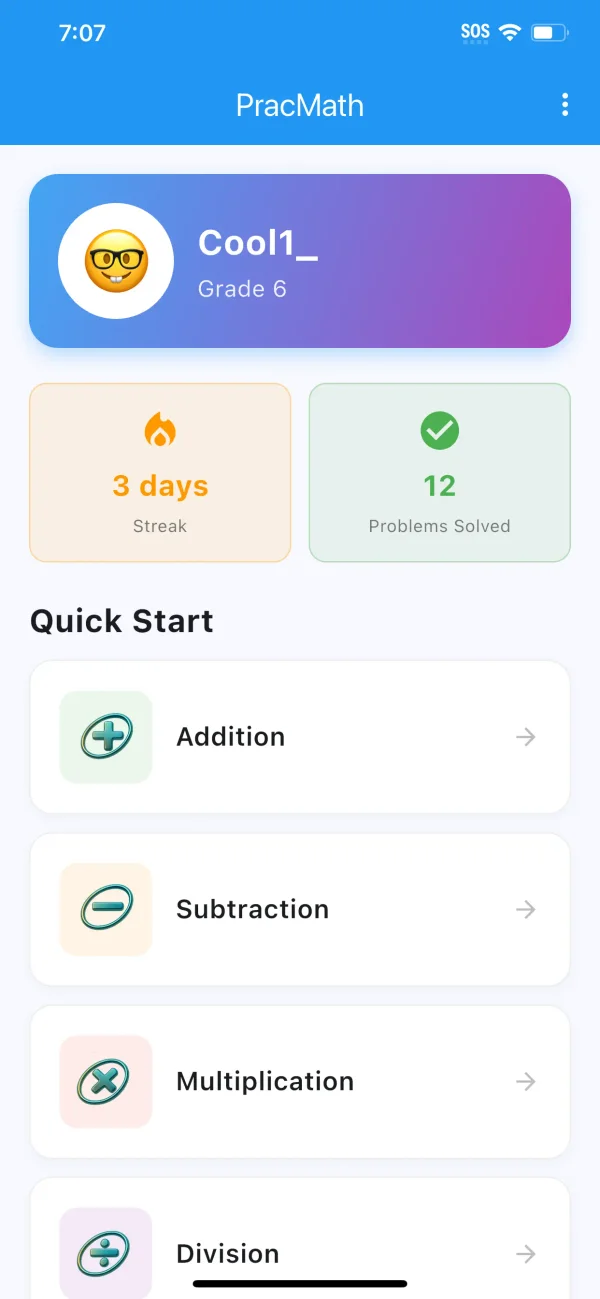
Students can personalize their learning experience by choosing an emoji avatar or uploading a photo from the camera or gallery.
For Parents
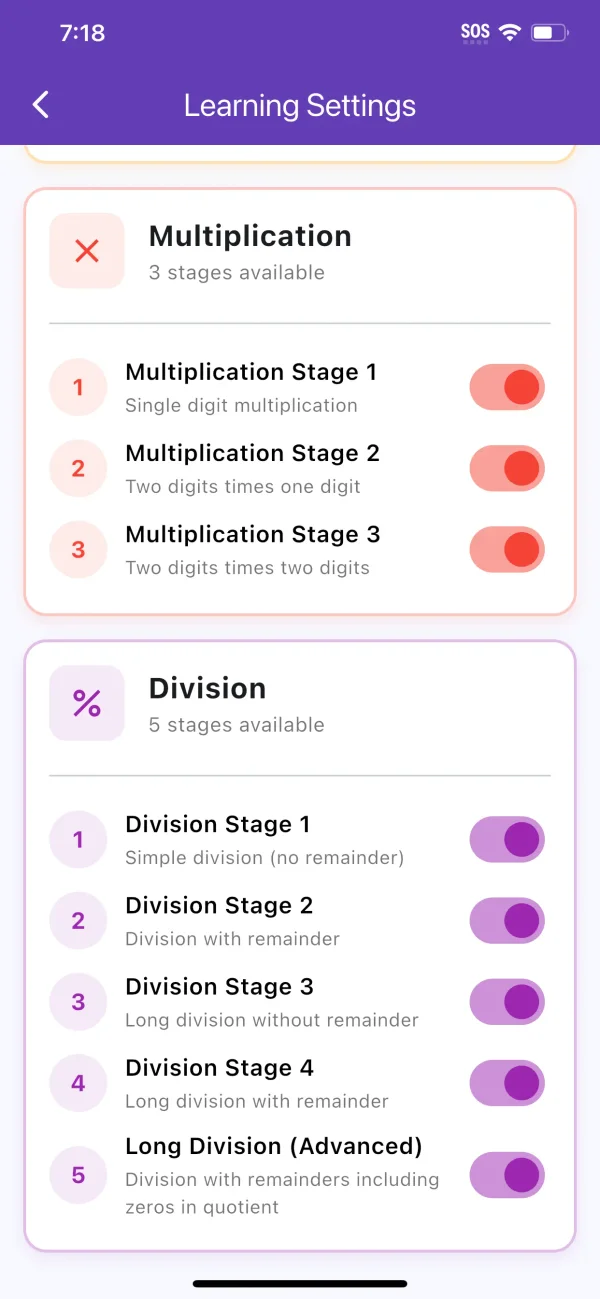
Parents can manage the app securely through a PIN-protected Parent Control Panel to:
• Set the student’s grade level (e.g., Grade 4)
• Choose which operations and stages are available for practice
• Select the language the app is displayed in
Only parents with the PIN can make changes, keeping the learning environment safe, focused, and customized.
App-Datenschutz
Was NYBot im App Store zum Umgang dieser App mit Daten angibt.
-
Nicht mit Ihnen verknüpfte Daten
Können erfasst werden, sind aber nicht mit Ihrer Identität verknüpft.
- Standort
- Nutzungsdaten
Die Datenschutzpraktiken können variieren, zum Beispiel je nach den von Ihnen verwendeten Funktionen oder Ihrem Alter.
Informationen
- Anbieter
- Robojax Inc.
- Kategorie
- Bildung
- Version
- 1.0.1
- Aktualisiert
- 08.11.2025
- Veröffentlicht
- 07.11.2025
- Größe
- 52,4 MB
- Erfordert
- iOS 13.0 oder neuer
- Altersfreigabe
- 4+
- Preis
- Kostenlos
- Sprachen
- Englisch
- Copyright
- © Copyright NYBot