- 対象年齢4+
- カテゴリ教育
- 開発元NYBot
- 言語英語
- サイズ52.4 MB
App Storeの公式ページにリンクしています
Download.orgはPracMathのファイルを一切ホストしていません。ボタンを押すと、NYBotが公開しているApp Storeのアプリページが開きます。ページの最終確認:2026/11/17。
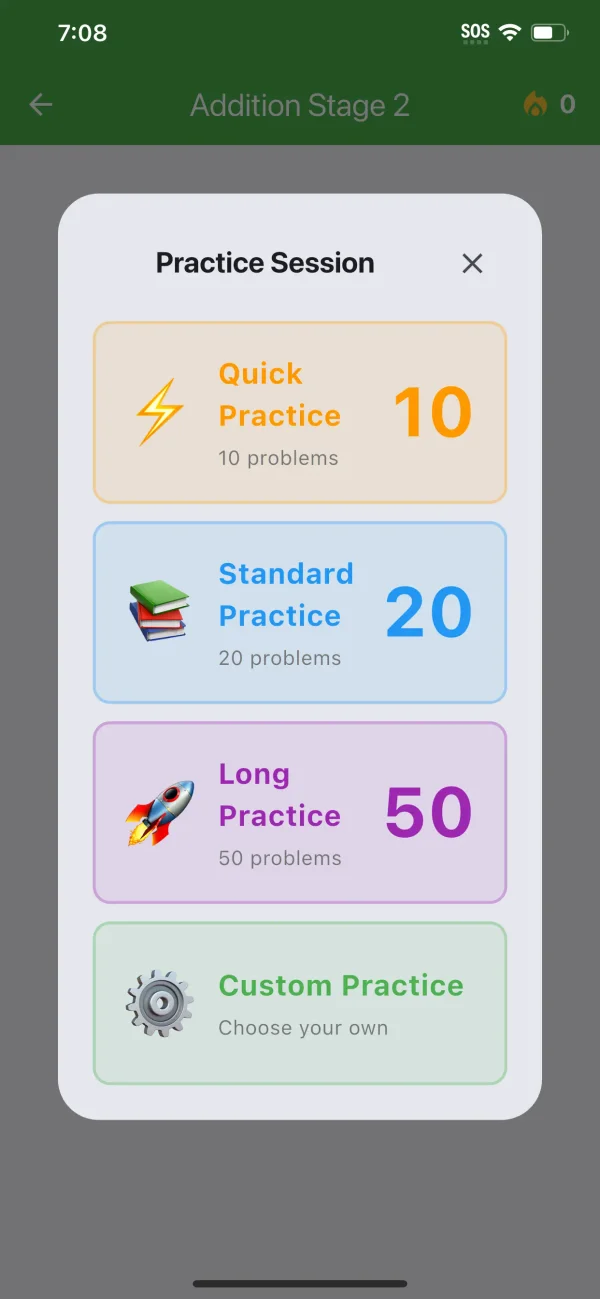
スクリーンショット

概要
開発元はこのテキストをお使いの言語で提供していません。
Practice addition, subtraction, multiplication and division for grade 1 to grade 6
PracMath helps students from Grade 1 to Grade 6 build strong math skills through fun, structured practice sessions for addition, subtraction, multiplication, and division.
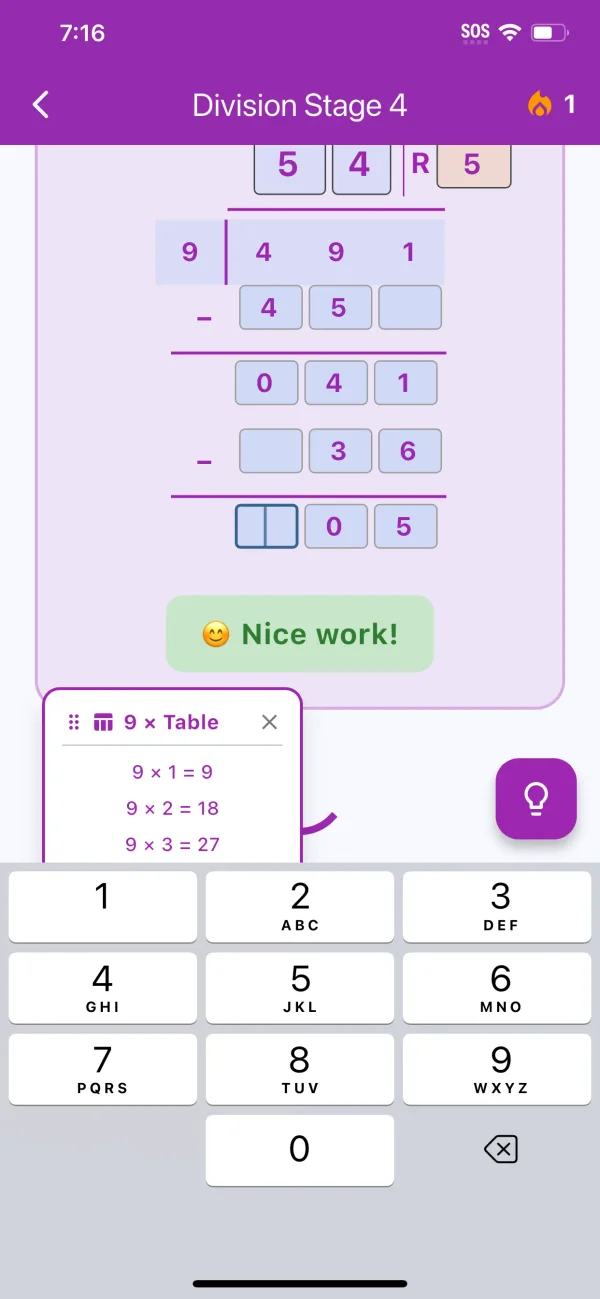
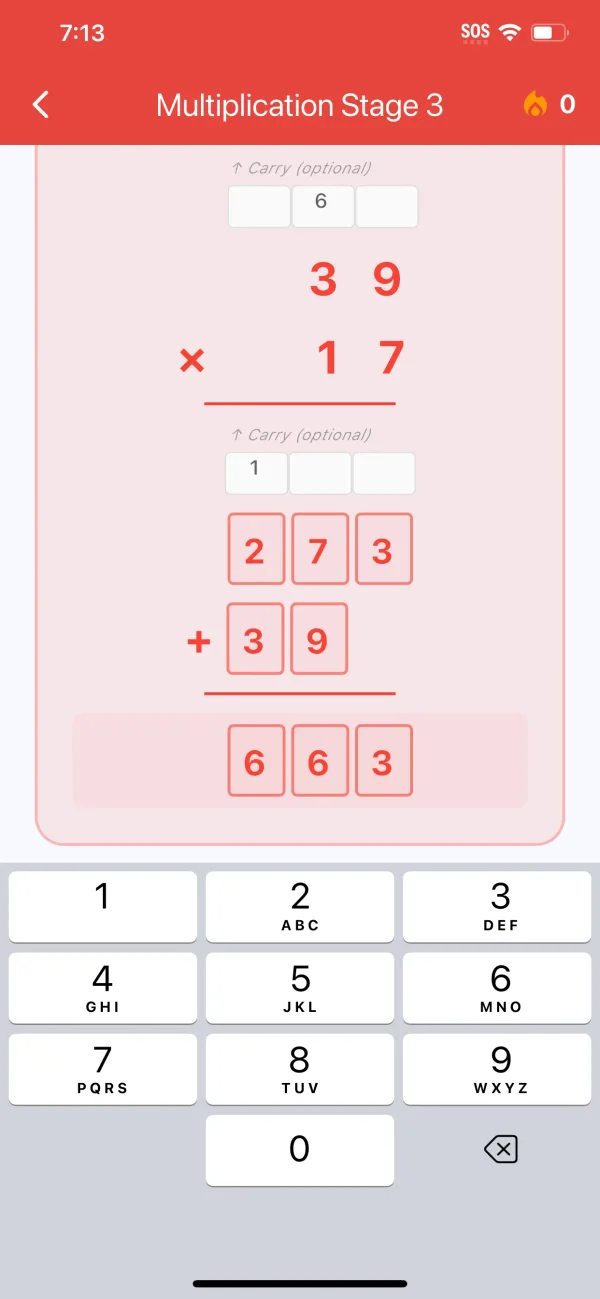
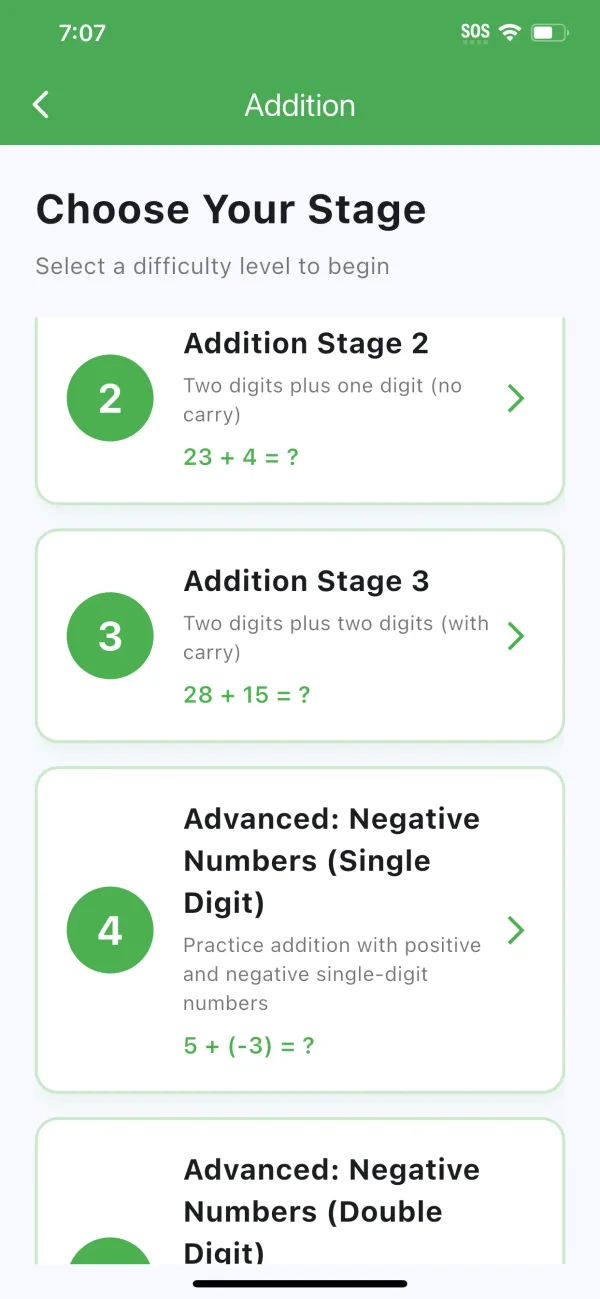
Each operation is divided into progressive stages carefully aligned with grade levels — from simple one-digit exercises to advanced multi-digit and long-division problems.
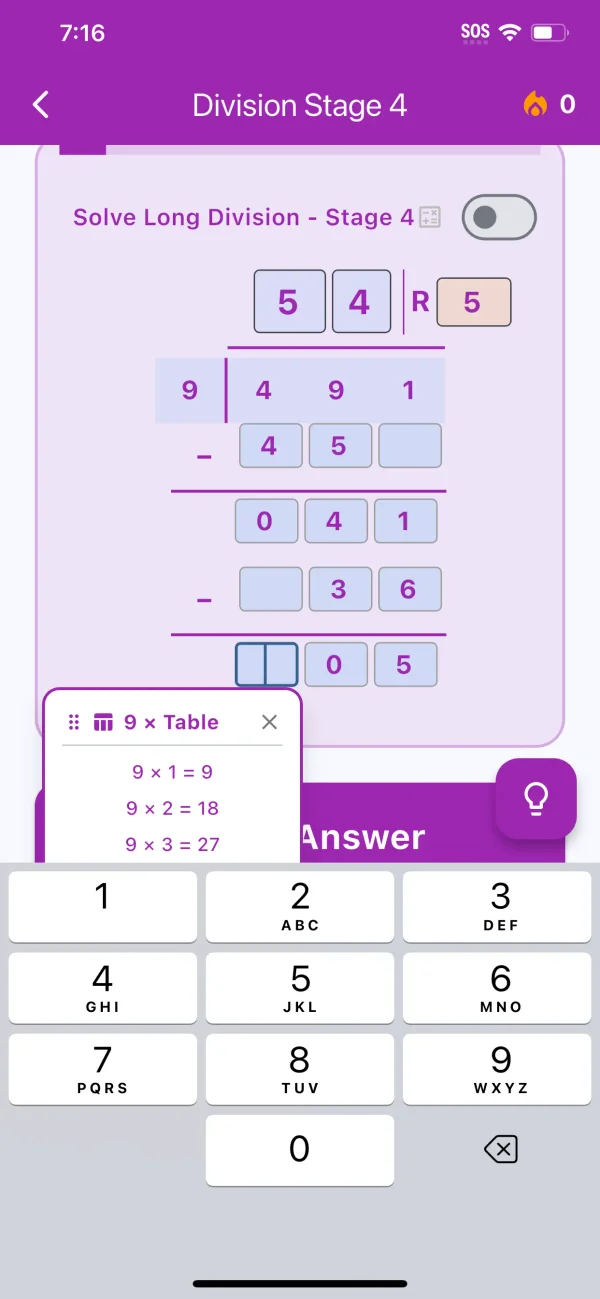
Students can solve questions in horizontal or vertical format, whichever way they prefer.
Addition
• Stage 1: One-digit + one-digit (e.g., 3 + 5=?)
• Stage 2: Two-digit + one-digit (e.g., 23 + 7=?)
• Stage 3: Two-digit + two-digit with carrying (e.g., 28 + 15=?)
• Stage 4: Advanced negative numbers (e.g., 5 + (-3) =?)
• Stage 5: Advanced negative numbers (e.g., 25 + (-13)=?)
Subtraction
• Stage 1: One-digit – one-digit (e.g., 8 – 3=?)
• Stage 2: Two-digit – one-digit (e.g., 42 – 6=?)
• Stage 3: Two-digit – two-digit (e.g., 58 – 27=?)
• Stage 4: Advanced: Negative numbers (e.g., 5 - (-3) = ?)
• Stage 5: Advanced: Negative numbers (e.g., 25 - (-13) = ?)
Multiplication
• Stage 1: Single-digit × single-digit (e.g., 5 × 6)
• Stage 2: Two-digit × one-digit (e.g., 23 × 2)
• Stage 3: Two-digit × two-digit (e.g., 34 × 12)
Division
• Stage 1: Division without remainder (e.g., 36 ÷ 3 = 12)
• Stage 2: Division with remainder (e.g., 47 ÷ 7 = 6 R5)
• Stage 3: Long division without remainder (e.g., 234 ÷ 6= 39)
• Stage 4: Long division with remainder (e.g., 235 ÷ 6= 39 R1)
• Stage 5: Long division advanced with zero in quotient (e.g., 913 ÷ 3= 304 R1)
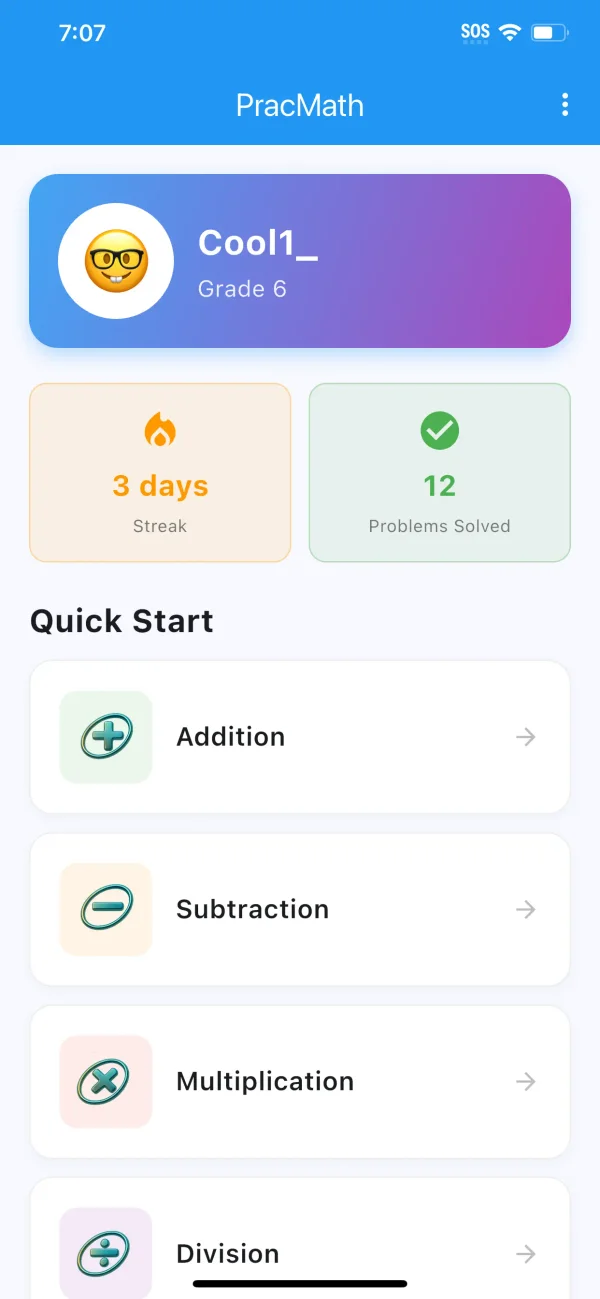
Students can personalize their learning experience by choosing an emoji avatar or uploading a photo from the camera or gallery.
For Parents
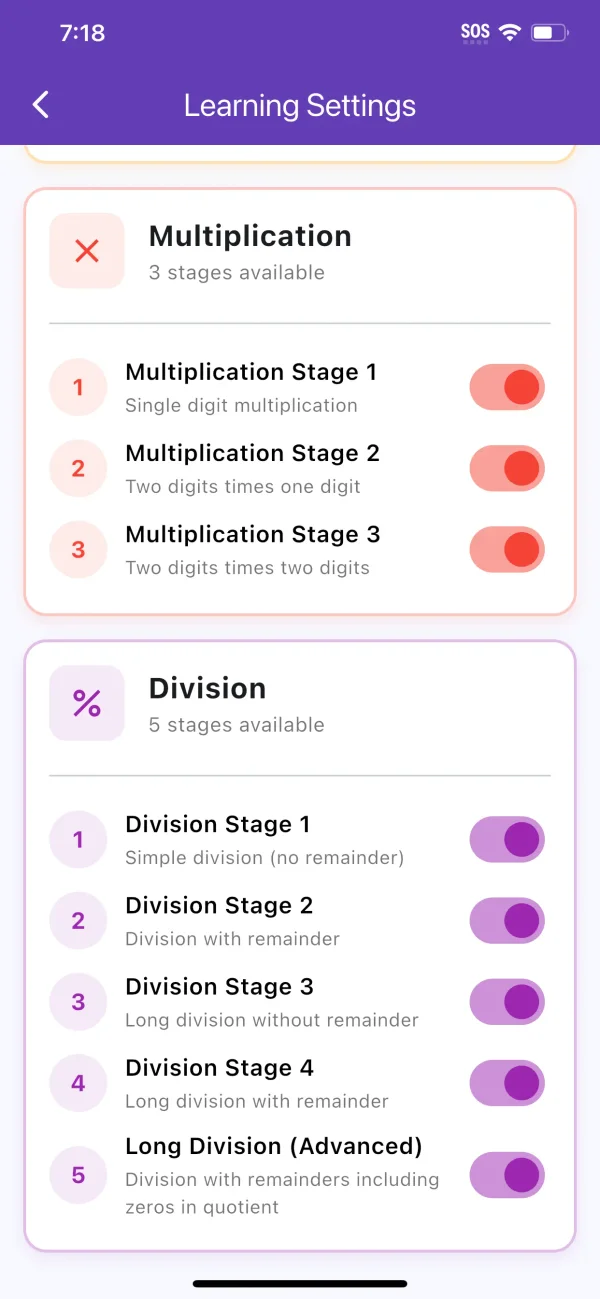
Parents can manage the app securely through a PIN-protected Parent Control Panel to:
• Set the student’s grade level (e.g., Grade 4)
• Choose which operations and stages are available for practice
• Select the language the app is displayed in
Only parents with the PIN can make changes, keeping the learning environment safe, focused, and customized.
アプリのプライバシー
このアプリのデータの取り扱いについて、NYBotがApp Storeで申告している内容です。
-
ユーザーに関連付けられないデータ
収集される場合がありますが、ユーザーの識別情報には関連付けられません。
- 位置情報
- 使用状況データ
プライバシーの取り扱いは、ご利用の機能やお客様の年齢などに応じて異なる場合があります。
情報
- 販売元
- Robojax Inc.
- カテゴリ
- 教育
- バージョン
- 1.0.1
- 更新日
- 2025/11/8
- リリース
- 2025/11/7
- サイズ
- 52.4 MB
- 必要条件
- iOS 13.0以降
- 対象年齢
- 4+
- 価格
- 無料
- 言語
- 英語
- 著作権
- © Copyright NYBot