- Độ tuổi4+
- Danh mụcGiáo Dục
- Nhà phát triểnNYBot
- Ngôn ngữTiếng Anh
- Kích thước52,4 MB
Liên kết đến trang App Store chính thức
Download.org không lưu trữ tệp nào của PracMath. Nút này mở trang ứng dụng trên App Store, nơi NYBot phát hành ứng dụng. Trang được kiểm tra lần cuối: 17/11/2026.
Ảnh chụp màn hình

Giới thiệu
Nhà phát triển chưa cung cấp nội dung này bằng ngôn ngữ của bạn.
Practice addition, subtraction, multiplication and division for grade 1 to grade 6
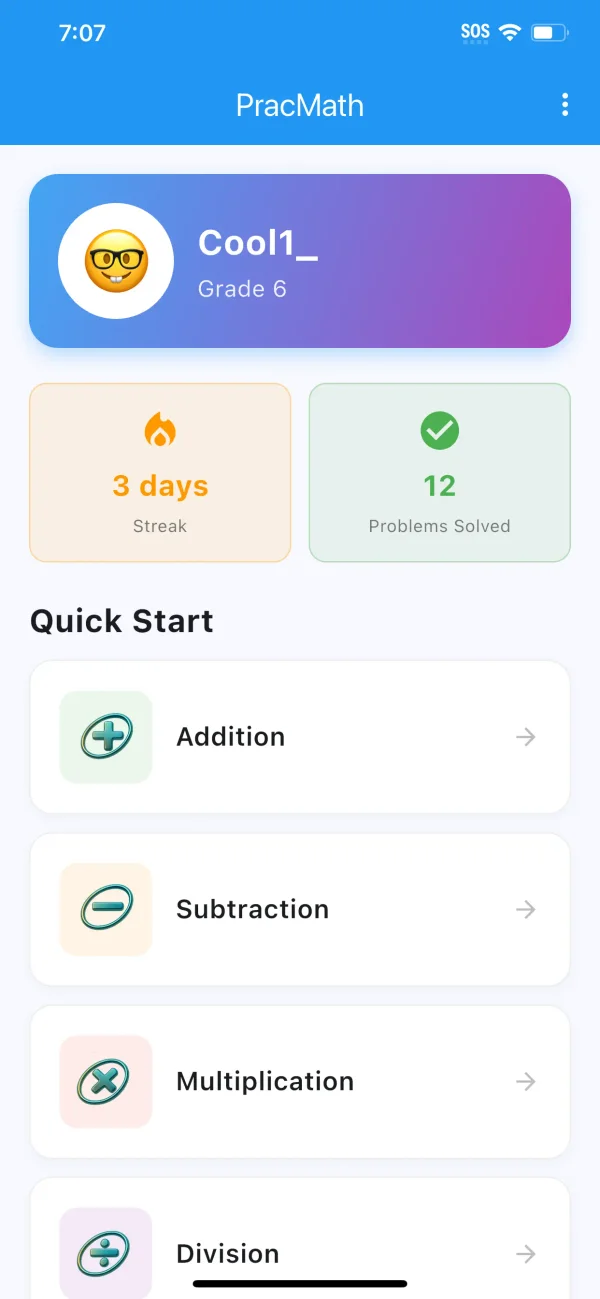
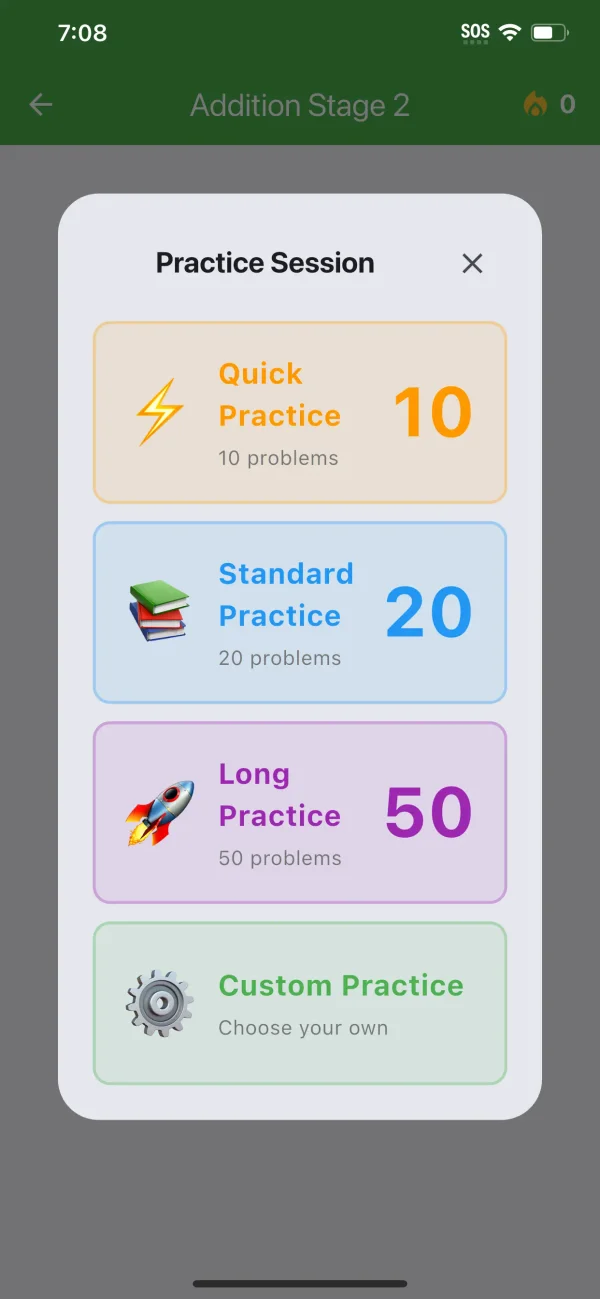
PracMath helps students from Grade 1 to Grade 6 build strong math skills through fun, structured practice sessions for addition, subtraction, multiplication, and division.
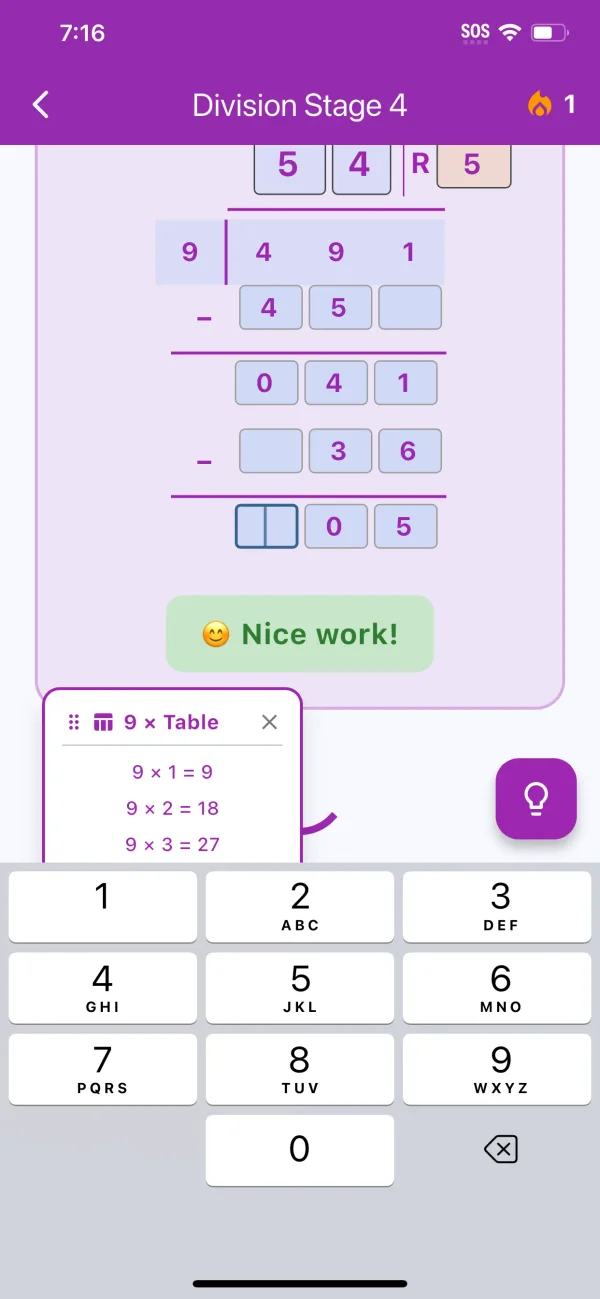
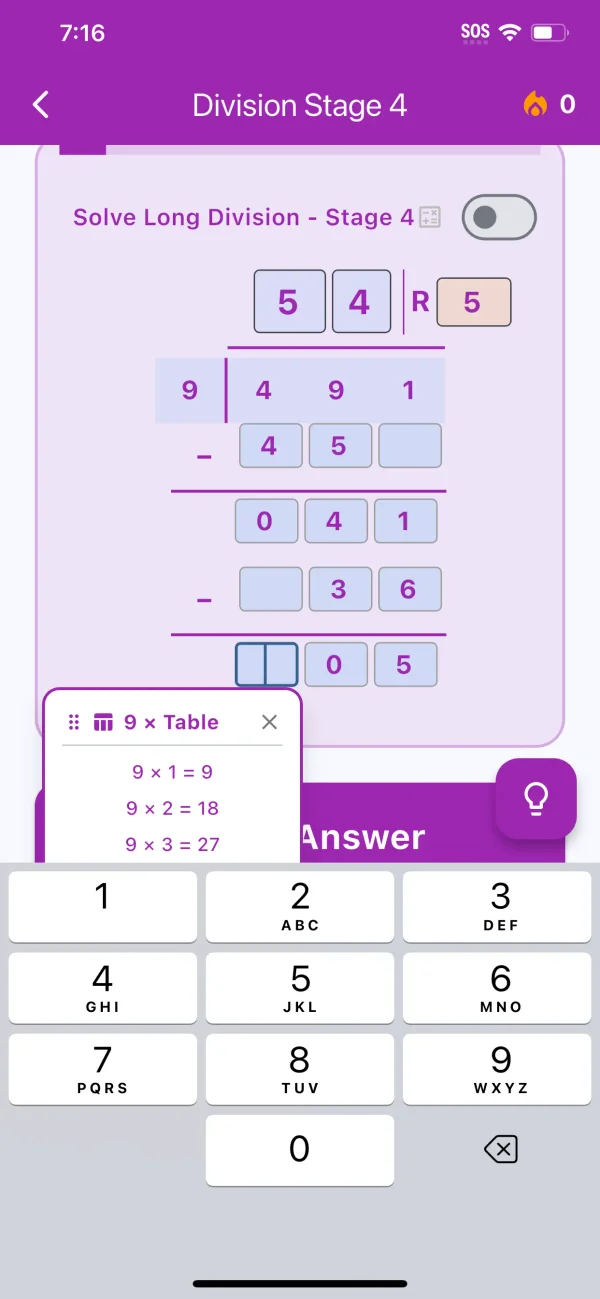
Each operation is divided into progressive stages carefully aligned with grade levels — from simple one-digit exercises to advanced multi-digit and long-division problems.
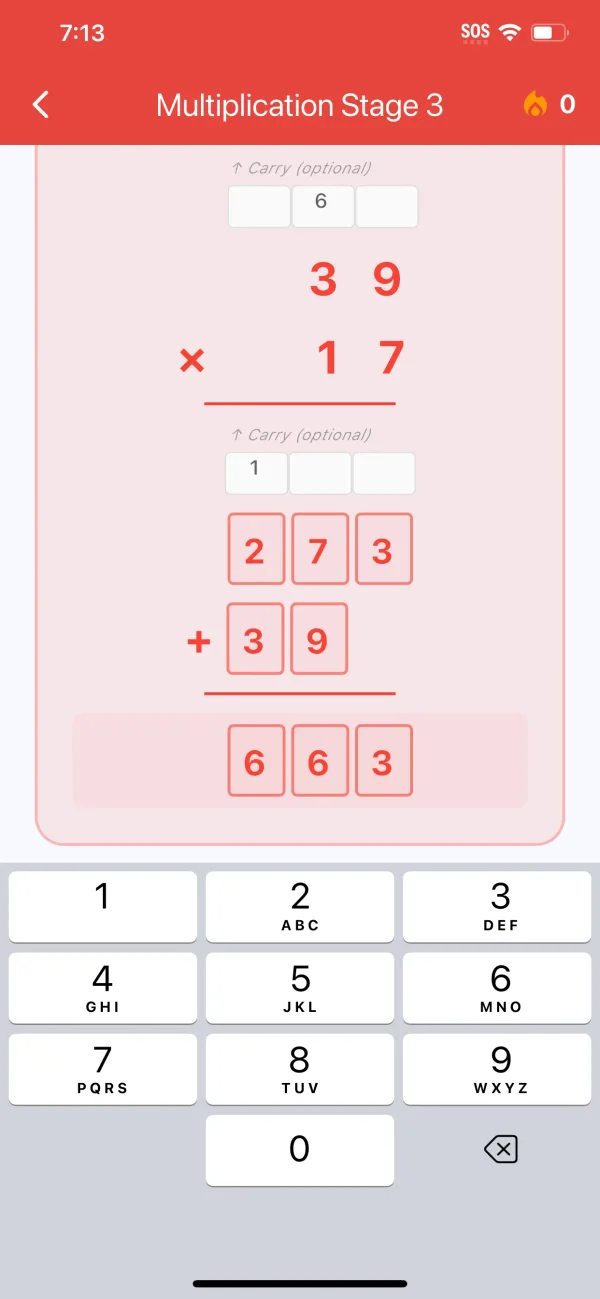
Students can solve questions in horizontal or vertical format, whichever way they prefer.
Addition
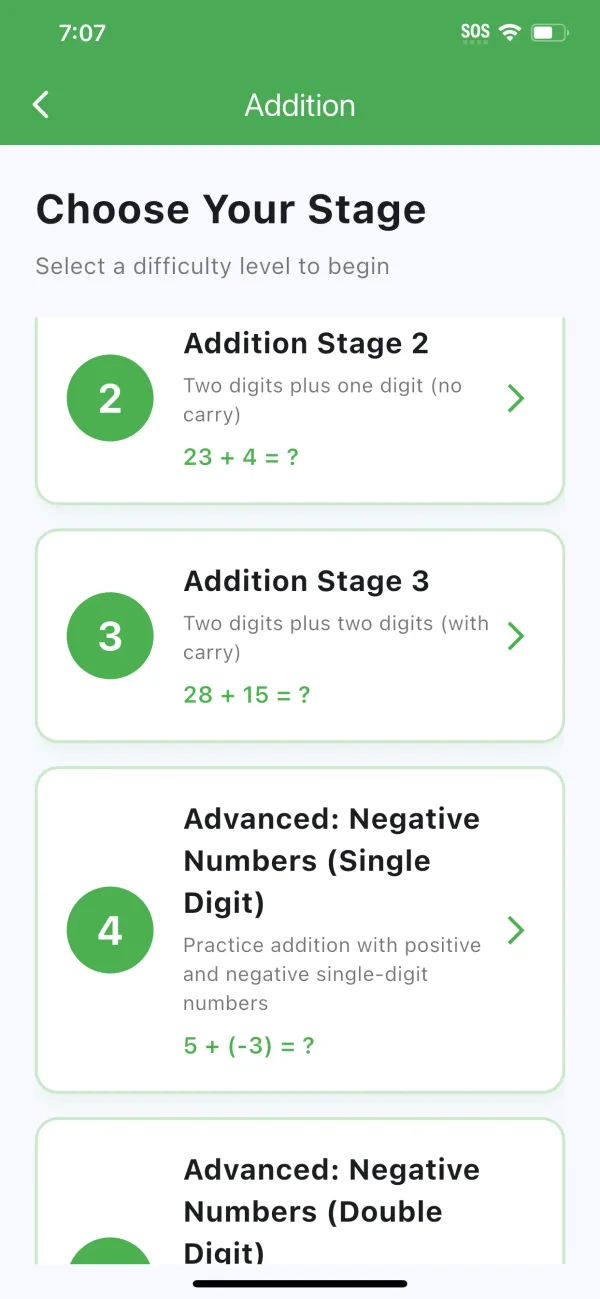
• Stage 1: One-digit + one-digit (e.g., 3 + 5=?)
• Stage 2: Two-digit + one-digit (e.g., 23 + 7=?)
• Stage 3: Two-digit + two-digit with carrying (e.g., 28 + 15=?)
• Stage 4: Advanced negative numbers (e.g., 5 + (-3) =?)
• Stage 5: Advanced negative numbers (e.g., 25 + (-13)=?)
Subtraction
• Stage 1: One-digit – one-digit (e.g., 8 – 3=?)
• Stage 2: Two-digit – one-digit (e.g., 42 – 6=?)
• Stage 3: Two-digit – two-digit (e.g., 58 – 27=?)
• Stage 4: Advanced: Negative numbers (e.g., 5 - (-3) = ?)
• Stage 5: Advanced: Negative numbers (e.g., 25 - (-13) = ?)
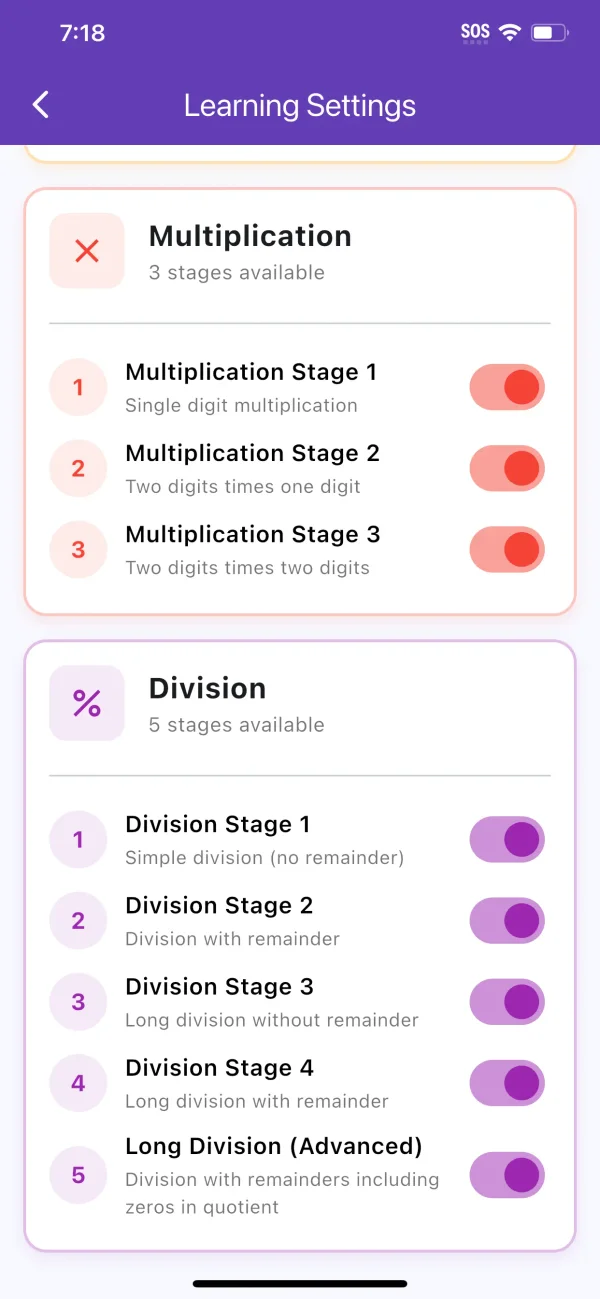
Multiplication
• Stage 1: Single-digit × single-digit (e.g., 5 × 6)
• Stage 2: Two-digit × one-digit (e.g., 23 × 2)
• Stage 3: Two-digit × two-digit (e.g., 34 × 12)
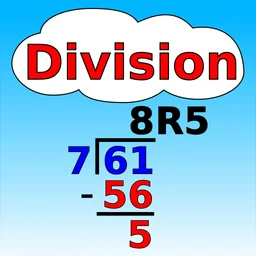
Division
• Stage 1: Division without remainder (e.g., 36 ÷ 3 = 12)
• Stage 2: Division with remainder (e.g., 47 ÷ 7 = 6 R5)
• Stage 3: Long division without remainder (e.g., 234 ÷ 6= 39)
• Stage 4: Long division with remainder (e.g., 235 ÷ 6= 39 R1)
• Stage 5: Long division advanced with zero in quotient (e.g., 913 ÷ 3= 304 R1)
Students can personalize their learning experience by choosing an emoji avatar or uploading a photo from the camera or gallery.
For Parents
Parents can manage the app securely through a PIN-protected Parent Control Panel to:
• Set the student’s grade level (e.g., Grade 4)
• Choose which operations and stages are available for practice
• Select the language the app is displayed in
Only parents with the PIN can make changes, keeping the learning environment safe, focused, and customized.
Quyền riêng tư của ứng dụng
Những gì NYBot khai báo trên App Store về cách ứng dụng này xử lý dữ liệu.
-
Dữ liệu không liên kết với bạn
Có thể được thu thập nhưng không liên kết với danh tính của bạn.
- Vị trí
- Dữ liệu sử dụng
Phương thức đảm bảo quyền riêng tư có thể khác nhau, chẳng hạn như tuỳ theo các tính năng bạn sử dụng hoặc độ tuổi của bạn.
Thông tin
- Người bán
- Robojax Inc.
- Danh mục
- Giáo Dục
- Phiên bản
- 1.0.1
- Cập nhật
- 08/11/2025
- Phát hành
- 07/11/2025
- Kích thước
- 52,4 MB
- Yêu cầu
- iOS 13.0 trở lên
- Độ tuổi
- 4+
- Giá
- Miễn phí
- Ngôn ngữ
- Tiếng Anh
- Bản quyền
- © Copyright NYBot