Presenter PDF
Present PDF slide decks
Entwickelt für iPhone, iPad, Mac
Kostenlos · In-App-Käufe
- Altersfreigabe4+
- KategorieDienstprogramme
- EntwicklerMichel Anderson Lutz Teixeira
- SprachenEnglisch+ 1 weitere
- Größe7,1 MB
Verlinkt auf die offizielle App Store-Seite
Download.org hostet keine Datei von Presenter PDF. Die Schaltfläche öffnet die App-Seite bei App Store, wo Michel Anderson Lutz Teixeira die App veröffentlicht. Eintrag zuletzt geprüft am 25.11.2026.
Screenshots
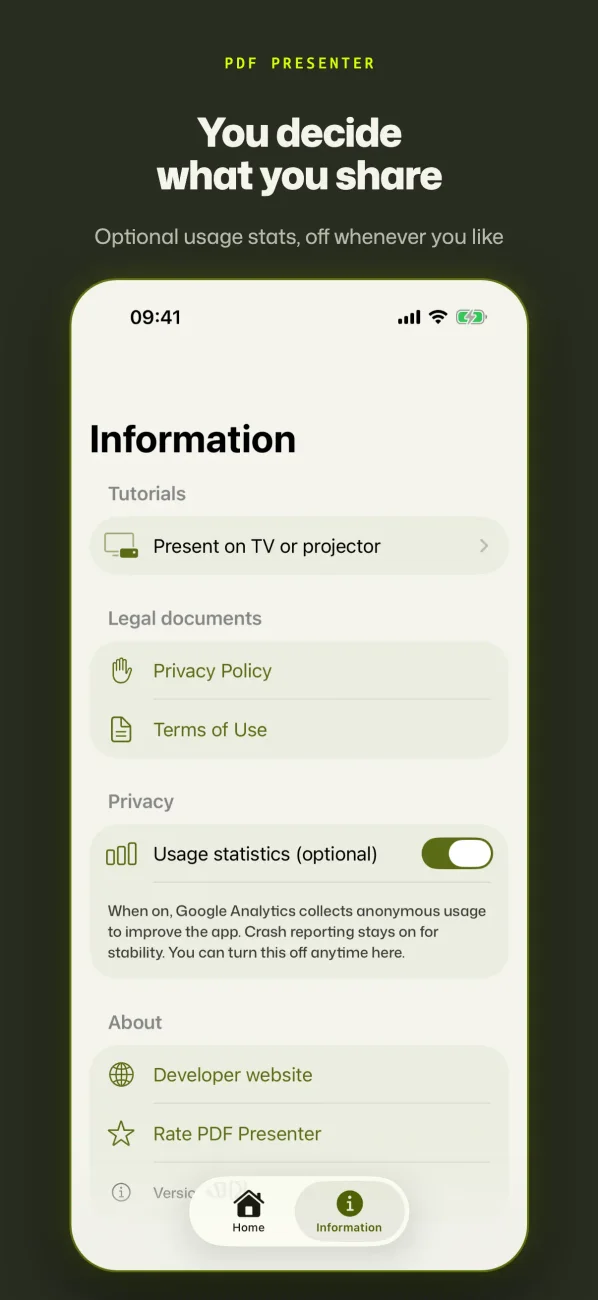
Info
Der Entwickler hat diesen Text nicht in Ihrer Sprache bereitgestellt.
Turn exported PDF decks into a focused presentation, without rebuilding slides in another app.
PDF Presenter is built for talks, classes and meetings when your slides already live in a PDF from Keynote, PowerPoint or any export tool. Open a file, go fullscreen and move through the pages with confidence.
PRESENT LIKE A PRO
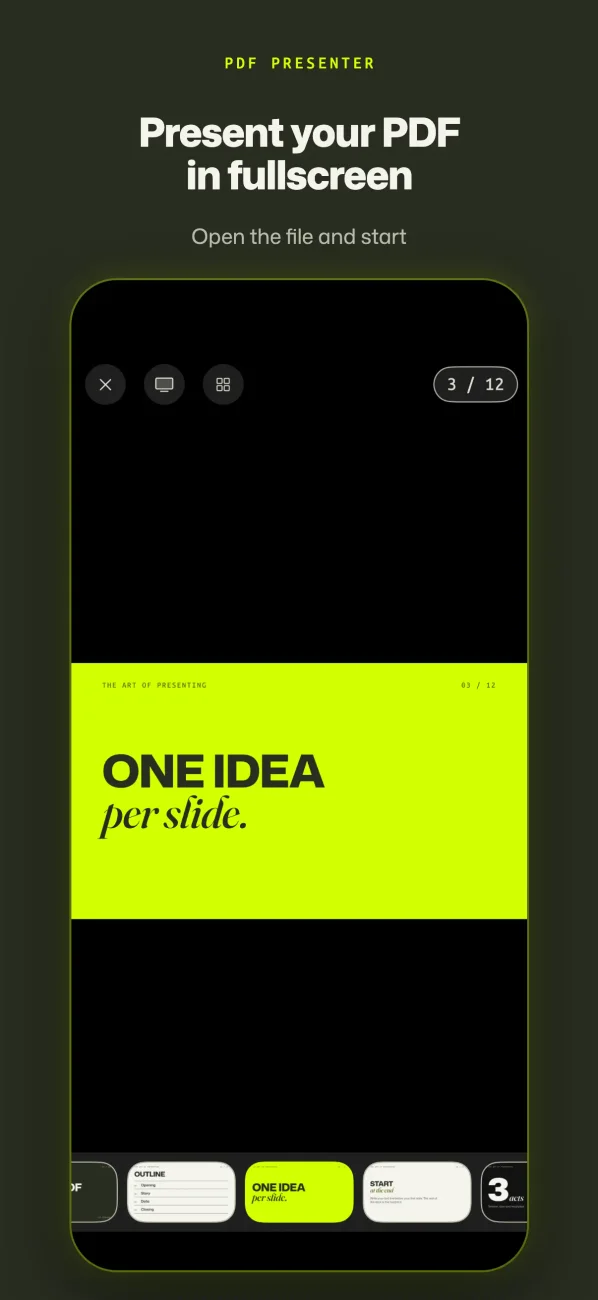
• Fullscreen slides with a clear slide counter
• Arrow keys, Space, Page Up/Down, presentation remotes and swipe gestures
• Tap the left or right edge of the screen to go back or forward
• Controls fade away after a few seconds and come back with a tap
FIND ANY SLIDE
• Thumbnail strip to jump straight to a slide
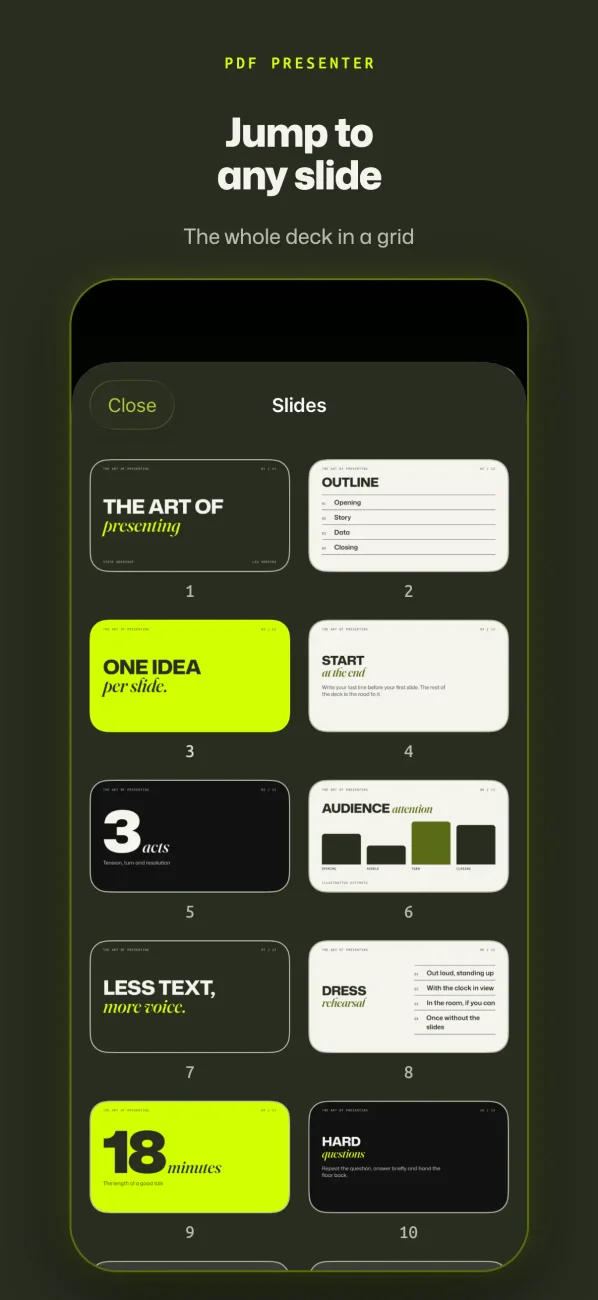
• Overview grid of the whole deck
PRESENTER CONSOLE
• On iPad, Mac and iPhone Duo unfolded: the current slide on one side; the next slide, a timer and thumbnails on the other
• Included in the free plan
OPEN DECKS YOUR WAY
• Import PDFs with the system file picker, or open them from other apps
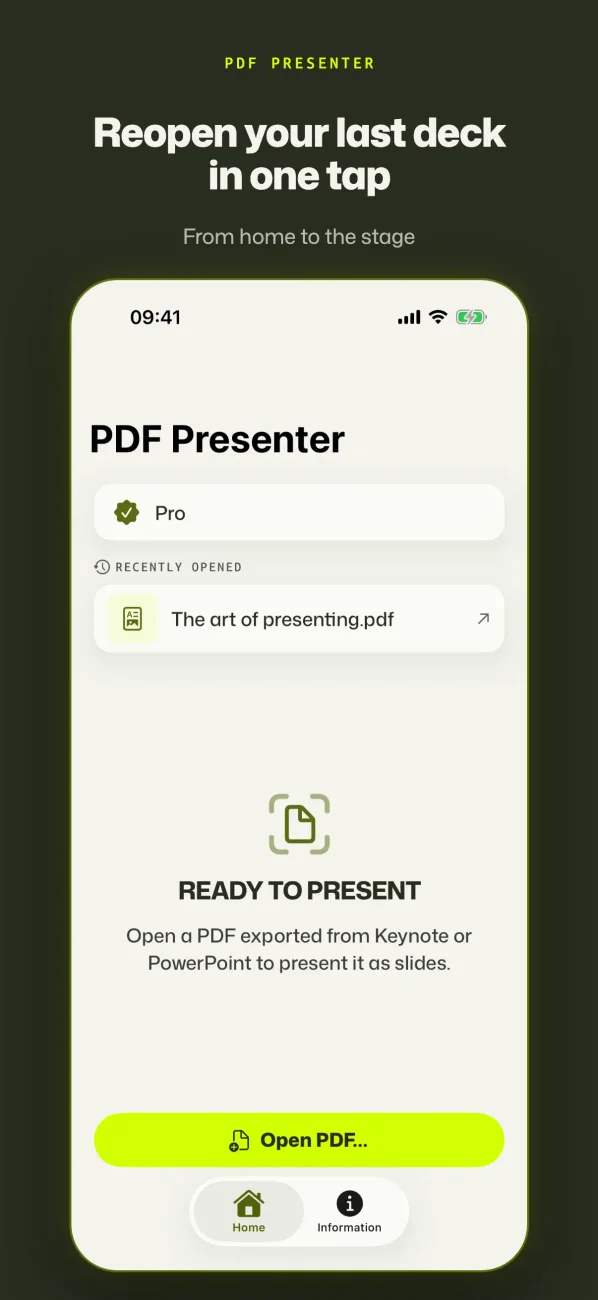
• Reopen your last deck in one tap (Free); Pro keeps up to 5 recent decks on this device
MADE FOR IPHONE, IPAD AND MAC
• Native on iOS, iPadOS and macOS, with a layout that adapts to the space it has: Split View, iPhone Duo folded or unfolded, a resized Mac window
• ⌘O opens a PDF on Mac
• Follows Dynamic Type, Reduce Motion and Reduce Transparency
FREE TO TRY, PRO TO GO FURTHER
• Free: the first 20 slides of any deck
• PDF Presenter Pro: unlimited slides, up to 5 recent decks on the home screen, and external display presentation. Send your slides to a TV, projector or monitor by cable or AirPlay; they fill the external screen while the controls stay on your device. Requires a second display supported by the system.
PRIVACY
• Your PDFs stay on your device
• Usage statistics are on by default and can be turned off in the welcome screens or in the Information tab; crash reports are always on
• Privacy policy and terms inside the app
Subscriptions are managed through your Apple Account. Restore purchases anytime from the upgrade screen.
Terms of Use (EULA): https://www.apple.com/legal/internet-services/itunes/dev/stdeula/
PDF Presenter terms: https://pdf-presenter.micheltlutz.me/terms
Privacy Policy: https://pdf-presenter.micheltlutz.me/privacy
Neue Funktionen
Version 2.0 · 24.11.2026
PDF Presenter 2.0 is a new stage for your slides.
• New look on iPhone, iPad and Mac, in light and dark
• Thumbnail strip and an overview grid to jump to any slide
• Presenter console on iPad, Mac and iPhone Duo unfolded: the next slide, a timer and thumbnails beside the current slide
• Layout that adapts to iPhone Duo, folded and unfolded
• Controls that step aside while you present
• Smoother slide changes, and less motion when Reduce Motion is on
• Larger text sizes work across the app
App-Datenschutz
Was Michel Anderson Lutz Teixeira im App Store zum Umgang dieser App mit Daten angibt.
-
Nicht mit Ihnen verknüpfte Daten
Können erfasst werden, sind aber nicht mit Ihrer Identität verknüpft.
- Nutzungsdaten
- Diagnose
Die Datenschutzpraktiken können variieren, zum Beispiel je nach den von Ihnen verwendeten Funktionen oder Ihrem Alter.
Informationen
- Anbieter
- Michel Anderson Lutz Teixeira
- Kategorie
- Dienstprogramme
- Version
- 2.0
- Aktualisiert
- 24.11.2026
- Veröffentlicht
- 04.06.2026
- Größe
- 7,1 MB
- Erfordert
- iOS 18.6 oder neuer
- Altersfreigabe
- 4+
- Preis
- Kostenlos
- In-App-Käufe
- Ja
- Sprachen
- Englisch, Portugiesisch
- Copyright
- © Michel Anderson Lutz Teixeira
Das könnte Ihnen auch gefallen
-
 UP2, Unassuming Presentation 2Dienstprogramme
-
 UBR TELECOMDienstprogramme
-
 Phone Clean Kit - Storage ProDienstprogramme
-
 PhenoTyperDienstprogramme
-
 Ortal Electric FireplaceDienstprogramme
-
 Remote for ProPresenterDienstprogramme
-
 Alarm Clock - Wake Force AlarmDienstprogramme
-
 Hands: Analoguhr-WidgetsWetter & Uhr selbst gestalten
-
 Notation MasterDienstprogramme
-
 TelePrompter - Dialog-MeisterSchwebende Skript-Anzeige