Presenter PDF
Present PDF slide decks
Conçue pour iPhone, iPad, Mac
Gratuit · Achats intégrés
- Classification d’âge4+
- CatégorieUtilitaires
- DéveloppeurMichel Anderson Lutz Teixeira
- LanguesAnglais+ 1 de plus
- Taille7,1 Mo
Renvoie vers la page App Store officielle
Download.org n’héberge aucun fichier de Presenter PDF. Le bouton ouvre la page de l’application sur App Store, où Michel Anderson Lutz Teixeira la publie. Fiche vérifiée pour la dernière fois le 25/11/2026.
Captures d’écran
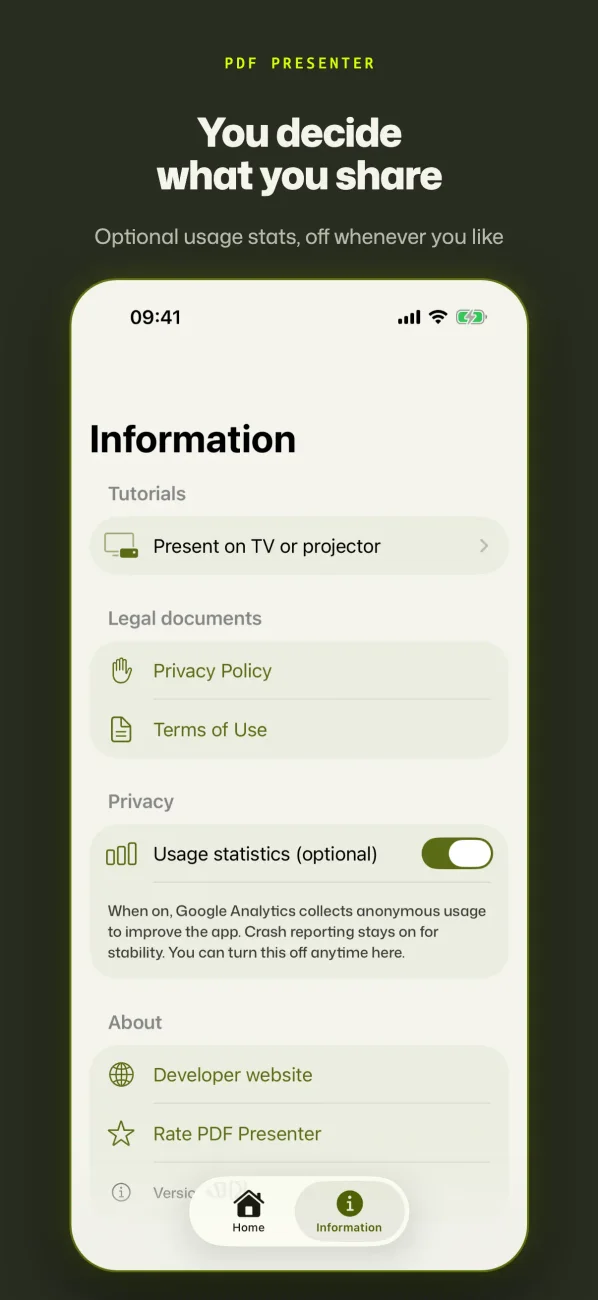
À propos
Le développeur n’a pas fourni ce texte dans votre langue.
Turn exported PDF decks into a focused presentation, without rebuilding slides in another app.
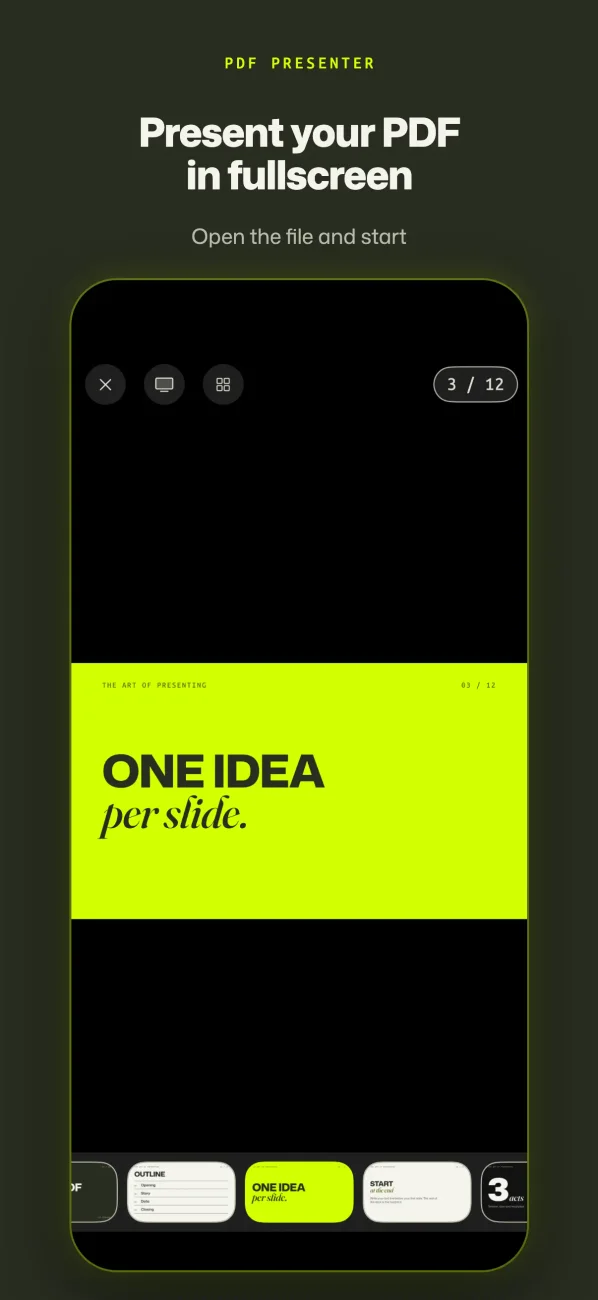
PDF Presenter is built for talks, classes and meetings when your slides already live in a PDF from Keynote, PowerPoint or any export tool. Open a file, go fullscreen and move through the pages with confidence.
PRESENT LIKE A PRO
• Fullscreen slides with a clear slide counter
• Arrow keys, Space, Page Up/Down, presentation remotes and swipe gestures
• Tap the left or right edge of the screen to go back or forward
• Controls fade away after a few seconds and come back with a tap
FIND ANY SLIDE
• Thumbnail strip to jump straight to a slide
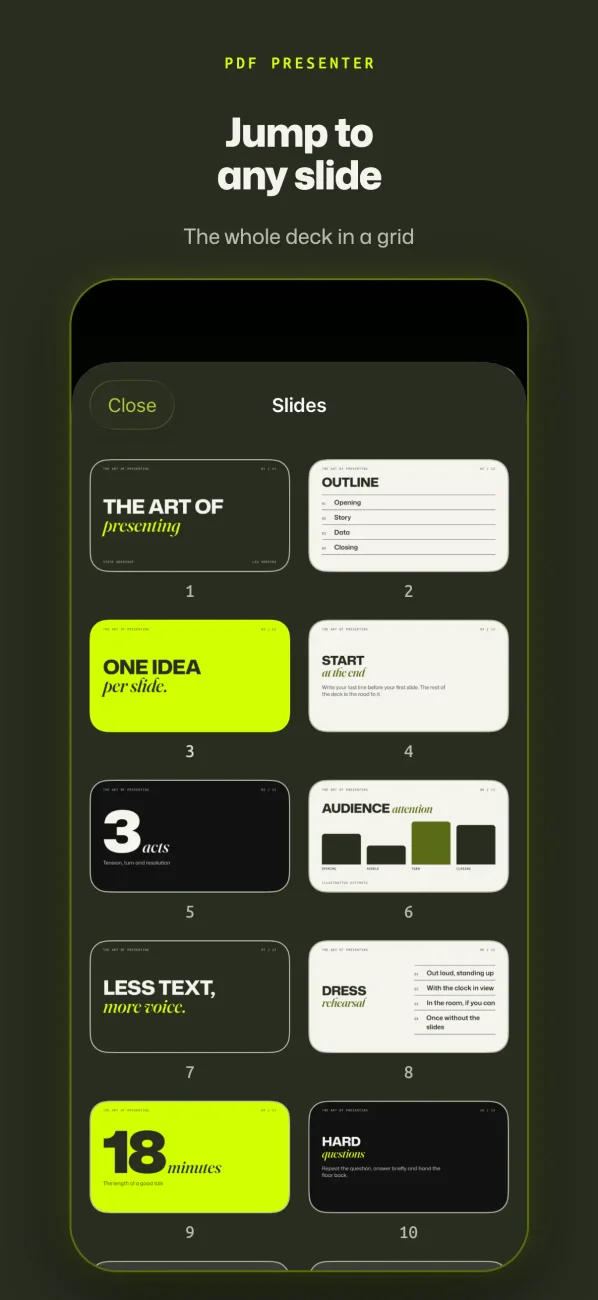
• Overview grid of the whole deck
PRESENTER CONSOLE
• On iPad, Mac and iPhone Duo unfolded: the current slide on one side; the next slide, a timer and thumbnails on the other
• Included in the free plan
OPEN DECKS YOUR WAY
• Import PDFs with the system file picker, or open them from other apps
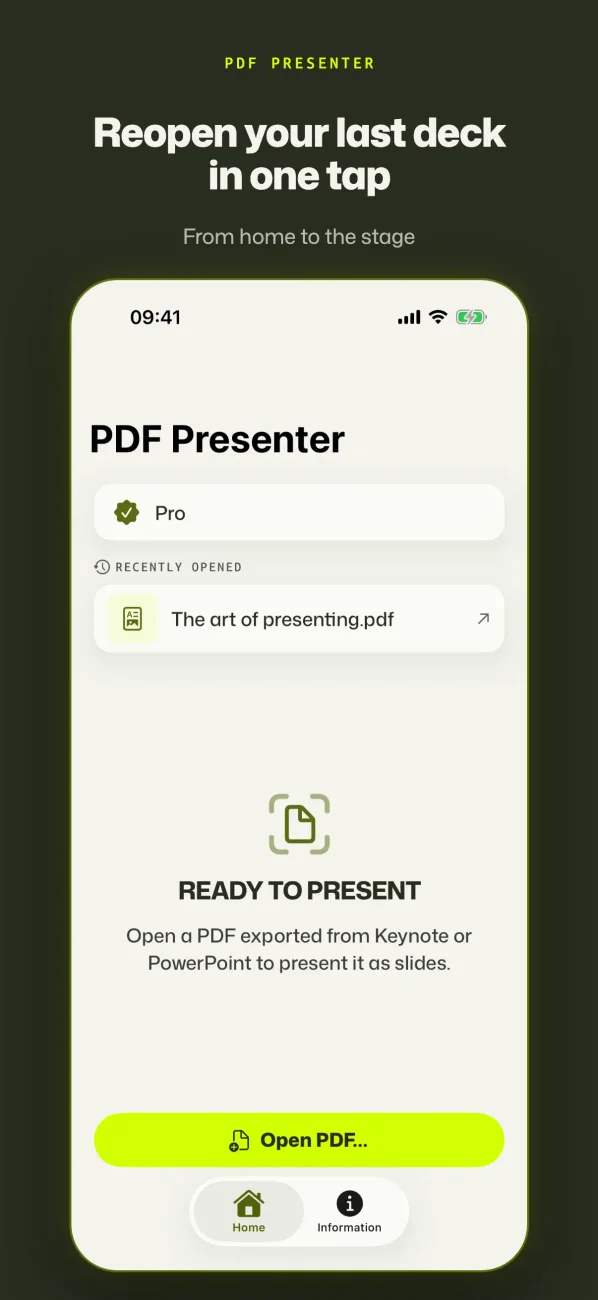
• Reopen your last deck in one tap (Free); Pro keeps up to 5 recent decks on this device
MADE FOR IPHONE, IPAD AND MAC
• Native on iOS, iPadOS and macOS, with a layout that adapts to the space it has: Split View, iPhone Duo folded or unfolded, a resized Mac window
• ⌘O opens a PDF on Mac
• Follows Dynamic Type, Reduce Motion and Reduce Transparency
FREE TO TRY, PRO TO GO FURTHER
• Free: the first 20 slides of any deck
• PDF Presenter Pro: unlimited slides, up to 5 recent decks on the home screen, and external display presentation. Send your slides to a TV, projector or monitor by cable or AirPlay; they fill the external screen while the controls stay on your device. Requires a second display supported by the system.
PRIVACY
• Your PDFs stay on your device
• Usage statistics are on by default and can be turned off in the welcome screens or in the Information tab; crash reports are always on
• Privacy policy and terms inside the app
Subscriptions are managed through your Apple Account. Restore purchases anytime from the upgrade screen.
Terms of Use (EULA): https://www.apple.com/legal/internet-services/itunes/dev/stdeula/
PDF Presenter terms: https://pdf-presenter.micheltlutz.me/terms
Privacy Policy: https://pdf-presenter.micheltlutz.me/privacy
Nouveautés
Version 2.0 · 24/11/2026
PDF Presenter 2.0 is a new stage for your slides.
• New look on iPhone, iPad and Mac, in light and dark
• Thumbnail strip and an overview grid to jump to any slide
• Presenter console on iPad, Mac and iPhone Duo unfolded: the next slide, a timer and thumbnails beside the current slide
• Layout that adapts to iPhone Duo, folded and unfolded
• Controls that step aside while you present
• Smoother slide changes, and less motion when Reduce Motion is on
• Larger text sizes work across the app
Confidentialité de l’application
Ce que Michel Anderson Lutz Teixeira déclare sur l’App Store au sujet du traitement des données par cette application.
-
Données n’établissant aucun lien avec vous
Peuvent être collectées, mais ne sont pas liées à votre identité.
- Données d’utilisation
- Diagnostic
Les pratiques en matière de confidentialité peuvent varier, notamment en fonction des fonctionnalités que vous utilisez ou de votre âge.
Informations
- Vendeur
- Michel Anderson Lutz Teixeira
- Catégorie
- Utilitaires
- Version
- 2.0
- Mis à jour
- 24/11/2026
- Publié
- 04/06/2026
- Taille
- 7,1 Mo
- Nécessite
- iOS 18.6 ou version ultérieure
- Classification d’âge
- 4+
- Prix
- Gratuit
- Achats intégrés
- Oui
- Langues
- Anglais, Portugais
- Copyright
- © Michel Anderson Lutz Teixeira
Vous aimerez peut-être aussi
-
 UP2, Unassuming Presentation 2Utilitaires
-
 UBR TELECOMUtilitaires
-
 Phone Clean Kit - Storage ProUtilitaires
-
 PhenoTyperUtilitaires
-
 Ortal Electric FireplaceUtilitaires
-
 Remote for ProPresenterUtilitaires
-
 Alarm Clock - Wake Force AlarmUtilitaires
-
 Hands: Horloges AnalogiquesWidgets Météo et Horloge
-
 Notation MasterUtilitaires
-
 Téléprompteur MaîtreIncitateur de script flottant