- 対象年齢4+
- カテゴリユーティリティ
- 開発元Michel Anderson Lutz Teixeira
- 言語英語ほか1言語
- サイズ7.1 MB
App Storeの公式ページにリンクしています
Download.orgはPresenter PDFのファイルを一切ホストしていません。ボタンを押すと、Michel Anderson Lutz Teixeiraが公開しているApp Storeのアプリページが開きます。ページの最終確認:2026/11/25。
スクリーンショット
概要
開発元はこのテキストをお使いの言語で提供していません。
Turn exported PDF decks into a focused presentation, without rebuilding slides in another app.
PDF Presenter is built for talks, classes and meetings when your slides already live in a PDF from Keynote, PowerPoint or any export tool. Open a file, go fullscreen and move through the pages with confidence.
PRESENT LIKE A PRO
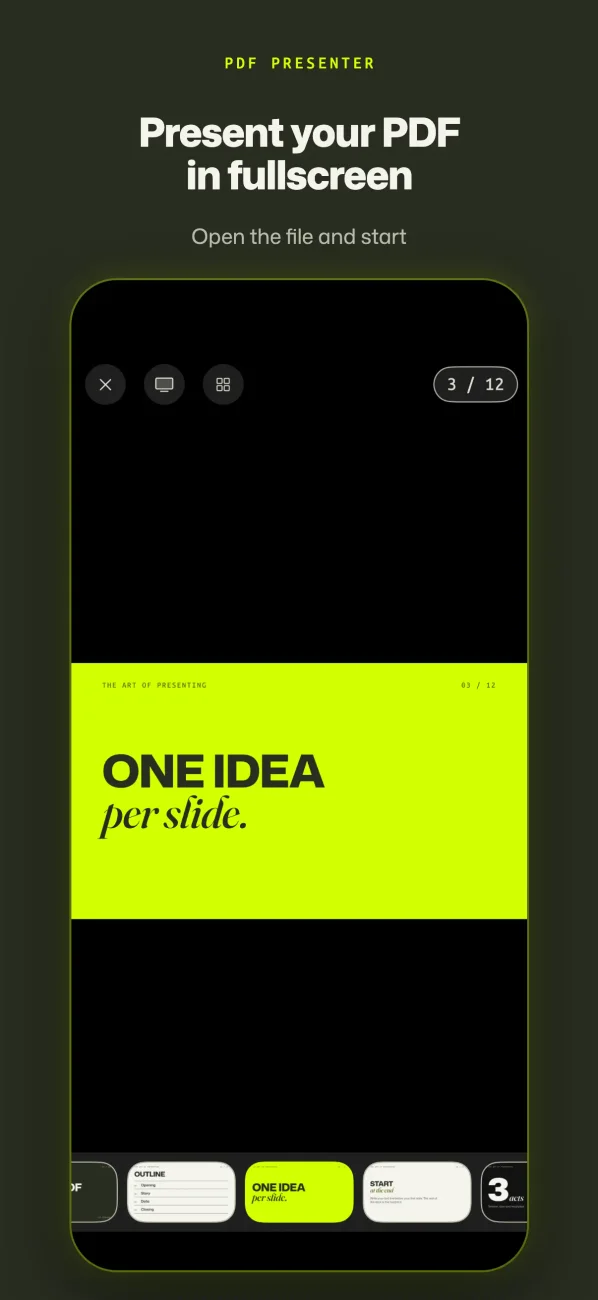
• Fullscreen slides with a clear slide counter
• Arrow keys, Space, Page Up/Down, presentation remotes and swipe gestures
• Tap the left or right edge of the screen to go back or forward
• Controls fade away after a few seconds and come back with a tap
FIND ANY SLIDE
• Thumbnail strip to jump straight to a slide
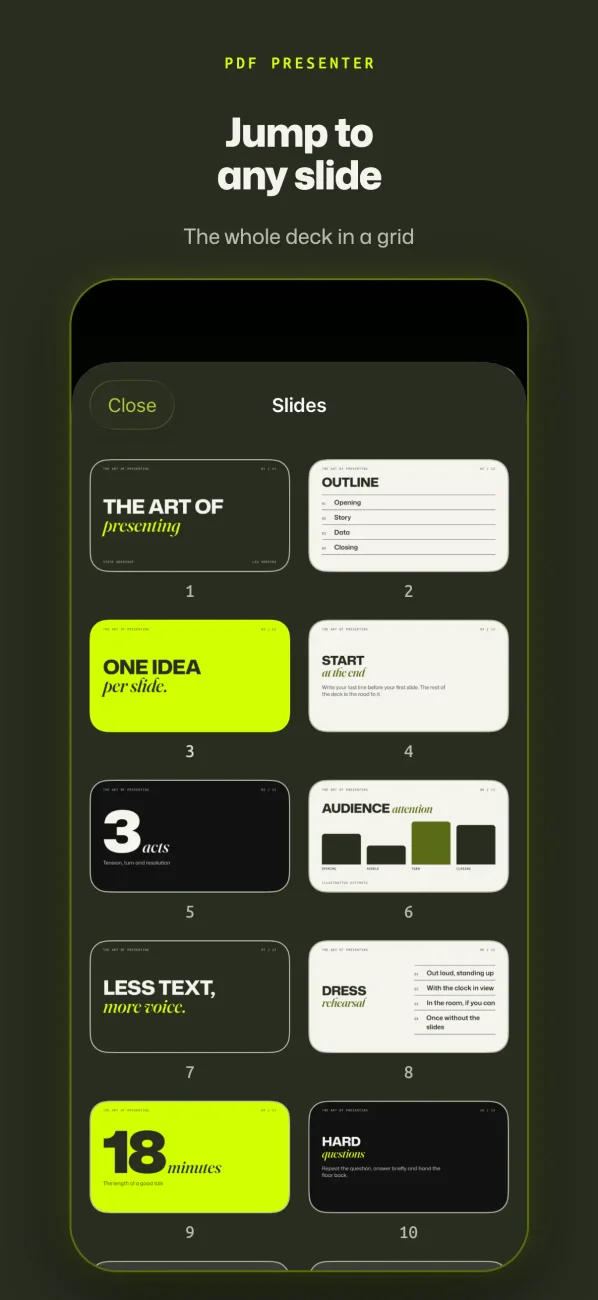
• Overview grid of the whole deck
PRESENTER CONSOLE
• On iPad, Mac and iPhone Duo unfolded: the current slide on one side; the next slide, a timer and thumbnails on the other
• Included in the free plan
OPEN DECKS YOUR WAY
• Import PDFs with the system file picker, or open them from other apps
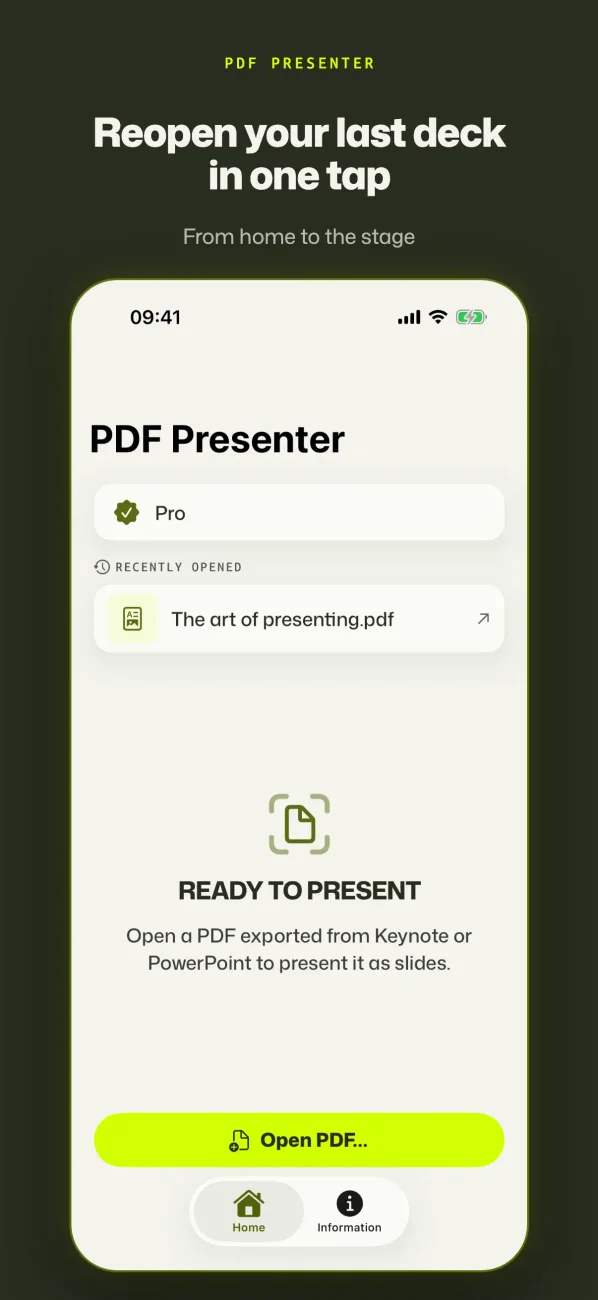
• Reopen your last deck in one tap (Free); Pro keeps up to 5 recent decks on this device
MADE FOR IPHONE, IPAD AND MAC
• Native on iOS, iPadOS and macOS, with a layout that adapts to the space it has: Split View, iPhone Duo folded or unfolded, a resized Mac window
• ⌘O opens a PDF on Mac
• Follows Dynamic Type, Reduce Motion and Reduce Transparency
FREE TO TRY, PRO TO GO FURTHER
• Free: the first 20 slides of any deck
• PDF Presenter Pro: unlimited slides, up to 5 recent decks on the home screen, and external display presentation. Send your slides to a TV, projector or monitor by cable or AirPlay; they fill the external screen while the controls stay on your device. Requires a second display supported by the system.
PRIVACY
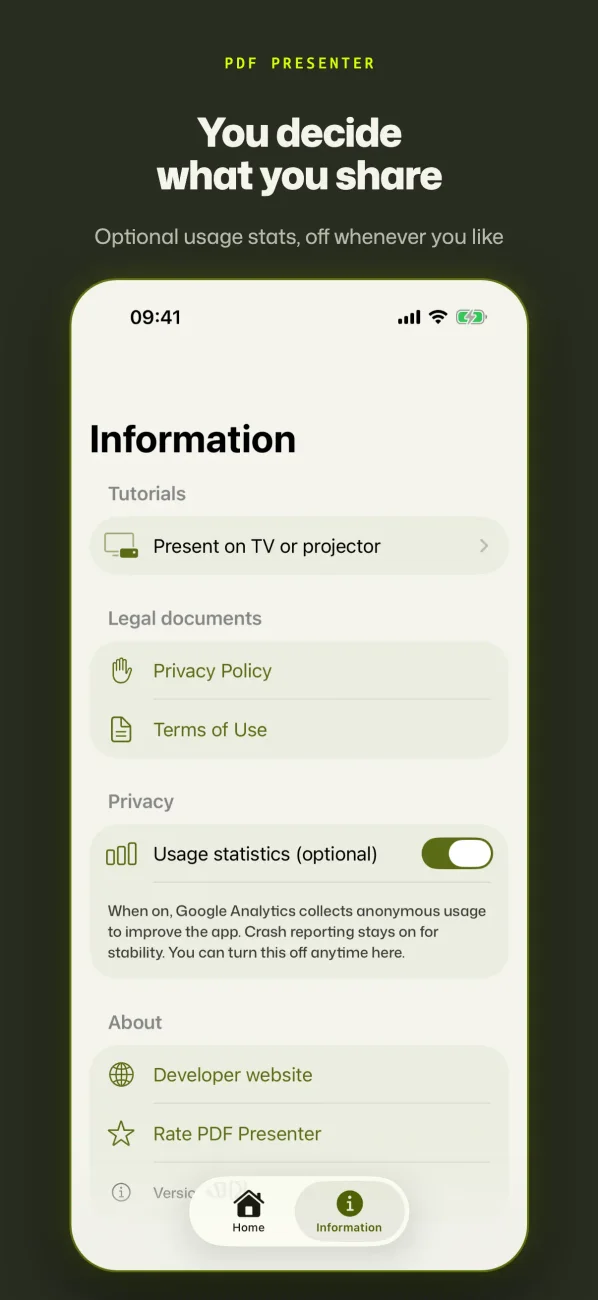
• Your PDFs stay on your device
• Usage statistics are on by default and can be turned off in the welcome screens or in the Information tab; crash reports are always on
• Privacy policy and terms inside the app
Subscriptions are managed through your Apple Account. Restore purchases anytime from the upgrade screen.
Terms of Use (EULA): https://www.apple.com/legal/internet-services/itunes/dev/stdeula/
PDF Presenter terms: https://pdf-presenter.micheltlutz.me/terms
Privacy Policy: https://pdf-presenter.micheltlutz.me/privacy
新機能
バージョン 2.0 · 2026/11/24
PDF Presenter 2.0 is a new stage for your slides.
• New look on iPhone, iPad and Mac, in light and dark
• Thumbnail strip and an overview grid to jump to any slide
• Presenter console on iPad, Mac and iPhone Duo unfolded: the next slide, a timer and thumbnails beside the current slide
• Layout that adapts to iPhone Duo, folded and unfolded
• Controls that step aside while you present
• Smoother slide changes, and less motion when Reduce Motion is on
• Larger text sizes work across the app
アプリのプライバシー
このアプリのデータの取り扱いについて、Michel Anderson Lutz TeixeiraがApp Storeで申告している内容です。
-
ユーザーに関連付けられないデータ
収集される場合がありますが、ユーザーの識別情報には関連付けられません。
- 使用状況データ
- 診断
プライバシーの取り扱いは、ご利用の機能やお客様の年齢などに応じて異なる場合があります。
情報
- 販売元
- Michel Anderson Lutz Teixeira
- カテゴリ
- ユーティリティ
- バージョン
- 2.0
- 更新日
- 2026/11/24
- リリース
- 2026/6/4
- サイズ
- 7.1 MB
- 必要条件
- iOS 18.6以降
- 対象年齢
- 4+
- 価格
- 無料
- アプリ内課金
- あり
- 言語
- 英語, ポルトガル語
- 著作権
- © Michel Anderson Lutz Teixeira
こちらもおすすめ
-
 UP2, Unassuming Presentation 2Make a presentation simply
-
 UBR TELECOMユーティリティ
-
 Phone Clean Kit - Storage Proユーティリティ
-
 PhenoTyperユーティリティ
-
 Ortal Electric Fireplaceユーティリティ
-
 Remote for ProPresenterユーティリティ
-
 Alarm Clock - Wake Force Alarmユーティリティ
-
 Hands: アナログ時計ウィジェット天気と時計を自分らしくデザイン
-
 Notation Masterユーティリティ
-
 テレプロンプター - 台詞マスターフローティングスクリプトプロンプター