Print 2 Ship
Crop & print shipping labels
Entwickelt für iPhone, iPad, Mac
Kostenlos · In-App-Käufe
- Altersfreigabe4+
- KategorieProduktivität
- EntwicklerBoone Tom
- SprachenEnglisch+ 2 weitere
- Größe11,4 MB
Verlinkt auf die offizielle App Store-Seite
Download.org hostet keine Datei von Print 2 Ship. Die Schaltfläche öffnet die App-Seite bei App Store, wo Boone Tom die App veröffentlicht. Eintrag zuletzt geprüft am 14.11.2026.
Screenshots

Info
Der Entwickler hat diesen Text nicht in Ihrer Sprache bereitgestellt.
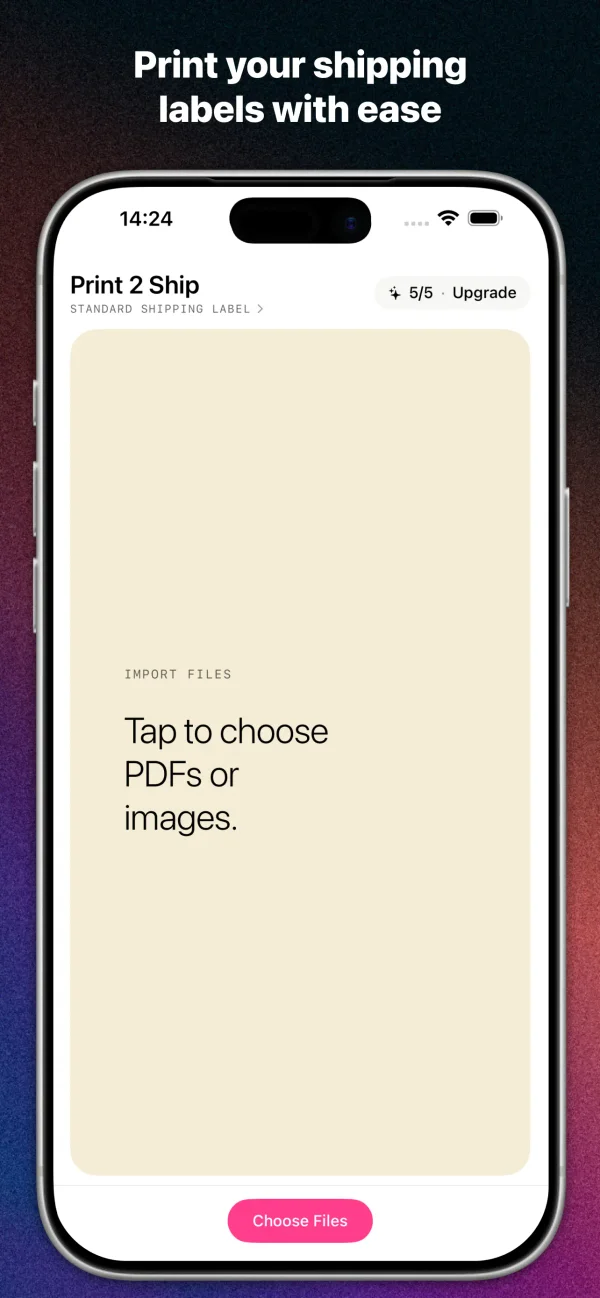
Print 2 Ship turns any shipping-label PDF into a print-ready file. No more screenshot-and-crop, no more labels landing crooked on the sticker.
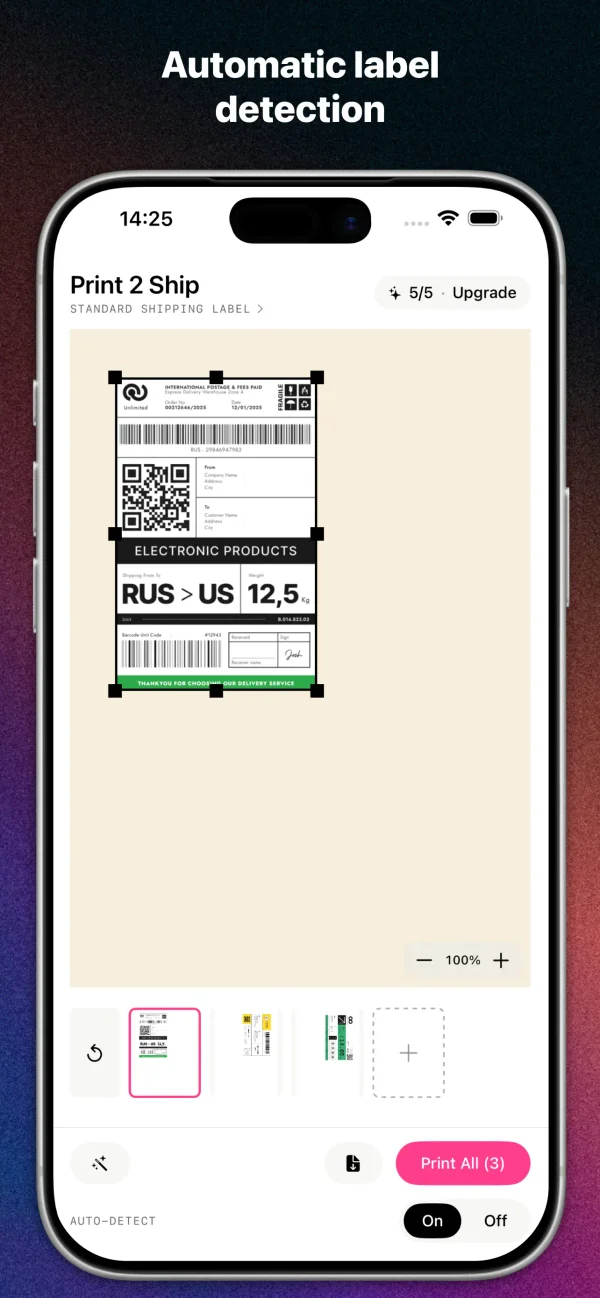
Drop a PDF or image from PostNL, bpost, USPS, FedEx, DHL, Shopify, Etsy — any carrier — into the app. The label area is detected automatically, you tweak the crop if needed, and everything prints in one go — on a 4×6 thermal label printer, an inkjet, a laser printer, on A4 or Letter sheets, or at a custom size you define. Ideal for online shops, freelancers, and makers shipping packages daily.
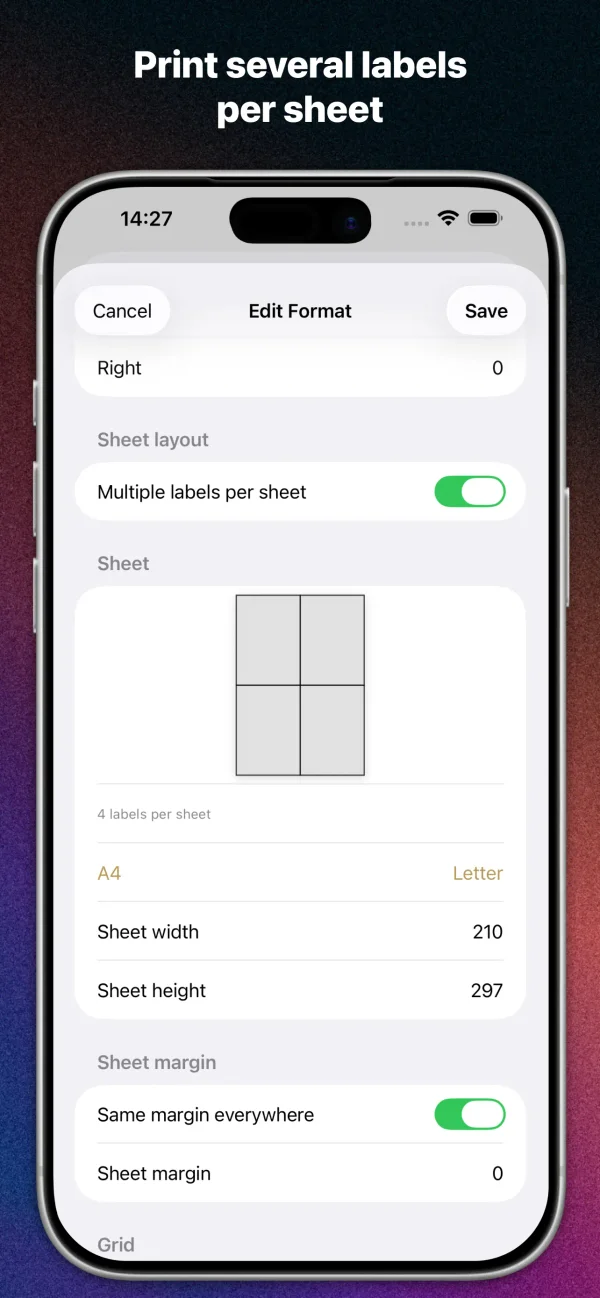
MULTIPLE LABELS PER SHEET
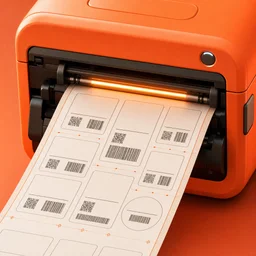
No label printer? Print on plain sheets instead. Set up a grid — 2 × 5 address labels on A4, for example — with your own sheet margins and spacing. A live preview shows exactly where every label lands, and label size can adjust itself so the grid fits the sheet perfectly.
Already used part of a label sheet? Mark the used or missing label positions on the first sheet. The app skips them when printing or exporting a PDF, even when the positions are not next to each other.
WHAT THE APP DOES
• Drag-and-drop PDFs and images — multi-page PDFs are split into individual labels automatically
• Auto-detection of the label area, with a manual crop overlay for the edge cases
• Zoom and pan while cropping, so you can fine-tune down to the millimetre
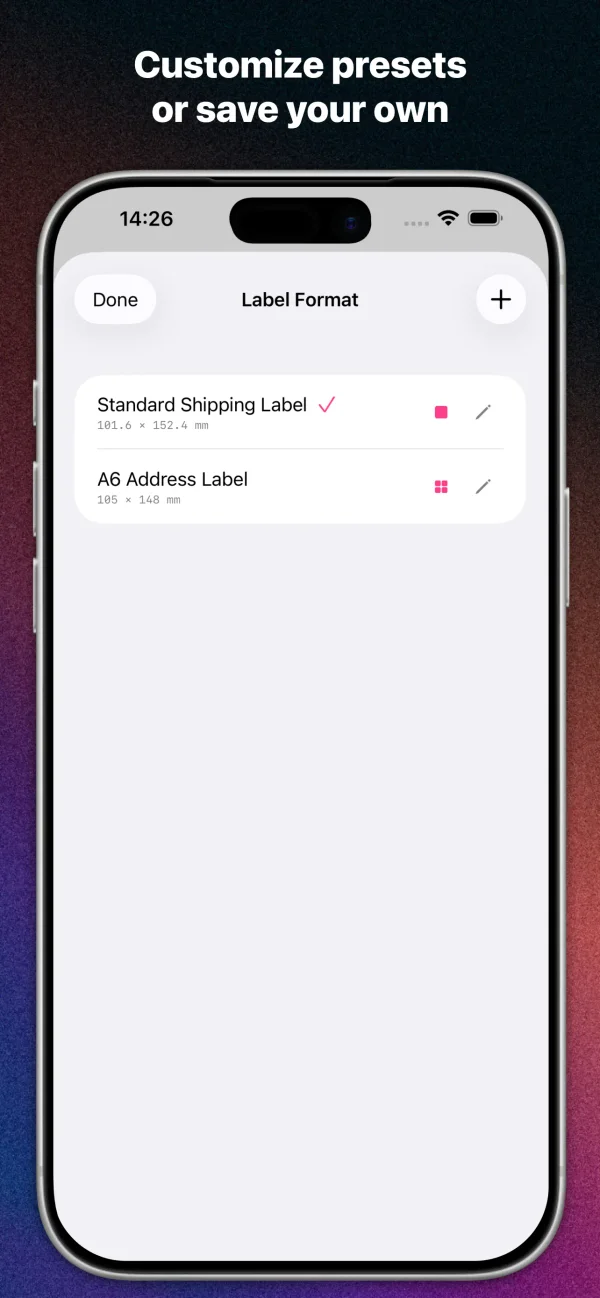
• Your own presets for label sizes (4×6 inch, A6, or fully custom in mm or inch)
• Multiple labels per sheet, with a live preview of the grid
• Batch printing — your entire queue sent to the printer at once
• Save or share as PDF — export your cropped labels without a printer, for a copy shop or another device
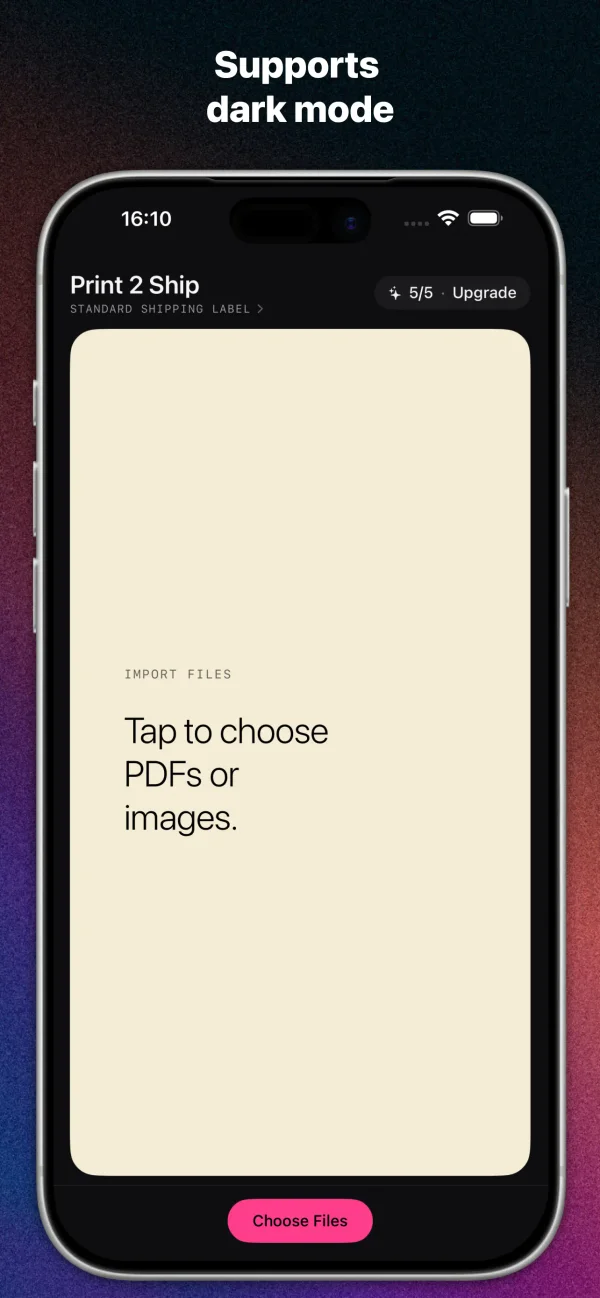
• Light/dark theme that follows your system
• Memory-aware: handles large batches smoothly
ON ALL YOUR DEVICES
On Mac: drag-and-drop, a sidebar with your presets, and the system print panel. On iPhone and iPad: pick files from the Files app, print over AirPrint, or share your labels as a PDF. iPad gets the same sidebar as the Mac.
One purchase covers all your devices — buy the Unlimited upgrade on your Mac and it's waiting on your iPhone and iPad too.
NATIVE, NO SUBSCRIPTION
Print 2 Ship is a fast, native SwiftUI app — no Electron, no web wrapper, no trackers. One purchase, no account required, your files never leave your device.
Five free labels a day. The one-time Unlimited upgrade removes that limit — forever, no subscription.
Fully localized in Dutch, English, and French.
Neue Funktionen
Version 1.2 · 01.11.2026
• Renamed default presets now keep their names after restarting the app.
• On Mac, keep adding files by dropping them onto the same workspace, even when labels are already loaded.
• Reuse partially used label sheets: mark used or missing label positions on the first sheet, even when they are not adjacent. Works with printing and PDF export.
• Improved AirPrint paper selection: the app looks for an available paper size that matches your selected preset.
• Clearer controls on iPhone and iPad, with detection and output actions on separate rows.
• Rate the app or contact support through Help on Mac or the question mark on iPhone and iPad.
App-Datenschutz
Was Boone Tom im App Store zum Umgang dieser App mit Daten angibt.
-
Keine Daten erfasst
Der Entwickler erfasst keine Daten von dieser App.
Die Datenschutzpraktiken können variieren, zum Beispiel je nach den von Ihnen verwendeten Funktionen oder Ihrem Alter.
Informationen
- Anbieter
- Boone Tom
- Kategorie
- Produktivität
- Version
- 1.2
- Aktualisiert
- 01.11.2026
- Veröffentlicht
- 23.06.2026
- Größe
- 11,4 MB
- Erfordert
- iOS 17.0 oder neuer
- Altersfreigabe
- 4+
- Preis
- Kostenlos
- In-App-Käufe
- Ja
- Sprachen
- Englisch, Niederländisch, Französisch
- Copyright
- © 2026 T-Bone Productions
Das könnte Ihnen auch gefallen
-
 Shiply: Versandetiketten4x6 Thermo-Etiketten drucken
-
 Label MagicProduktivität
-
 Posthaste: PWE Envelope PrintProduktivität
-
 ExplorePDF: Read, Fill & SignProduktivität
-
 Etiketten drucken: AdressenAufkleber für Bögen erstellen
-
 FjordScan: PDF ScannerScan, Compress & Export
-
 SceneForgeProduktivität
-
 Seora: Listing GeneratorProduktivität
-
 Amethyst WriterProduktivität
-
 SBS Digital KeyProduktivität