- 対象年齢4+
- カテゴリ仕事効率化
- 開発元Boone Tom
- 言語英語ほか2言語
- サイズ11.4 MB
App Storeの公式ページにリンクしています
Download.orgはPrint 2 Shipのファイルを一切ホストしていません。ボタンを押すと、Boone Tomが公開しているApp Storeのアプリページが開きます。ページの最終確認:2026/11/14。
スクリーンショット

概要
開発元はこのテキストをお使いの言語で提供していません。
Print 2 Ship turns any shipping-label PDF into a print-ready file. No more screenshot-and-crop, no more labels landing crooked on the sticker.
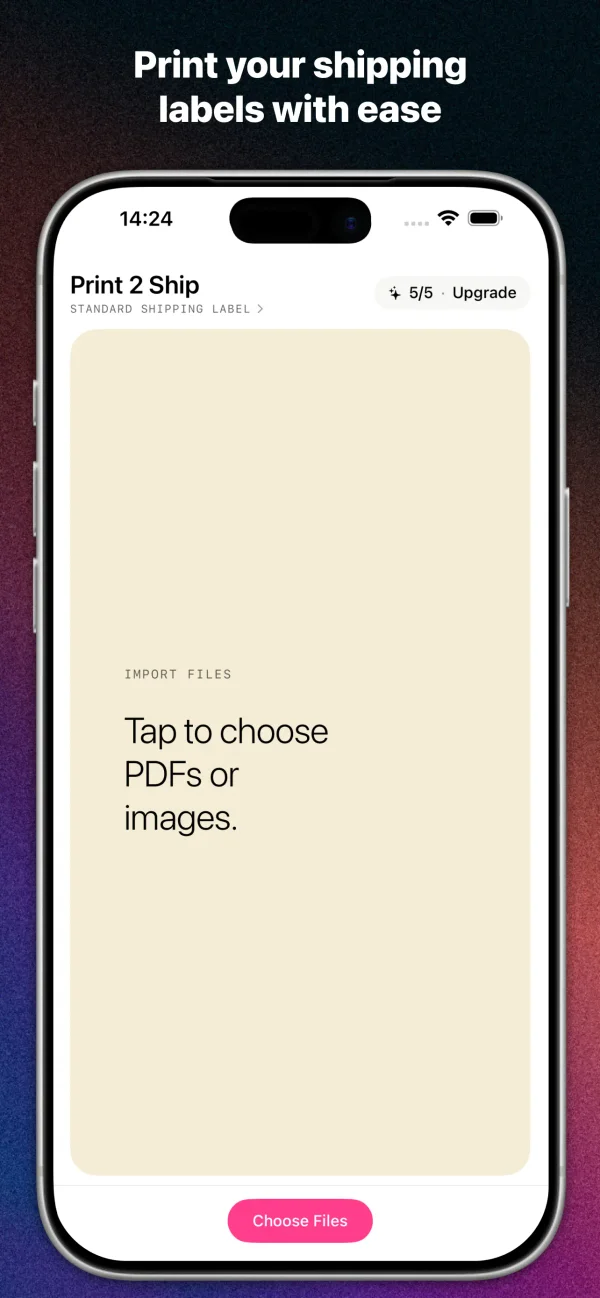
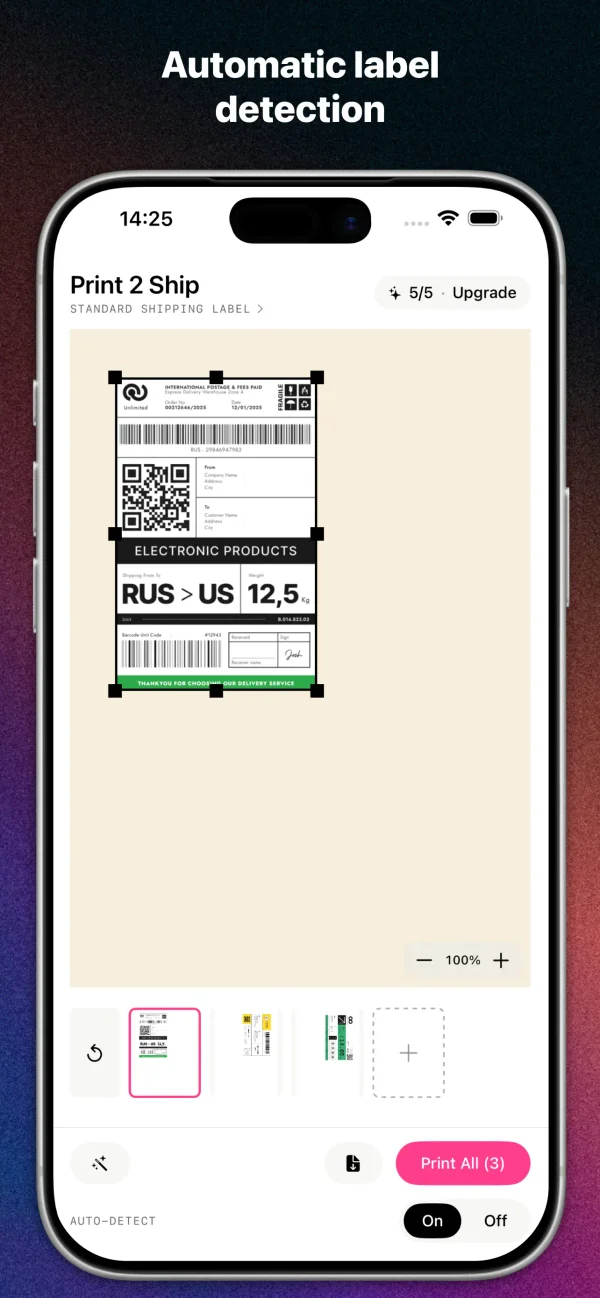
Drop a PDF or image from PostNL, bpost, USPS, FedEx, DHL, Shopify, Etsy — any carrier — into the app. The label area is detected automatically, you tweak the crop if needed, and everything prints in one go — on a 4×6 thermal label printer, an inkjet, a laser printer, on A4 or Letter sheets, or at a custom size you define. Ideal for online shops, freelancers, and makers shipping packages daily.
MULTIPLE LABELS PER SHEET
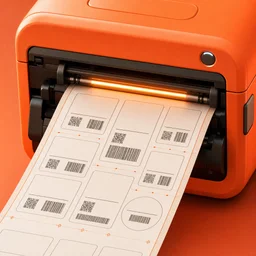
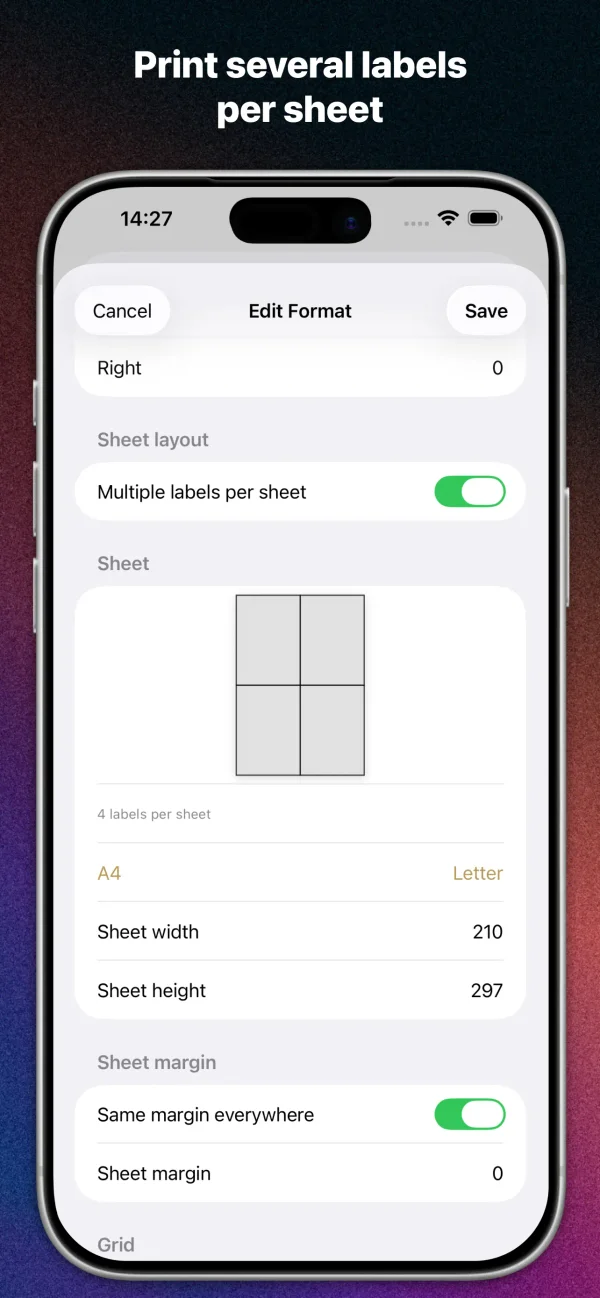
No label printer? Print on plain sheets instead. Set up a grid — 2 × 5 address labels on A4, for example — with your own sheet margins and spacing. A live preview shows exactly where every label lands, and label size can adjust itself so the grid fits the sheet perfectly.
Already used part of a label sheet? Mark the used or missing label positions on the first sheet. The app skips them when printing or exporting a PDF, even when the positions are not next to each other.
WHAT THE APP DOES
• Drag-and-drop PDFs and images — multi-page PDFs are split into individual labels automatically
• Auto-detection of the label area, with a manual crop overlay for the edge cases
• Zoom and pan while cropping, so you can fine-tune down to the millimetre
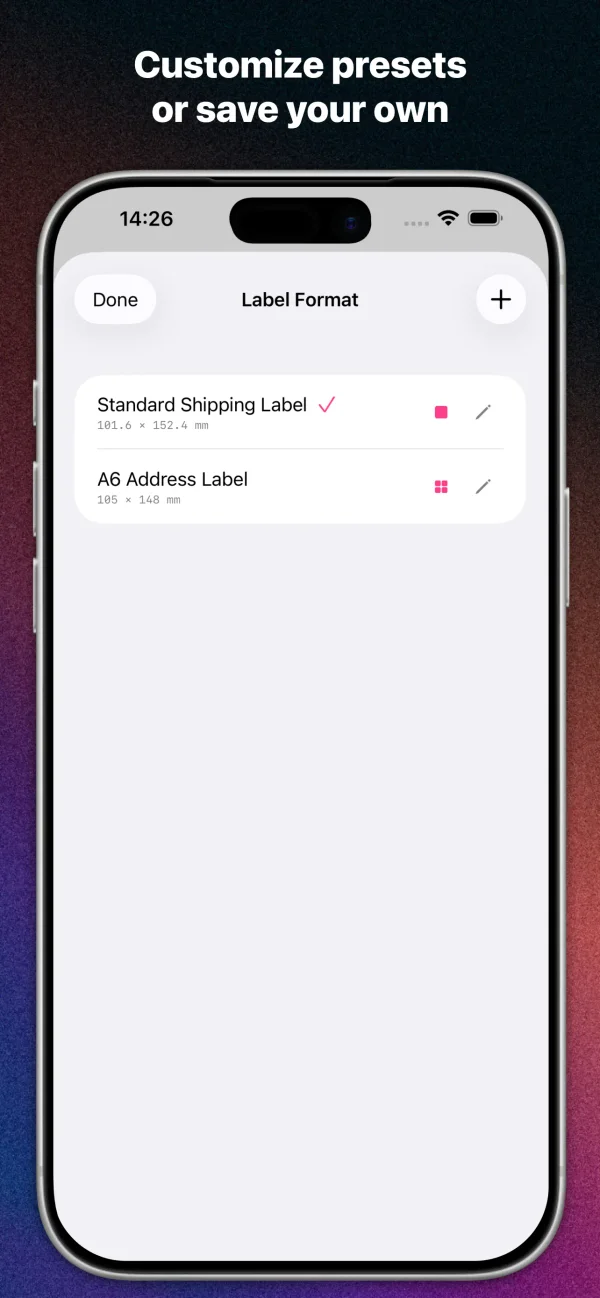
• Your own presets for label sizes (4×6 inch, A6, or fully custom in mm or inch)
• Multiple labels per sheet, with a live preview of the grid
• Batch printing — your entire queue sent to the printer at once
• Save or share as PDF — export your cropped labels without a printer, for a copy shop or another device
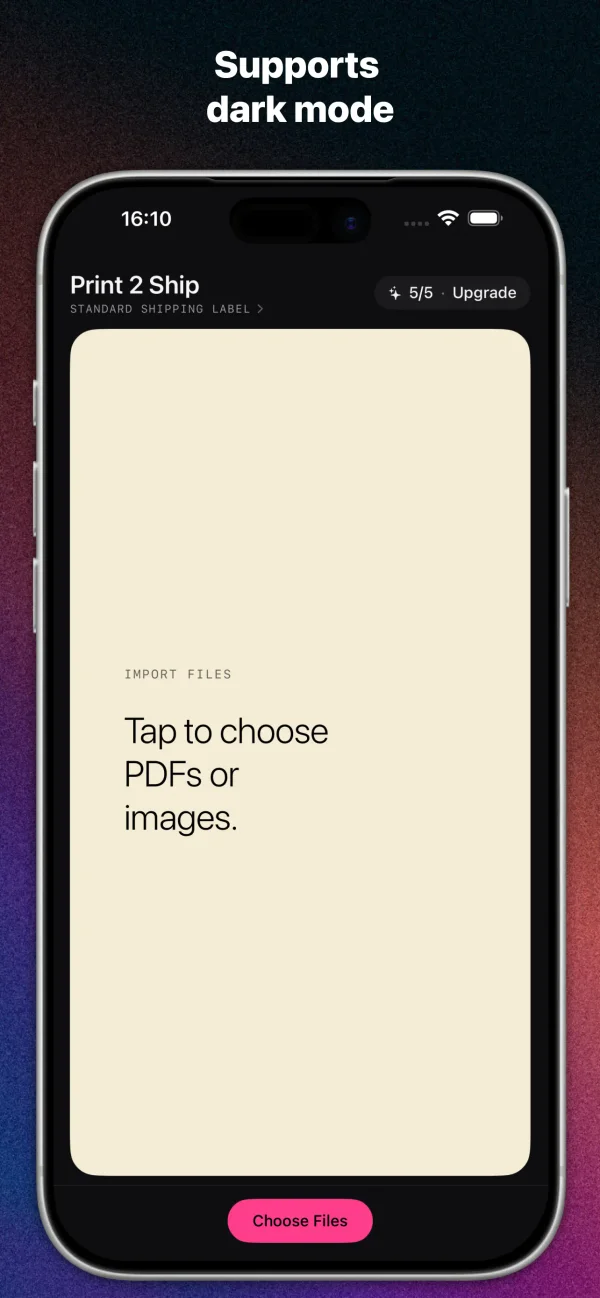
• Light/dark theme that follows your system
• Memory-aware: handles large batches smoothly
ON ALL YOUR DEVICES
On Mac: drag-and-drop, a sidebar with your presets, and the system print panel. On iPhone and iPad: pick files from the Files app, print over AirPrint, or share your labels as a PDF. iPad gets the same sidebar as the Mac.
One purchase covers all your devices — buy the Unlimited upgrade on your Mac and it's waiting on your iPhone and iPad too.
NATIVE, NO SUBSCRIPTION
Print 2 Ship is a fast, native SwiftUI app — no Electron, no web wrapper, no trackers. One purchase, no account required, your files never leave your device.
Five free labels a day. The one-time Unlimited upgrade removes that limit — forever, no subscription.
Fully localized in Dutch, English, and French.
新機能
バージョン 1.2 · 2026/11/1
• Renamed default presets now keep their names after restarting the app.
• On Mac, keep adding files by dropping them onto the same workspace, even when labels are already loaded.
• Reuse partially used label sheets: mark used or missing label positions on the first sheet, even when they are not adjacent. Works with printing and PDF export.
• Improved AirPrint paper selection: the app looks for an available paper size that matches your selected preset.
• Clearer controls on iPhone and iPad, with detection and output actions on separate rows.
• Rate the app or contact support through Help on Mac or the question mark on iPhone and iPad.
アプリのプライバシー
このアプリのデータの取り扱いについて、Boone TomがApp Storeで申告している内容です。
-
データの収集なし
開発元はこのアプリからデータを収集しません。
プライバシーの取り扱いは、ご利用の機能やお客様の年齢などに応じて異なる場合があります。
情報
- 販売元
- Boone Tom
- カテゴリ
- 仕事効率化
- バージョン
- 1.2
- 更新日
- 2026/11/1
- リリース
- 2026/6/23
- サイズ
- 11.4 MB
- 必要条件
- iOS 17.0以降
- 対象年齢
- 4+
- 価格
- 無料
- アプリ内課金
- あり
- 言語
- 英語, オランダ語, フランス語
- 著作権
- © 2026 T-Bone Productions