Print 2 Ship
Crop & print shipping labels
Dirancang untuk iPhone, iPad, Mac
Gratis · Pembelian dalam aplikasi
- Batasan usia4+
- KategoriProduktivitas
- PengembangBoone Tom
- BahasaInggris+ 2 lainnya
- Ukuran11,4 MB
Tertaut ke halaman resmi App Store
Download.org tidak menyimpan file Print 2 Ship apa pun. Tombol ini membuka halaman aplikasi di App Store, tempat Boone Tom menerbitkannya. Halaman terakhir diperiksa pada 14/11/2026.
Tangkapan layar

Tentang
Pengembang belum menyediakan teks ini dalam bahasa Anda.
Print 2 Ship turns any shipping-label PDF into a print-ready file. No more screenshot-and-crop, no more labels landing crooked on the sticker.
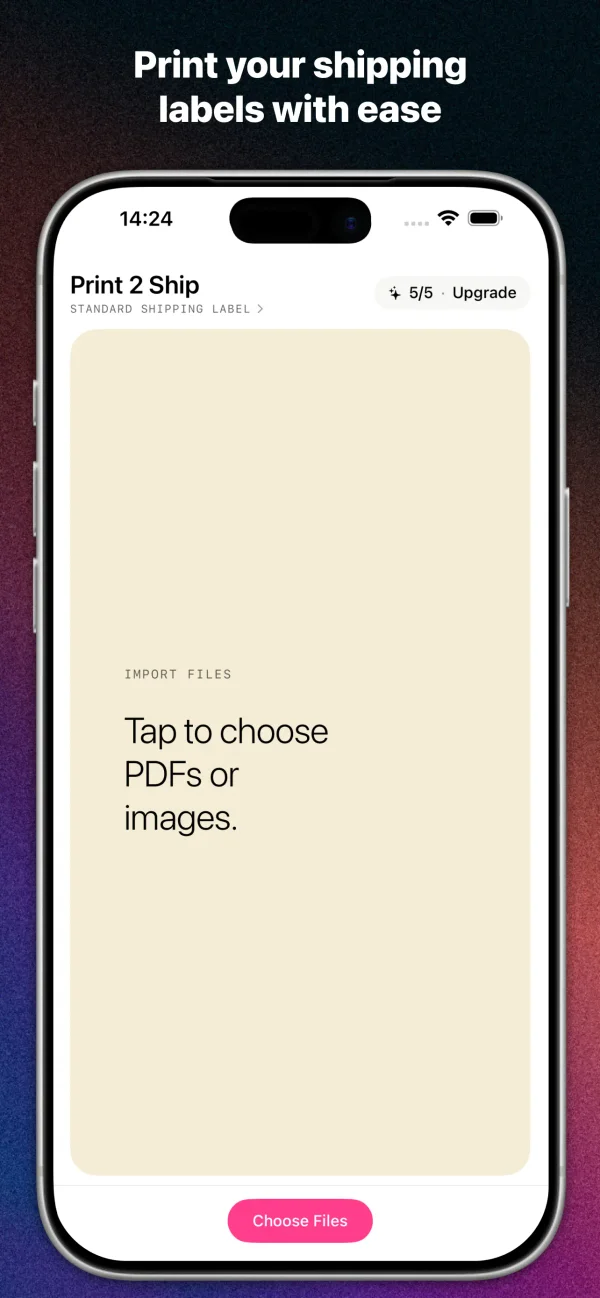
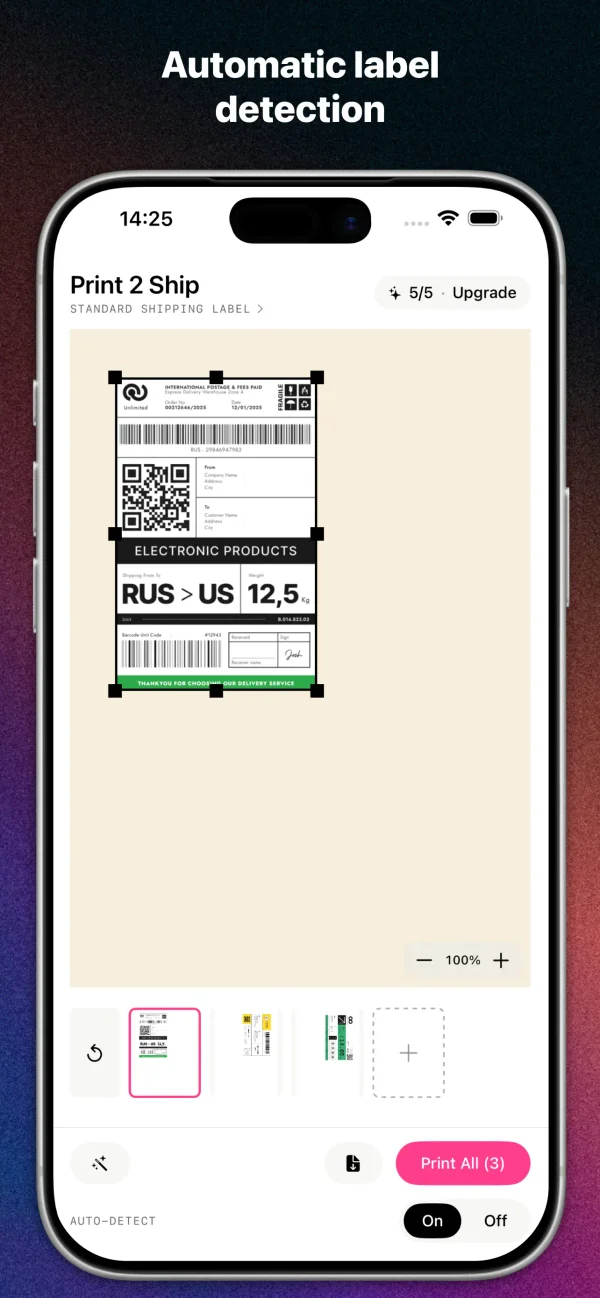
Drop a PDF or image from PostNL, bpost, USPS, FedEx, DHL, Shopify, Etsy — any carrier — into the app. The label area is detected automatically, you tweak the crop if needed, and everything prints in one go — on a 4×6 thermal label printer, an inkjet, a laser printer, on A4 or Letter sheets, or at a custom size you define. Ideal for online shops, freelancers, and makers shipping packages daily.
MULTIPLE LABELS PER SHEET
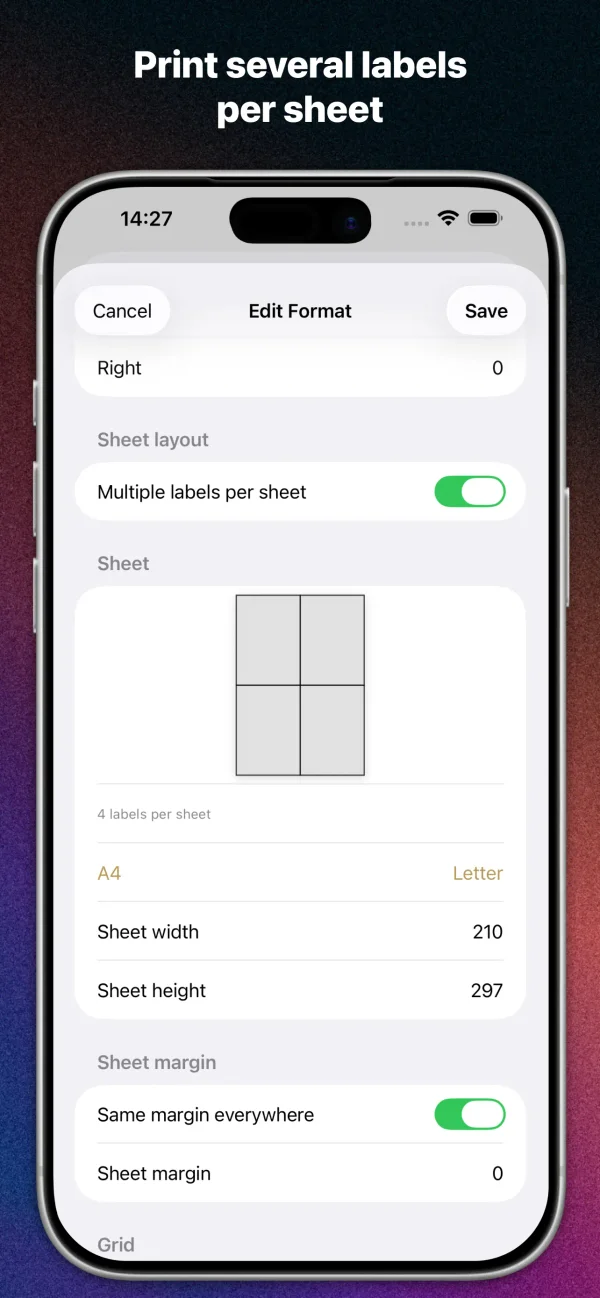
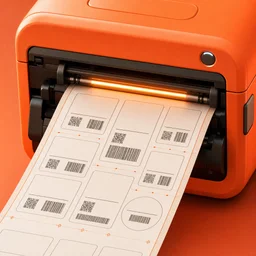
No label printer? Print on plain sheets instead. Set up a grid — 2 × 5 address labels on A4, for example — with your own sheet margins and spacing. A live preview shows exactly where every label lands, and label size can adjust itself so the grid fits the sheet perfectly.
Already used part of a label sheet? Mark the used or missing label positions on the first sheet. The app skips them when printing or exporting a PDF, even when the positions are not next to each other.
WHAT THE APP DOES
• Drag-and-drop PDFs and images — multi-page PDFs are split into individual labels automatically
• Auto-detection of the label area, with a manual crop overlay for the edge cases
• Zoom and pan while cropping, so you can fine-tune down to the millimetre
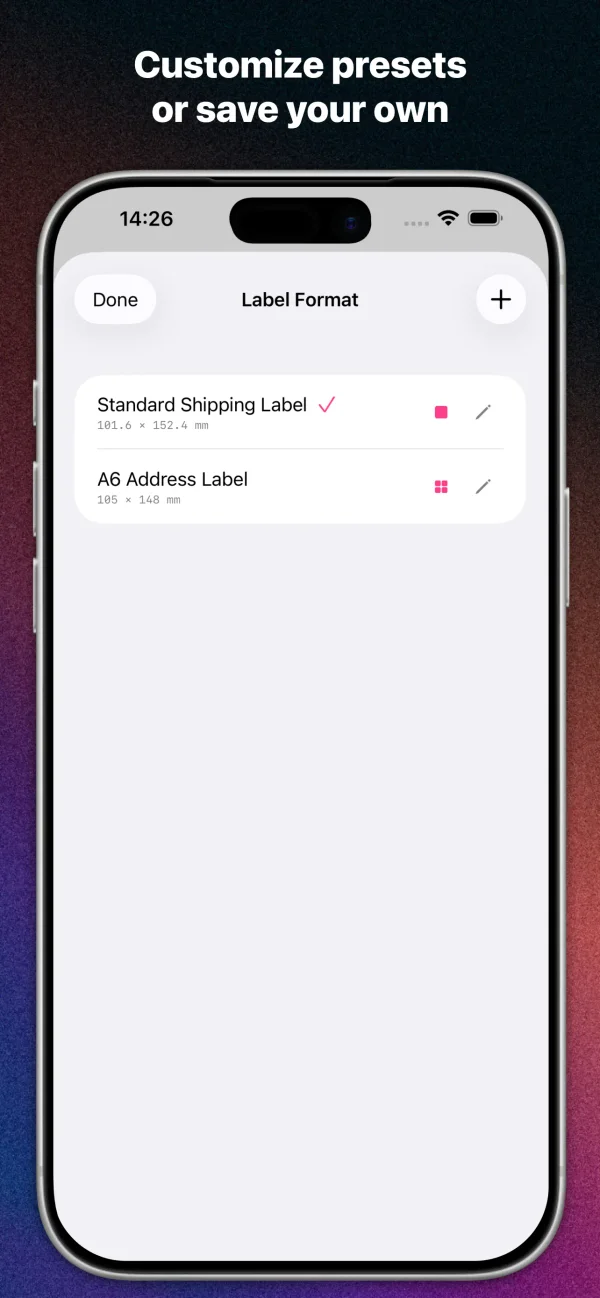
• Your own presets for label sizes (4×6 inch, A6, or fully custom in mm or inch)
• Multiple labels per sheet, with a live preview of the grid
• Batch printing — your entire queue sent to the printer at once
• Save or share as PDF — export your cropped labels without a printer, for a copy shop or another device
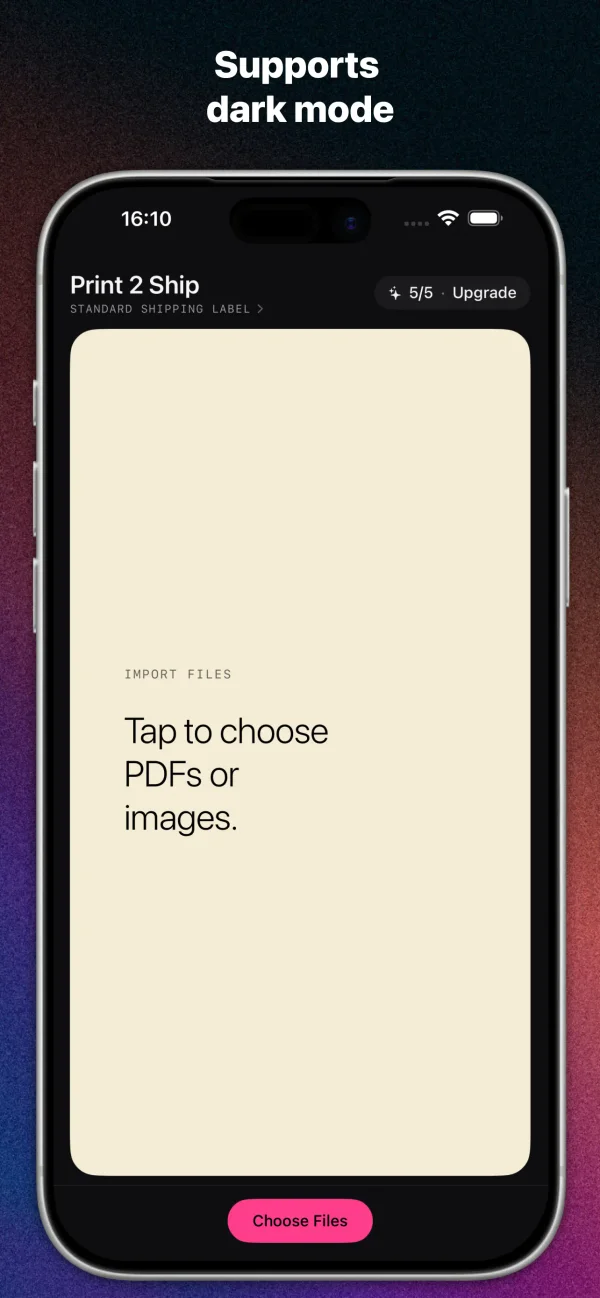
• Light/dark theme that follows your system
• Memory-aware: handles large batches smoothly
ON ALL YOUR DEVICES
On Mac: drag-and-drop, a sidebar with your presets, and the system print panel. On iPhone and iPad: pick files from the Files app, print over AirPrint, or share your labels as a PDF. iPad gets the same sidebar as the Mac.
One purchase covers all your devices — buy the Unlimited upgrade on your Mac and it's waiting on your iPhone and iPad too.
NATIVE, NO SUBSCRIPTION
Print 2 Ship is a fast, native SwiftUI app — no Electron, no web wrapper, no trackers. One purchase, no account required, your files never leave your device.
Five free labels a day. The one-time Unlimited upgrade removes that limit — forever, no subscription.
Fully localized in Dutch, English, and French.
Yang baru
Versi 1.2 · 1/11/2026
• Renamed default presets now keep their names after restarting the app.
• On Mac, keep adding files by dropping them onto the same workspace, even when labels are already loaded.
• Reuse partially used label sheets: mark used or missing label positions on the first sheet, even when they are not adjacent. Works with printing and PDF export.
• Improved AirPrint paper selection: the app looks for an available paper size that matches your selected preset.
• Clearer controls on iPhone and iPad, with detection and output actions on separate rows.
• Rate the app or contact support through Help on Mac or the question mark on iPhone and iPad.
Privasi aplikasi
Yang dinyatakan Boone Tom di App Store tentang cara aplikasi ini menangani data.
-
Data tidak dikumpulkan
Pengembang tidak mengumpulkan data apa pun dari aplikasi ini.
Praktik privasi dapat bervariasi, misalnya berdasarkan fitur yang Anda gunakan atau usia Anda.
Informasi
- Penjual
- Boone Tom
- Kategori
- Produktivitas
- Versi
- 1.2
- Diperbarui
- 1/11/2026
- Dirilis
- 23/6/2026
- Ukuran
- 11,4 MB
- Memerlukan
- iOS 17.0 atau yang lebih baru
- Batasan usia
- 4+
- Harga
- Gratis
- Pembelian dalam aplikasi
- Ya
- Bahasa
- Inggris, Belanda, Prancis
- Hak cipta
- © 2026 T-Bone Productions
Mungkin Anda juga suka
-
 Shiply: 4x6 Label PrintProduktivitas
-
 Label MagicProduktivitas
-
 Posthaste: PWE Envelope PrintProduktivitas
-
 ExplorePDF: Read, Fill & SignProduktivitas
-
 Printer Label: Cetak AlamatStiker paket, isi otomatis
-
 FjordScan: PDF ScannerScan, Compress & Export
-
 SceneForgeProduktivitas
-
 Seora: Listing GeneratorProduktivitas
-
 Amethyst WriterProduktivitas
-
 SBS Digital KeyProduktivitas