- Altersfreigabe17+
- KategorieGrafik und Design
- EntwicklerPablo Delcan
- SprachenEnglisch
- Größe45,1 MB
Verlinkt auf die offizielle App Store-Seite
Download.org hostet keine Datei von Prompt-Brush. Die Schaltfläche öffnet die App-Seite bei App Store, wo Pablo Delcan die App veröffentlicht. Eintrag zuletzt geprüft am 15.11.2026.
Screenshots


Info
Der Entwickler hat diesen Text nicht in Ihrer Sprache bereitgestellt.
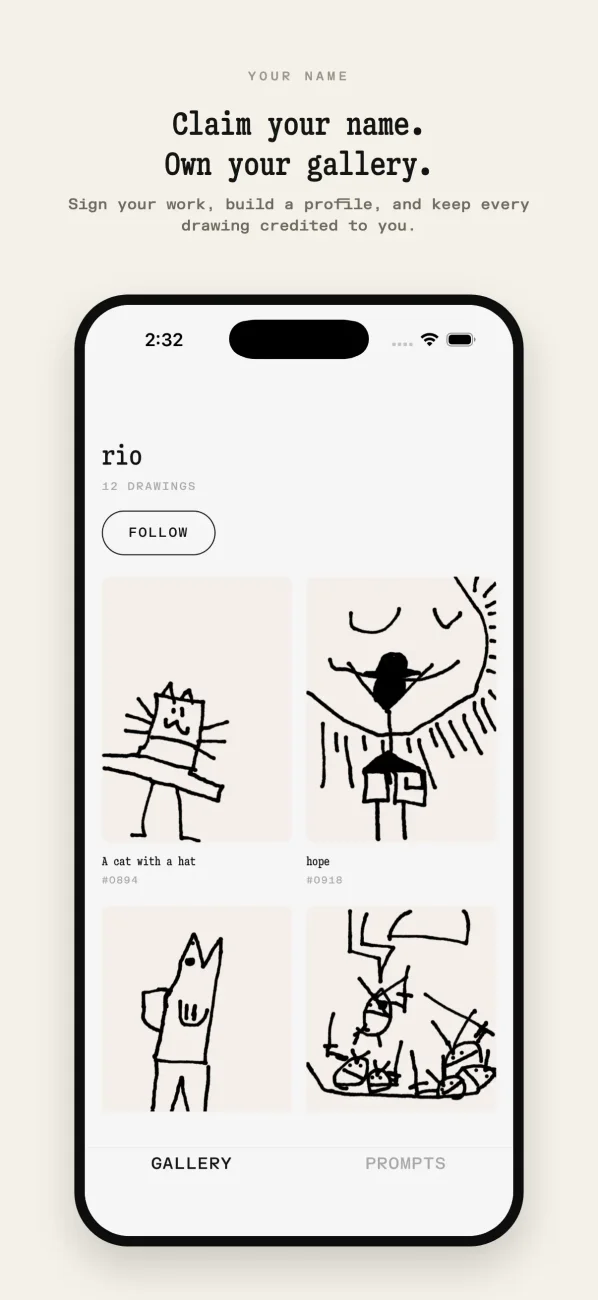
Prompt-Brush is the first non-AI generative art model — and the model is you.
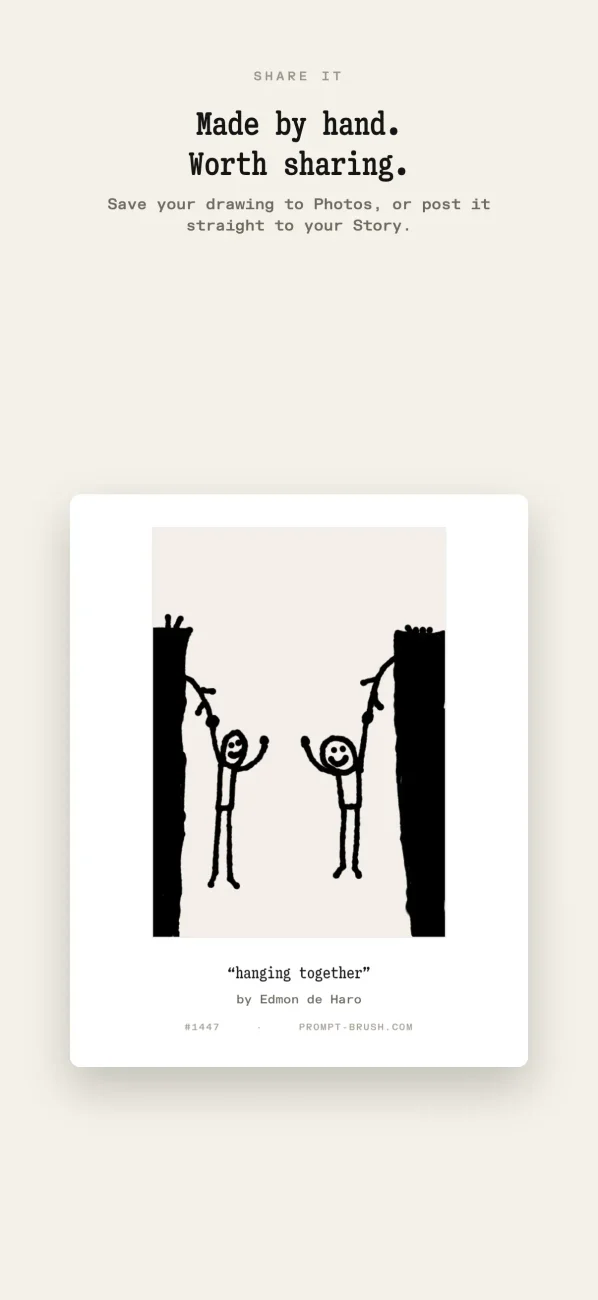
Here's how it works: someone writes a prompt. Someone else draws it, by hand, in black ink on paper. No filters, no generators, no algorithms guessing what a cat astronaut should look like. Just a person, a prompt, and a brush.
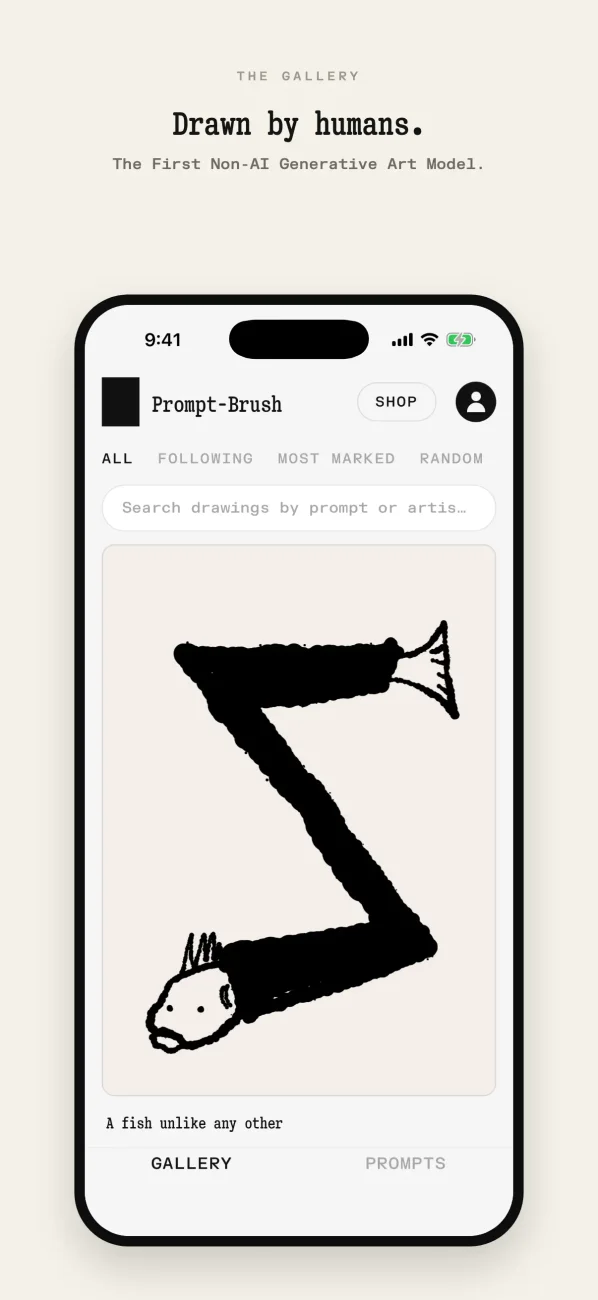
Open the app to a gallery of drawings made entirely by people — thousands of them, each answering a prompt in a completely different way. Find one you like. Then pick an open prompt and draw your own.
— DRAW BY HAND —
A single ink brush on warm paper. On iPad, the Apple Pencil is pressure-sensitive: press harder for a thicker line, ease off for a fine one. Prefer fixed sizes, or drawing with a finger? Turn pressure off with a tap.
— A REAL COMMUNITY —
Leave a mark on drawings you love. Follow artists. Every prompt can only be drawn once, so each one is somebody's single answer to it. Browse by prompt, by artist, or just wander.
— MADE BY PEOPLE, KEPT KIND —
Everything is hand-drawn and human-moderated. There's a zero-tolerance policy for objectionable content, every drawing is reviewed before it appears, and you can report or block anyone in a tap.
No AI. No stock. No shortcuts. Just the oldest generative model there is — a person deciding what to draw.
Draw the prompts by hand at prompt-brush.com
Neue Funktionen
Version 1.1.4 · 14.11.2026
See how a drawing was made — and get to drawing faster.
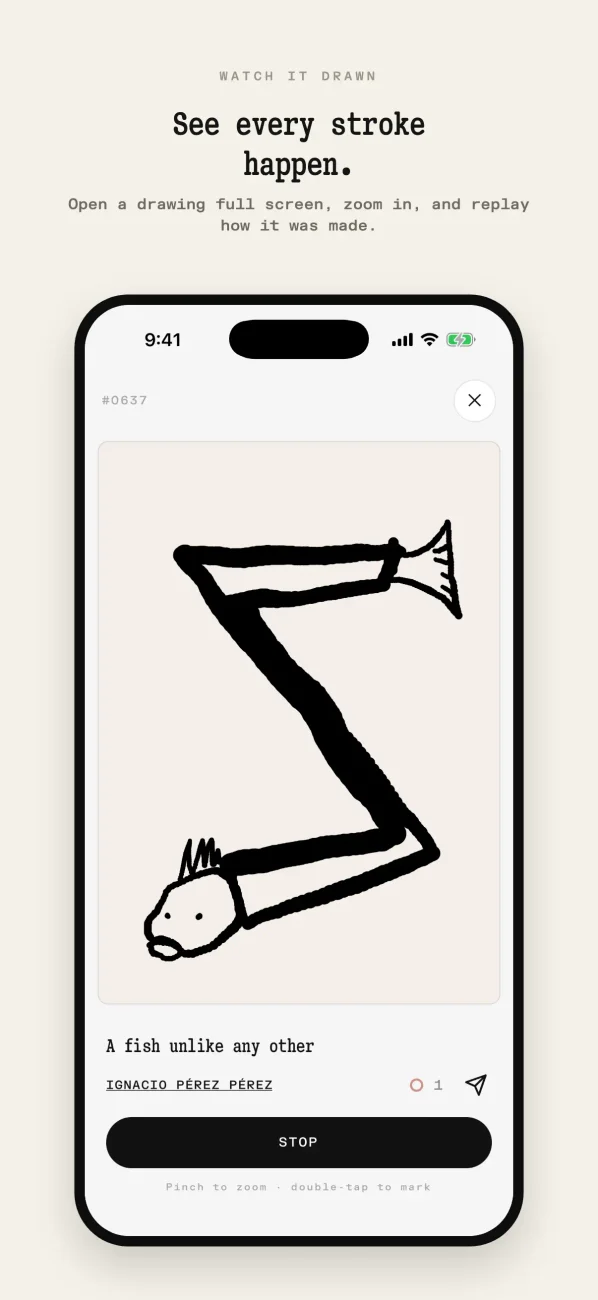
• Tap any drawing to open it full screen. Pinch to zoom in, double-tap to leave your mark.
• Watch it drawn: replay a drawing stroke by stroke, the way it was made.
• Save your own drawing as a short animation of it being drawn.
• Surprise me: one tap deals you a prompt, so you can skip the choosing.
• Most marked: a new gallery tab for the drawings people marked most this week.
• Tapping a notification now opens the drawing it's about.
• A new Prompts tab in your profile shows the prompts you wrote and what they became.
• A new welcome that starts with real drawings.
Fixes
• Leaving a drawing with the back button no longer leaves the app stuck.
• Submit asks before posting, and can't send a drawing twice.
• Random and search now cover the whole gallery.
• Mark counts update the moment you mark a drawing.
App-Datenschutz
Was Pablo Delcan im App Store zum Umgang dieser App mit Daten angibt.
-
Nicht mit Ihnen verknüpfte Daten
Können erfasst werden, sind aber nicht mit Ihrer Identität verknüpft.
- Kontaktinformationen
- Kennungen
Die Datenschutzpraktiken können variieren, zum Beispiel je nach den von Ihnen verwendeten Funktionen oder Ihrem Alter.
Informationen
- Anbieter
- Pablo Delcan
- Kategorie
- Grafik und Design
- Version
- 1.1.4
- Aktualisiert
- 14.11.2026
- Veröffentlicht
- 16.06.2026
- Größe
- 45,1 MB
- Erfordert
- iOS 16.4 oder neuer
- Altersfreigabe
- 17+
- Preis
- Kostenlos
- Sprachen
- Englisch
- Copyright
- © 2026 Pablo Delcan
Das könnte Ihnen auch gefallen
-
 Pen15!Grafik und Design
-
 Sample This!Grafik und Design
-
 T-SketchGrafik und Design
-
 Sketchbook StudioGrafik und Design
-
 SprayDeck: Graffiti-KitSprühfarben & Wand-Vorschau
-
 YWFT FontlensGrafik und Design
-
 AbstractorGrafik und Design
-
 Blackwork Pattern CreatorGrafik und Design
-
 ZeichenPro: LeinwandSkizzen, Kritzeln & Abpausen
-
 GraintouchGrafik und Design