- Age rating17+
- CategoryGraphics & Design
- DeveloperPablo Delcan
- LanguagesEnglish
- Size45.1 MB
Links to the official App Store page
Download.org hosts no file of Prompt-Brush. The button opens its official App Store page, published by Pablo Delcan. Listing last checked on Nov 15, 2026.
Screenshots


About
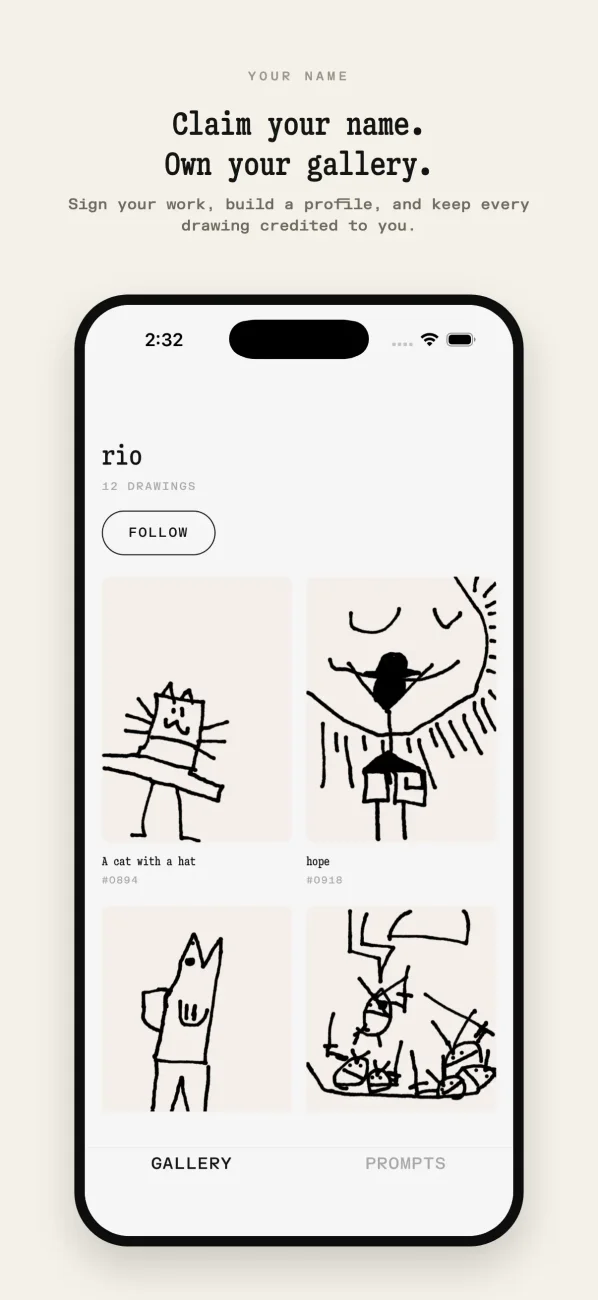
Prompt-Brush is the first non-AI generative art model — and the model is you.
Here's how it works: someone writes a prompt. Someone else draws it, by hand, in black ink on paper. No filters, no generators, no algorithms guessing what a cat astronaut should look like. Just a person, a prompt, and a brush.
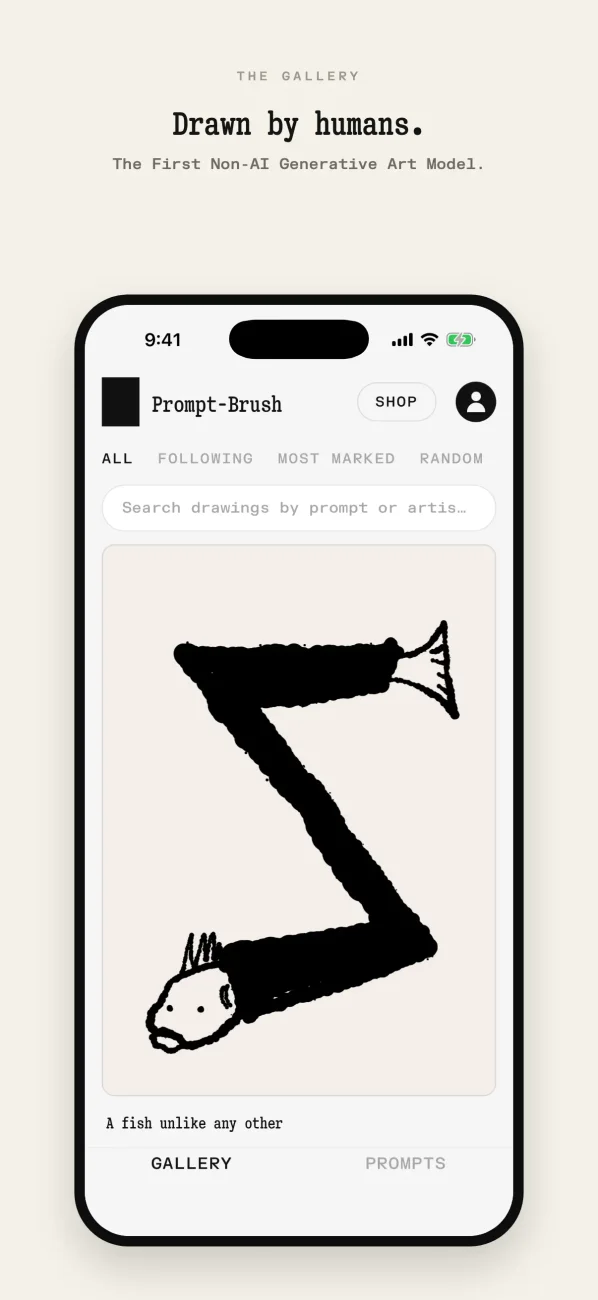
Open the app to a gallery of drawings made entirely by people — thousands of them, each answering a prompt in a completely different way. Find one you like. Then pick an open prompt and draw your own.
— DRAW BY HAND —
A single ink brush on warm paper. On iPad, the Apple Pencil is pressure-sensitive: press harder for a thicker line, ease off for a fine one. Prefer fixed sizes, or drawing with a finger? Turn pressure off with a tap.
— A REAL COMMUNITY —
Leave a mark on drawings you love. Follow artists. Every prompt can only be drawn once, so each one is somebody's single answer to it. Browse by prompt, by artist, or just wander.
— MADE BY PEOPLE, KEPT KIND —
Everything is hand-drawn and human-moderated. There's a zero-tolerance policy for objectionable content, every drawing is reviewed before it appears, and you can report or block anyone in a tap.
No AI. No stock. No shortcuts. Just the oldest generative model there is — a person deciding what to draw.
Draw the prompts by hand at prompt-brush.com
What’s new
Version 1.1.4 · Nov 14, 2026
See how a drawing was made — and get to drawing faster.
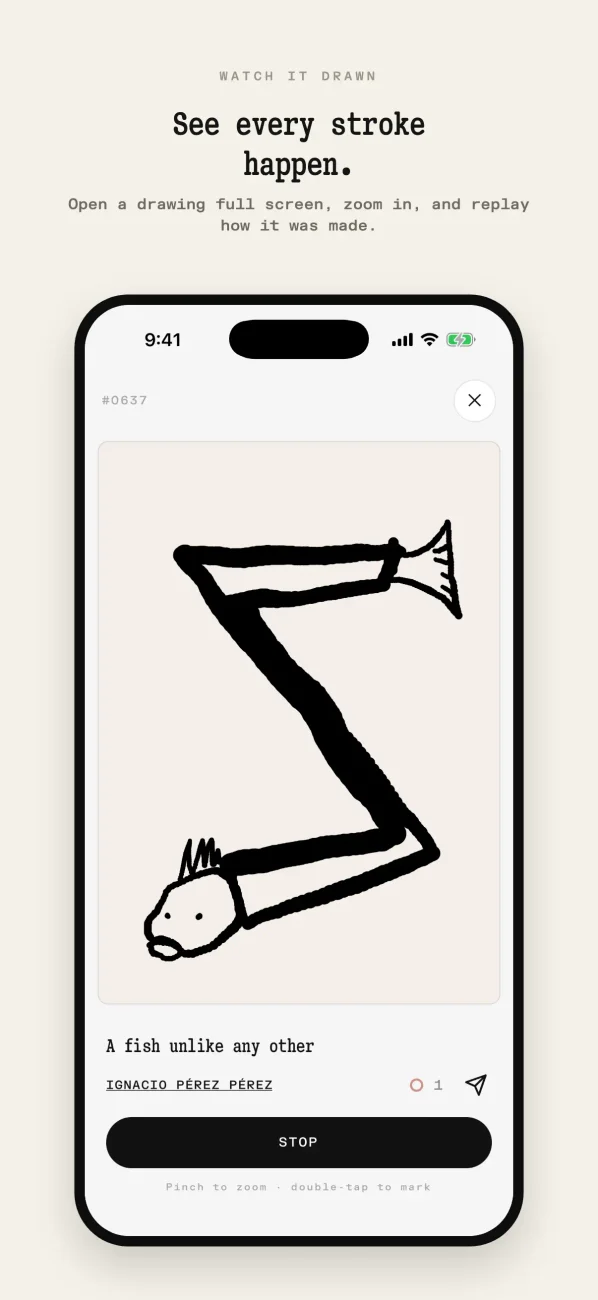
• Tap any drawing to open it full screen. Pinch to zoom in, double-tap to leave your mark.
• Watch it drawn: replay a drawing stroke by stroke, the way it was made.
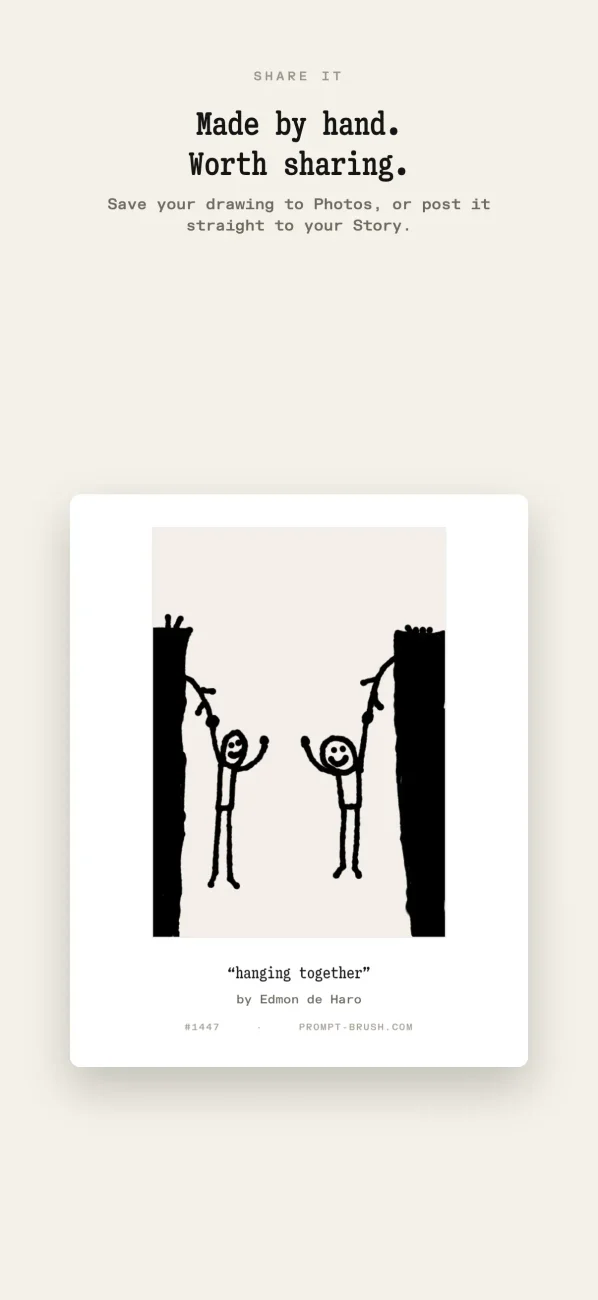
• Save your own drawing as a short animation of it being drawn.
• Surprise me: one tap deals you a prompt, so you can skip the choosing.
• Most marked: a new gallery tab for the drawings people marked most this week.
• Tapping a notification now opens the drawing it's about.
• A new Prompts tab in your profile shows the prompts you wrote and what they became.
• A new welcome that starts with real drawings.
Fixes
• Leaving a drawing with the back button no longer leaves the app stuck.
• Submit asks before posting, and can't send a drawing twice.
• Random and search now cover the whole gallery.
• Mark counts update the moment you mark a drawing.
App privacy
What Pablo Delcan declares on the App Store about how this app handles data.
-
Data not linked to you
May be collected but is not linked to your identity.
- Contact info
- Identifiers
Privacy practices may vary, for example with the features you use or your age.
Information
- Seller
- Pablo Delcan
- Category
- Graphics & Design
- Version
- 1.1.4
- Updated
- Nov 14, 2026
- Released
- Jun 16, 2026
- Size
- 45.1 MB
- Requires
- iOS 16.4 or later
- Age rating
- 17+
- Price
- Free
- Languages
- English
- Copyright
- © 2026 Pablo Delcan
You might also like
-
 Pen15!Sketchbook that's actually fun
-
 Sample This!Start anywhere, look closely..
-
 T-SketchSketch, collaborate, present.
-
 Sketchbook StudioDraw, paint & sketch in AR
-
 SprayDeck: Graffiti ToolsSpray colors & wall preview
-
 YWFT FontlensFind fonts by photo or name
-
 AbstractorPaint with living motion
-
 Blackwork Pattern CreatorGraphics & Design
-
 Draw Anything: Paint CanvasSketch, Doodle & Trace Photos
-
 GraintouchBold strokes, grainy touch.