Proref: Art Reference Boards
Mood board for drawing & study
Entwickelt für iPhone, iPad, iPod touch
Kostenlos · In-App-Käufe
- Altersfreigabe4+
- KategorieGrafik und Design
- EntwicklerJohn Oliver Atienza
- SprachenEnglisch
- Größe45,8 MB
Verlinkt auf die offizielle App Store-Seite
Download.org hostet keine Datei von Proref: Art Reference Boards. Die Schaltfläche öffnet die App-Seite bei App Store, wo John Oliver Atienza die App veröffentlicht. Eintrag zuletzt geprüft am 25.11.2026.
Screenshots
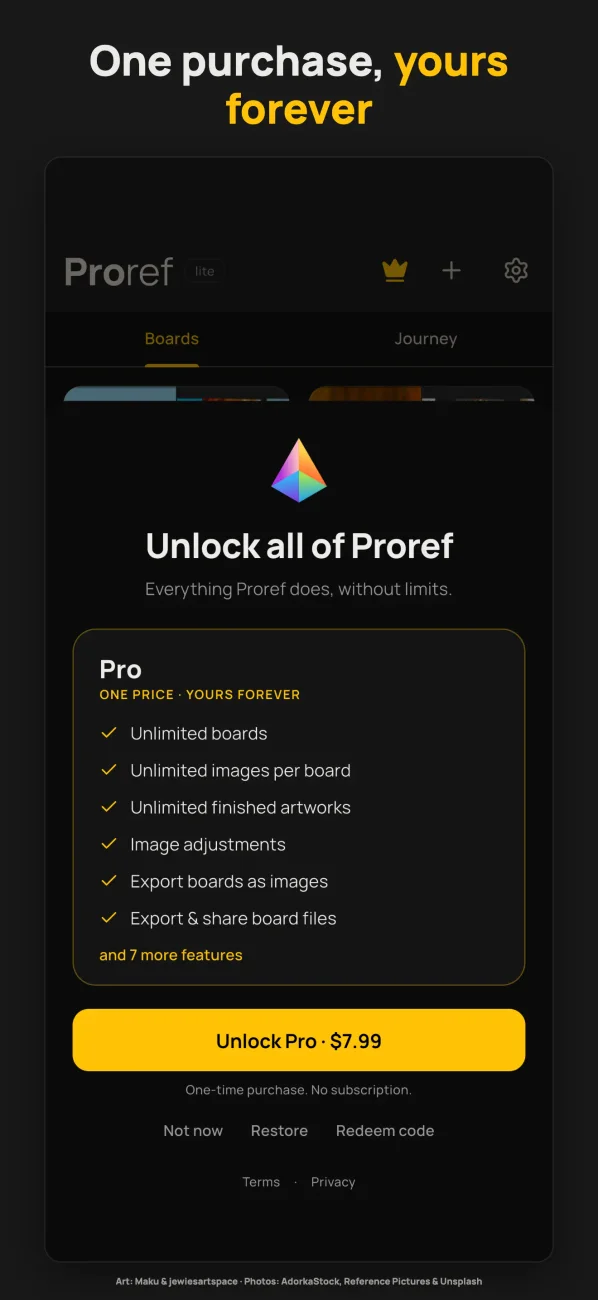
Info
Der Entwickler hat diesen Text nicht in Ihrer Sprache bereitgestellt.
Proref is where your references live while you draw — and where the finished artwork goes afterward.
Free to start. One purchase unlocks everything — no subscription, no account, nothing leaves your device.
GATHER YOUR REFERENCES
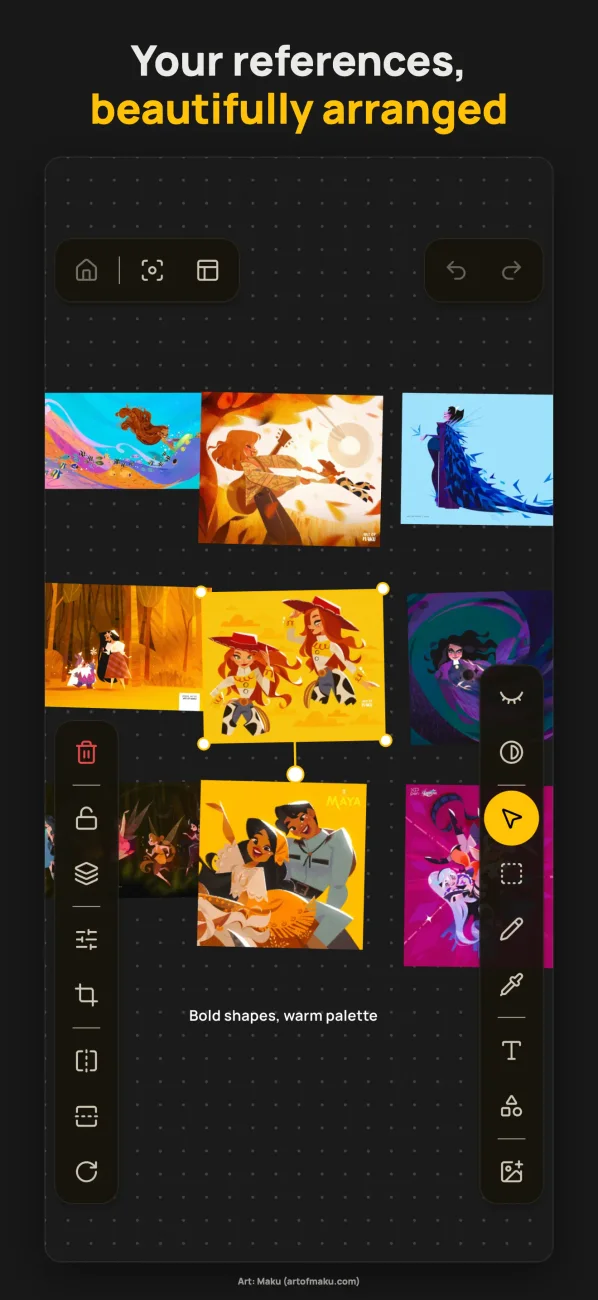
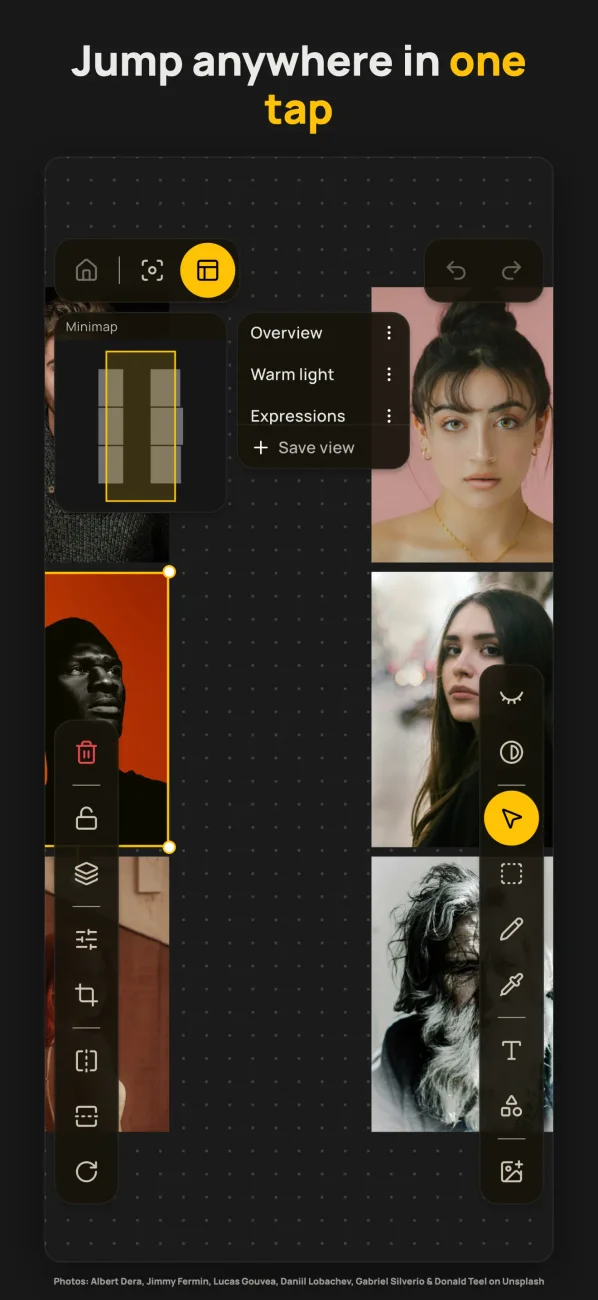
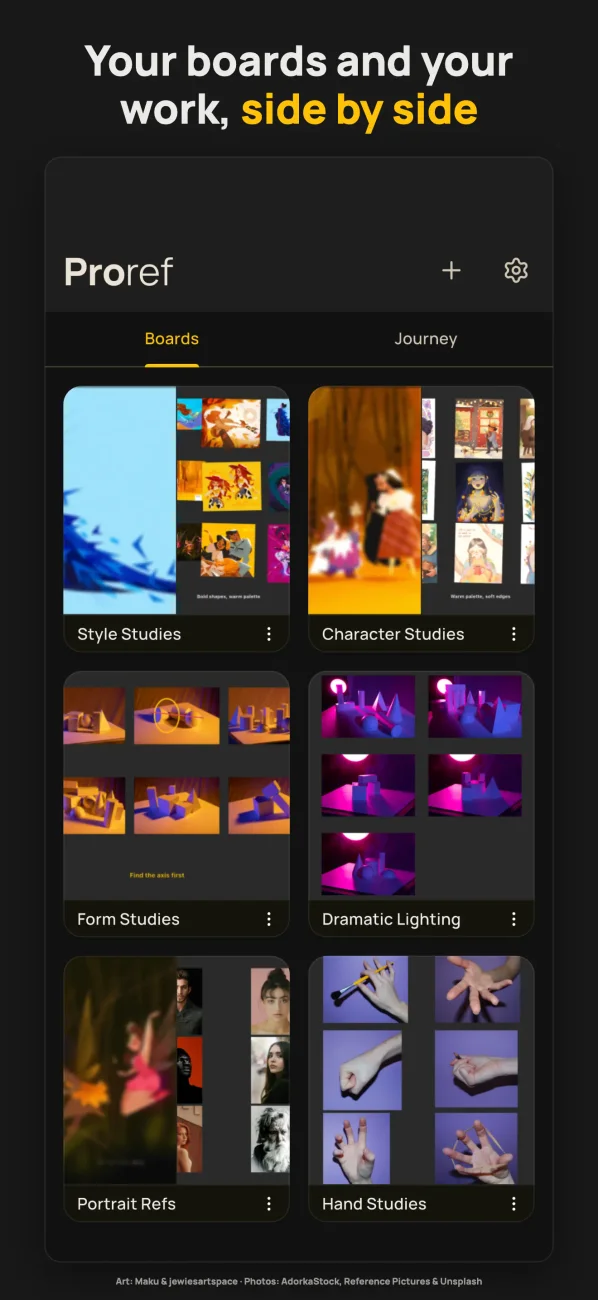
Use it as a reference board, a mood board or an inspiration board for every project. Drop everything you're looking at onto one huge canvas and arrange it into a board. Import from your photo library, your camera, Files, AirDrop, an image link, the share sheet, or by dragging straight in from Safari. Zoom from 2% to 25,600%, so the board grows with the project.
WORK BESIDE THEM
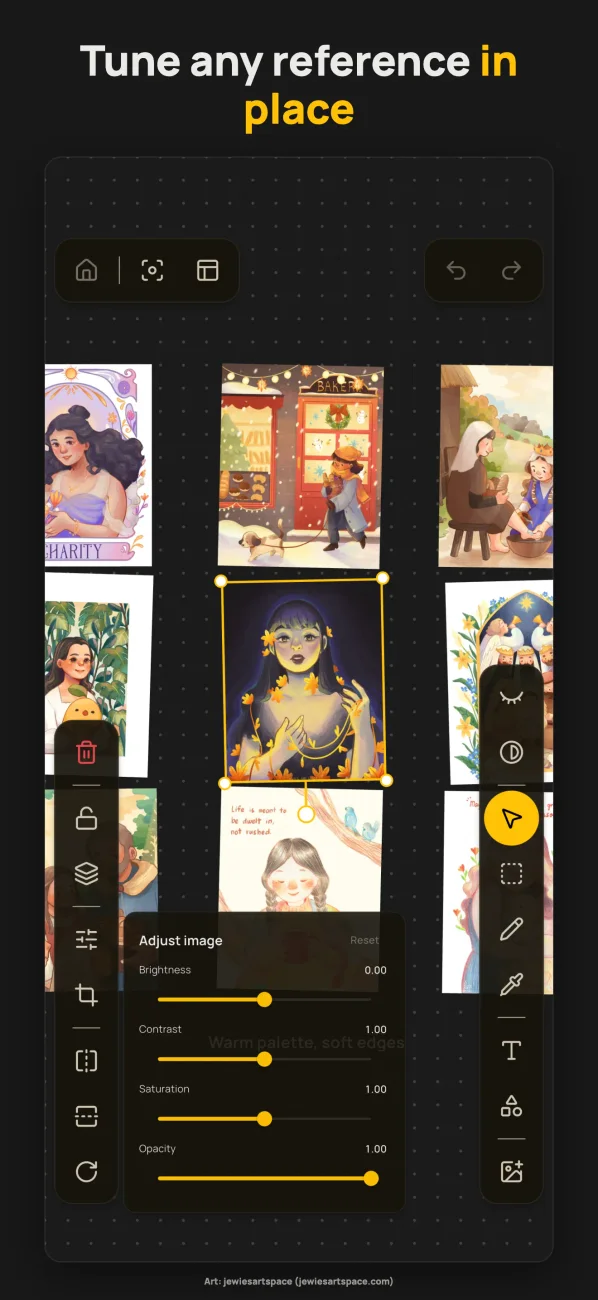
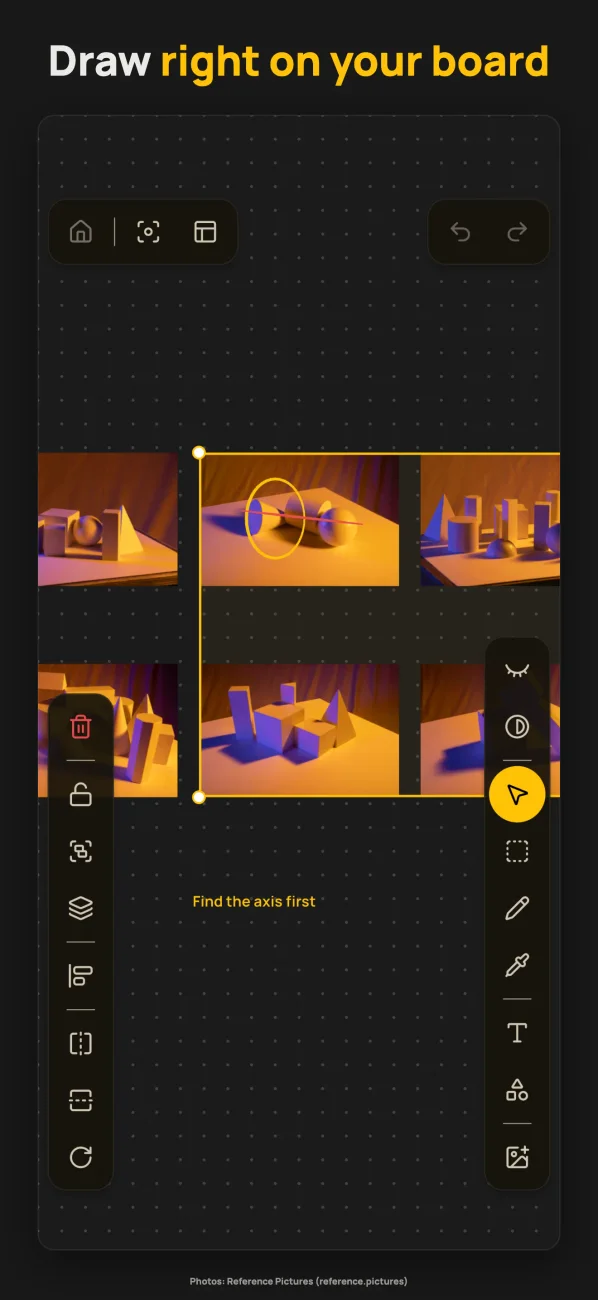
Proref is built for Split View: your references on one side, your drawing app on the other. Sketch and annotate over them with Apple Pencil, with pressure. Tune brightness, contrast and saturation, or crop non-destructively — the original is always recoverable. Pick any color off a reference with the eyedropper. Rearrange the board's buttons, or hide the ones you never use. A minimap shows where you are, and saved views jump you back to any spot in one tap.
KEEP THE ARTWORK, AND THE LESSON
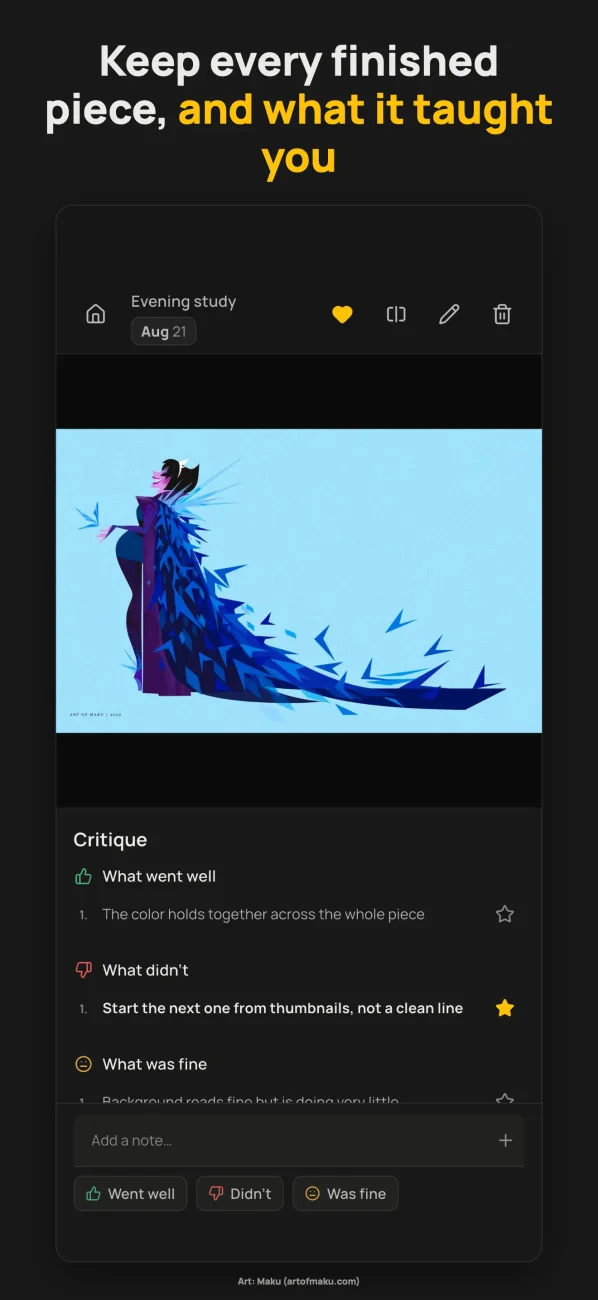
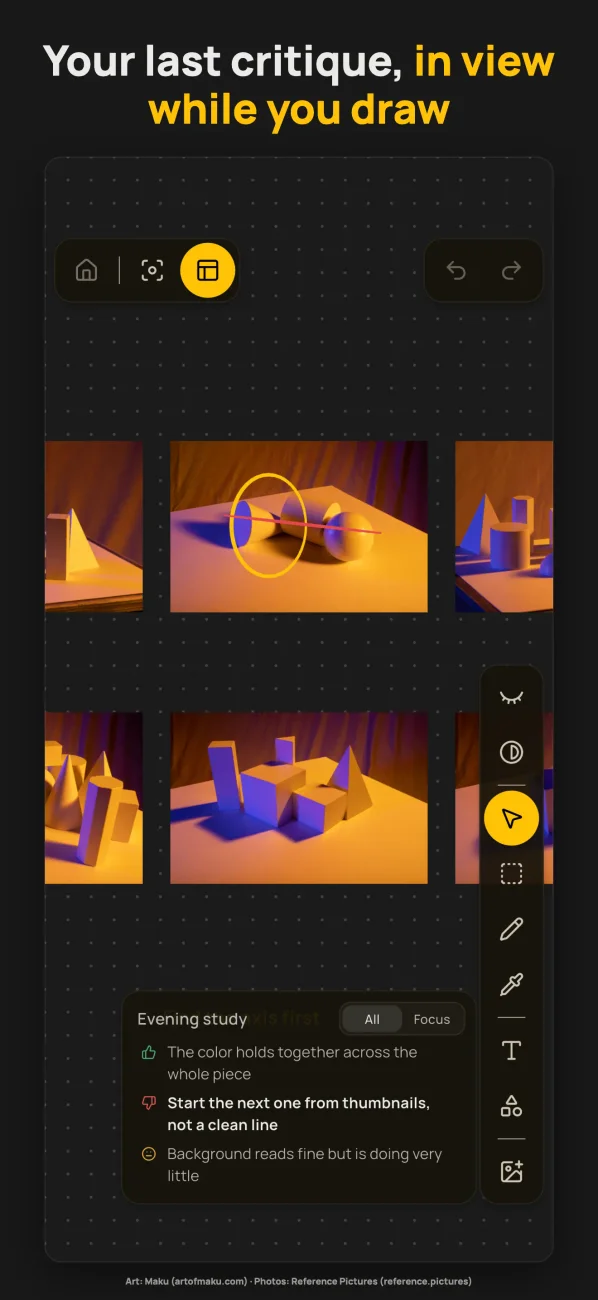
When something's finished, keep it. Attach an artwork to the board it came from, open it full screen, and see everything you've made on a dated timeline — as a gallery to swipe or a list to scan. Note what worked and what didn't while it's fresh, star the things to carry forward, and those notes sit in a pane on the board while you draw the next one. Put artworks side by side, stacked or in a grid to see how far you've come, with the dates on them, and share the comparison as one image.
If you'd rather Proref stayed purely a reference app, turn the art journey off in Settings and it does.
SHARE IT, KEEP IT SAFE
Export a board as an image, choosing what it covers, the space around it and the background, or share the whole board as a file. Back up your entire library to one file and restore it whenever you need to. Backups are free.
PRIVATE BY DEFAULT
No accounts. No sign-in. No server. No tracking, no analytics, no ads. Your boards, your artworks and your critique notes stay on your device.
FREE, WITH A ONE-TIME UNLOCK
Proref is free to use with 2 boards, 10 images per board, 3 saved views, 5 finished artworks, 3 focused critique notes per artwork, and 2 artworks per comparison. Proref Pro removes those limits and unlocks every feature — a single one-time purchase, not a subscription. Buy it once and restore it on your other devices.
Neue Funktionen
Version 1.10.0 · 24.11.2026
• Added: art process, list steps and sub-steps, tick them off on each board and keep versions
• Added: progress for your art process on each board and in Home
• Added: copy, paste and duplicate anything on your board, from a button, long-press or right-click
• Added: paste images and links in from other apps
• Added: ⌘Z and ⇧⌘Z undo and redo with a keyboard
• Added: resize the bottom pane
• Fixed: crop handles and iPad window buttons
App-Datenschutz
Was John Oliver Atienza im App Store zum Umgang dieser App mit Daten angibt.
-
Keine Daten erfasst
Der Entwickler erfasst keine Daten von dieser App.
Die Datenschutzpraktiken können variieren, zum Beispiel je nach den von Ihnen verwendeten Funktionen oder Ihrem Alter.
Informationen
- Anbieter
- John Oliver Atienza
- Kategorie
- Grafik und Design
- Version
- 1.10.0
- Aktualisiert
- 24.11.2026
- Veröffentlicht
- 01.09.2026
- Größe
- 45,8 MB
- Erfordert
- iOS 15.0 oder neuer
- Altersfreigabe
- 4+
- Preis
- Kostenlos
- In-App-Käufe
- Ja
- Sprachen
- Englisch
- Copyright
- © 2026 Oliver Atienza
Das könnte Ihnen auch gefallen
-
 Moodboard & Referenzen: MicaUI Design, Mockup & Prototyp
-
 ArtDeck: Referenz-BoardKunst-Moodboard & Farbpalette
-
 Reference Board: Mood BoardGrafik und Design
-
 Angle RefGrafik und Design
-
 SceneRefGrafik und Design
-
 Refbox MobileMoodboard & Referenzbilder
-
 CanvasBoard StudioGrafik und Design
-
 Marea Canvas: Boards for IdeasGrafik und Design
-
 OG PaperGrafik und Design
-
 Vinarto: Vintage-FotoeditorRetro-Filmlooks & Collagen