Proref: Art Reference Boards
Mood board for drawing & study
Conçue pour iPhone, iPad, iPod touch
Gratuit · Achats intégrés
- Classification d’âge4+
- CatégorieGraphisme et design
- DéveloppeurJohn Oliver Atienza
- LanguesAnglais
- Taille45,8 Mo
Renvoie vers la page App Store officielle
Download.org n’héberge aucun fichier de Proref: Art Reference Boards. Le bouton ouvre la page de l’application sur App Store, où John Oliver Atienza la publie. Fiche vérifiée pour la dernière fois le 25/11/2026.
Captures d’écran
À propos
Le développeur n’a pas fourni ce texte dans votre langue.
Proref is where your references live while you draw — and where the finished artwork goes afterward.
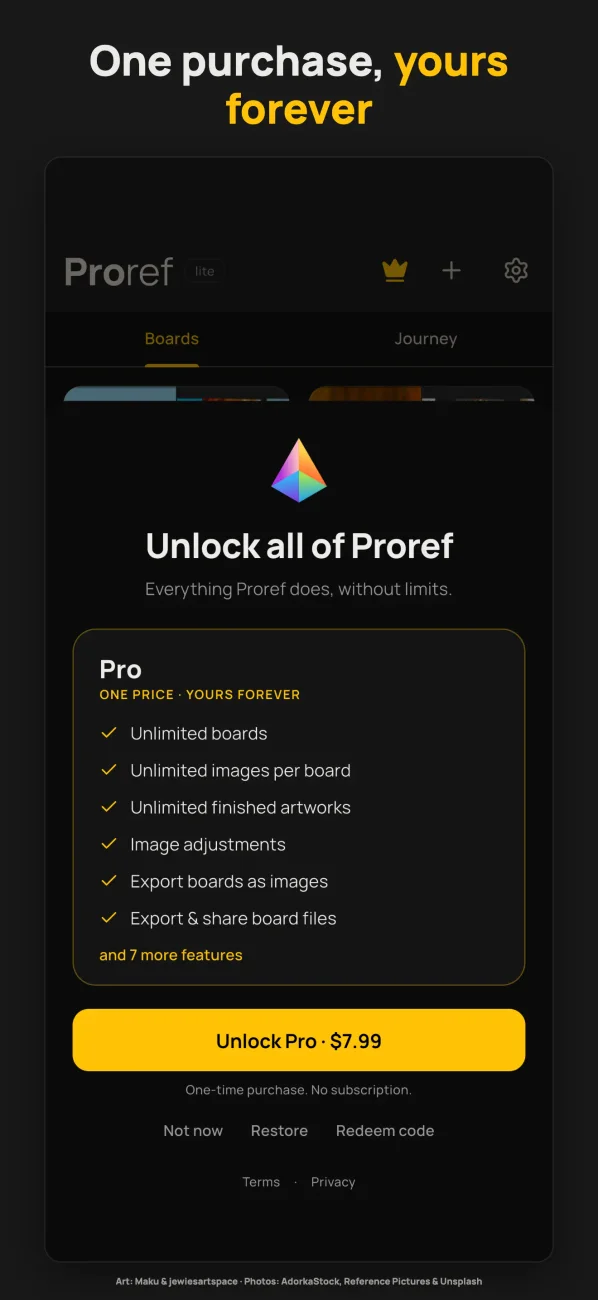
Free to start. One purchase unlocks everything — no subscription, no account, nothing leaves your device.
GATHER YOUR REFERENCES
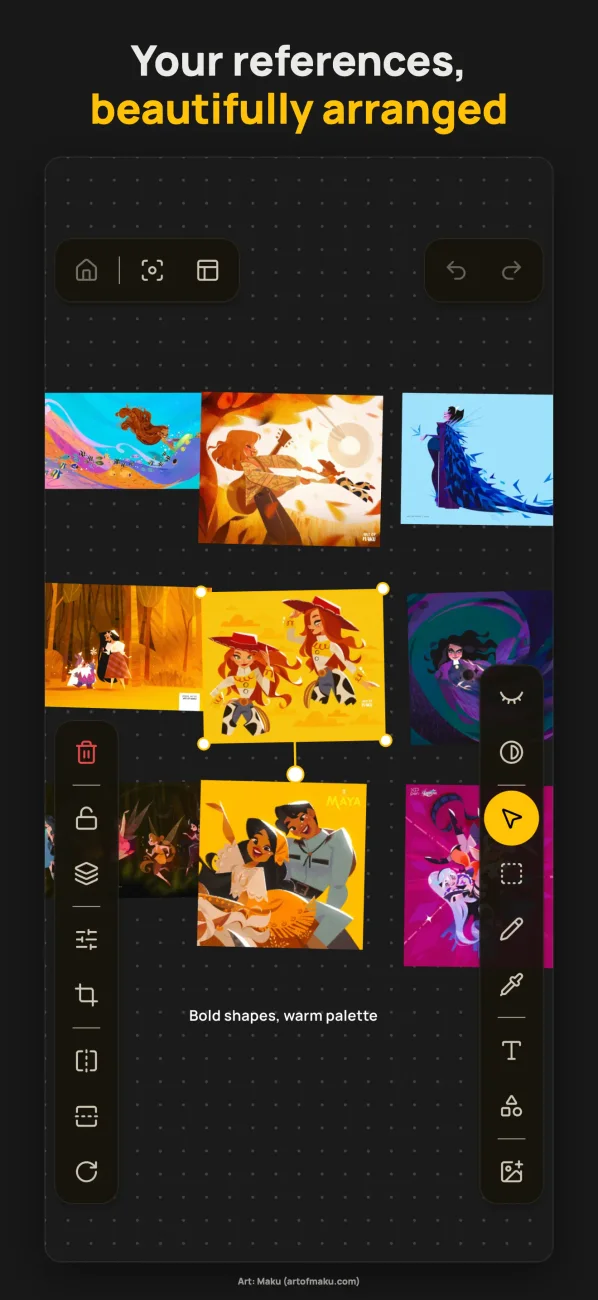
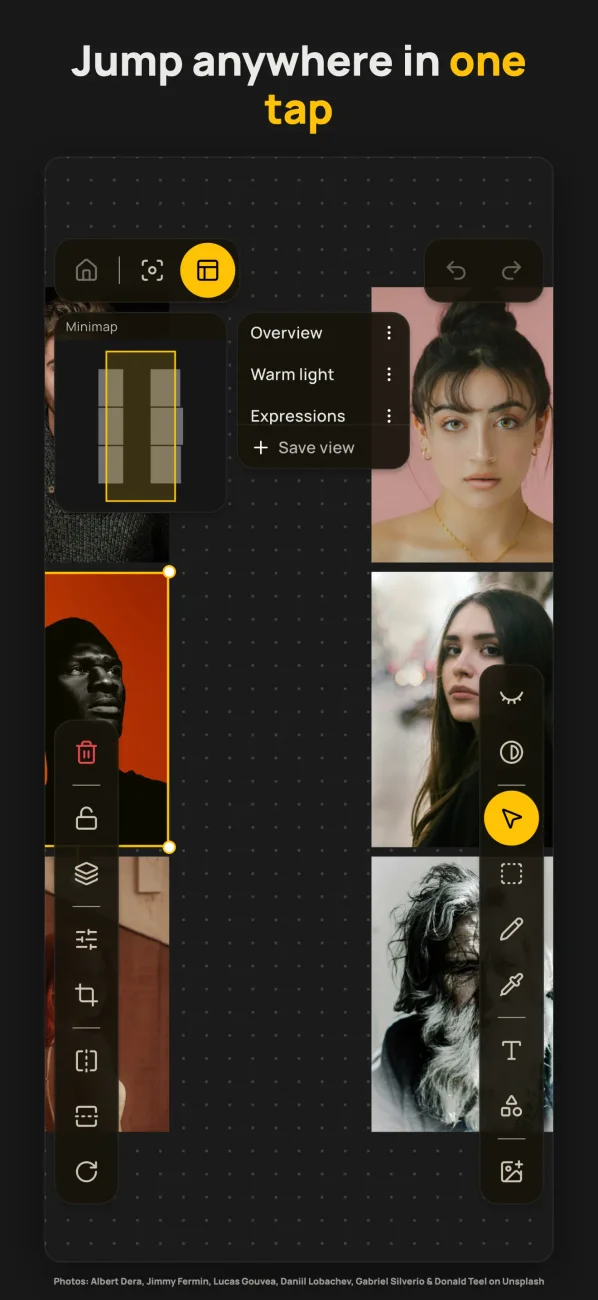
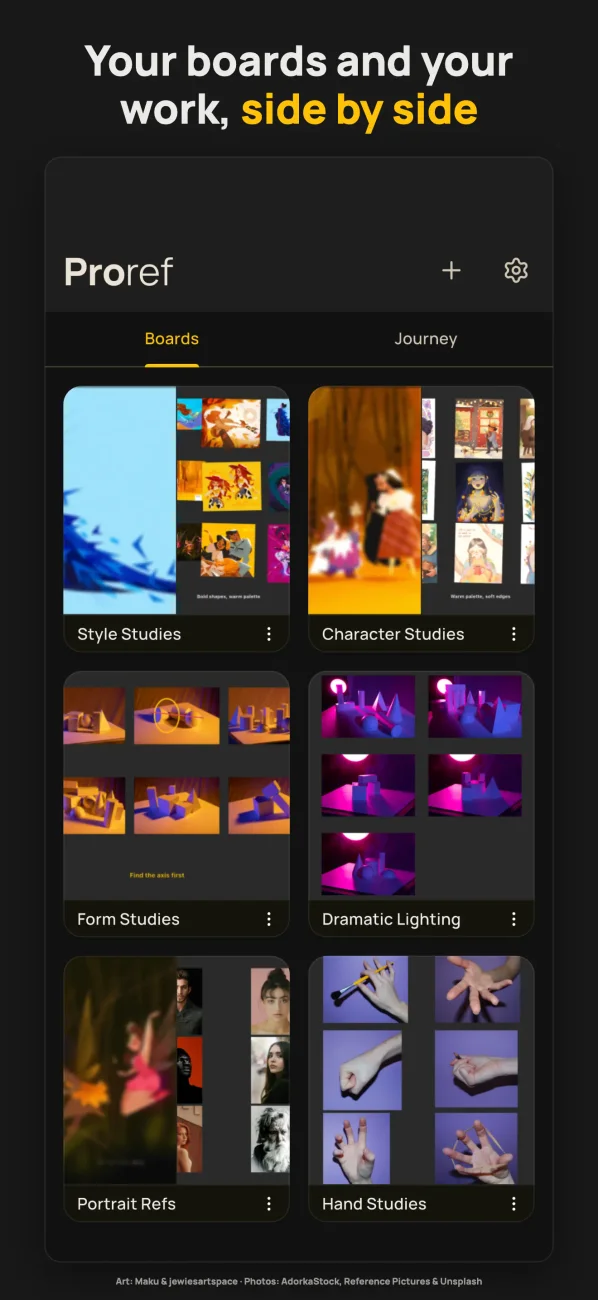
Use it as a reference board, a mood board or an inspiration board for every project. Drop everything you're looking at onto one huge canvas and arrange it into a board. Import from your photo library, your camera, Files, AirDrop, an image link, the share sheet, or by dragging straight in from Safari. Zoom from 2% to 25,600%, so the board grows with the project.
WORK BESIDE THEM
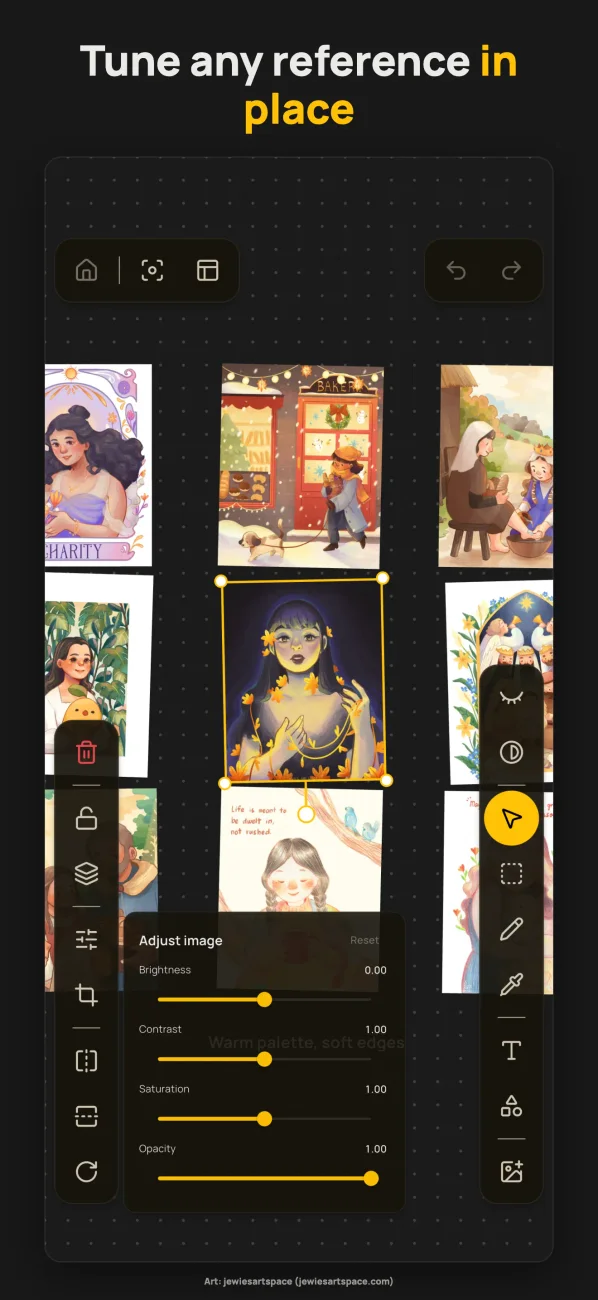
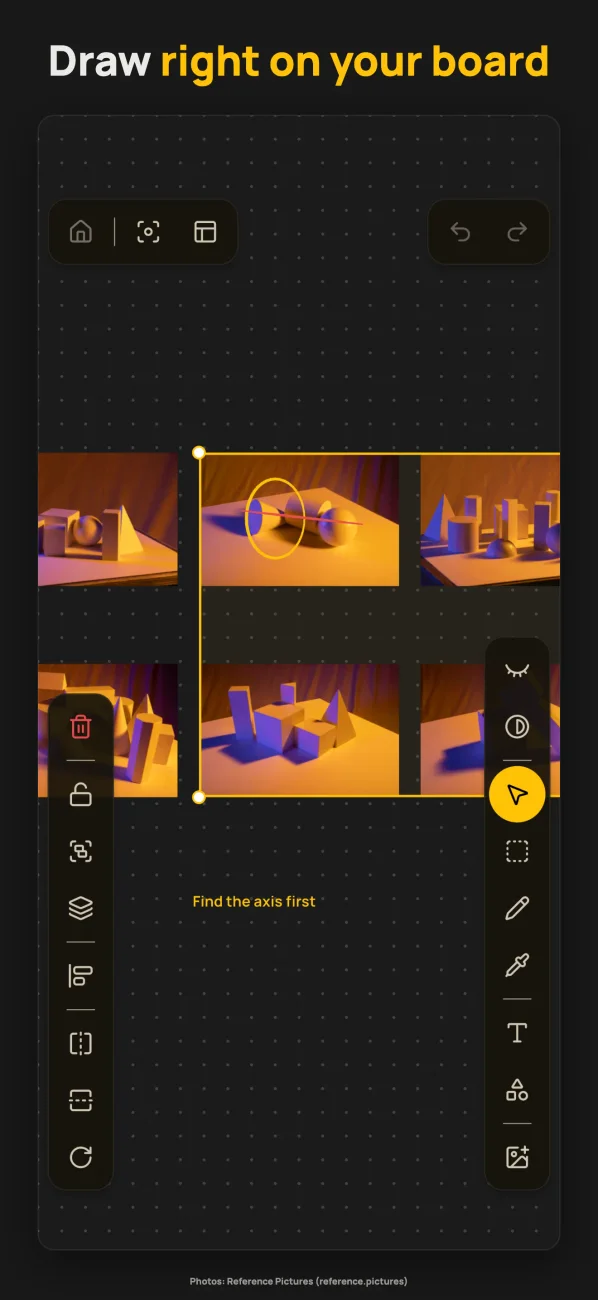
Proref is built for Split View: your references on one side, your drawing app on the other. Sketch and annotate over them with Apple Pencil, with pressure. Tune brightness, contrast and saturation, or crop non-destructively — the original is always recoverable. Pick any color off a reference with the eyedropper. Rearrange the board's buttons, or hide the ones you never use. A minimap shows where you are, and saved views jump you back to any spot in one tap.
KEEP THE ARTWORK, AND THE LESSON
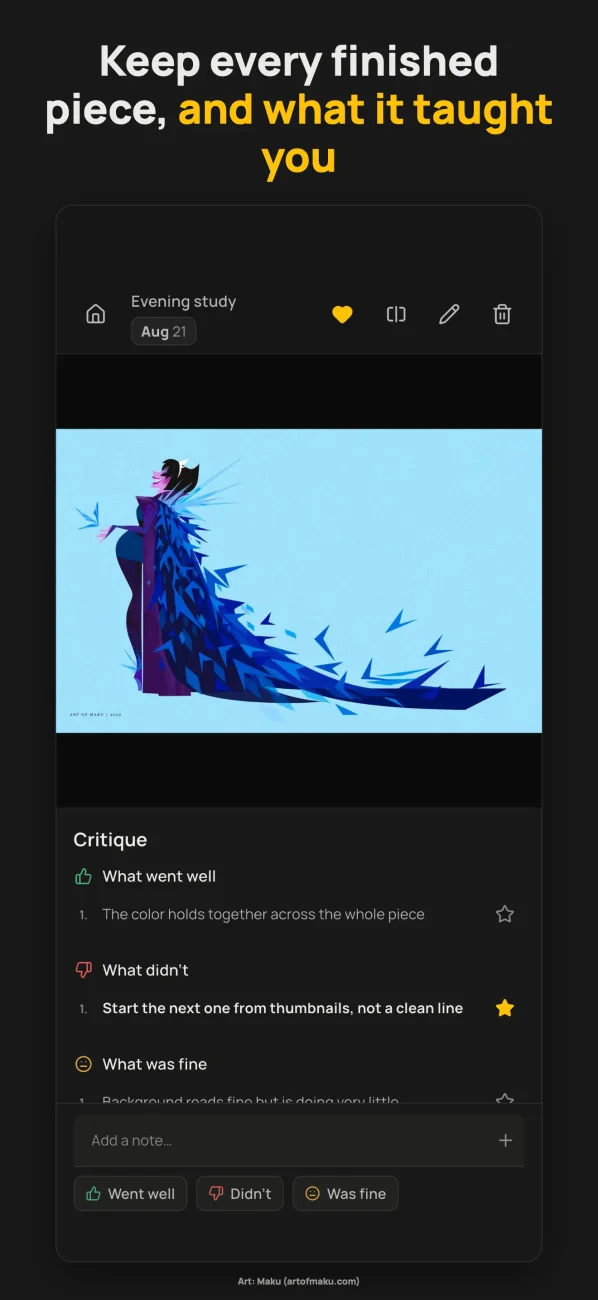
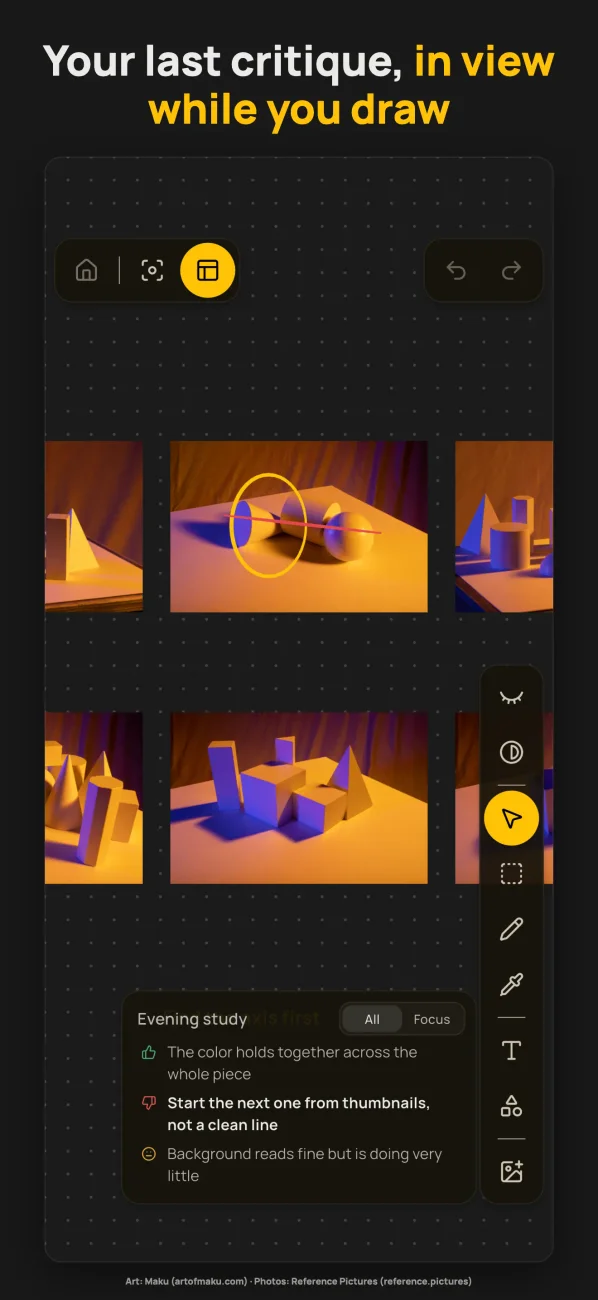
When something's finished, keep it. Attach an artwork to the board it came from, open it full screen, and see everything you've made on a dated timeline — as a gallery to swipe or a list to scan. Note what worked and what didn't while it's fresh, star the things to carry forward, and those notes sit in a pane on the board while you draw the next one. Put artworks side by side, stacked or in a grid to see how far you've come, with the dates on them, and share the comparison as one image.
If you'd rather Proref stayed purely a reference app, turn the art journey off in Settings and it does.
SHARE IT, KEEP IT SAFE
Export a board as an image, choosing what it covers, the space around it and the background, or share the whole board as a file. Back up your entire library to one file and restore it whenever you need to. Backups are free.
PRIVATE BY DEFAULT
No accounts. No sign-in. No server. No tracking, no analytics, no ads. Your boards, your artworks and your critique notes stay on your device.
FREE, WITH A ONE-TIME UNLOCK
Proref is free to use with 2 boards, 10 images per board, 3 saved views, 5 finished artworks, 3 focused critique notes per artwork, and 2 artworks per comparison. Proref Pro removes those limits and unlocks every feature — a single one-time purchase, not a subscription. Buy it once and restore it on your other devices.
Nouveautés
Version 1.10.0 · 24/11/2026
• Added: art process, list steps and sub-steps, tick them off on each board and keep versions
• Added: progress for your art process on each board and in Home
• Added: copy, paste and duplicate anything on your board, from a button, long-press or right-click
• Added: paste images and links in from other apps
• Added: ⌘Z and ⇧⌘Z undo and redo with a keyboard
• Added: resize the bottom pane
• Fixed: crop handles and iPad window buttons
Confidentialité de l’application
Ce que John Oliver Atienza déclare sur l’App Store au sujet du traitement des données par cette application.
-
Données non collectées
Le développeur ne collecte aucune donnée à partir de cette application.
Les pratiques en matière de confidentialité peuvent varier, notamment en fonction des fonctionnalités que vous utilisez ou de votre âge.
Informations
- Vendeur
- John Oliver Atienza
- Catégorie
- Graphisme et design
- Version
- 1.10.0
- Mis à jour
- 24/11/2026
- Publié
- 01/09/2026
- Taille
- 45,8 Mo
- Nécessite
- iOS 15.0 ou version ultérieure
- Classification d’âge
- 4+
- Prix
- Gratuit
- Achats intégrés
- Oui
- Langues
- Anglais
- Copyright
- © 2026 Oliver Atienza
Vous aimerez peut-être aussi
-
 Moodboard & références : MicaDesign UI, mockup et prototype
-
 ArtDeck : planche de référenceMoodboard, notan et palette
-
 Reference Board: Mood BoardGraphisme et design
-
 Angle RefGraphisme et design
-
 SceneRefGraphisme et design
-
 Refbox MobileMoodboard et références d’art
-
 CanvasBoard StudioGraphisme et design
-
 Marea Canvas: Boards for IdeasGraphisme et design
-
 OG PaperGraphisme et design
-
 Vinarto: Retouche photo rétroEffets argentiques et collages