Proref: Art Reference Boards
Mood board for drawing & study
iPhone, iPad, iPod touch向けに設計
無料 · アプリ内課金
- 対象年齢4+
- カテゴリグラフィック/デザイン
- 開発元John Oliver Atienza
- 言語英語
- サイズ45.8 MB
App Storeの公式ページにリンクしています
Download.orgはProref: Art Reference Boardsのファイルを一切ホストしていません。ボタンを押すと、John Oliver Atienzaが公開しているApp Storeのアプリページが開きます。ページの最終確認:2026/11/25。
スクリーンショット
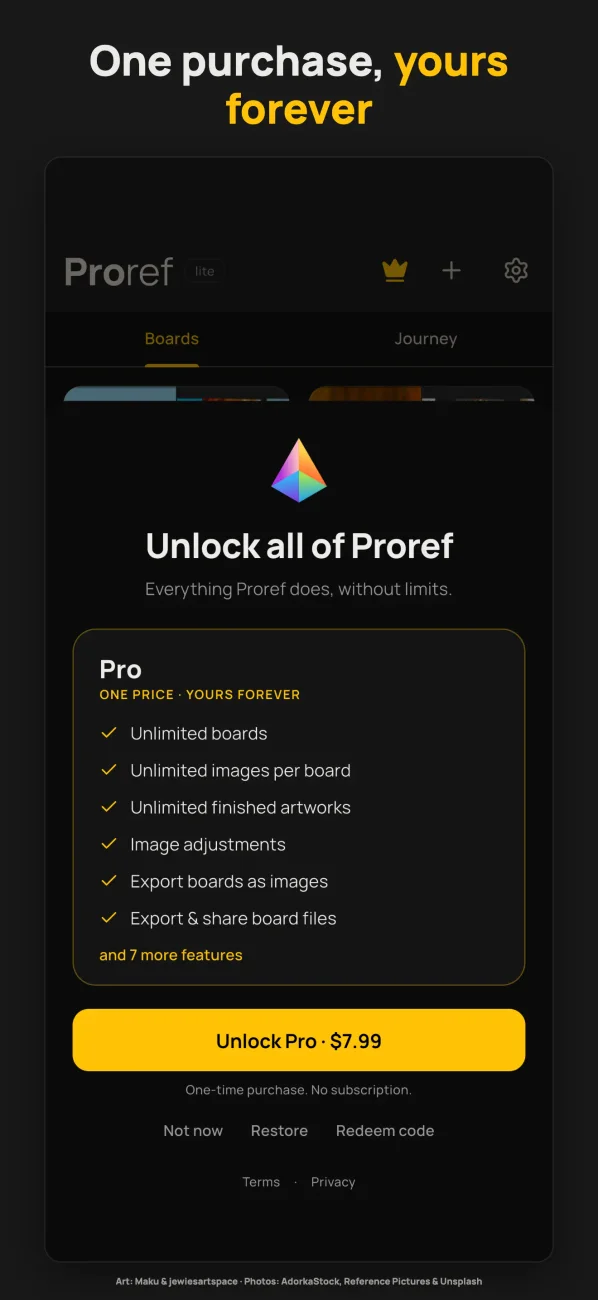
概要
開発元はこのテキストをお使いの言語で提供していません。
Proref is where your references live while you draw — and where the finished artwork goes afterward.
Free to start. One purchase unlocks everything — no subscription, no account, nothing leaves your device.
GATHER YOUR REFERENCES
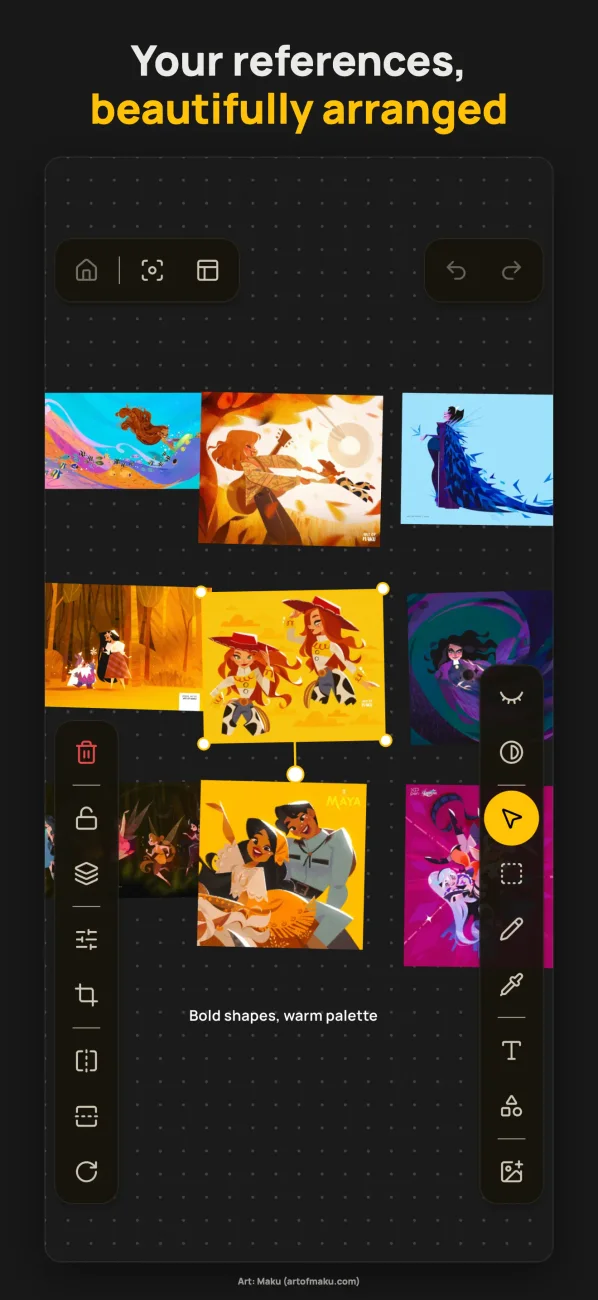
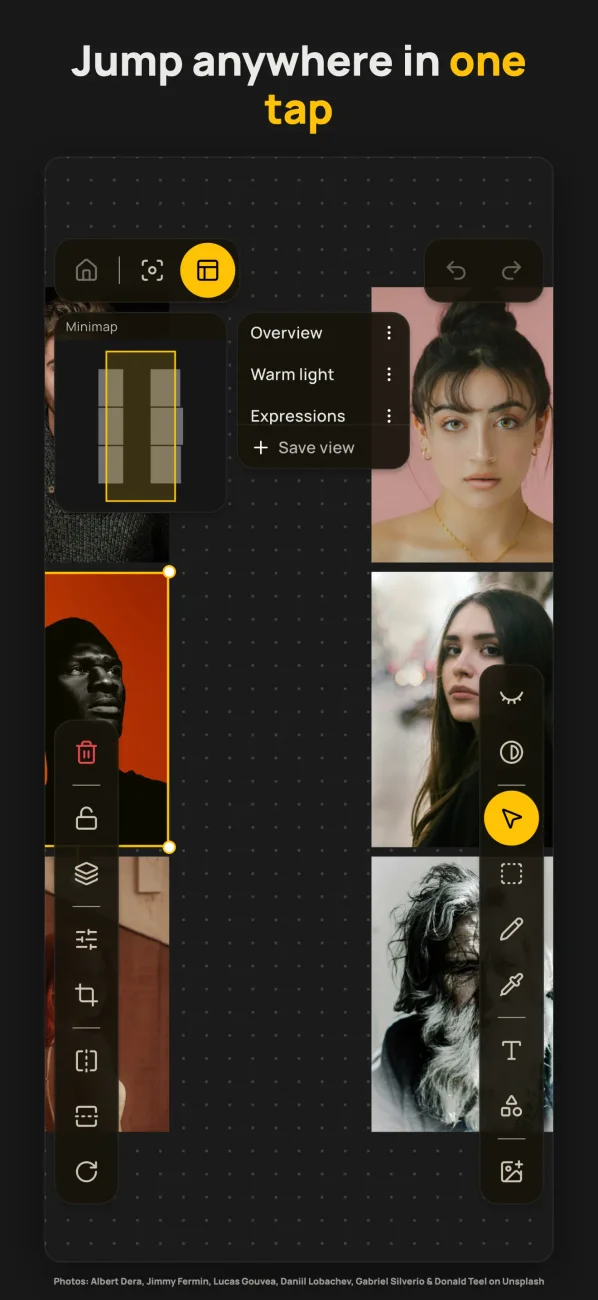
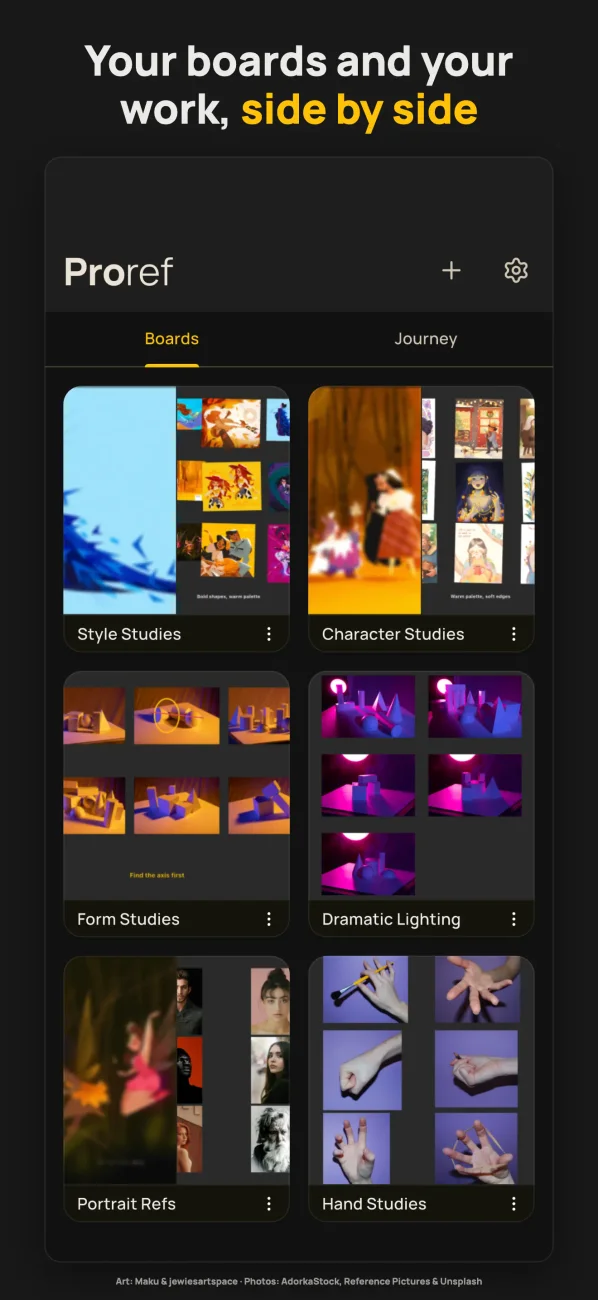
Use it as a reference board, a mood board or an inspiration board for every project. Drop everything you're looking at onto one huge canvas and arrange it into a board. Import from your photo library, your camera, Files, AirDrop, an image link, the share sheet, or by dragging straight in from Safari. Zoom from 2% to 25,600%, so the board grows with the project.
WORK BESIDE THEM
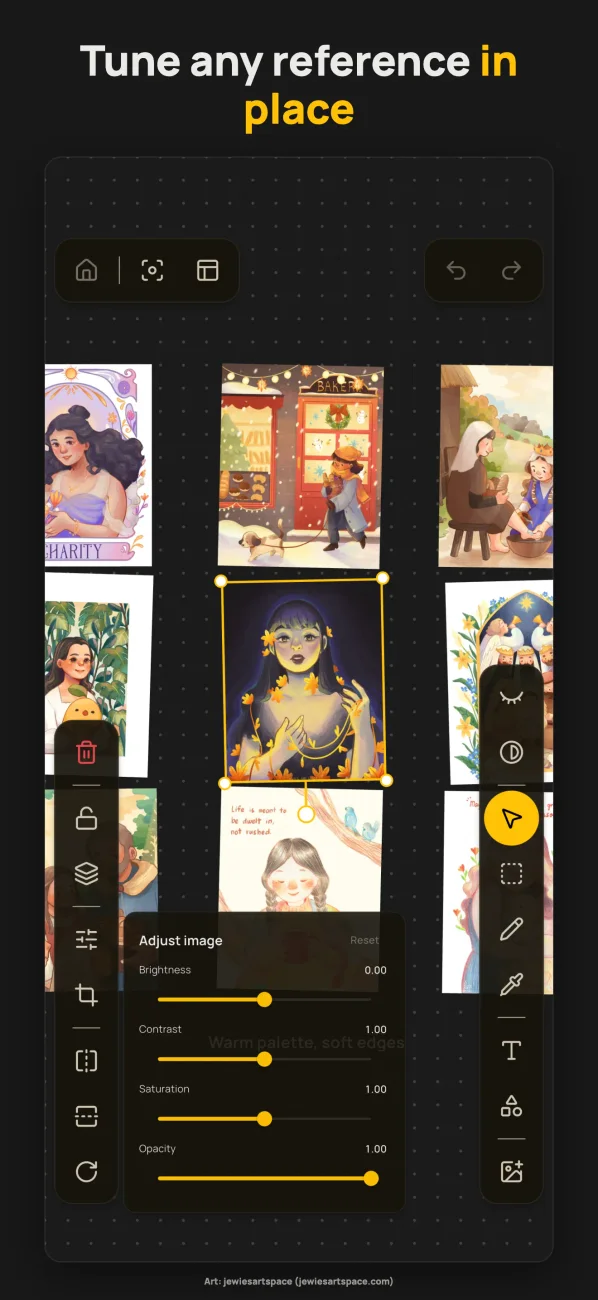
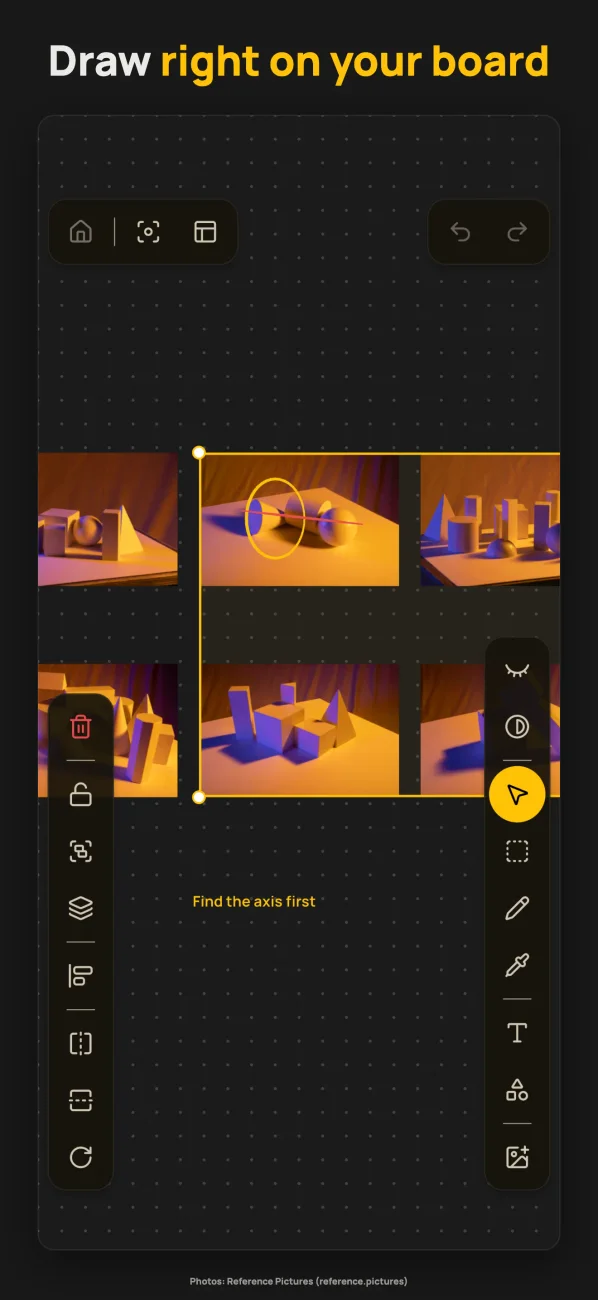
Proref is built for Split View: your references on one side, your drawing app on the other. Sketch and annotate over them with Apple Pencil, with pressure. Tune brightness, contrast and saturation, or crop non-destructively — the original is always recoverable. Pick any color off a reference with the eyedropper. Rearrange the board's buttons, or hide the ones you never use. A minimap shows where you are, and saved views jump you back to any spot in one tap.
KEEP THE ARTWORK, AND THE LESSON
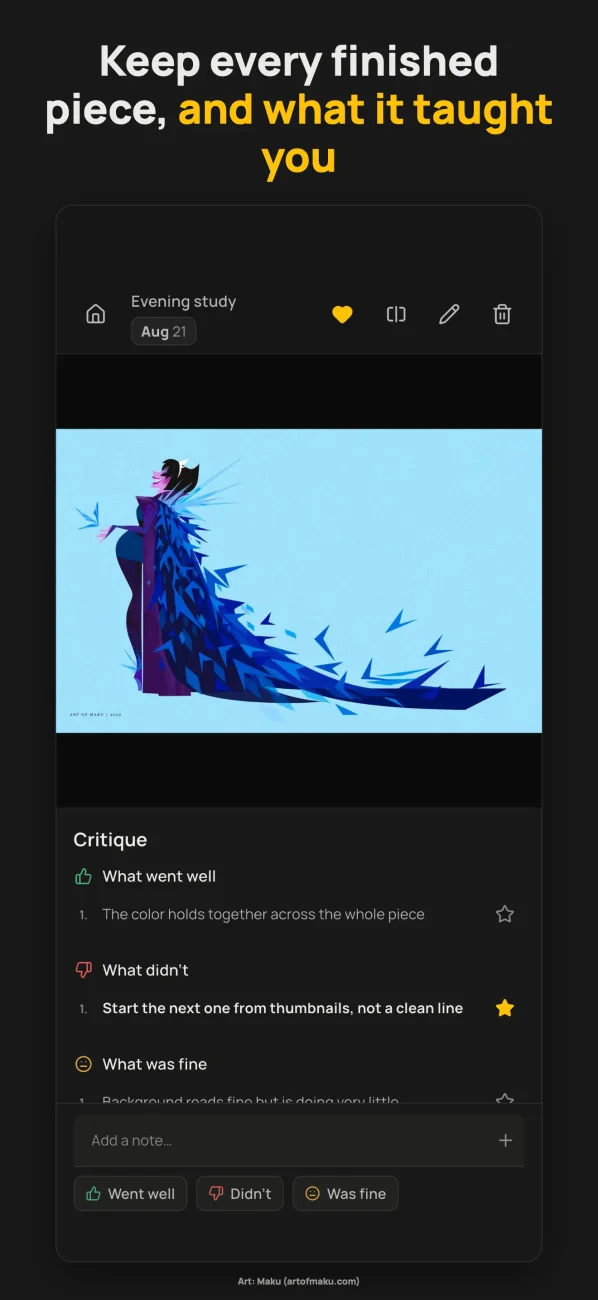
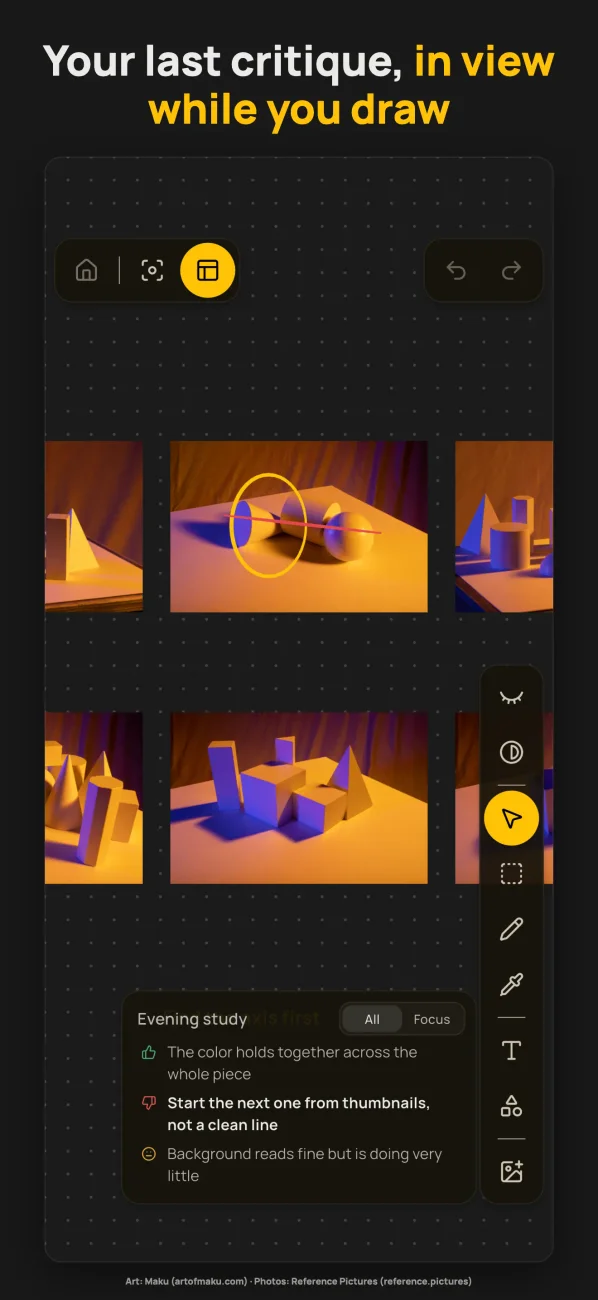
When something's finished, keep it. Attach an artwork to the board it came from, open it full screen, and see everything you've made on a dated timeline — as a gallery to swipe or a list to scan. Note what worked and what didn't while it's fresh, star the things to carry forward, and those notes sit in a pane on the board while you draw the next one. Put artworks side by side, stacked or in a grid to see how far you've come, with the dates on them, and share the comparison as one image.
If you'd rather Proref stayed purely a reference app, turn the art journey off in Settings and it does.
SHARE IT, KEEP IT SAFE
Export a board as an image, choosing what it covers, the space around it and the background, or share the whole board as a file. Back up your entire library to one file and restore it whenever you need to. Backups are free.
PRIVATE BY DEFAULT
No accounts. No sign-in. No server. No tracking, no analytics, no ads. Your boards, your artworks and your critique notes stay on your device.
FREE, WITH A ONE-TIME UNLOCK
Proref is free to use with 2 boards, 10 images per board, 3 saved views, 5 finished artworks, 3 focused critique notes per artwork, and 2 artworks per comparison. Proref Pro removes those limits and unlocks every feature — a single one-time purchase, not a subscription. Buy it once and restore it on your other devices.
新機能
バージョン 1.10.0 · 2026/11/24
• Added: art process, list steps and sub-steps, tick them off on each board and keep versions
• Added: progress for your art process on each board and in Home
• Added: copy, paste and duplicate anything on your board, from a button, long-press or right-click
• Added: paste images and links in from other apps
• Added: ⌘Z and ⇧⌘Z undo and redo with a keyboard
• Added: resize the bottom pane
• Fixed: crop handles and iPad window buttons
アプリのプライバシー
このアプリのデータの取り扱いについて、John Oliver AtienzaがApp Storeで申告している内容です。
-
データの収集なし
開発元はこのアプリからデータを収集しません。
プライバシーの取り扱いは、ご利用の機能やお客様の年齢などに応じて異なる場合があります。
情報
- 販売元
- John Oliver Atienza
- カテゴリ
- グラフィック/デザイン
- バージョン
- 1.10.0
- 更新日
- 2026/11/24
- リリース
- 2026/9/1
- サイズ
- 45.8 MB
- 必要条件
- iOS 15.0以降
- 対象年齢
- 4+
- 価格
- 無料
- アプリ内課金
- あり
- 言語
- 英語
- 著作権
- © 2026 Oliver Atienza
こちらもおすすめ
-
 アート資料ボード・ムードボード・絵コンテ:MicaUIデザイン・モックアップ・プロトタイプ・クロッキー
-
 ArtDeck:リファレンスボード&ムードボードアート資料・参考画像の整理と、配色・構図・明暗の分析
-
 Reference Board: Mood Boardグラフィック/デザイン
-
 Angle Refグラフィック/デザイン
-
 SceneRefグラフィック/デザイン
-
 Refbox Mobileイラスト・デザインの資料ボード
-
 CanvasBoard Studioグラフィック/デザイン
-
 Marea Canvas: Boards for Ideasグラフィック/デザイン
-
 OG Paperグラフィック/デザイン
-
 Vinarto: ヴィンテージ写真加工レトロなフィルム風加工とコラージュ