
QLoop
Cues that loop on any schedule
Entwickelt für iPhone, iPad
Kostenlos · In-App-Käufe
- Altersfreigabe4+
- KategorieProduktivität
- EntwicklerDavid Smith
- SprachenEnglisch
- Größe36,8 MB
Verlinkt auf die offizielle App Store-Seite
Download.org hostet keine Datei von QLoop. Die Schaltfläche öffnet die App-Seite bei App Store, wo David Smith die App veröffentlicht. Eintrag zuletzt geprüft am 16.11.2026.
Screenshots


Info
Der Entwickler hat diesen Text nicht in Ihrer Sprache bereitgestellt.
QLoop is built for recurring reminders on any schedule—so you can remember the little things and build habits.
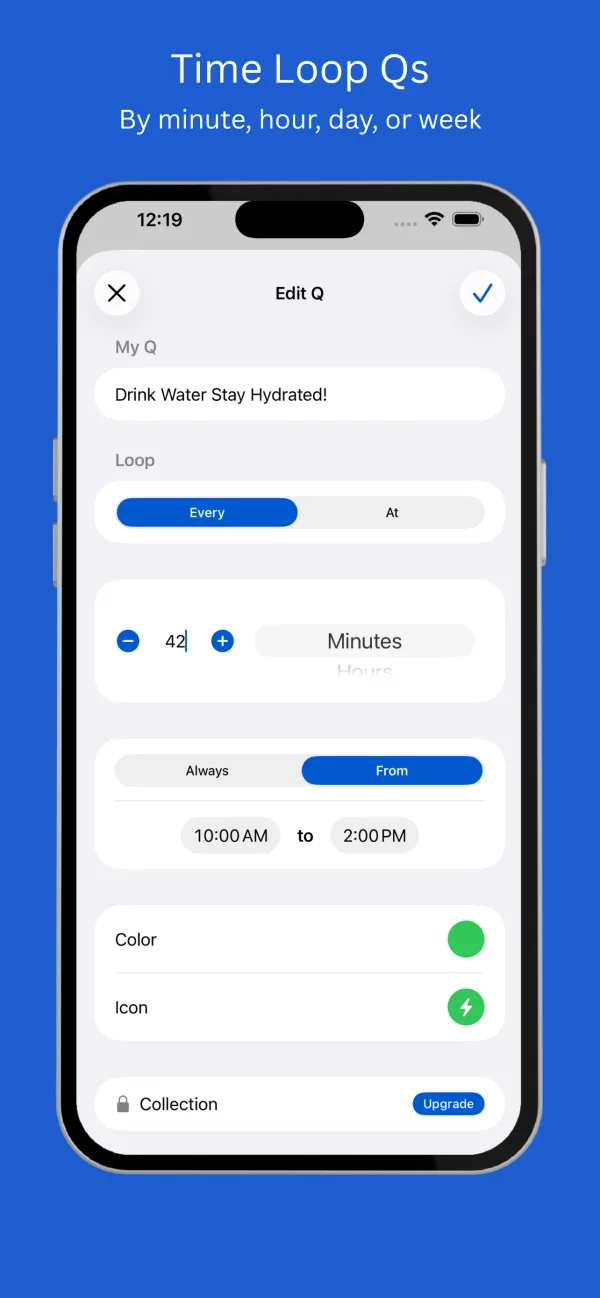
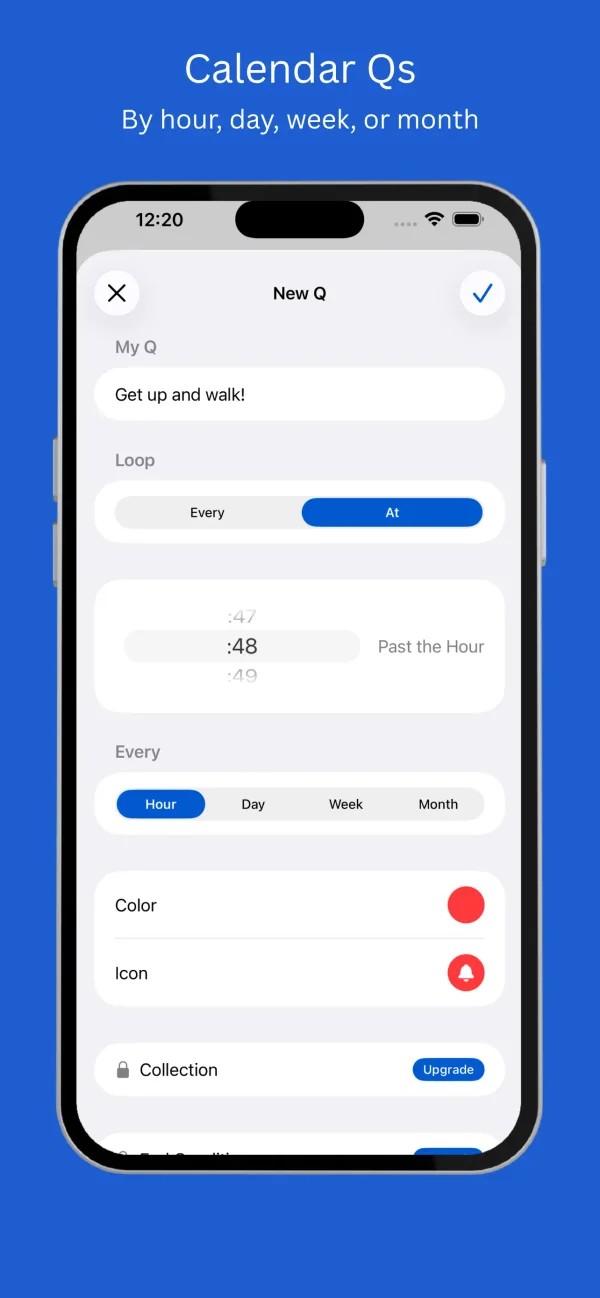
Create Qs (Cues) that “loop” automatically until you pause them or they reach an end condition. Choose a simple repeat (like every 45 minutes) or a calendar schedule (at a specific time).
SCHEDULING THAT FITS REAL LIFE
• Two modes: time-based repeat and calendar-based
• Time-based repeat: any number of minutes, hours, days, or weeks (ex: every 45 minutes)
• Calendar recurrence: hourly, daily, weekly (select multiple days), monthly (pick a day of month)
• Pause & resume any Q anytime
• Automatic scheduling so your Qs keep repeating without extra setup
• End conditions (Premium): stop after a certain number of completions (tapping Done) or stop on a date
• NEW FREE FEATURE: Set an active window for Qs with intervals of 30 minutes or more. Example: Every 1 hour, 9:00 AM - 6:00 PM
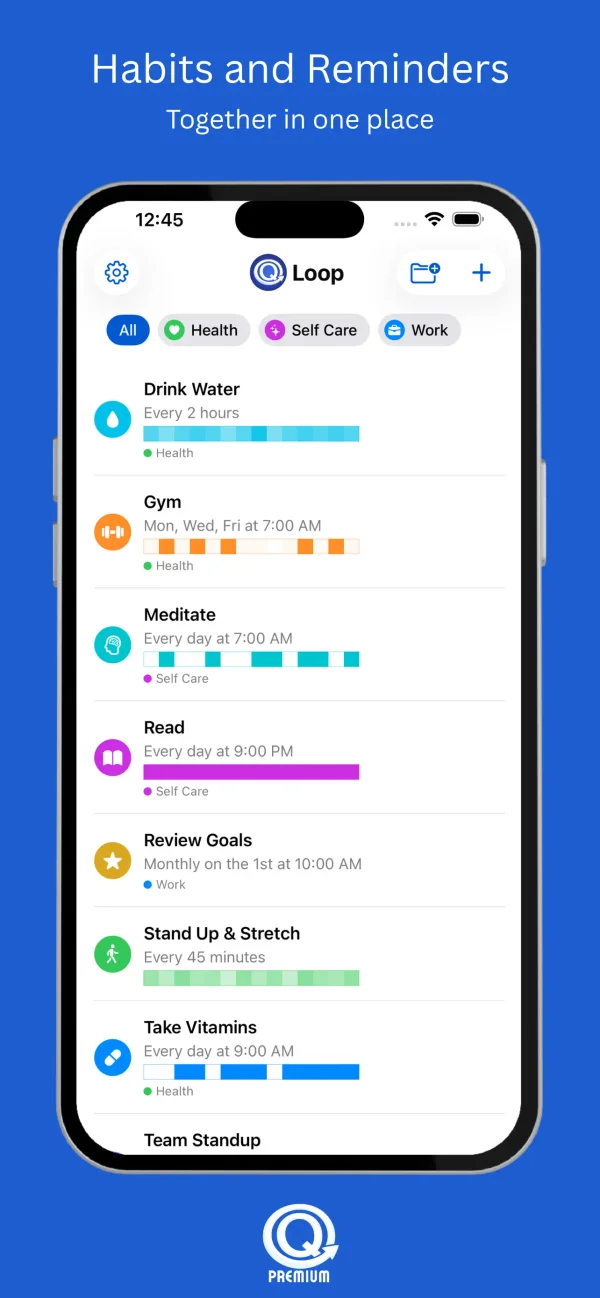
• NEW PREMIUM FEATURE: Edit a Q to enable completion tracking. A colored bar will appear on the Q showing completions for the last two weeks. When Qs are marked as done
from the notification, the tracker is updated and the colors in the bar become less transparent. Tap on the bar to view all completion history in two-week blocks. Tap on an
individual square to view counts.
NOTIFICATIONS THAT DO MORE THAN “PING”
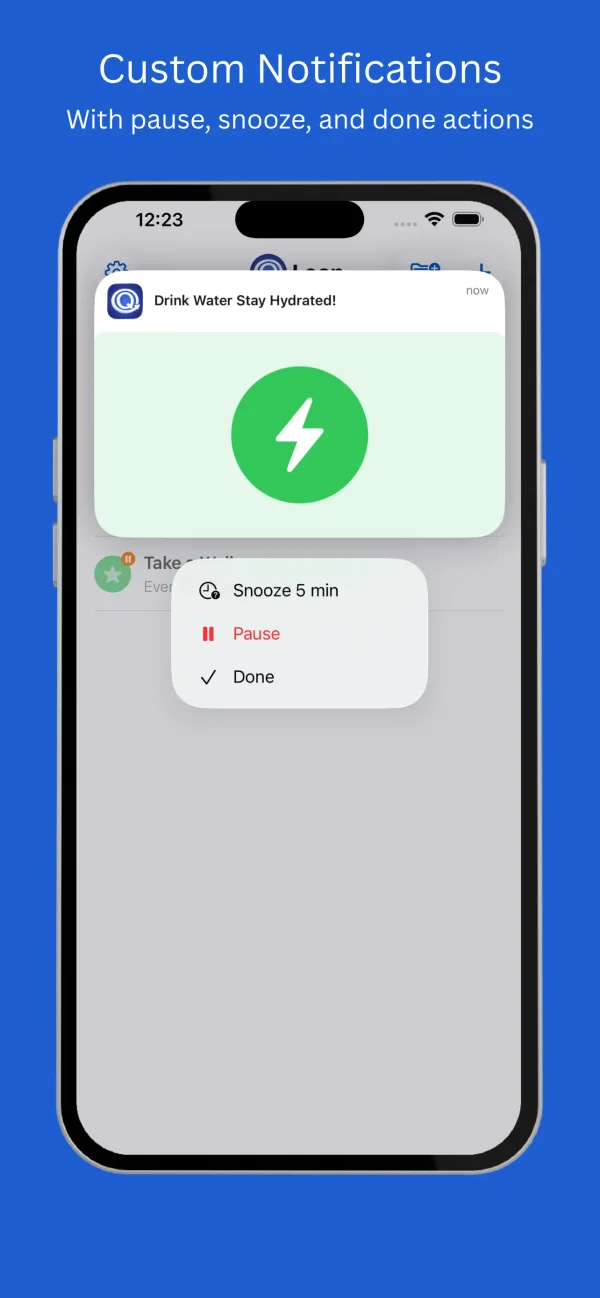
• Actions right on the notification: Snooze (5 min), Pause, Done
• Snooze appears only when your repeat is longer than 5 minutes
• Tap a notification to open the Q for quick editing
• Built to respect iOS scheduling limits — you’ll get a clear alert if your schedule is full
• NEW FREE FEATURE: Set the snooze length per Q.
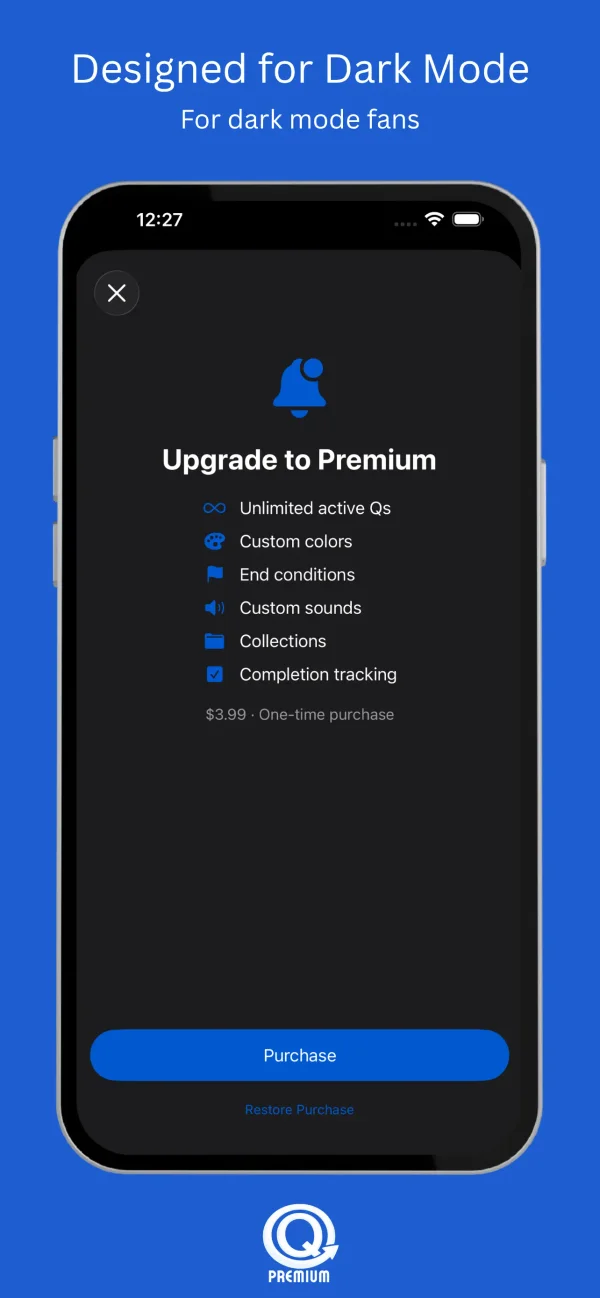
Free includes up to 5 active Qs. Upgrade to Premium to unlock:
• Unlimited active Qs (Cues)
• Collections to group Qs together
• End conditions (Premium)
• Custom colors and icons
• Custom sounds with in-app preview
• Restore purchases support
Privacy: QLoop is local-first — no account required.
Notes: Notification scheduling is managed by iOS, which limits how many notifications can be pending at once. QLoop will warn you when the schedule is full.
Neue Funktionen
Version 2.1.0 · 29.04.2026
• NEW FREE FEATURE: Set the snooze length per Q.
• Minor improvements and bug fixes
App-Datenschutz
Was David Smith im App Store zum Umgang dieser App mit Daten angibt.
-
Keine Daten erfasst
Der Entwickler erfasst keine Daten von dieser App.
Die Datenschutzpraktiken können variieren, zum Beispiel je nach den von Ihnen verwendeten Funktionen oder Ihrem Alter.
Informationen
- Anbieter
- Nocturnal Vision LLC
- Kategorie
- Produktivität
- Version
- 2.1.0
- Aktualisiert
- 29.04.2026
- Veröffentlicht
- 10.03.2026
- Größe
- 36,8 MB
- Erfordert
- iOS 17.0 oder neuer
- Altersfreigabe
- 4+
- Preis
- Kostenlos
- In-App-Käufe
- Ja
- Sprachen
- Englisch
- Copyright
- © 2025 Nocturnal Vision LLC
Das könnte Ihnen auch gefallen
-
 CueTask: Reminders & todo listProduktivität
-
 Cue: Smart RemindersProduktivität
-
 Pingo: Recurring RemindersProduktivität
-
 Name It - App Name GeneratorProduktivität
-
 Capush: Save the InternetProduktivität
-
 ReflexyProduktivität
-
 Intervall Timer: WiederholungHIIT, Training, Fokus, Pause
-
 Looopit: Persistent RemindersProduktivität
-
 NowCue: Daily PlannerProduktivität
-
 Remindly: Custom NotificationsProduktivität