Quick Draw: AR Tracing
Pin images & trace in AR
Entwickelt für iPhone, iPad
0,99 €
- Altersfreigabe4+
- KategorieGrafik und Design
- EntwicklerAaron Jones
- SprachenEnglisch
- Größe2,2 MB
Verlinkt auf die offizielle App Store-Seite
Download.org hostet keine Datei von Quick Draw: AR Tracing. Die Schaltfläche öffnet die App-Seite bei App Store, wo Aaron Jones die App veröffentlicht. Eintrag zuletzt geprüft am 08.11.2026.
Screenshots
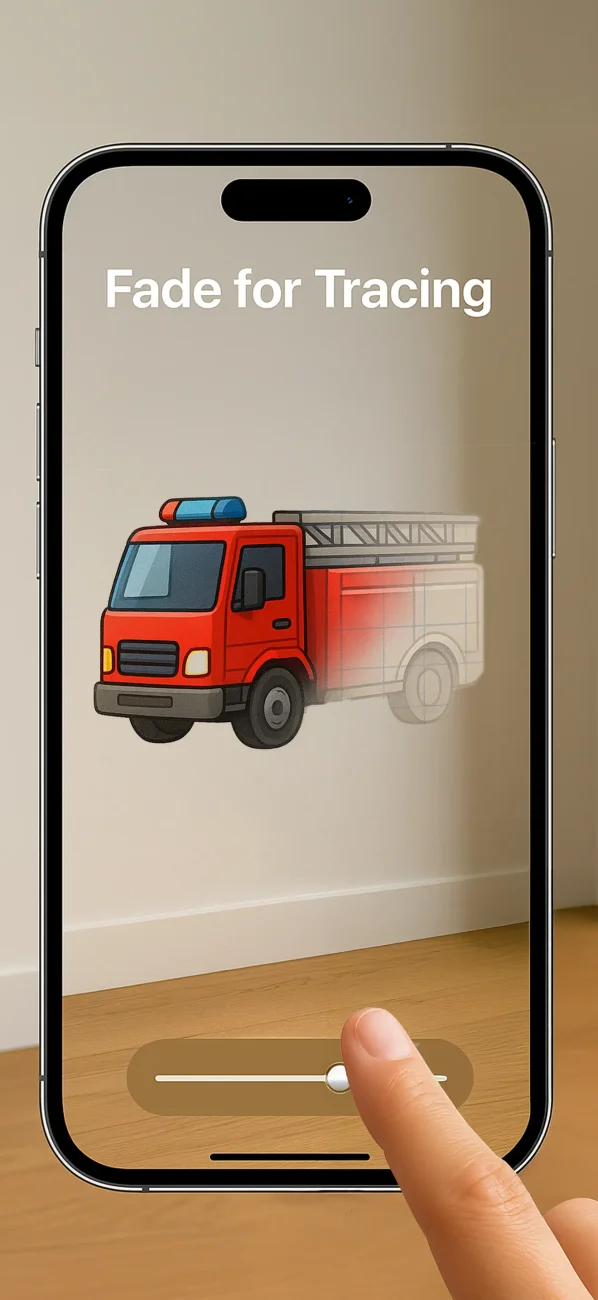
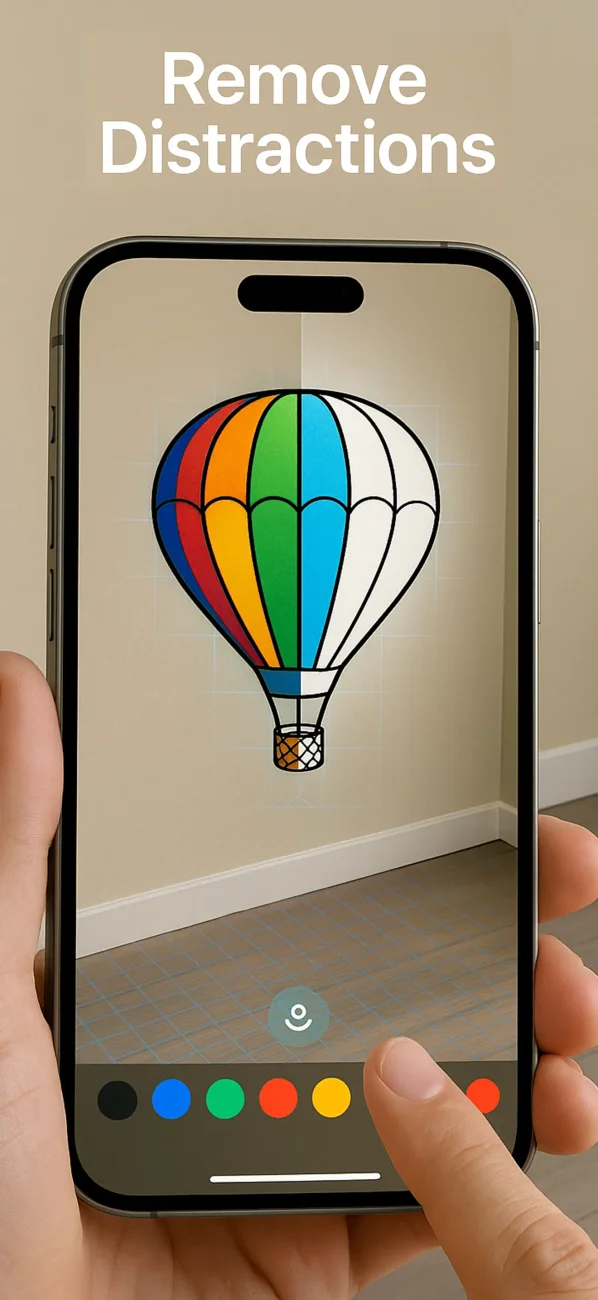
Info
Der Entwickler hat diesen Text nicht in Ihrer Sprache bereitgestellt.
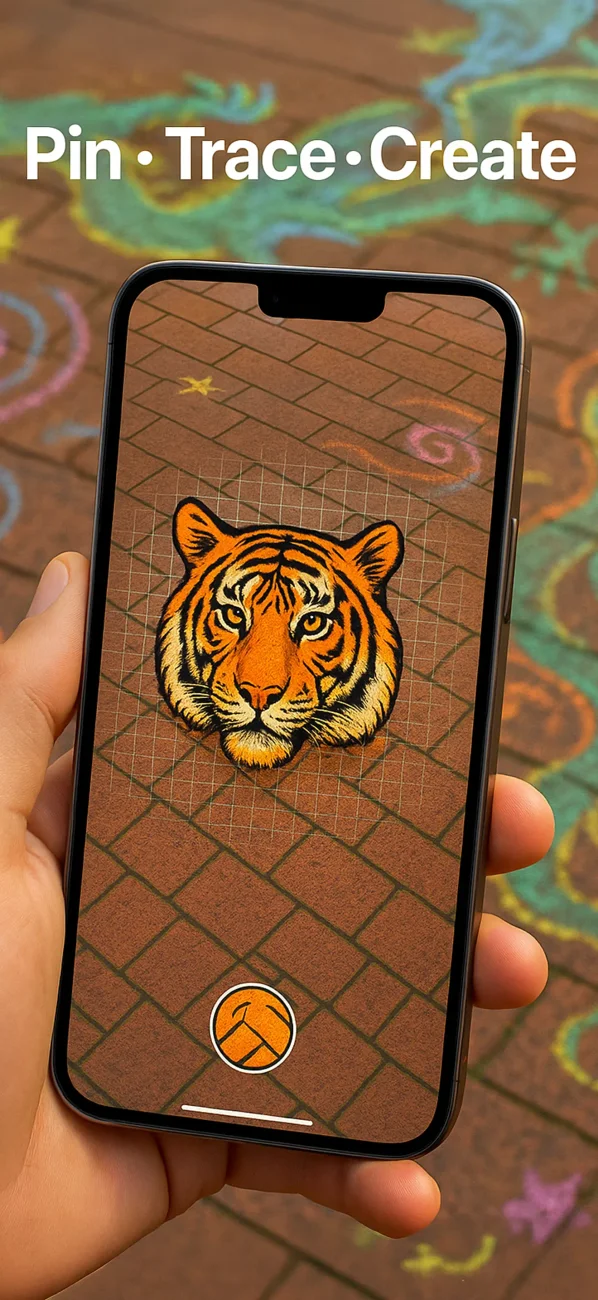
Turn your iPhone or iPad into a powerful AR tracing projector.
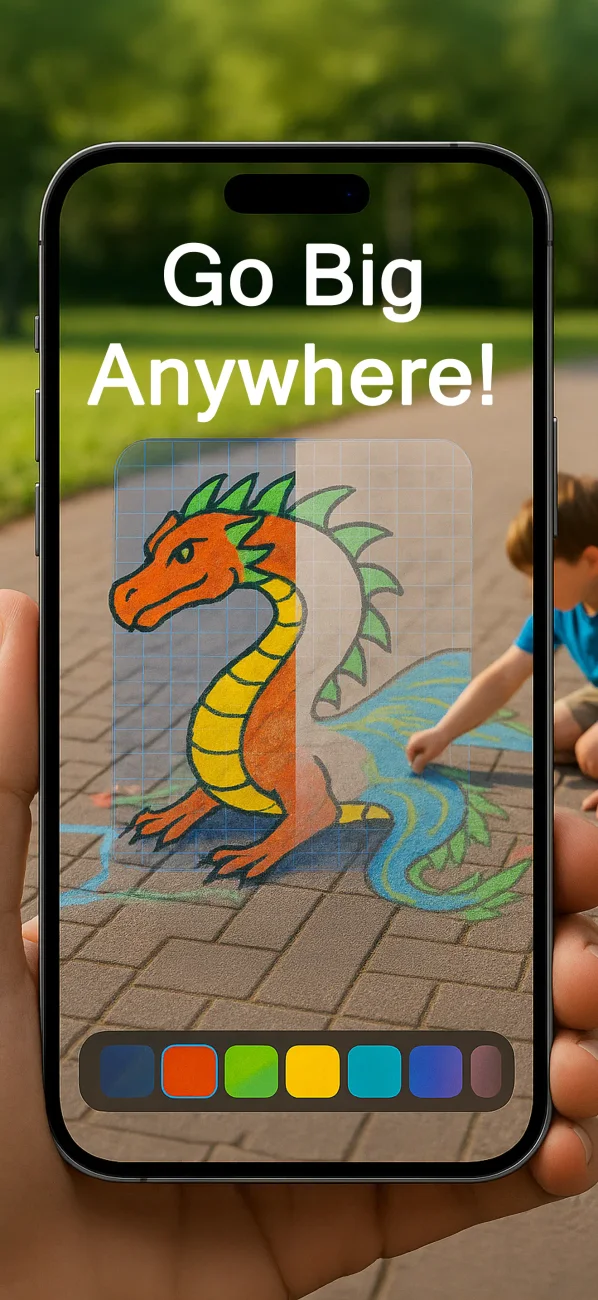
Project any image onto a wall, canvas, or sidewalk — no grid lines, no bulky projector, just your screen and your imagination.
One-time purchase — no ads, no subscriptions.
How it works
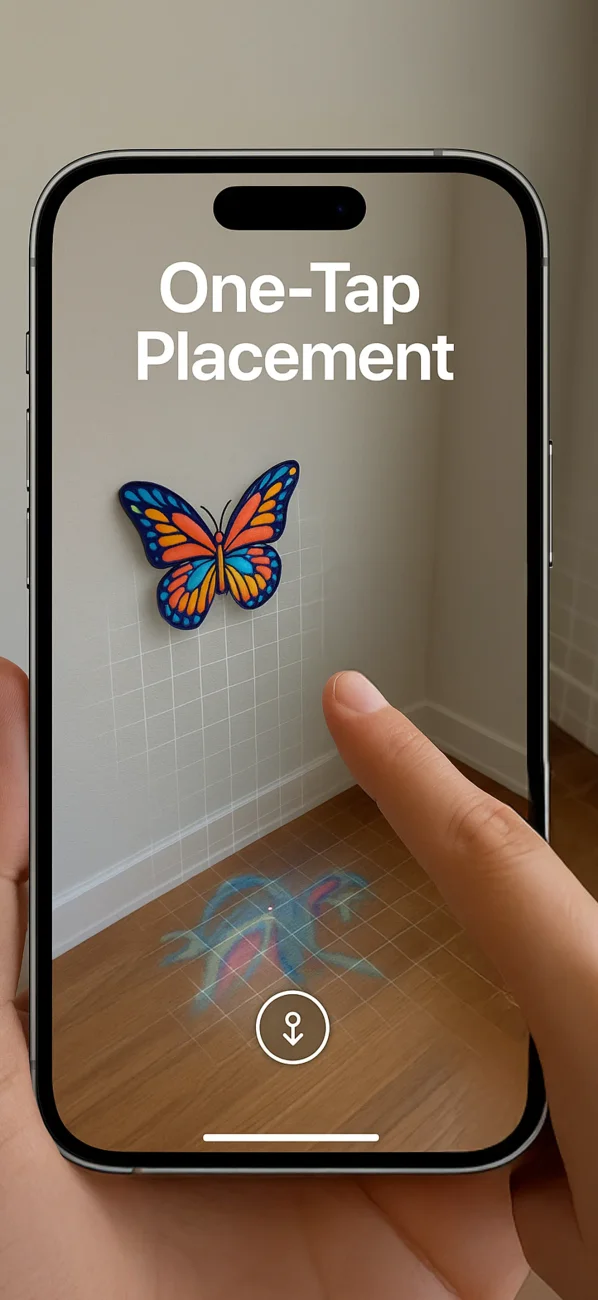
1. Tag – Choose any photo and tap your surface. QuickDraw AR locks it in 3-D space using advanced ARKit and LiDAR precision on iPhone Pro and iPad Pro.
2. Tweak – Pinch, rotate, and move to size your reference exactly where you want it. Adjust opacity so your lines stay visible without blocking your view.
3. Trace – Draw naturally while your image stays perfectly anchored — even when you move or step back.
Key features
* LiDAR-powered precision for rock-solid image anchoring on iPhone Pro & iPad Pro
* Works anywhere — walls, sidewalks, canvases, whiteboards, classroom posters
* Instantly scale designs—from small sketches to giant murals
* Use any photo on your device
* Universal purchase — works on both iPhone and iPad
* 100% Ad-free. Zero subscriptions. Buy once, create forever.
Who’s it for
* Parents and kids tracing chalk art or coloring pages
* Teachers projecting diagrams or maps in class
* Chalk and street artists scaling up sketches outdoors
* Muralists and sign painters planning complex layouts
* Anyone who loves to draw — faster and easier
Why Quick Draw AR?
Go from idea to outline in minutes, not hours. QuickDraw AR keeps your reference image steady so you can focus on what matters—the fun of creating.
One-time purchase. No subscriptions. No ads. Just pure, fast tracing magic.
Neue Funktionen
Version 1.0.7 · 13.09.2026
• Enhanced AR anchoring stability for iPhone Pro & iPad Pro models.
• Smoother opacity and scaling controls for precise tracing visibility.
• Performance improvements and bug fixes for seamless tracing on any surface.
App-Datenschutz
Was Aaron Jones im App Store zum Umgang dieser App mit Daten angibt.
-
Keine Daten erfasst
Der Entwickler erfasst keine Daten von dieser App.
Die Datenschutzpraktiken können variieren, zum Beispiel je nach den von Ihnen verwendeten Funktionen oder Ihrem Alter.
Informationen
- Anbieter
- Aaron Jones
- Kategorie
- Grafik und Design
- Version
- 1.0.7
- Aktualisiert
- 13.09.2026
- Veröffentlicht
- 22.06.2025
- Größe
- 2,2 MB
- Erfordert
- iOS 18.0 oder neuer
- Altersfreigabe
- 4+
- Preis
- 0,99 €
- Sprachen
- Englisch
- Copyright
- © 2025 Aaron Jones
Das könnte Ihnen auch gefallen
-
 Mirror Drawing StudioGrafik und Design
-
 Focus LineGrafik und Design
-
 Relax For A MinuteGrafik und Design
-
 Explorer for SketchfabGrafik und Design
-
 Tinto: Personal Color WheelGrafik und Design
-
 PixeluxGrafik und Design
-
 Transparent App IconsGrafik und Design
-
 Mural Maker by Da Vinci EyeGrafik und Design
-
 Value StudyLicht und Schatten analysieren
-
 AR Drawing: Easy Sketch & DrawMit AR zeichnen und abpausen