
Quick Draw: AR Tracing
Pin images & trace in AR
Được thiết kế cho iPhone, iPad
29.000đ
- Độ tuổi4+
- Danh mụcĐồ Họa & Thiết Kế
- Nhà phát triểnAaron Jones
- Ngôn ngữTiếng Anh
- Kích thước2,2 MB
Liên kết đến trang App Store chính thức
Download.org không lưu trữ tệp nào của Quick Draw: AR Tracing. Nút này mở trang ứng dụng trên App Store, nơi Aaron Jones phát hành ứng dụng. Trang được kiểm tra lần cuối: 08/11/2026.
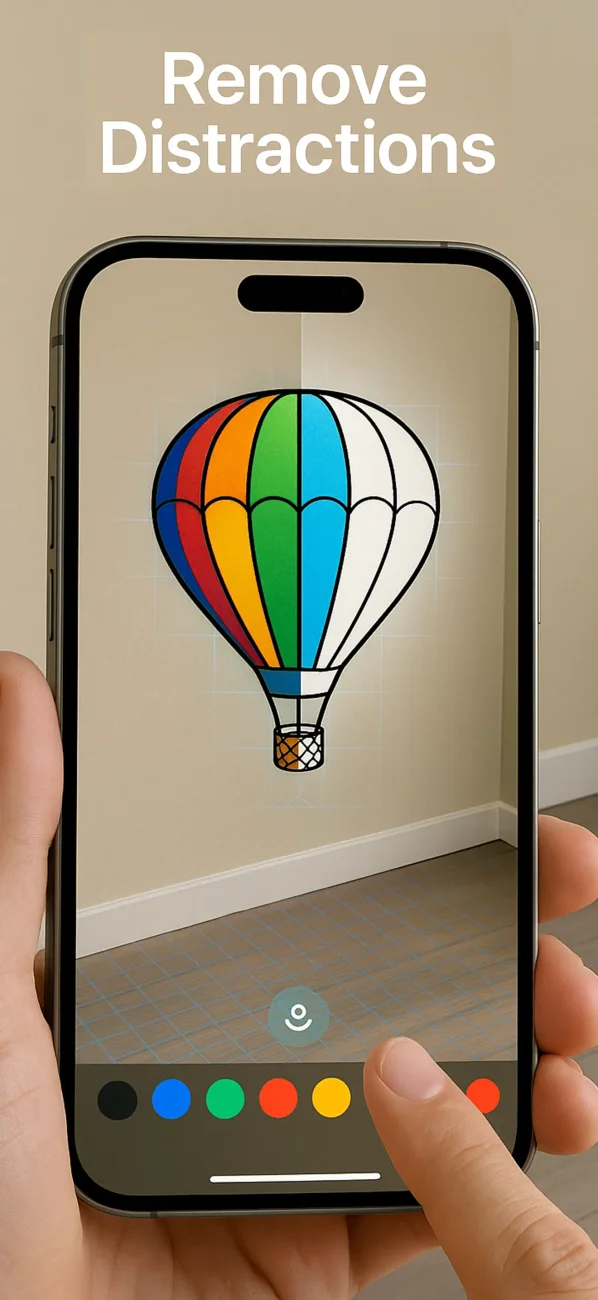
Ảnh chụp màn hình
Giới thiệu
Nhà phát triển chưa cung cấp nội dung này bằng ngôn ngữ của bạn.
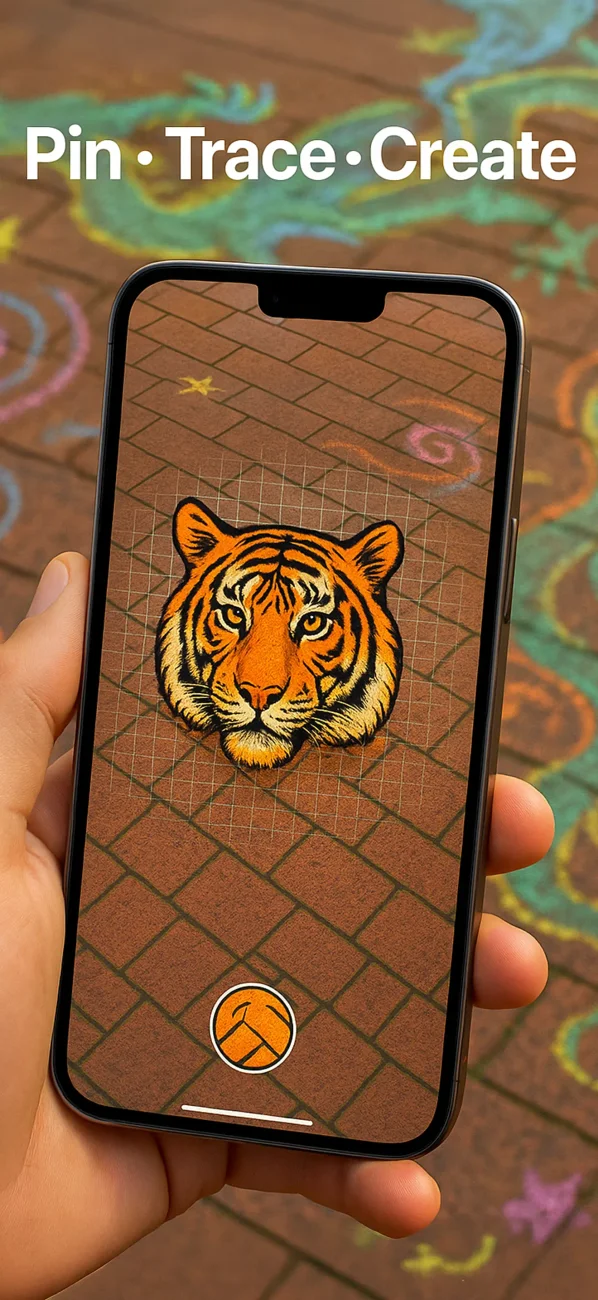
Turn your iPhone or iPad into a powerful AR tracing projector.
Project any image onto a wall, canvas, or sidewalk — no grid lines, no bulky projector, just your screen and your imagination.
One-time purchase — no ads, no subscriptions.
How it works
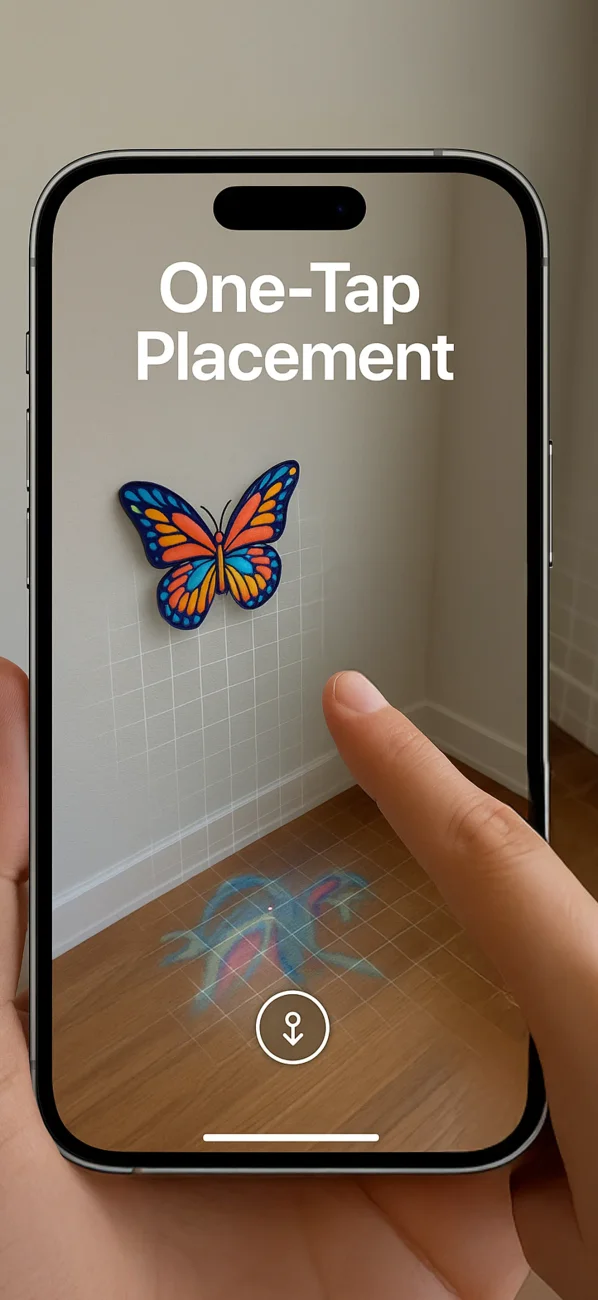
1. Tag – Choose any photo and tap your surface. QuickDraw AR locks it in 3-D space using advanced ARKit and LiDAR precision on iPhone Pro and iPad Pro.
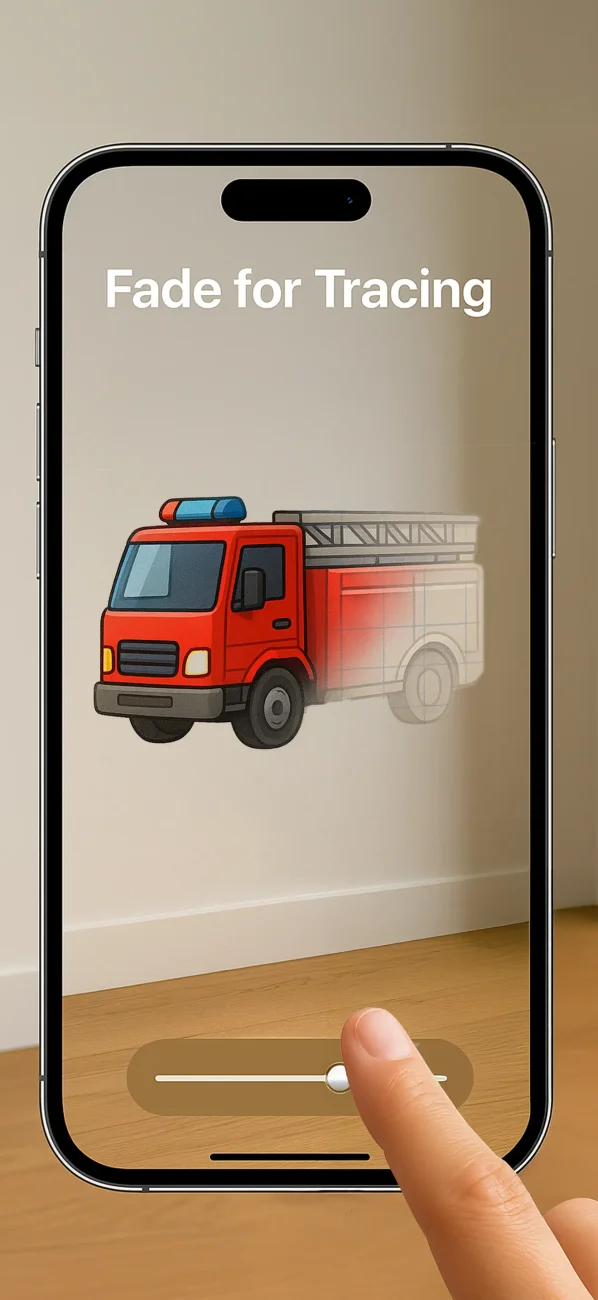
2. Tweak – Pinch, rotate, and move to size your reference exactly where you want it. Adjust opacity so your lines stay visible without blocking your view.
3. Trace – Draw naturally while your image stays perfectly anchored — even when you move or step back.
Key features
* LiDAR-powered precision for rock-solid image anchoring on iPhone Pro & iPad Pro
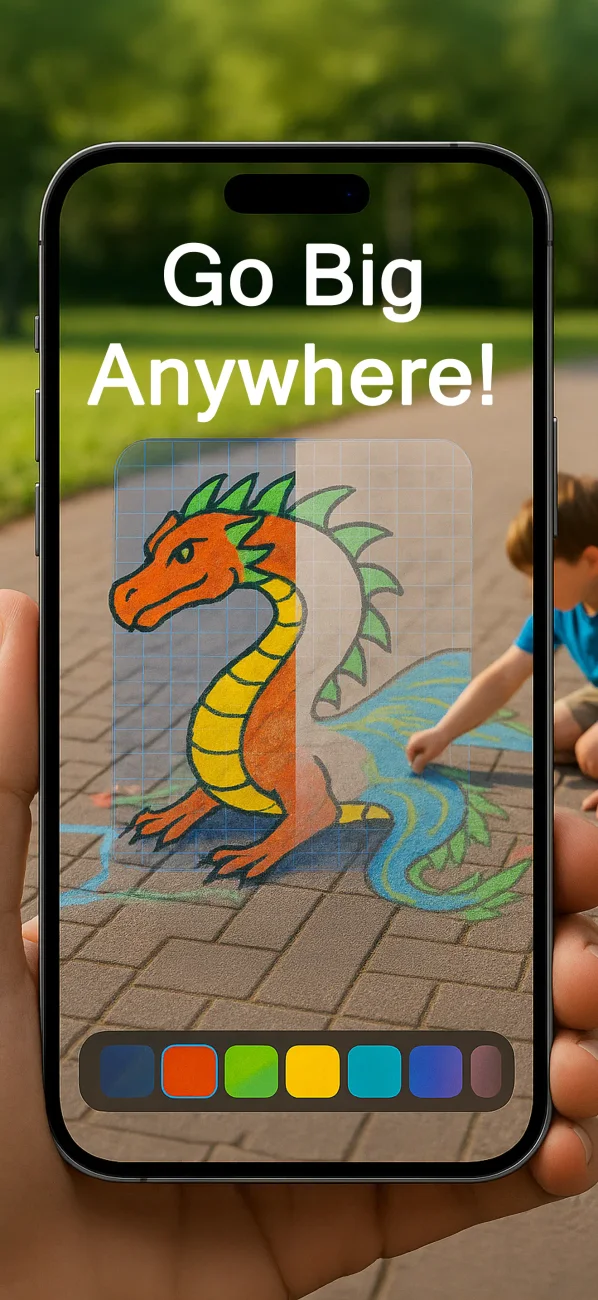
* Works anywhere — walls, sidewalks, canvases, whiteboards, classroom posters
* Instantly scale designs—from small sketches to giant murals
* Use any photo on your device
* Universal purchase — works on both iPhone and iPad
* 100% Ad-free. Zero subscriptions. Buy once, create forever.
Who’s it for
* Parents and kids tracing chalk art or coloring pages
* Teachers projecting diagrams or maps in class
* Chalk and street artists scaling up sketches outdoors
* Muralists and sign painters planning complex layouts
* Anyone who loves to draw — faster and easier
Why Quick Draw AR?
Go from idea to outline in minutes, not hours. QuickDraw AR keeps your reference image steady so you can focus on what matters—the fun of creating.
One-time purchase. No subscriptions. No ads. Just pure, fast tracing magic.
Có gì mới
Phiên bản 1.0.7 · 13/09/2026
• Enhanced AR anchoring stability for iPhone Pro & iPad Pro models.
• Smoother opacity and scaling controls for precise tracing visibility.
• Performance improvements and bug fixes for seamless tracing on any surface.
Quyền riêng tư của ứng dụng
Những gì Aaron Jones khai báo trên App Store về cách ứng dụng này xử lý dữ liệu.
-
Dữ liệu không được thu thập
Nhà phát triển không thu thập bất kỳ dữ liệu nào từ ứng dụng này.
Phương thức đảm bảo quyền riêng tư có thể khác nhau, chẳng hạn như tuỳ theo các tính năng bạn sử dụng hoặc độ tuổi của bạn.
Thông tin
- Người bán
- Aaron Jones
- Danh mục
- Đồ Họa & Thiết Kế
- Phiên bản
- 1.0.7
- Cập nhật
- 13/09/2026
- Phát hành
- 22/06/2025
- Kích thước
- 2,2 MB
- Yêu cầu
- iOS 18.0 trở lên
- Độ tuổi
- 4+
- Giá
- 29.000đ
- Ngôn ngữ
- Tiếng Anh
- Bản quyền
- © 2025 Aaron Jones
Có thể bạn cũng thích
-
 Mirror Drawing StudioĐồ Họa & Thiết Kế
-
 Focus LineĐồ Họa & Thiết Kế
-
 Relax For A MinuteĐồ Họa & Thiết Kế
-
 Explorer for SketchfabĐồ Họa & Thiết Kế
-
 Tinto: Personal Color WheelĐồ Họa & Thiết Kế
-
 PixeluxĐồ Họa & Thiết Kế
-
 Transparent App IconsĐồ Họa & Thiết Kế
-
 Mural Maker by Da Vinci EyeĐồ Họa & Thiết Kế
-
 Value Study: tham khảo vẽPhân tích ánh sáng và bóng
-
 AR Drawing: Easy Sketch & DrawĐồ Họa & Thiết Kế