
- 対象年齢4+
- カテゴリグラフィック/デザイン
- 開発元Aaron Jones
- 言語英語
- サイズ2.2 MB
App Storeの公式ページにリンクしています
Download.orgはQuick Draw: AR Tracingのファイルを一切ホストしていません。ボタンを押すと、Aaron Jonesが公開しているApp Storeのアプリページが開きます。ページの最終確認:2026/11/8。
スクリーンショット
概要
開発元はこのテキストをお使いの言語で提供していません。
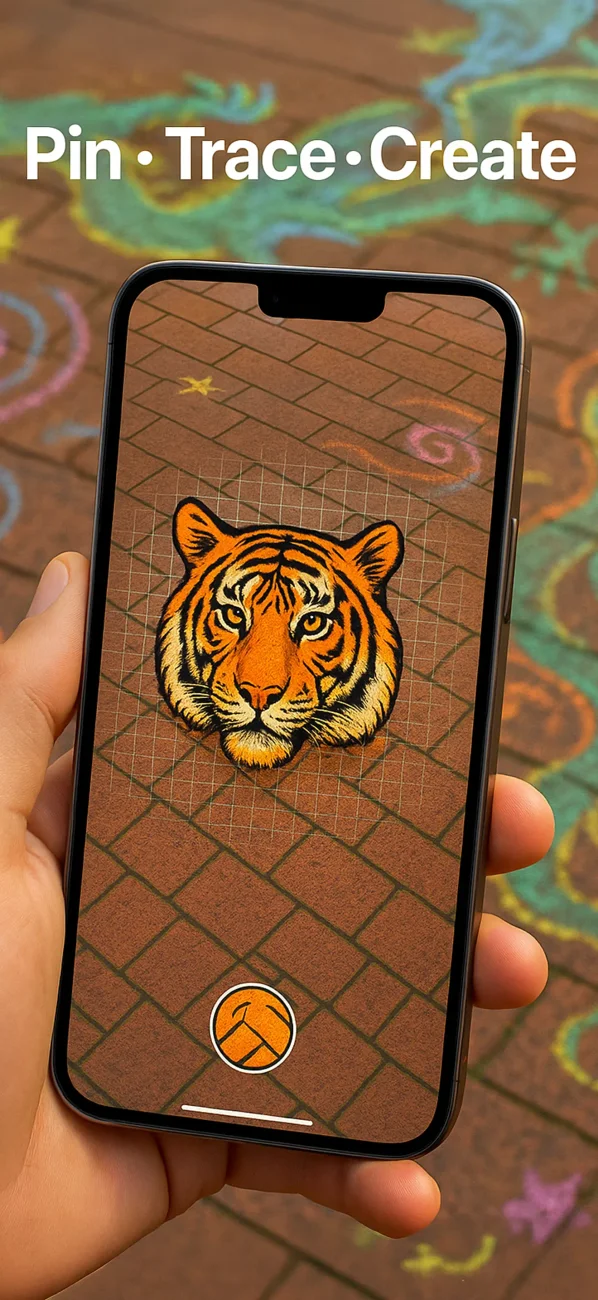
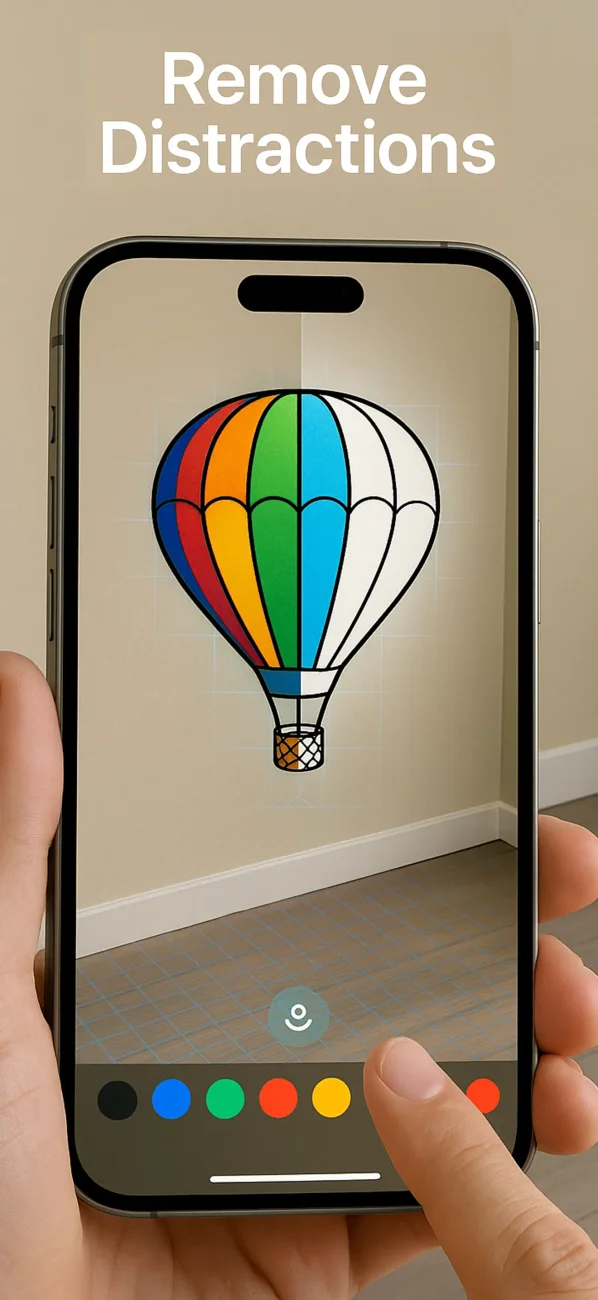
Turn your iPhone or iPad into a powerful AR tracing projector.
Project any image onto a wall, canvas, or sidewalk — no grid lines, no bulky projector, just your screen and your imagination.
One-time purchase — no ads, no subscriptions.
How it works
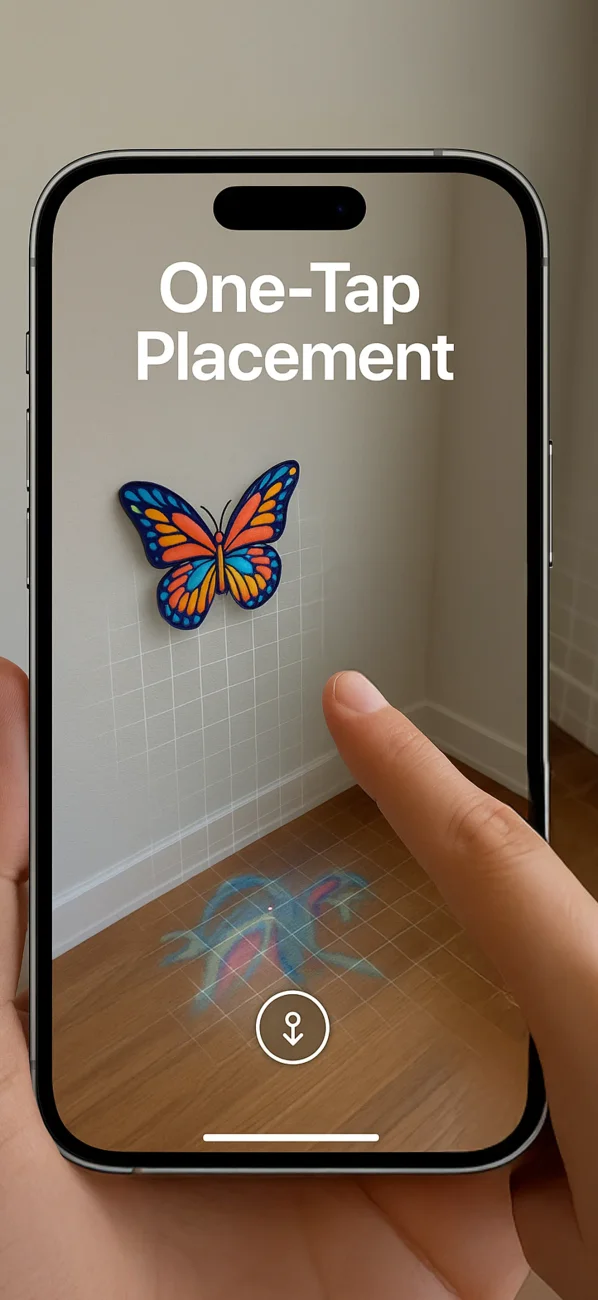
1. Tag – Choose any photo and tap your surface. QuickDraw AR locks it in 3-D space using advanced ARKit and LiDAR precision on iPhone Pro and iPad Pro.
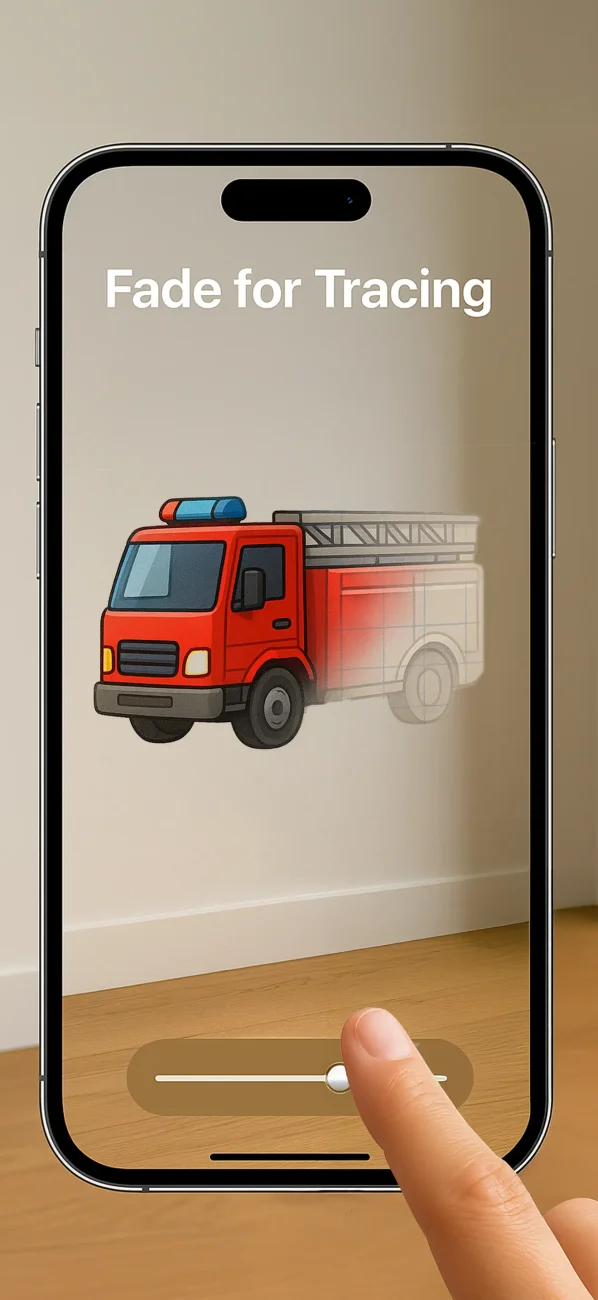
2. Tweak – Pinch, rotate, and move to size your reference exactly where you want it. Adjust opacity so your lines stay visible without blocking your view.
3. Trace – Draw naturally while your image stays perfectly anchored — even when you move or step back.
Key features
* LiDAR-powered precision for rock-solid image anchoring on iPhone Pro & iPad Pro
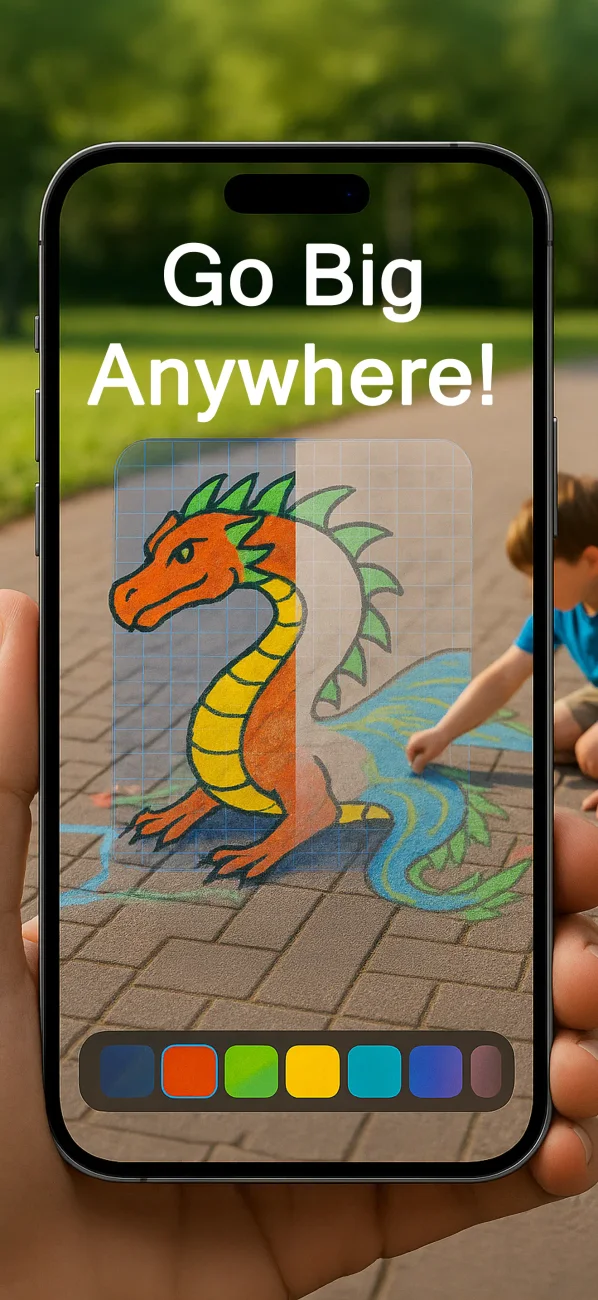
* Works anywhere — walls, sidewalks, canvases, whiteboards, classroom posters
* Instantly scale designs—from small sketches to giant murals
* Use any photo on your device
* Universal purchase — works on both iPhone and iPad
* 100% Ad-free. Zero subscriptions. Buy once, create forever.
Who’s it for
* Parents and kids tracing chalk art or coloring pages
* Teachers projecting diagrams or maps in class
* Chalk and street artists scaling up sketches outdoors
* Muralists and sign painters planning complex layouts
* Anyone who loves to draw — faster and easier
Why Quick Draw AR?
Go from idea to outline in minutes, not hours. QuickDraw AR keeps your reference image steady so you can focus on what matters—the fun of creating.
One-time purchase. No subscriptions. No ads. Just pure, fast tracing magic.
新機能
バージョン 1.0.7 · 2026/9/13
• Enhanced AR anchoring stability for iPhone Pro & iPad Pro models.
• Smoother opacity and scaling controls for precise tracing visibility.
• Performance improvements and bug fixes for seamless tracing on any surface.
アプリのプライバシー
このアプリのデータの取り扱いについて、Aaron JonesがApp Storeで申告している内容です。
-
データの収集なし
開発元はこのアプリからデータを収集しません。
プライバシーの取り扱いは、ご利用の機能やお客様の年齢などに応じて異なる場合があります。
情報
- 販売元
- Aaron Jones
- カテゴリ
- グラフィック/デザイン
- バージョン
- 1.0.7
- 更新日
- 2026/9/13
- リリース
- 2025/6/22
- サイズ
- 2.2 MB
- 必要条件
- iOS 18.0以降
- 対象年齢
- 4+
- 価格
- ¥150
- 言語
- 英語
- 著作権
- © 2025 Aaron Jones
こちらもおすすめ
-
 Mirror Drawing Studioグラフィック/デザイン
-
 Focus Line集中線稿
-
 Relax For A Minuteグラフィック/デザイン
-
 Explorer for Sketchfabグラフィック/デザイン
-
 Tinto: Personal Color Wheelグラフィック/デザイン
-
 Pixeluxグラフィック/デザイン
-
 Transparent App Iconsグラフィック/デザイン
-
 Mural Maker by Da Vinci Eyeグラフィック/デザイン
-
 Value Study:明度・絵画リファレンス光と影・グレースケール・構図分析
-
 AR Drawing - 写し絵・絵を写すアプリARで半透明画像をなぞり書き、絵写す、絵が描けるアプリ