
- Altersfreigabe4+
- KategorieDienstprogramme
- EntwicklerRsupport
- SprachenEnglisch+ 4 weitere
- Größe207,3 MB
Verlinkt auf die offizielle App Store-Seite
Download.org hostet keine Datei von RemoteView. Die Schaltfläche öffnet die App-Seite bei App Store, wo Rsupport die App veröffentlicht. Eintrag zuletzt geprüft am 20.11.2026.
Screenshots



Info
Der Entwickler hat diesen Text nicht in Ihrer Sprache bereitgestellt.
RemoteView is a service from RSupport that lets you remotely control computers located either at home, at the office, or anywhere else as long as there is live Internet connection. All you have to do is this: (1) Install an agent on a computer you want to access remotely; (2) Install a RemoteView App on your iPhone or iPad. Voila! You’re ready to start! You can use all the resource-heavy applications that usually require a full-on computer, from the convenience of a smartphone or a tablet by using RemoteView. That’s it!
[Special Features]
- Faster remote control speed and connection stability delivered by the patented VRVD technology.
- Works under multiple network environments: Dynamic IP; DHCP, Private IP, Private and corporate firewalls.
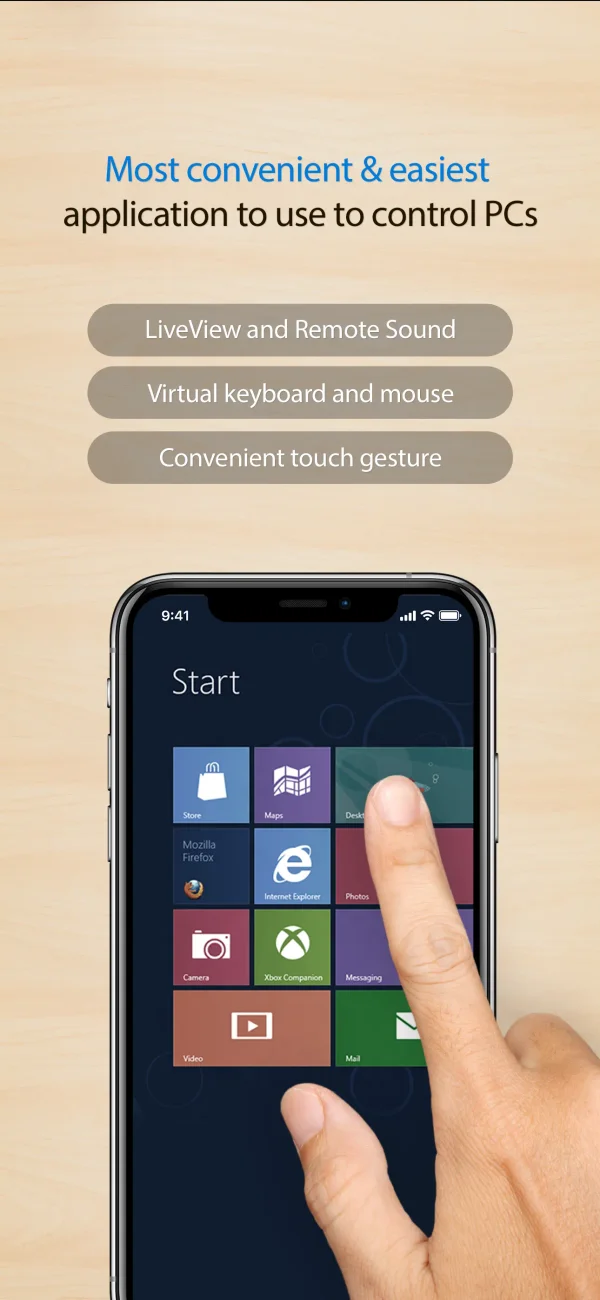
- Ease of Use: Assume control over a remote mouse and keyboard from mobile devices; Multi Touch, Scroll and Zoom are all supported.
- Language Input: Any language input method available on the remote computer will be supported.
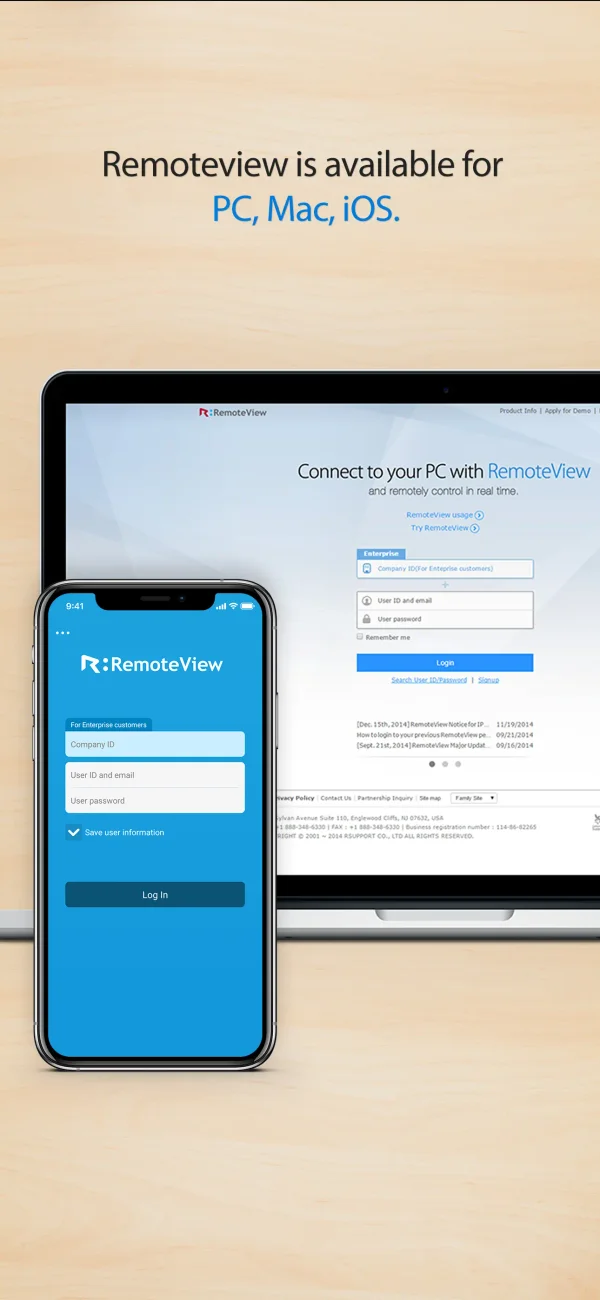
- Common UX: You can use RemoteView from an iOS device (iPhone/iPad) as well as PC seamlessly.
- Virtual Environments Supported: Hyper-V; VMware; Virtual PC; Citrix Xen -- All supported.
- Other Notable Features: Multi Monitor Support; Screen Lock Out; Remote Power On/Off via Intel vPro Chipset.
- You can manage power of a turned off PC which has Wake On LAN based technology.
[Rview Application Areas]
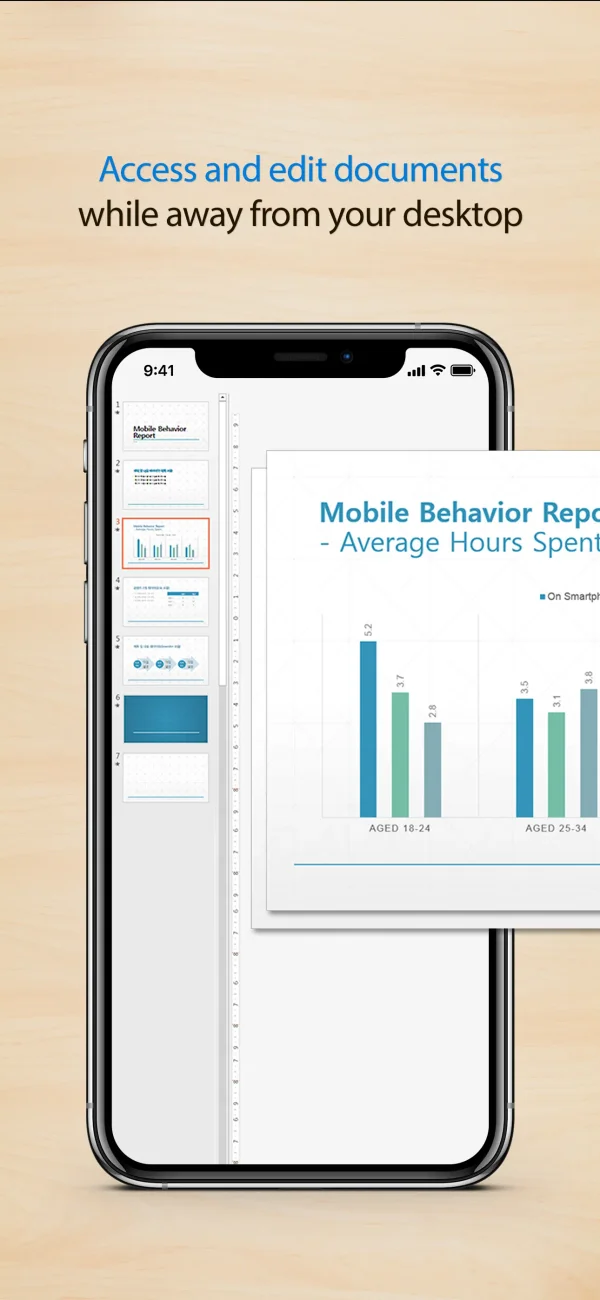
- When you want to recreate an office IT work environment.
- When you want to work at your office PC from home.
- When you want to access your files located at home from your office
- When you want to save files onto your PC from different places as you are on the move.
- When you have to have immediate access into your servers located inside a secure and hard to access places like the IDC.
- When you have a “One-to-Many” asset management needs.
[How To]
- Agent Installation Process
1. Go to RemoteView website on the PC you want to remote control.
2. In the RemoteView website, enter your ID and password to log in.
3. On the “Remote PC Manage My” screen click “Add PC” or “Install” button.
4. Installation will begin after setting Remote PC access ID and password.
- Remote Control a Computer from a smart device
1. Download RemoteView app on the App Store and launch it.
2. Enter RemoteView web ID and password to log
3. Select remote PC you want to remote control.
4. Enter Remote PC access ID and password to log in.
5. Remote control your remote PC
Neue Funktionen
Version 8.6.30005 · 19.11.2026
- Enhanced app security.
App-Datenschutz
Was Rsupport im App Store zum Umgang dieser App mit Daten angibt.
-
Nicht mit Ihnen verknüpfte Daten
Können erfasst werden, sind aber nicht mit Ihrer Identität verknüpft.
- Benutzerinhalte
- Kennungen
- Diagnose
Die Datenschutzpraktiken können variieren, zum Beispiel je nach den von Ihnen verwendeten Funktionen oder Ihrem Alter.
Informationen
- Anbieter
- RSupport
- Kategorie
- Dienstprogramme
- Version
- 8.6.30005
- Aktualisiert
- 19.11.2026
- Veröffentlicht
- 14.09.2010
- Größe
- 207,3 MB
- Erfordert
- iOS 16.0 oder neuer
- Altersfreigabe
- 4+
- Preis
- Kostenlos
- Sprachen
- Englisch, Japanisch, Koreanisch, Vereinf. Chinesisch, Tradit. Chinesisch
- Copyright
- © Copyright(C) 2001 ~ 2026 RSUPPORT CO., LTD. All rights reserved.
Das könnte Ihnen auch gefallen
-
 Remote.ItDienstprogramme
-
 DameWare MobileDienstprogramme
-
 AirDroid BusinessDienstprogramme
-
 Remote Desktop ManagerRemote Connection Management
-
 Royal TSi LiteDienstprogramme
-
 FullControl: Remote for MacDienstprogramme
-
 HopToDeskFernzugriff und Fernsteuerung
-
 Alpemix Remote Desktop ControlDienstprogramme
-
 EasyOTADienstprogramme
-
 Screens 5: VNC Remote-DesktopSchneller und sicherer Zugriff