- Độ tuổi4+
- Danh mụcTiện Ích
- Nhà phát triểnRsupport
- Ngôn ngữTiếng Anh+ 4 ngôn ngữ khác
- Kích thước207,3 MB
Liên kết đến trang App Store chính thức
Download.org không lưu trữ tệp nào của RemoteView. Nút này mở trang ứng dụng trên App Store, nơi Rsupport phát hành ứng dụng. Trang được kiểm tra lần cuối: 20/11/2026.
Ảnh chụp màn hình



Giới thiệu
Nhà phát triển chưa cung cấp nội dung này bằng ngôn ngữ của bạn.
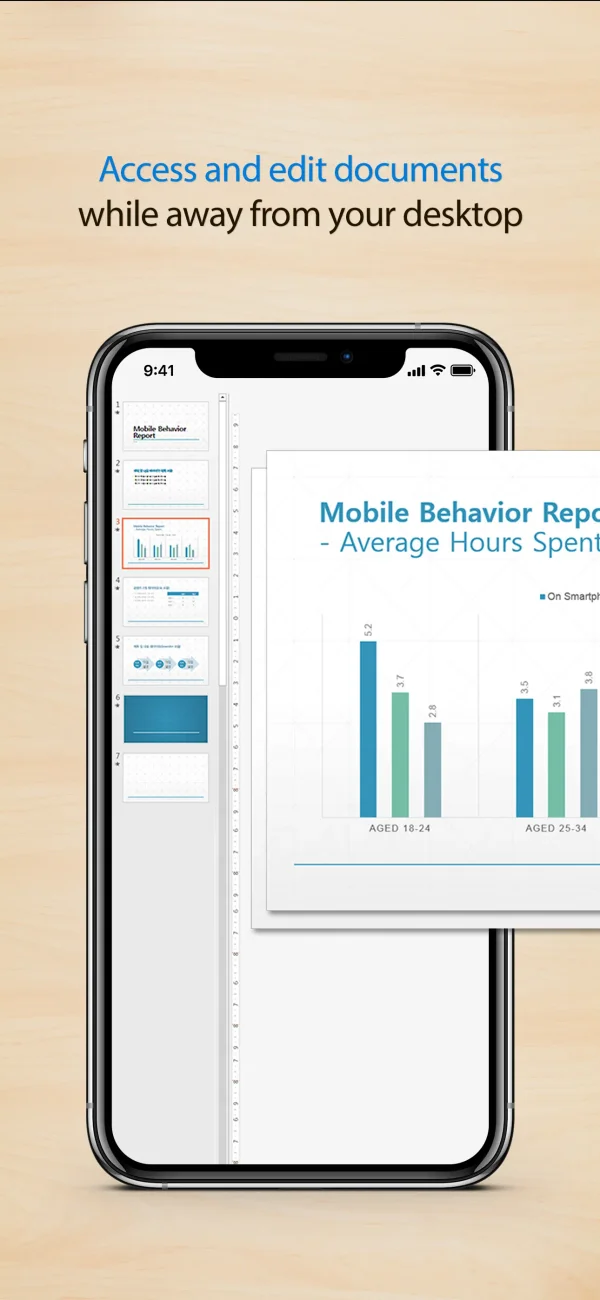
RemoteView is a service from RSupport that lets you remotely control computers located either at home, at the office, or anywhere else as long as there is live Internet connection. All you have to do is this: (1) Install an agent on a computer you want to access remotely; (2) Install a RemoteView App on your iPhone or iPad. Voila! You’re ready to start! You can use all the resource-heavy applications that usually require a full-on computer, from the convenience of a smartphone or a tablet by using RemoteView. That’s it!
[Special Features]
- Faster remote control speed and connection stability delivered by the patented VRVD technology.
- Works under multiple network environments: Dynamic IP; DHCP, Private IP, Private and corporate firewalls.
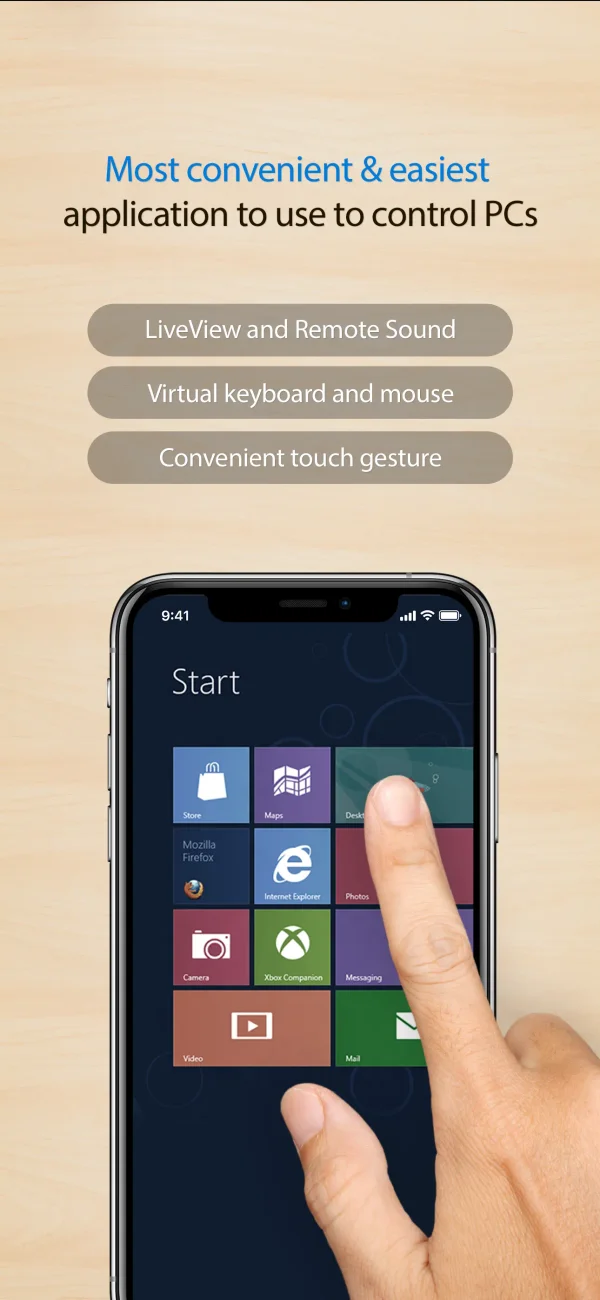
- Ease of Use: Assume control over a remote mouse and keyboard from mobile devices; Multi Touch, Scroll and Zoom are all supported.
- Language Input: Any language input method available on the remote computer will be supported.
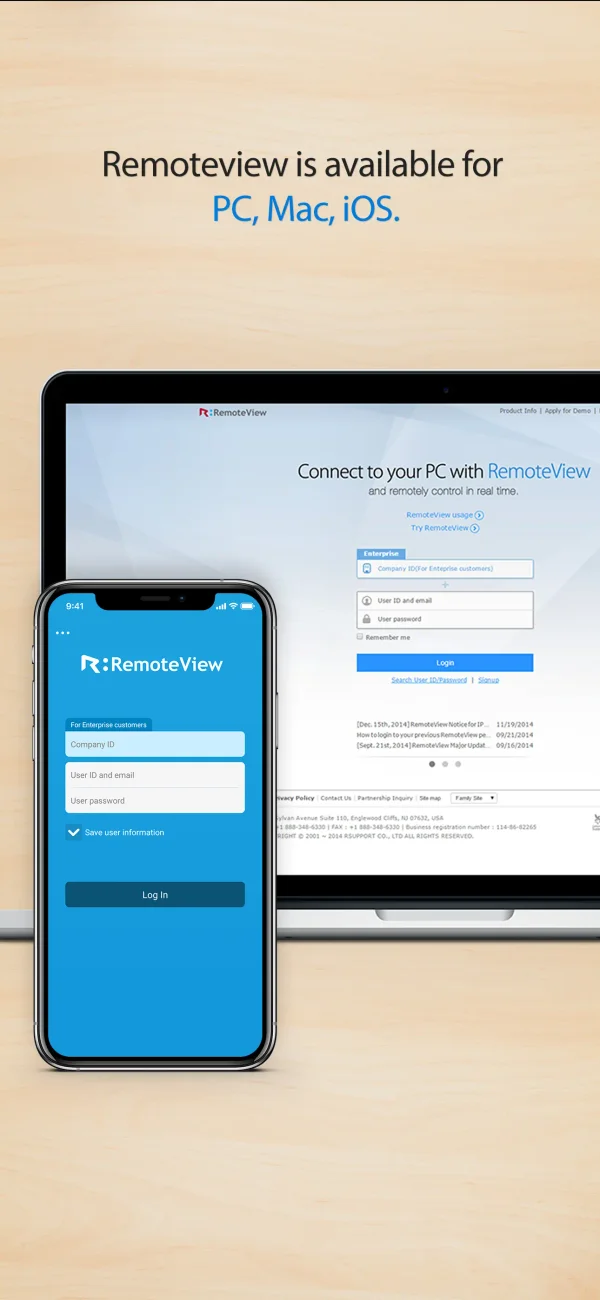
- Common UX: You can use RemoteView from an iOS device (iPhone/iPad) as well as PC seamlessly.
- Virtual Environments Supported: Hyper-V; VMware; Virtual PC; Citrix Xen -- All supported.
- Other Notable Features: Multi Monitor Support; Screen Lock Out; Remote Power On/Off via Intel vPro Chipset.
- You can manage power of a turned off PC which has Wake On LAN based technology.
[Rview Application Areas]
- When you want to recreate an office IT work environment.
- When you want to work at your office PC from home.
- When you want to access your files located at home from your office
- When you want to save files onto your PC from different places as you are on the move.
- When you have to have immediate access into your servers located inside a secure and hard to access places like the IDC.
- When you have a “One-to-Many” asset management needs.
[How To]
- Agent Installation Process
1. Go to RemoteView website on the PC you want to remote control.
2. In the RemoteView website, enter your ID and password to log in.
3. On the “Remote PC Manage My” screen click “Add PC” or “Install” button.
4. Installation will begin after setting Remote PC access ID and password.
- Remote Control a Computer from a smart device
1. Download RemoteView app on the App Store and launch it.
2. Enter RemoteView web ID and password to log
3. Select remote PC you want to remote control.
4. Enter Remote PC access ID and password to log in.
5. Remote control your remote PC
Có gì mới
Phiên bản 8.6.30005 · 19/11/2026
- Enhanced app security.
Quyền riêng tư của ứng dụng
Những gì Rsupport khai báo trên App Store về cách ứng dụng này xử lý dữ liệu.
-
Dữ liệu không liên kết với bạn
Có thể được thu thập nhưng không liên kết với danh tính của bạn.
- Nội dung của người dùng
- Mã định danh
- Chẩn đoán
Phương thức đảm bảo quyền riêng tư có thể khác nhau, chẳng hạn như tuỳ theo các tính năng bạn sử dụng hoặc độ tuổi của bạn.
Thông tin
- Người bán
- RSupport
- Danh mục
- Tiện Ích
- Phiên bản
- 8.6.30005
- Cập nhật
- 19/11/2026
- Phát hành
- 14/09/2010
- Kích thước
- 207,3 MB
- Yêu cầu
- iOS 16.0 trở lên
- Độ tuổi
- 4+
- Giá
- Miễn phí
- Ngôn ngữ
- Tiếng Anh, Tiếng Nhật, Tiếng Hàn, Tiếng Trung Giản thể, Tiếng Trung Phồn thể
- Bản quyền
- © Copyright(C) 2001 ~ 2026 RSUPPORT CO., LTD. All rights reserved.