
Render - for Shortcuts
An HTML and Markdown Viewer
Entwickelt für iPhone, iPad
Kostenlos
- Altersfreigabe4+
- KategorieDienstprogramme
- EntwicklerNate Ober
- SprachenEnglisch
- Größe4,1 MB
Verlinkt auf die offizielle App Store-Seite
Download.org hostet keine Datei von Render - for Shortcuts. Die Schaltfläche öffnet die App-Seite bei App Store, wo Nate Ober die App veröffentlicht. Eintrag zuletzt geprüft am 12.11.2026.
Screenshots
Info
Der Entwickler hat diesen Text nicht in Ihrer Sprache bereitgestellt.
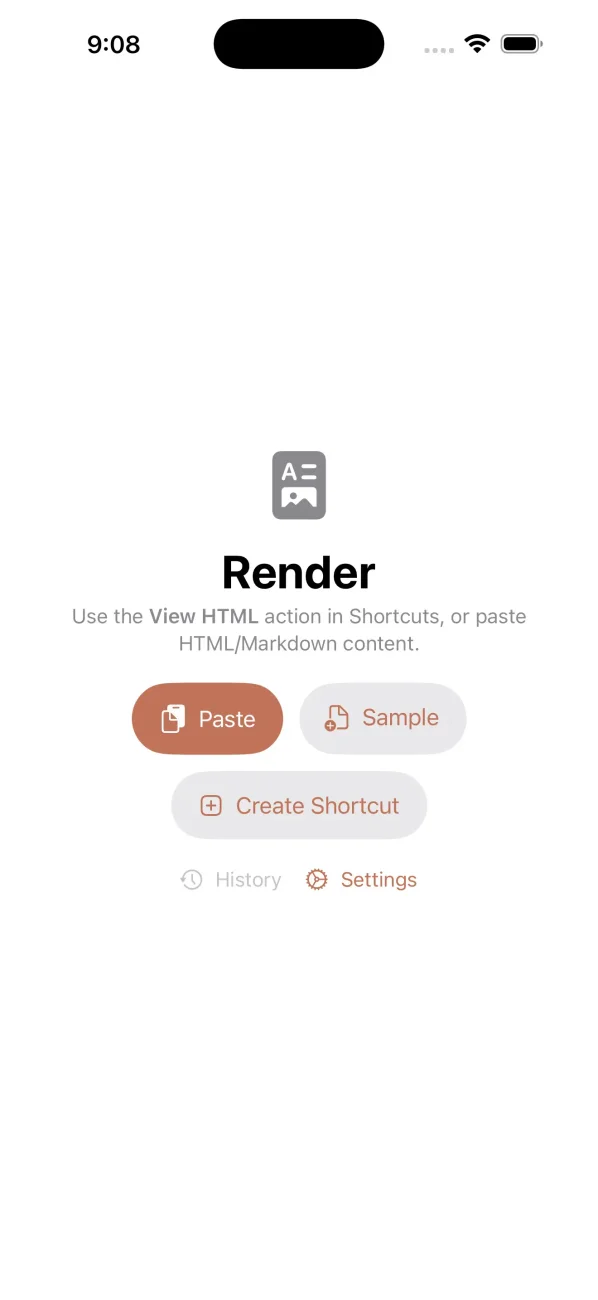
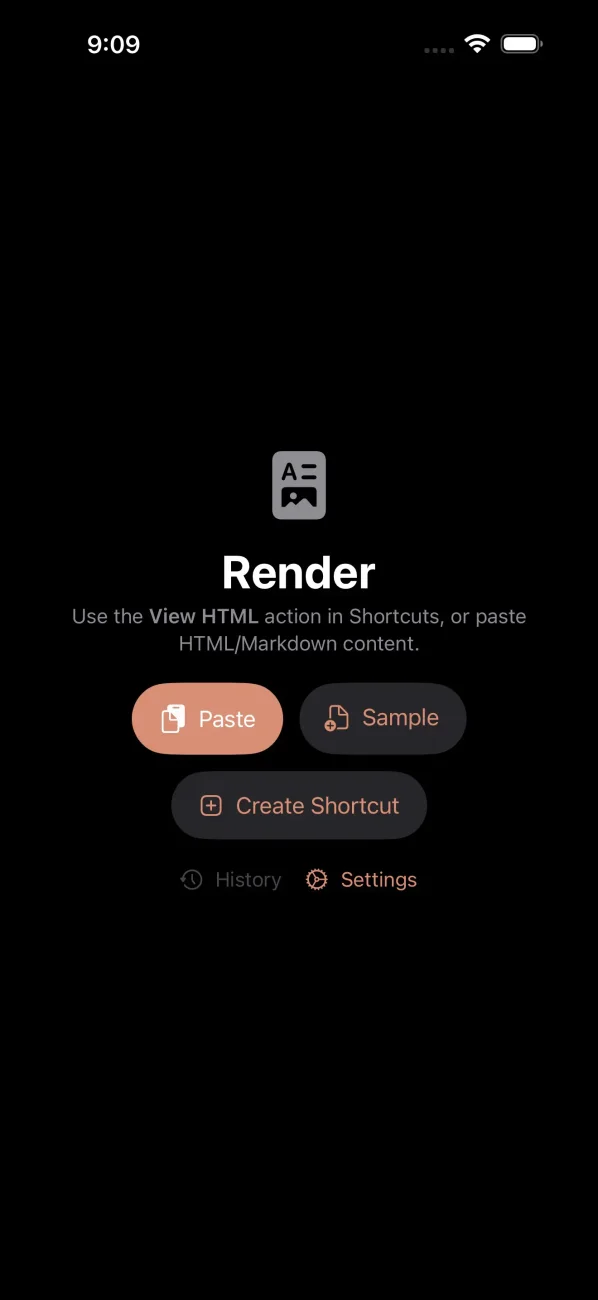
Render is a powerful utility app designed to display HTML and Markdown content with beautiful, native rendering.
SHORTCUTS INTEGRATION
Render integrates seamlessly with Apple Shortcuts, providing actions to:
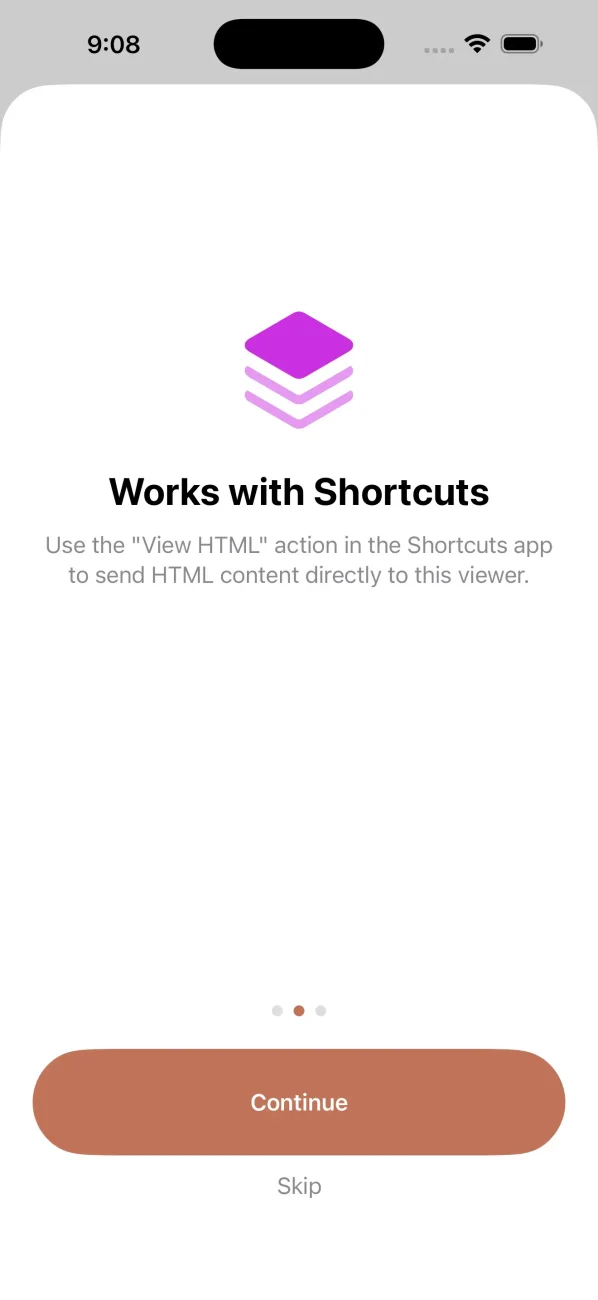
• View HTML - Display any HTML content in a native viewer
• View Markdown - Render Markdown with full formatting support
• Convert Markdown to HTML - Transform Markdown to HTML for other uses
FEATURES
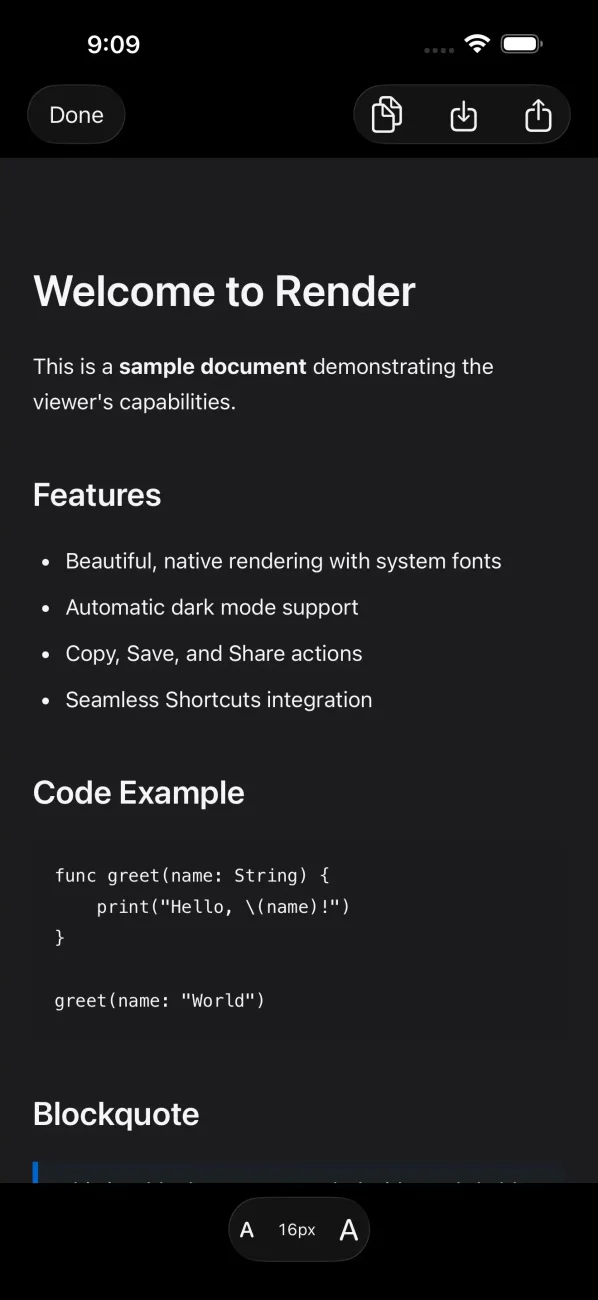
• Dark mode support that respects your system settings
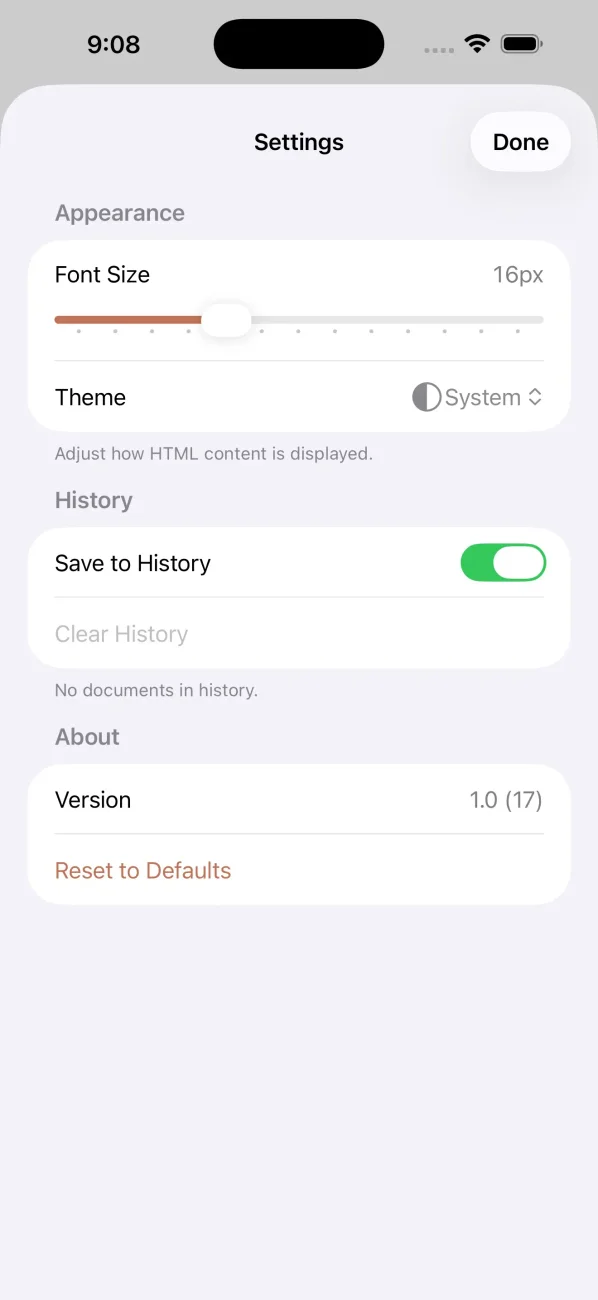
• Adjustable font sizes for comfortable reading
• Copy rendered content or export as HTML/PDF
• Share content directly from other apps via the Share Extension
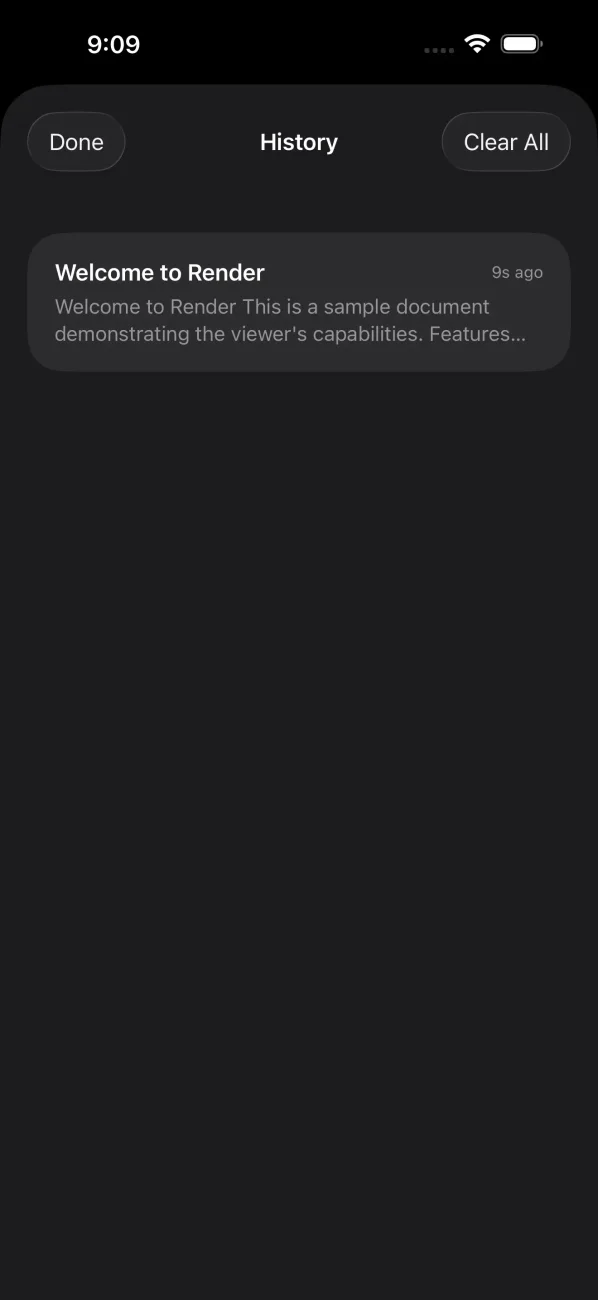
• View history to quickly access previously viewed content
PERFECT FOR
• Viewing formatted reports from automations
• Previewing HTML email templates
• Reading Markdown documentation
• Displaying styled content from Shortcuts workflows
Render is the missing piece for anyone building powerful Shortcuts automations that need to display formatted content.
Neue Funktionen
Version 1.1.0 · 01.06.2026
What's new in 1.1.0:
• New "View Content" Shortcuts action that automatically detects whether your text is HTML or Markdown — with an optional setting to force one or the other.
• Markdown tables now render as proper tables.
• Fixed special characters such as angle brackets and ampersands so they display correctly.
• Fixed bold and italic so a plain asterisk (for example in "a * b * c") is no longer mistaken for formatting.
• New "Return to Shortcuts" setting to jump back to Shortcuts after you close a document.
Thanks for using Render!
App-Datenschutz
Was Nate Ober im App Store zum Umgang dieser App mit Daten angibt.
-
Keine Daten erfasst
Der Entwickler erfasst keine Daten von dieser App.
Die Datenschutzpraktiken können variieren, zum Beispiel je nach den von Ihnen verwendeten Funktionen oder Ihrem Alter.
Informationen
- Anbieter
- Nate Ober
- Kategorie
- Dienstprogramme
- Version
- 1.1.0
- Aktualisiert
- 01.06.2026
- Veröffentlicht
- 28.12.2025
- Größe
- 4,1 MB
- Erfordert
- iOS 17.0 oder neuer
- Altersfreigabe
- 4+
- Preis
- Kostenlos
- Sprachen
- Englisch
- Copyright
- © 2025 Nate Ober
Das könnte Ihnen auch gefallen
-
 LudyActions160+ Actions for Shortcuts
-
 Proper Menubar for SafariDienstprogramme
-
 SheetBox: Sheets to ShortcutsDienstprogramme
-
 Note Link by DCS0Dienstprogramme
-
 KrypterPQDienstprogramme
-
 AI & Automation for ShortcutsDienstprogramme
-
 SnapCutterDienstprogramme
-
 CHMOD Lab: Linux PermissionsDienstprogramme
-
 SharkZip - Zip with PasswordDienstprogramme
-
 AI Actions - Shortcut AIDienstprogramme