
Render - for Shortcuts
An HTML and Markdown Viewer
Conçue pour iPhone, iPad
Gratuit
- Classification d’âge4+
- CatégorieUtilitaires
- DéveloppeurNate Ober
- LanguesAnglais
- Taille4,1 Mo
Renvoie vers la page App Store officielle
Download.org n’héberge aucun fichier de Render - for Shortcuts. Le bouton ouvre la page de l’application sur App Store, où Nate Ober la publie. Fiche vérifiée pour la dernière fois le 12/11/2026.
Captures d’écran
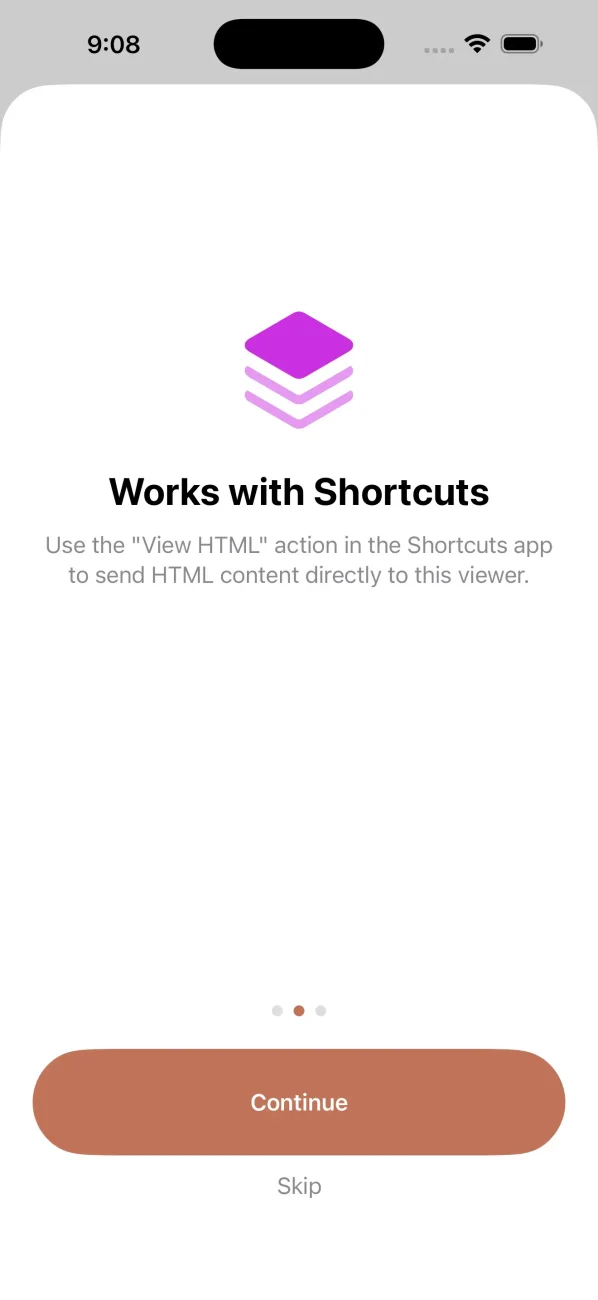
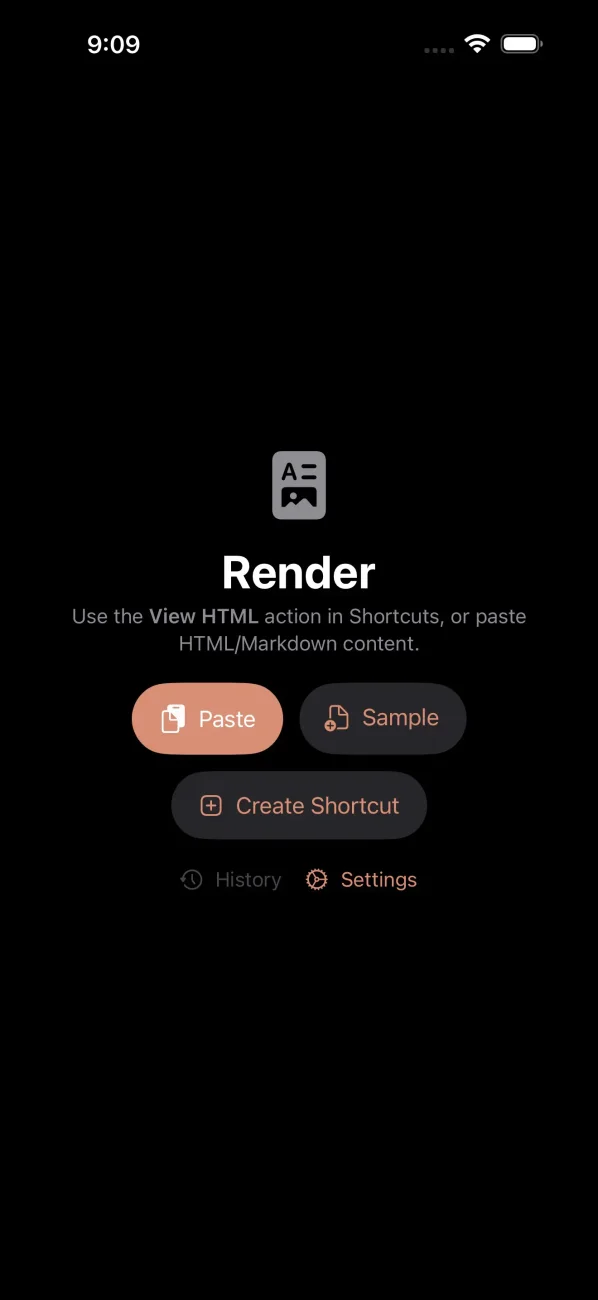
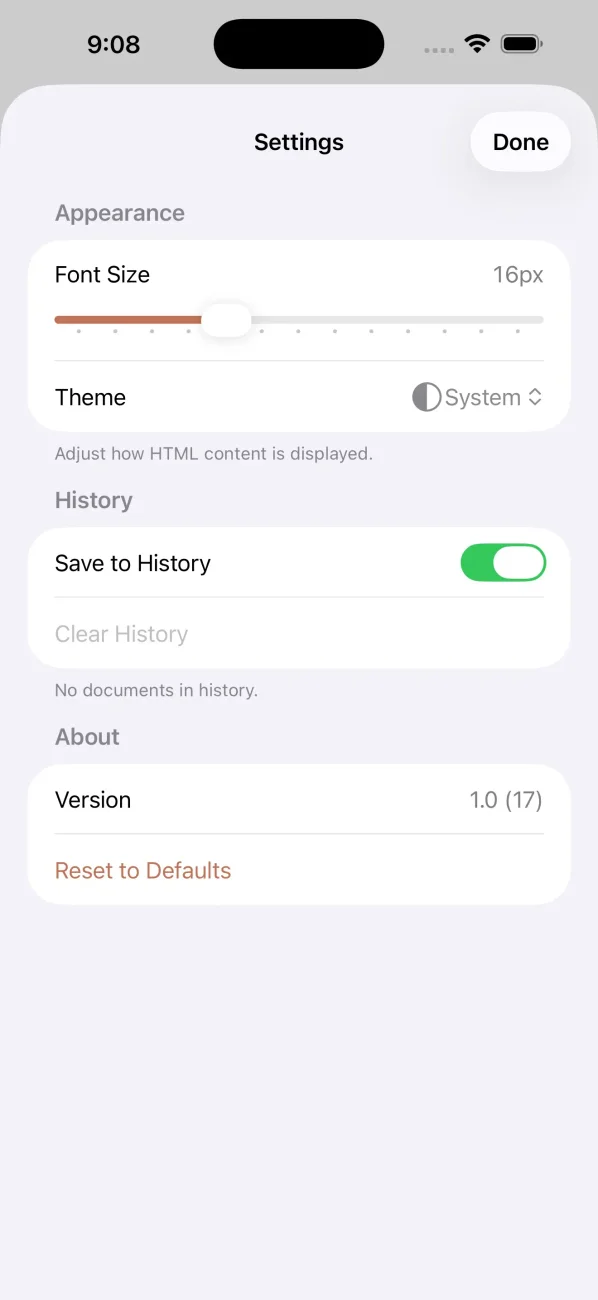
À propos
Le développeur n’a pas fourni ce texte dans votre langue.
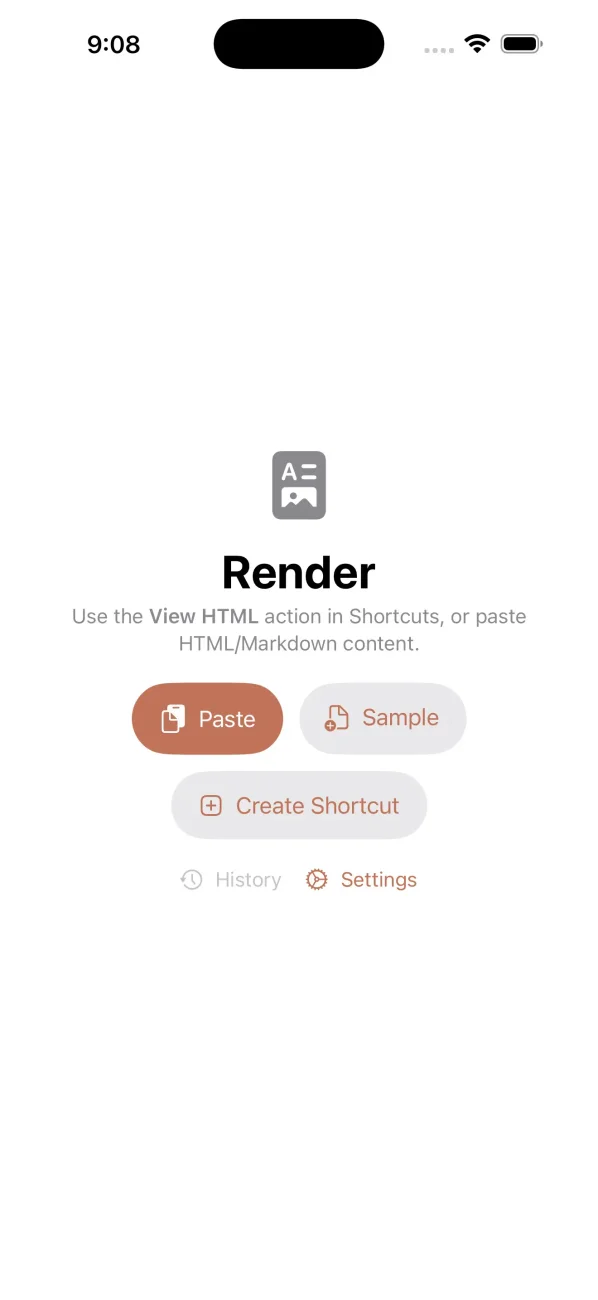
Render is a powerful utility app designed to display HTML and Markdown content with beautiful, native rendering.
SHORTCUTS INTEGRATION
Render integrates seamlessly with Apple Shortcuts, providing actions to:
• View HTML - Display any HTML content in a native viewer
• View Markdown - Render Markdown with full formatting support
• Convert Markdown to HTML - Transform Markdown to HTML for other uses
FEATURES
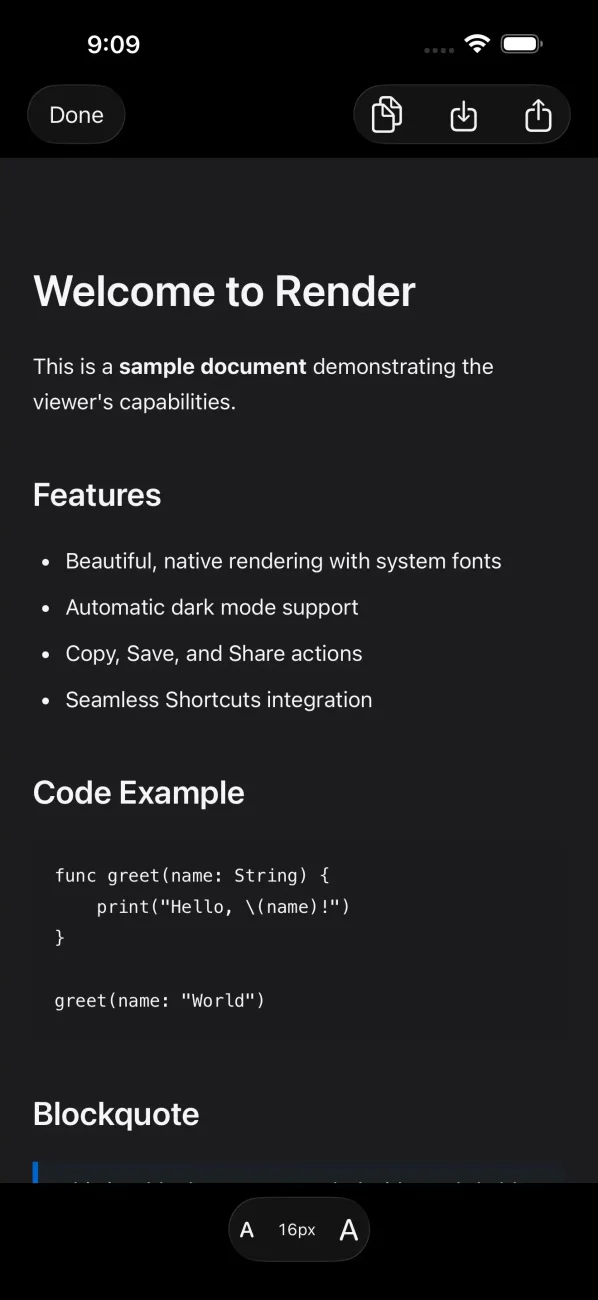
• Dark mode support that respects your system settings
• Adjustable font sizes for comfortable reading
• Copy rendered content or export as HTML/PDF
• Share content directly from other apps via the Share Extension
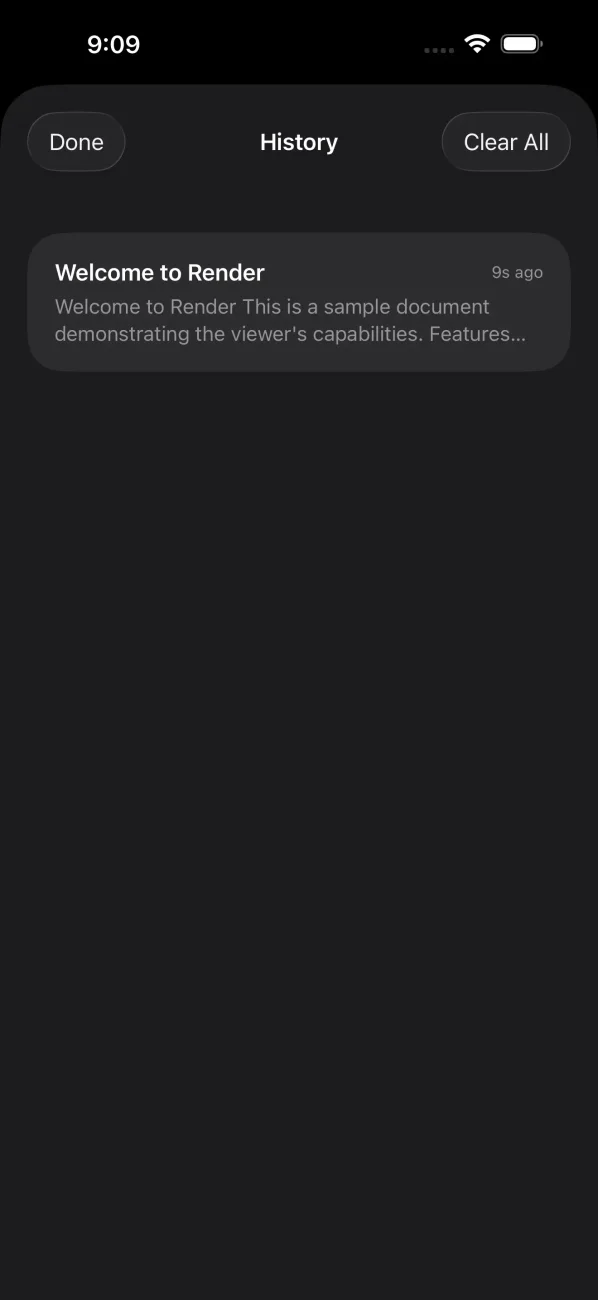
• View history to quickly access previously viewed content
PERFECT FOR
• Viewing formatted reports from automations
• Previewing HTML email templates
• Reading Markdown documentation
• Displaying styled content from Shortcuts workflows
Render is the missing piece for anyone building powerful Shortcuts automations that need to display formatted content.
Nouveautés
Version 1.1.0 · 01/06/2026
What's new in 1.1.0:
• New "View Content" Shortcuts action that automatically detects whether your text is HTML or Markdown — with an optional setting to force one or the other.
• Markdown tables now render as proper tables.
• Fixed special characters such as angle brackets and ampersands so they display correctly.
• Fixed bold and italic so a plain asterisk (for example in "a * b * c") is no longer mistaken for formatting.
• New "Return to Shortcuts" setting to jump back to Shortcuts after you close a document.
Thanks for using Render!
Confidentialité de l’application
Ce que Nate Ober déclare sur l’App Store au sujet du traitement des données par cette application.
-
Données non collectées
Le développeur ne collecte aucune donnée à partir de cette application.
Les pratiques en matière de confidentialité peuvent varier, notamment en fonction des fonctionnalités que vous utilisez ou de votre âge.
Informations
- Vendeur
- Nate Ober
- Catégorie
- Utilitaires
- Version
- 1.1.0
- Mis à jour
- 01/06/2026
- Publié
- 28/12/2025
- Taille
- 4,1 Mo
- Nécessite
- iOS 17.0 ou version ultérieure
- Classification d’âge
- 4+
- Prix
- Gratuit
- Langues
- Anglais
- Copyright
- © 2025 Nate Ober
Vous aimerez peut-être aussi
-
 LudyActions160+ Actions for Shortcuts
-
 Proper Menubar for SafariUtilitaires
-
 SheetBox: Sheets to ShortcutsUtilitaires
-
 Note Link by DCS0Utilitaires
-
 KrypterPQUtilitaires
-
 AI & Automation for ShortcutsUtilitaires
-
 SnapCutterUtilitaires
-
 CHMOD Lab: Linux PermissionsUtilitaires
-
 SharkZip - Zip with PasswordUtilitaires
-
 AI Actions - Shortcut AIUtilitaires