- 対象年齢4+
- カテゴリユーティリティ
- 開発元Nate Ober
- 言語英語
- サイズ4.1 MB
App Storeの公式ページにリンクしています
Download.orgはRender - for Shortcutsのファイルを一切ホストしていません。ボタンを押すと、Nate Oberが公開しているApp Storeのアプリページが開きます。ページの最終確認:2026/11/12。
スクリーンショット
概要
開発元はこのテキストをお使いの言語で提供していません。
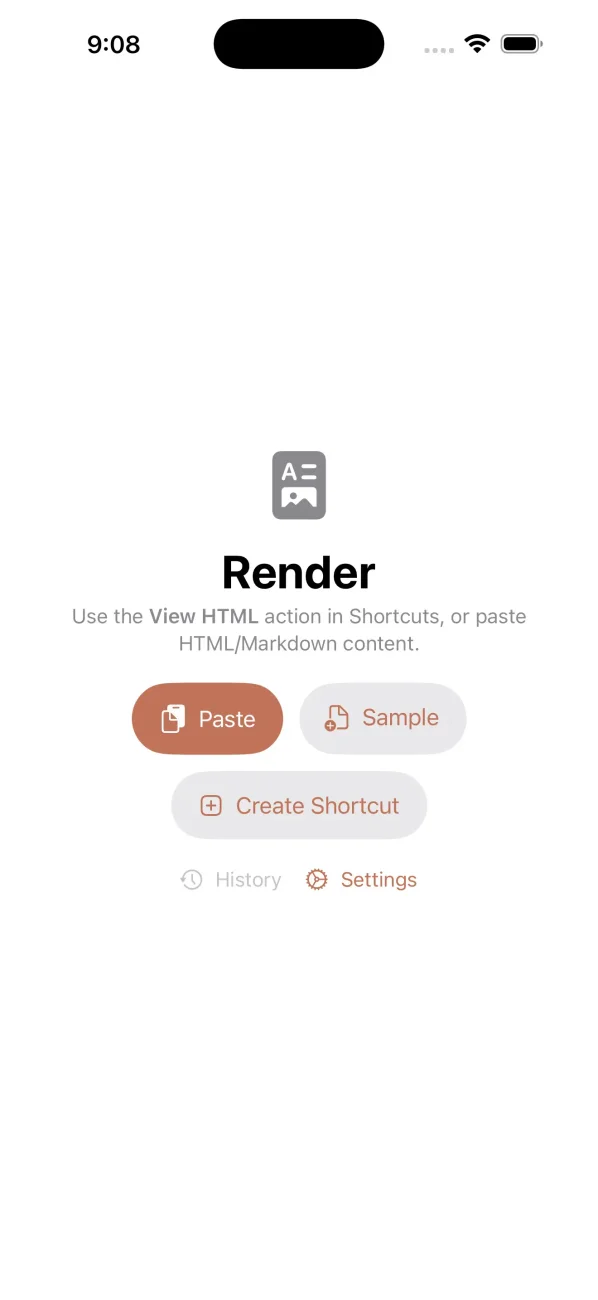
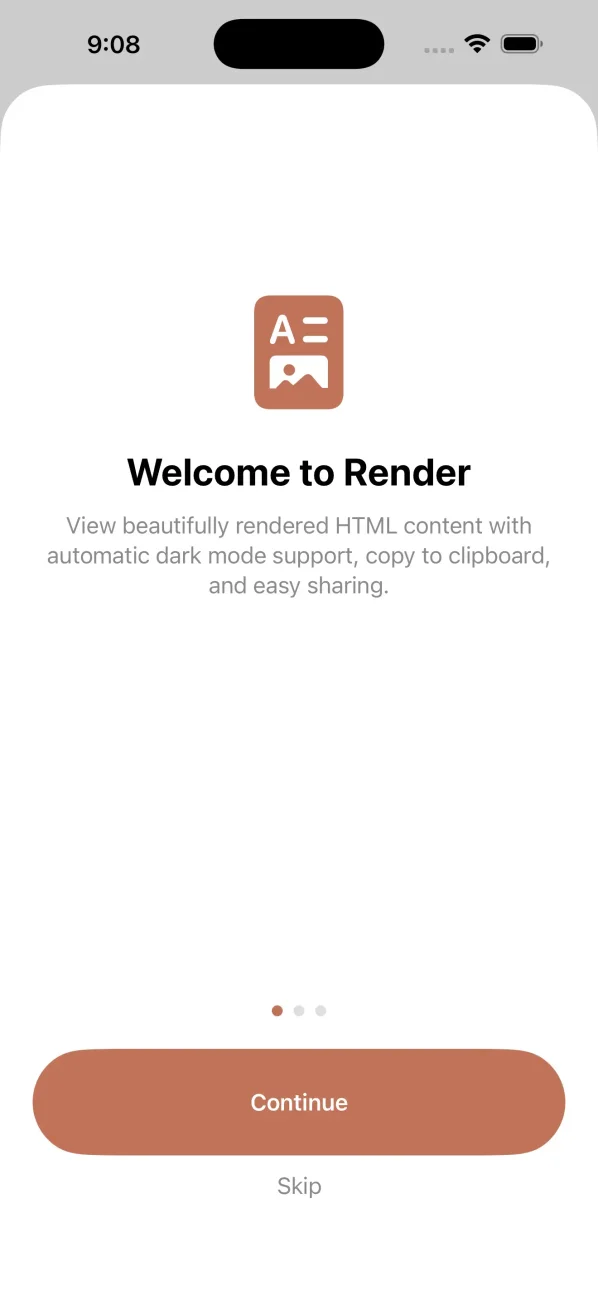
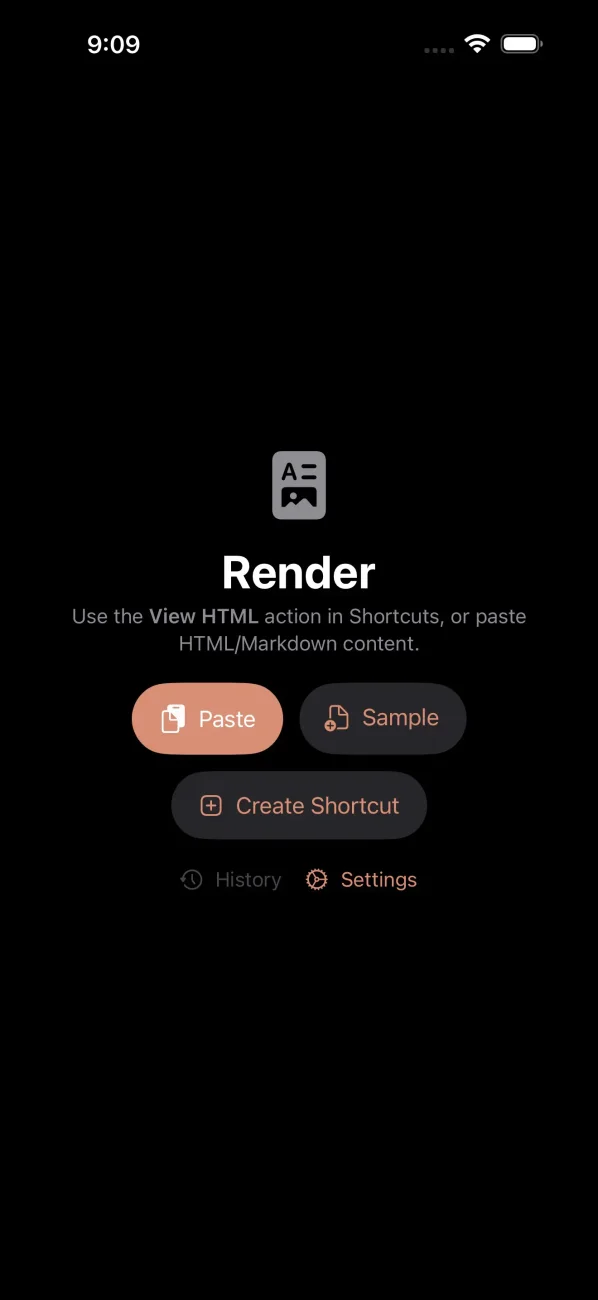
Render is a powerful utility app designed to display HTML and Markdown content with beautiful, native rendering.
SHORTCUTS INTEGRATION
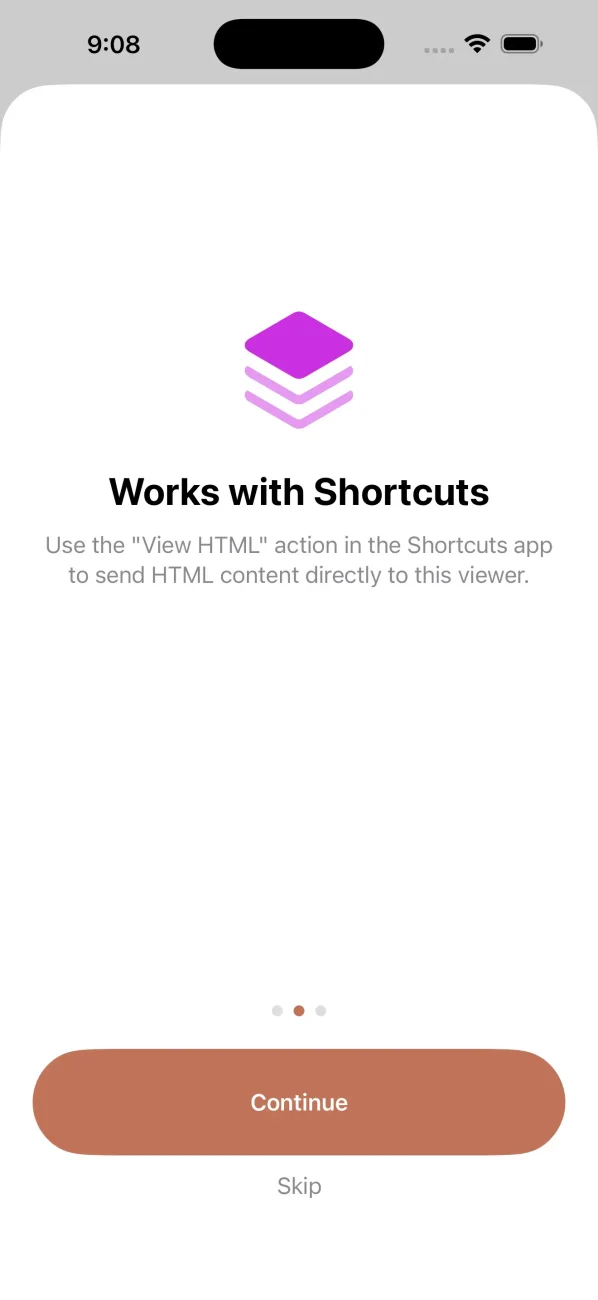
Render integrates seamlessly with Apple Shortcuts, providing actions to:
• View HTML - Display any HTML content in a native viewer
• View Markdown - Render Markdown with full formatting support
• Convert Markdown to HTML - Transform Markdown to HTML for other uses
FEATURES
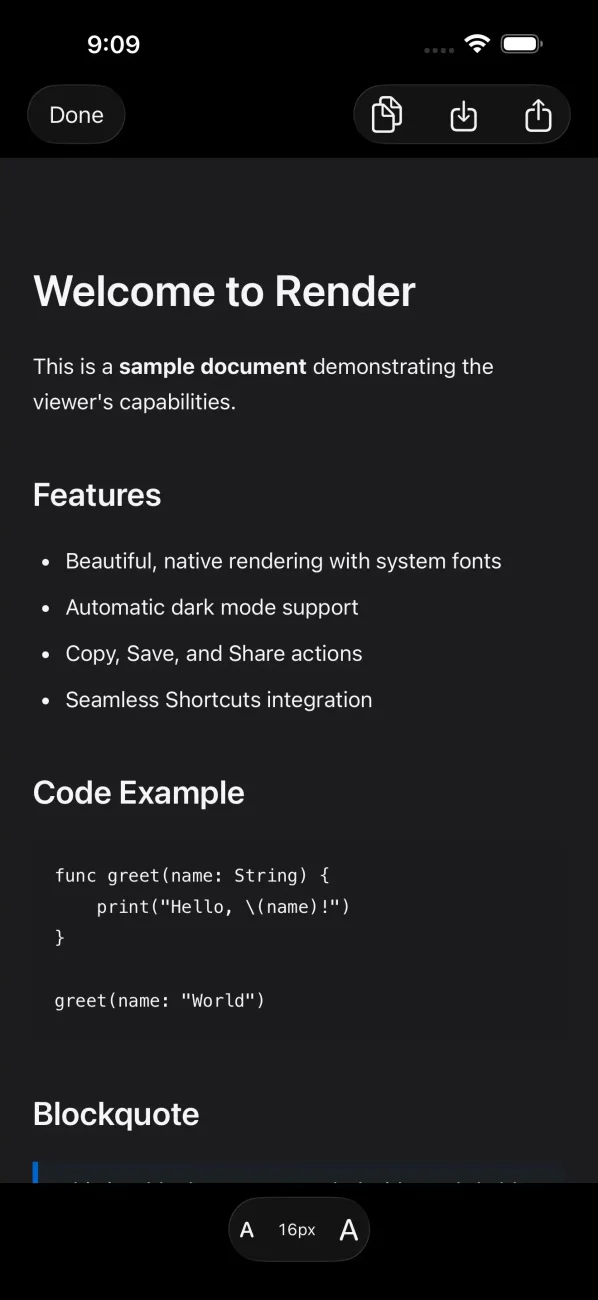
• Dark mode support that respects your system settings
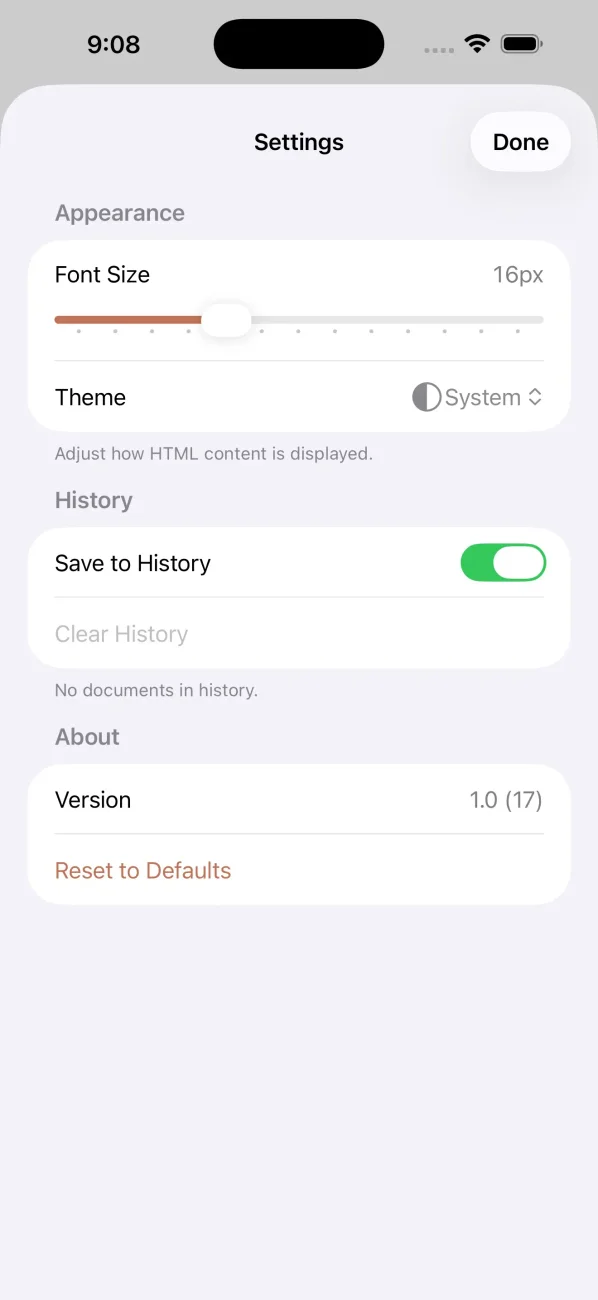
• Adjustable font sizes for comfortable reading
• Copy rendered content or export as HTML/PDF
• Share content directly from other apps via the Share Extension
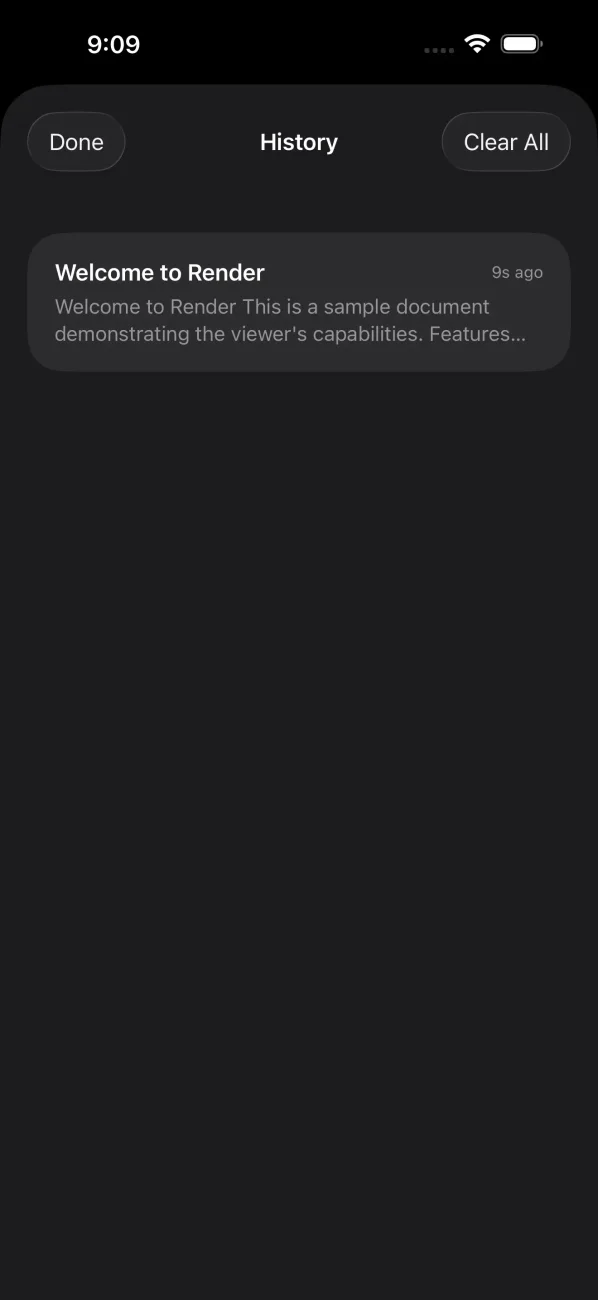
• View history to quickly access previously viewed content
PERFECT FOR
• Viewing formatted reports from automations
• Previewing HTML email templates
• Reading Markdown documentation
• Displaying styled content from Shortcuts workflows
Render is the missing piece for anyone building powerful Shortcuts automations that need to display formatted content.
新機能
バージョン 1.1.0 · 2026/6/1
What's new in 1.1.0:
• New "View Content" Shortcuts action that automatically detects whether your text is HTML or Markdown — with an optional setting to force one or the other.
• Markdown tables now render as proper tables.
• Fixed special characters such as angle brackets and ampersands so they display correctly.
• Fixed bold and italic so a plain asterisk (for example in "a * b * c") is no longer mistaken for formatting.
• New "Return to Shortcuts" setting to jump back to Shortcuts after you close a document.
Thanks for using Render!
アプリのプライバシー
このアプリのデータの取り扱いについて、Nate OberがApp Storeで申告している内容です。
-
データの収集なし
開発元はこのアプリからデータを収集しません。
プライバシーの取り扱いは、ご利用の機能やお客様の年齢などに応じて異なる場合があります。
情報
- 販売元
- Nate Ober
- カテゴリ
- ユーティリティ
- バージョン
- 1.1.0
- 更新日
- 2026/6/1
- リリース
- 2025/12/28
- サイズ
- 4.1 MB
- 必要条件
- iOS 17.0以降
- 対象年齢
- 4+
- 価格
- 無料
- 言語
- 英語
- 著作権
- © 2025 Nate Ober