
- Altersfreigabe4+
- KategorieGesundheit und Fitness
- EntwicklerDavid Fields
- SprachenEnglisch
- Größe3,8 MB
RunWindow ist bei App Store derzeit möglicherweise nicht verfügbar
Bei unserer letzten Prüfung war der Store-Eintrag nicht erreichbar. Der Link führt weiterhin zur offiziellen App Store-Seite.
Screenshots
Info
Der Entwickler hat diesen Text nicht in Ihrer Sprache bereitgestellt.
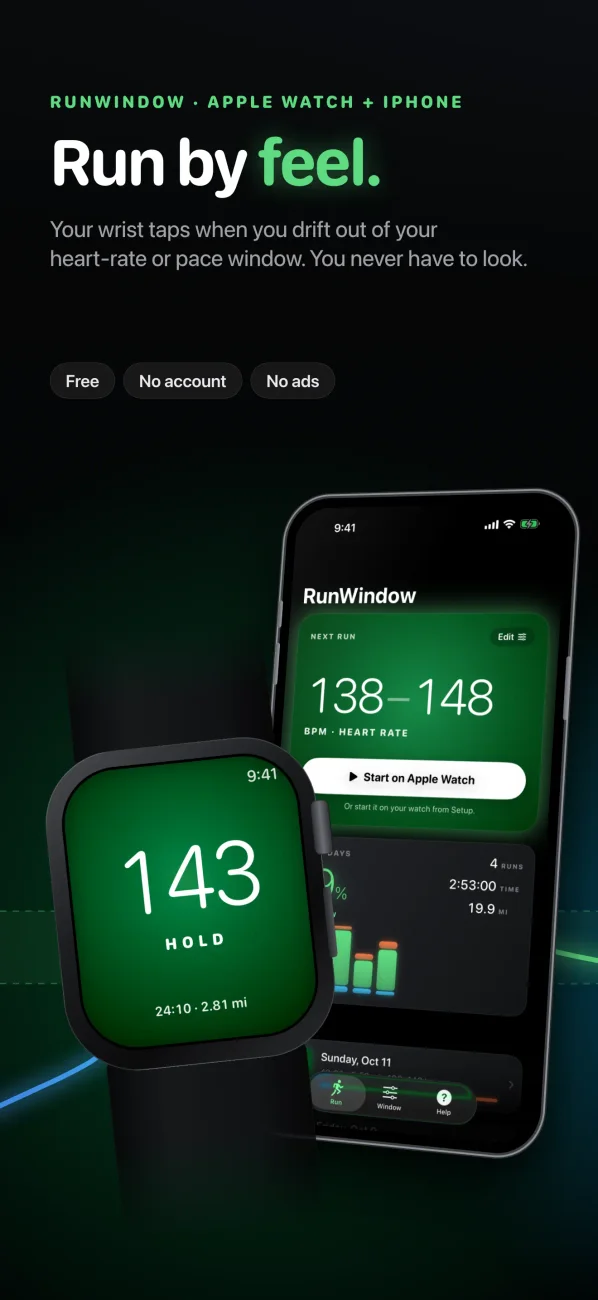
RunWindow taps you on the wrist when you drift outside the window you set, so you can run by feel without looking at your watch.
Pick a target: a heart-rate range or a pace range. Then press Start, on your watch or your iPhone, and drop your arm.
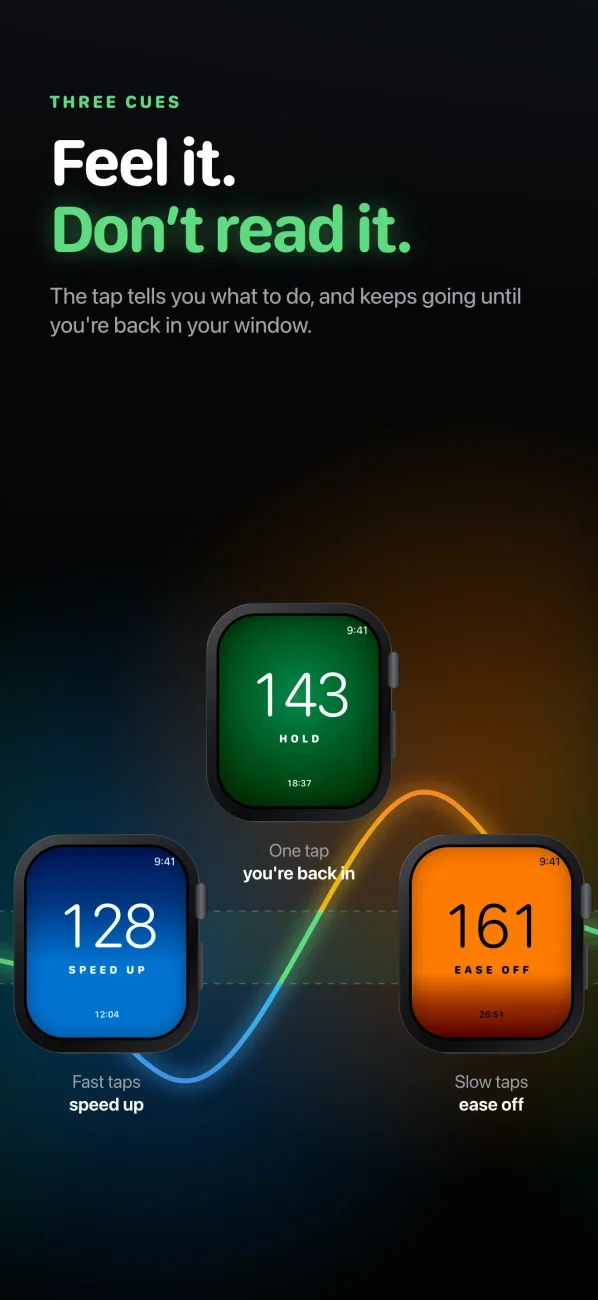
THREE CUES, NOTHING ELSE
• Fast taps, nonstop: speed up
• Slow taps, nonstop: ease off
• One tap: you're back in range
The cue tells you what to do, never which number moved, and it keeps going until you're back in your window. Hold a steady effort right on the edge and RunWindow stays silent. It waits for a real drift, not a wobble.
ON YOUR IPHONE
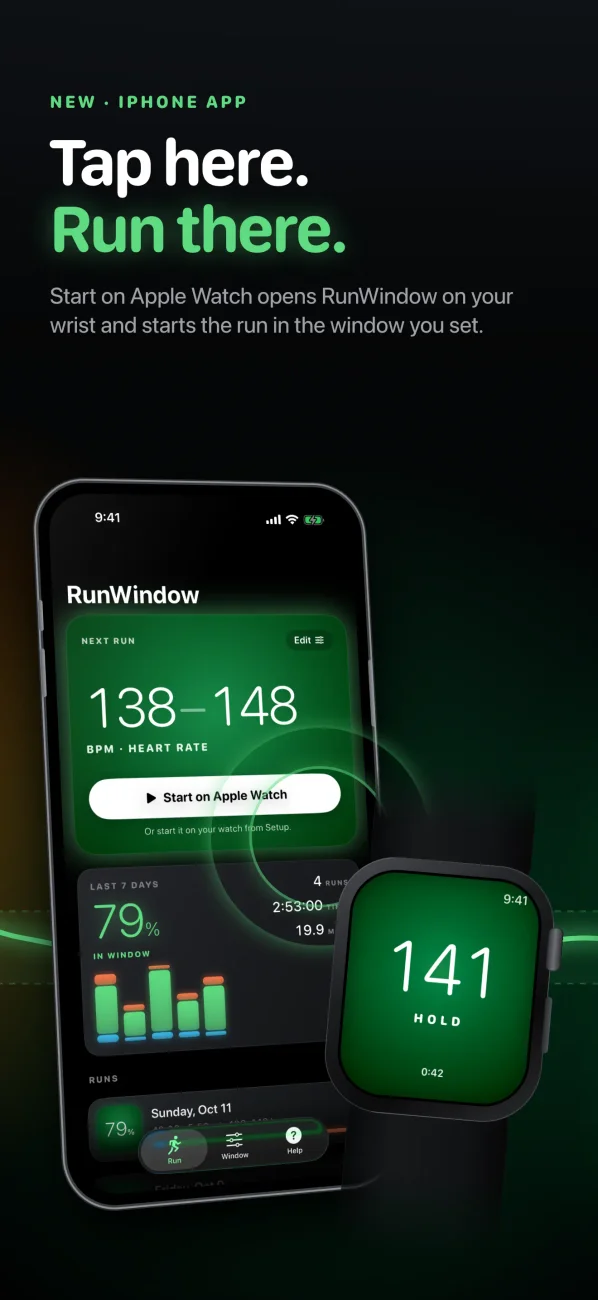
• Start on Apple Watch: one tap opens RunWindow on your wrist and starts the run
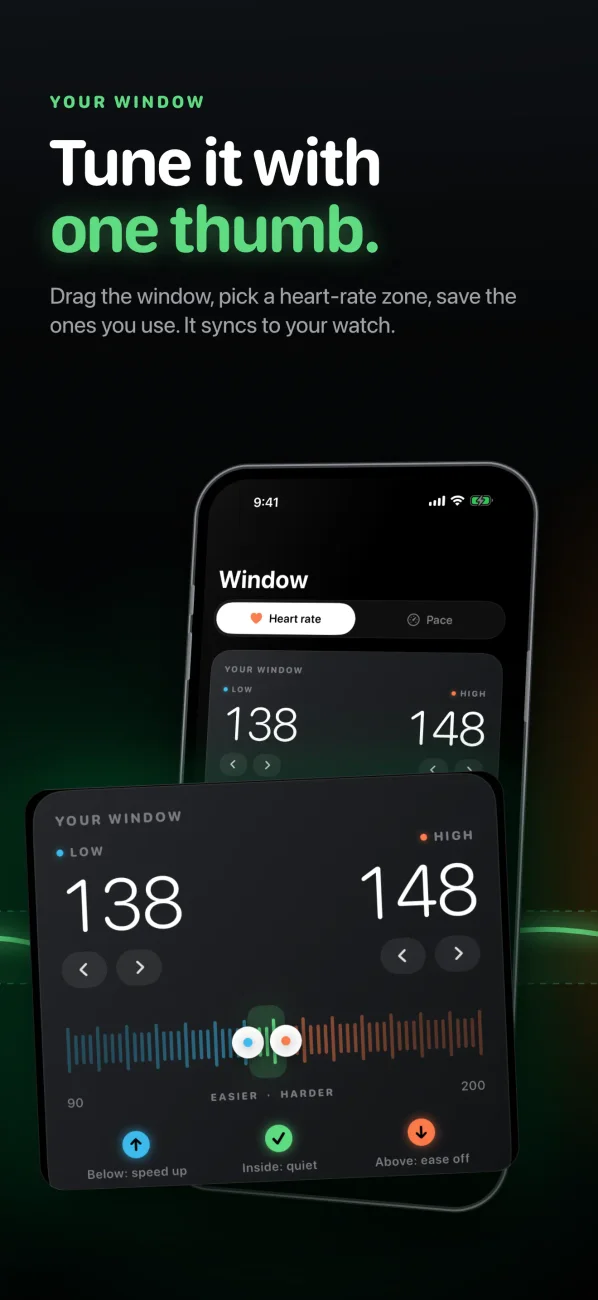
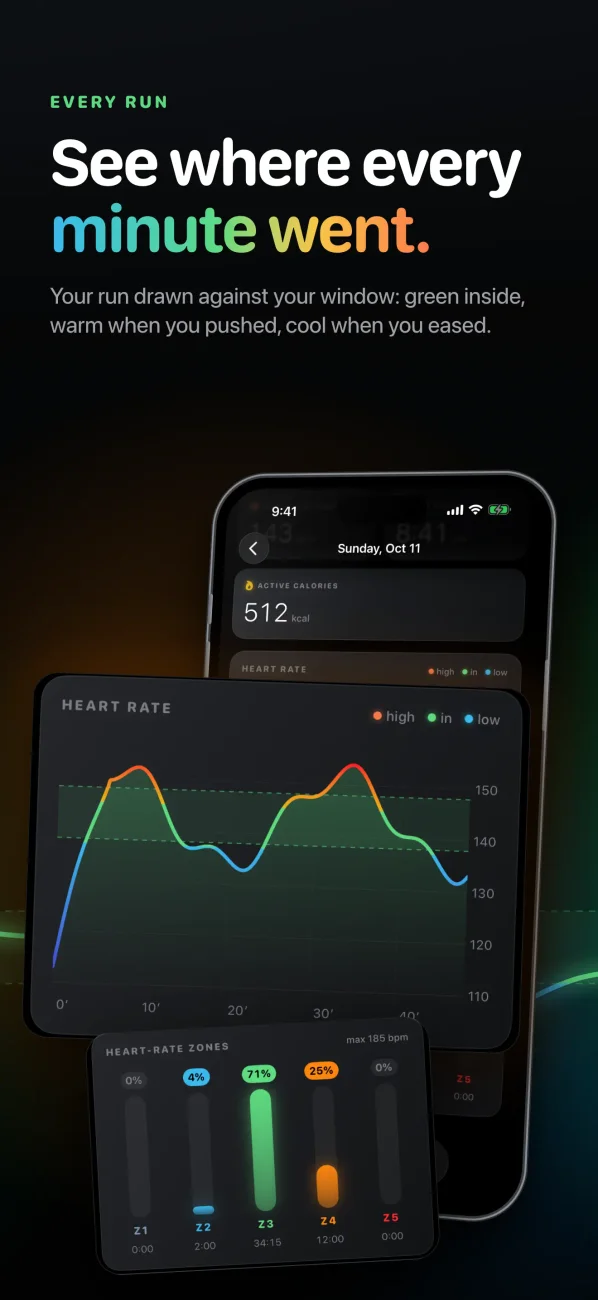
• Tune your window on a drag-to-set track, lit green inside, warm above, cool below
• Or set just a Max or a Min: one marker, cues on one side only
• Quick heart-rate zones from your age, and your own saved windows
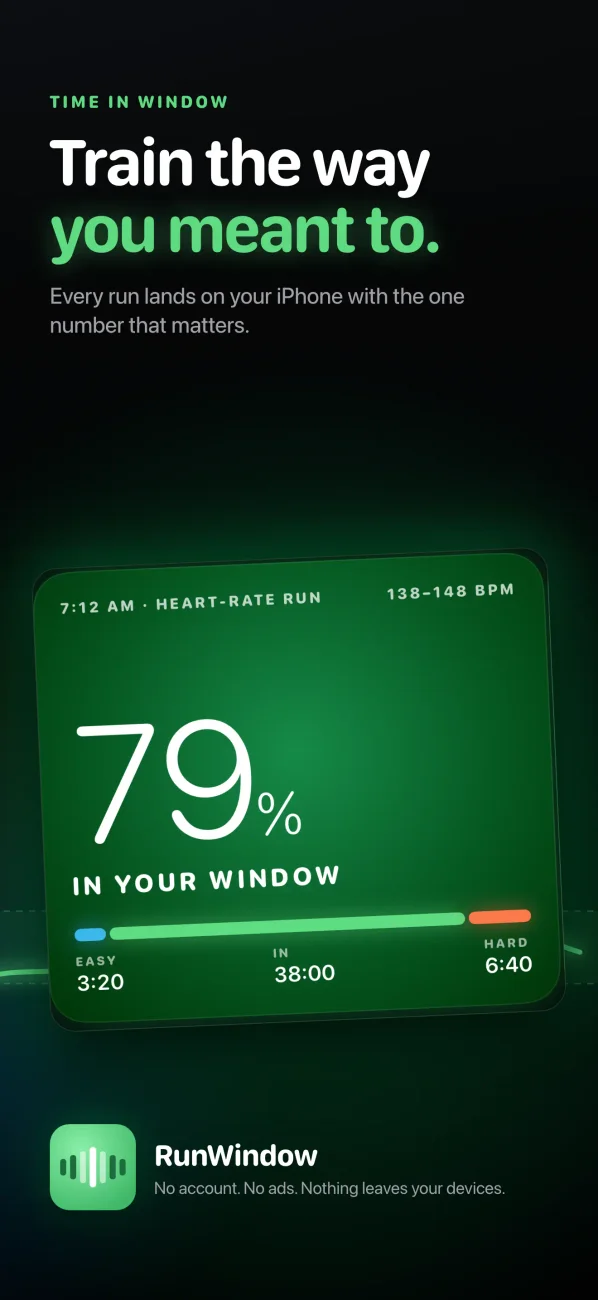
• Every run in one place: time in window, the run drawn against your window, heart-rate zones, distance, pace and active calories. Delete any run you didn't mean to record
• Settings sync both ways with your watch
ON YOUR WATCH
• Color Field turns the whole screen into the signal: green in range, warming toward red when you push too hard, cooling toward deep blue when you're too easy, with the word on screen so colour is never the only cue. Swipe up or down for a tick ring or a tuner.
• Pause, resume, or change your window mid-run
• Trend and Summary pages after every run
• A one-minute demo shows every cue without running
BUILT FOR TRAINING, NOT TRACKING
• Heart rate streams live from the watch during the workout
• Pace comes from GPS, smoothed so a single bad fix can't buzz you
• Miles or kilometres
• Every run is saved to Apple Health as a workout
• No account, and no data leaves your devices
RunWindow requires an Apple Watch: the cues are taps on your wrist. The watch needs Health access for heart rate and Location access for pace; the iPhone app reads your runs from Apple Health to show your history.
Neue Funktionen
Version 2.1 · 18.10.2026
• Max or Min: set one marker instead of a window. Max taps you only while you're over it; Min only while you're under it.
• Delete runs: swipe a run, press and hold it, or tap Delete Run at the bottom of a run.
• Run history grouped by week, with totals. Older runs show average heart rate by zone.
• Fixed: a window set on iPhone sometimes didn't reach the watch.
• Fixed: the iPhone app could ask for Health access again after the watch had asked.
App-Datenschutz
Was David Fields im App Store zum Umgang dieser App mit Daten angibt.
-
Nicht mit Ihnen verknüpfte Daten
Können erfasst werden, sind aber nicht mit Ihrer Identität verknüpft.
- Gesundheit und Fitness
- Standort
Die Datenschutzpraktiken können variieren, zum Beispiel je nach den von Ihnen verwendeten Funktionen oder Ihrem Alter.
Informationen
- Anbieter
- David Fields
- Kategorie
- Gesundheit und Fitness
- Version
- 2.1
- Aktualisiert
- 18.10.2026
- Veröffentlicht
- 07.10.2026
- Größe
- 3,8 MB
- Erfordert
- iOS 17.0 oder neuer
- Altersfreigabe
- 4+
- Sprachen
- Englisch
- Copyright
- © 2026 David Fields
Das könnte Ihnen auch gefallen
-
 R1SE TrainingGesundheit und Fitness
-
 Woojer WellnessGesundheit und Fitness
-
 Reaction Light Trainer: ReflexGesundheit und Fitness
-
 The Fort Membership AppGesundheit und Fitness
-
 Strivers: Training & WellnessGesundheit und Fitness
-
 RecoveryOne: PT With MeGesundheit und Fitness
-
 Exerp StaffGesundheit und Fitness
-
 AlterMeGesundheit und Fitness
-
 The Program by Bandit RunningGesundheit und Fitness
-
 Empirical HealthGesundheit und Fitness