
Scanner App - Scan PDF & OCR
PDF Docs & OCR, Scan Photos
Designed for iPhone, iPod touch
Free · In-app purchases
- Age rating4+
- CategoryProductivity
- DeveloperMital Malaviya
- LanguagesEnglish
- Size47.8 MB
Links to the official App Store page
Download.org hosts no file of Scanner App - Scan PDF & OCR. The button opens its official App Store page, published by Mital Malaviya. Listing last checked on Nov 22, 2026.
Screenshots


About
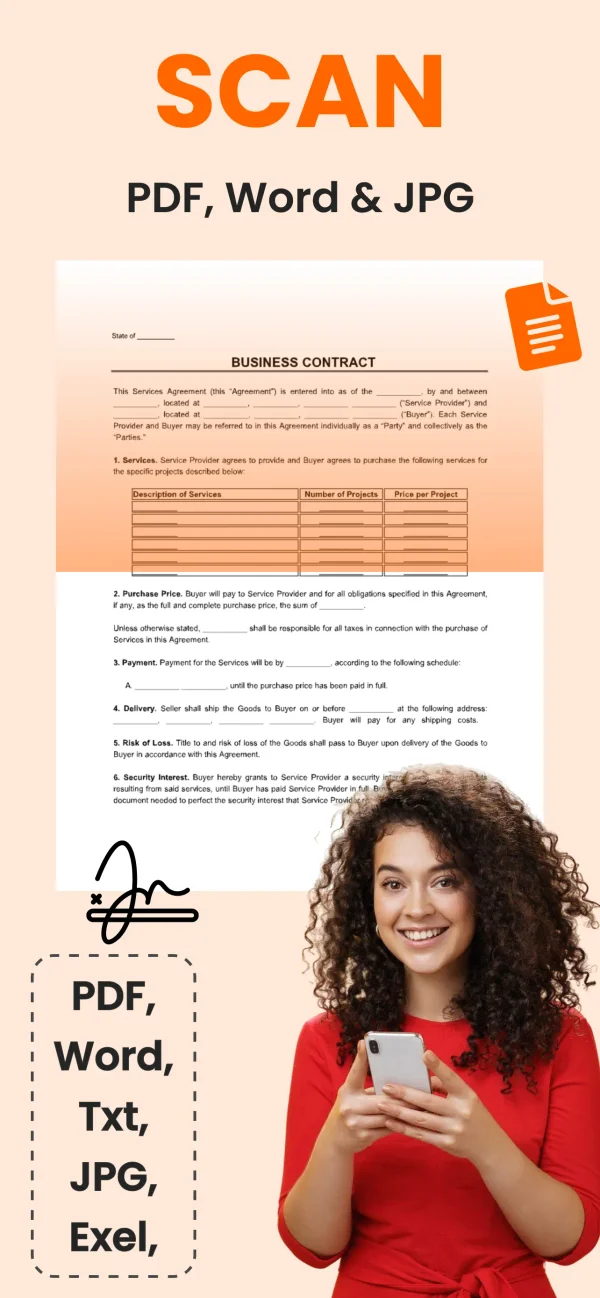
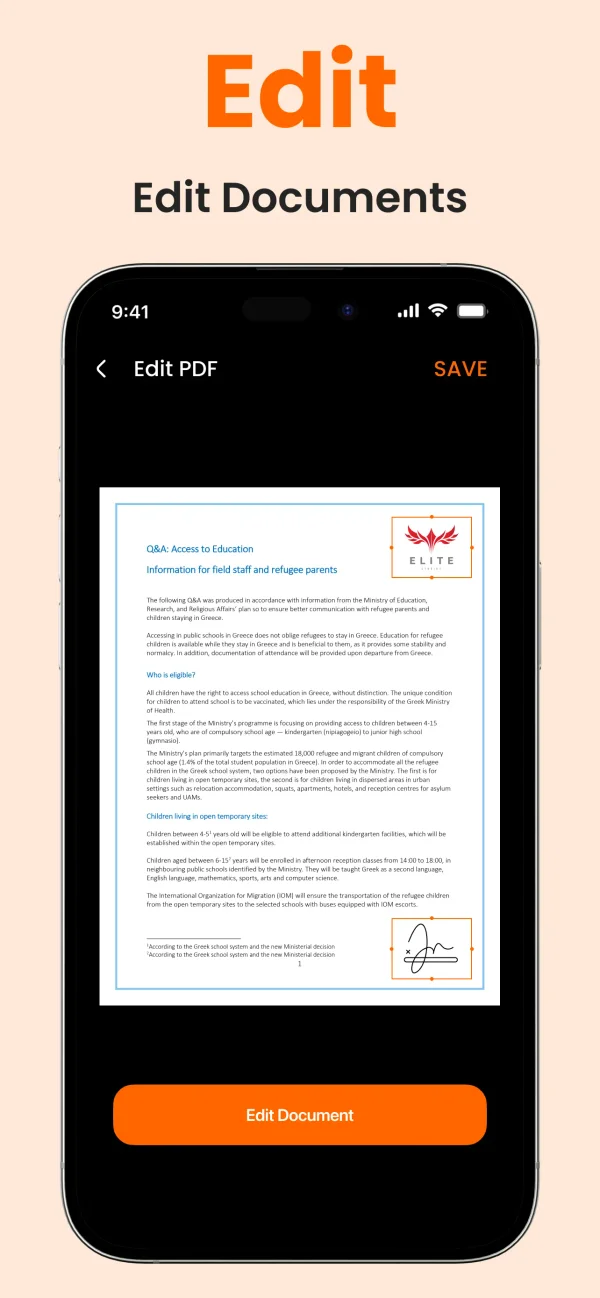
Scan and manage your documents directly from your device. Capture documents, receipts, notes, and photos and convert them into clear PDF files in just a few steps.
The app is designed to make document scanning simple and convenient, helping you organize and share your files whenever you need them.
Features
Document Scanning
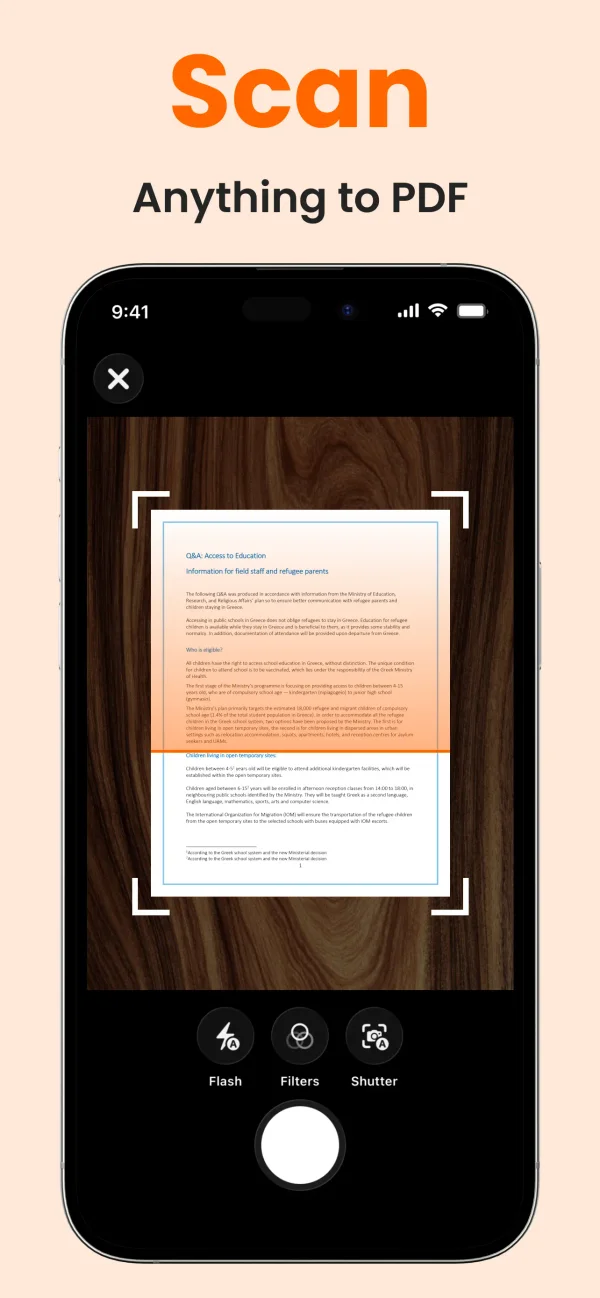
Capture documents using your device camera and convert them into PDF files.
Smart Edge Detection
Automatically detects document edges and adjusts scans for better clarity.
PDF Creation & Export
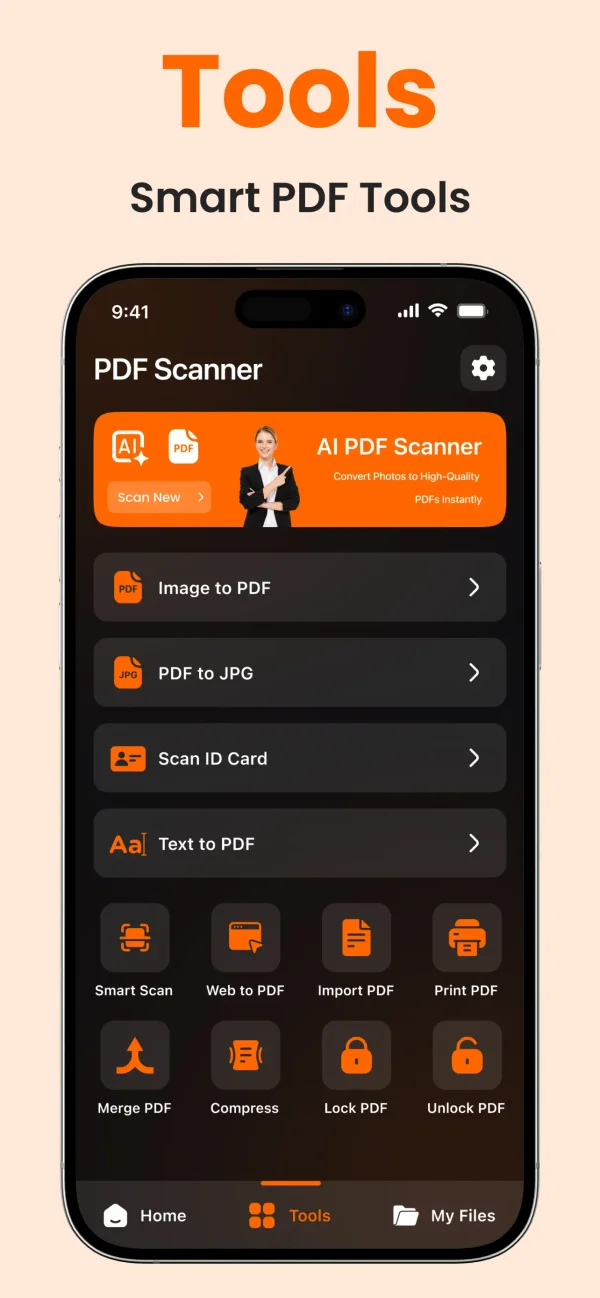
Create PDF documents and easily share or export them when needed.
Document Management
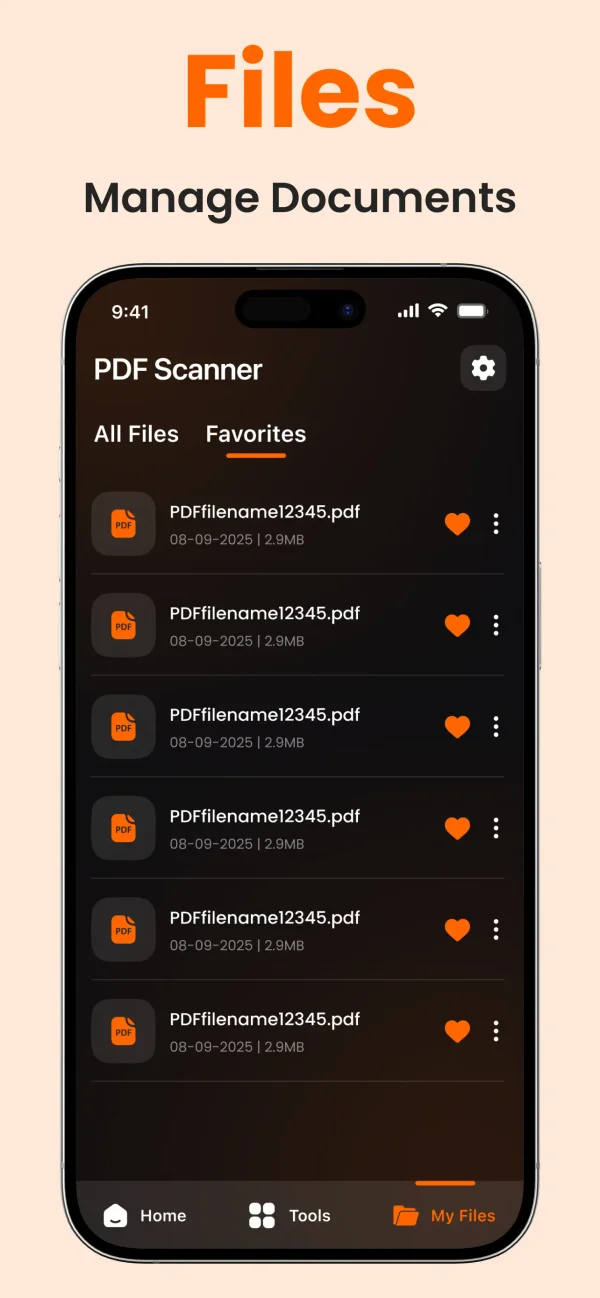
Save and organize scanned documents so they can be accessed later.
Fast Processing
Process scanned documents quickly for smooth and efficient use.
Use Cases
This application can be useful for:
• Students scanning notes
• Professionals organizing documents
• Small businesses managing paperwork
• Everyday document scanning needs
Premium Subscription
The application offers optional auto-renewable subscriptions that provide additional features, including:
• Unlimited document scans
• Access to advanced PDF tools
• Faster processing
• High-quality export
• Ad-free experience
Payment will be charged to your Apple ID account at confirmation of purchase.
Subscriptions automatically renew unless auto-renew is turned off at least 24 hours before the end of the current period.
Users can manage or cancel subscriptions through their Apple ID account settings after purchase.
Easy to Use
Open the camera, scan a document, and save it as a PDF. Documents can then be stored, organized, or shared as needed.
privacy policy : https://doczeno.blogspot.com/2026/03/privacy-policy.html
terms and conditions: https://doczeno.blogspot.com/2026/03/terms-and-conditions.html
eula: https://doczeno.blogspot.com/2026/03/eula.html
What’s new
Version 1.7 · May 28, 2026
bug fixes and performance improvements
App privacy
What Mital Malaviya declares on the App Store about how this app handles data.
-
Data used to track you
May be used to track you across apps and websites owned by other companies.
- Identifiers
-
Data linked to you
May be collected and linked to your identity.
- Location
- User content
- Identifiers
- Usage data
-
Data not linked to you
May be collected but is not linked to your identity.
- Diagnostics
Privacy practices may vary, for example with the features you use or your age.
Information
- Seller
- Mital Malaviya
- Category
- Productivity
- Version
- 1.7
- Updated
- May 28, 2026
- Released
- Mar 21, 2026
- Size
- 47.8 MB
- Requires
- iOS 15.0 or later
- Age rating
- 4+
- Price
- Free
- In-app purchases
- Yes
- Languages
- English
- Copyright
- © mitalmalaviya
You might also like
-
 Scanner App: Scan PDF DocumentScan, edit & sign in one app
-
 Image to PDF: PDF MakerSmart Doc Scanner & PDF Tool
-
 Safe Haven SecurityProductivity
-
 Scanner App for iPhoneImage, PNG & PDF Converter
-
 UniformityAutomated uniform builder
-
 Send Fax App: Fax From iPhoneReceive Faxes, Get Fax Number
-
 Jotform Sign: eSign PDF & DocsSign PDFs, Contracts & Forms
-
 BluebeamField app for PDF workflows
-
 FoxNote - AI Note TakerVoice to Text Transcriber