Screen Time Control App
App Lock, Limit for Focus
Entwickelt für iPhone
Kostenlos · In-App-Käufe
- Altersfreigabe4+
- KategorieProduktivität
- EntwicklerLilucat
- SprachenEnglisch
- Größe72,5 MB
Verlinkt auf die offizielle App Store-Seite
Download.org hostet keine Datei von Screen Time Control App. Die Schaltfläche öffnet die App-Seite bei App Store, wo Lilucat die App veröffentlicht. Eintrag zuletzt geprüft am 15.11.2026.
Screenshots
Info
Der Entwickler hat diesen Text nicht in Ihrer Sprache bereitgestellt.
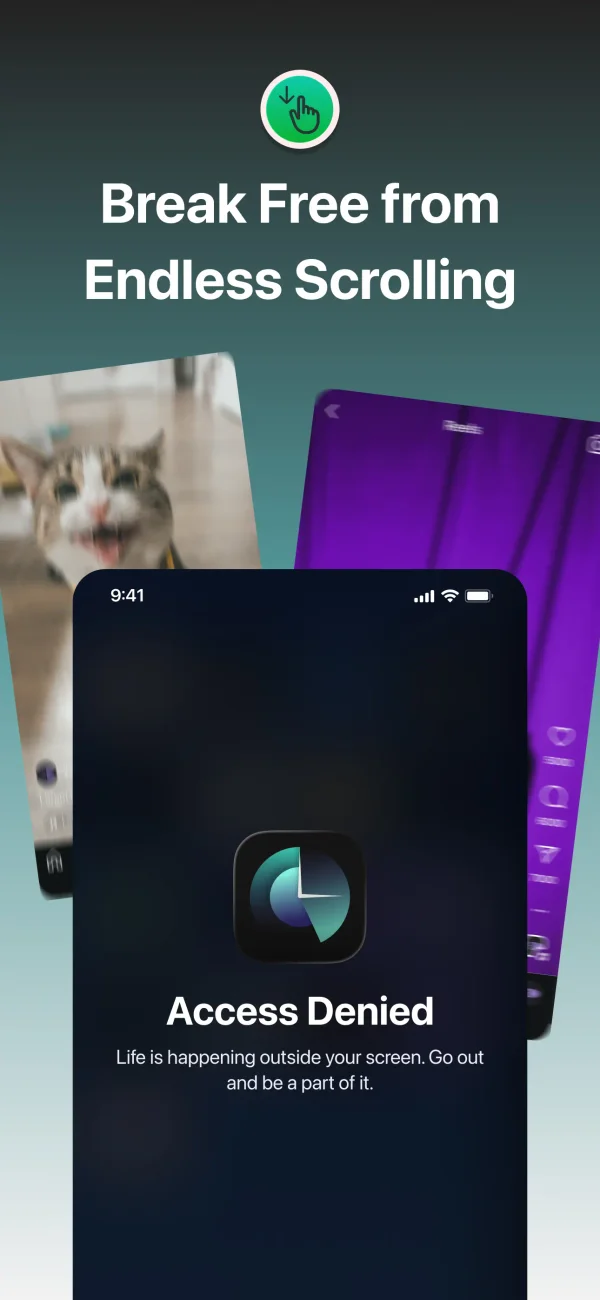
Screen Time Control App is the ultimate solution to help you regain control over your digital life and reduce screen time. With Screen Time Control App, you can break free from the addictive grip of your devices and cultivate healthier habits, allowing you to reclaim your time and focus on what truly matters.
With its intuitive interface and powerful features, Screen Time Control App empowers you to block specific apps for designated periods, ensuring that you stay productive and focused on your goals. Whether you need to concentrate during work hours or simply want to create space for meaningful activities, Screen Time Control App has got you covered.
Key Features:
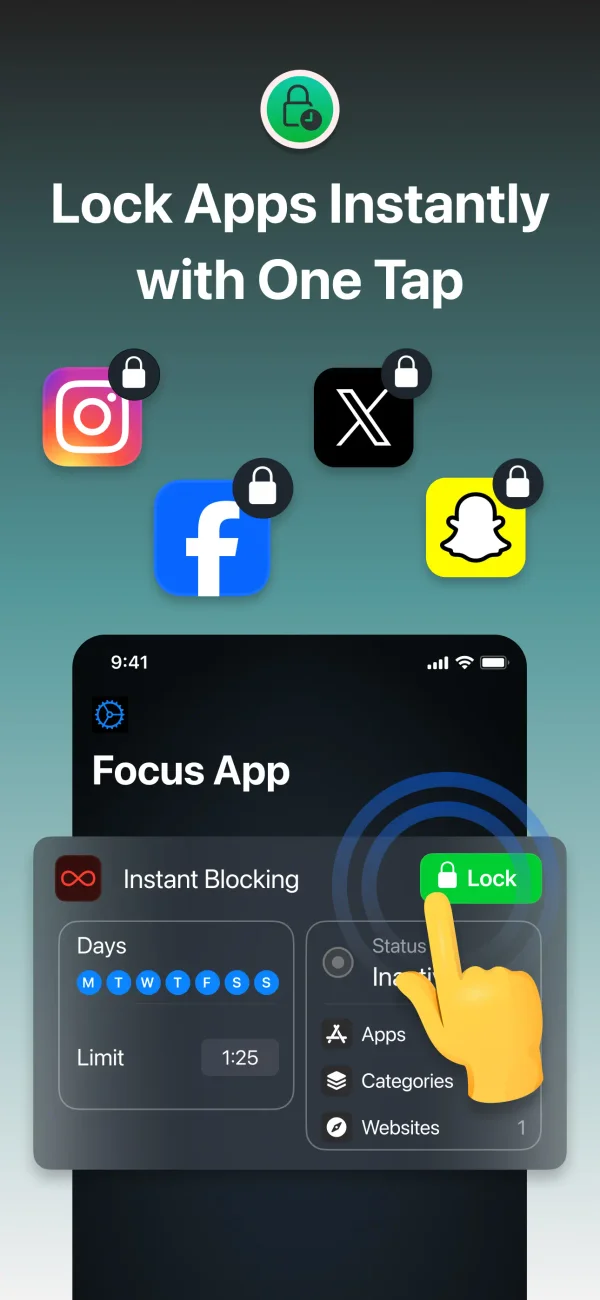
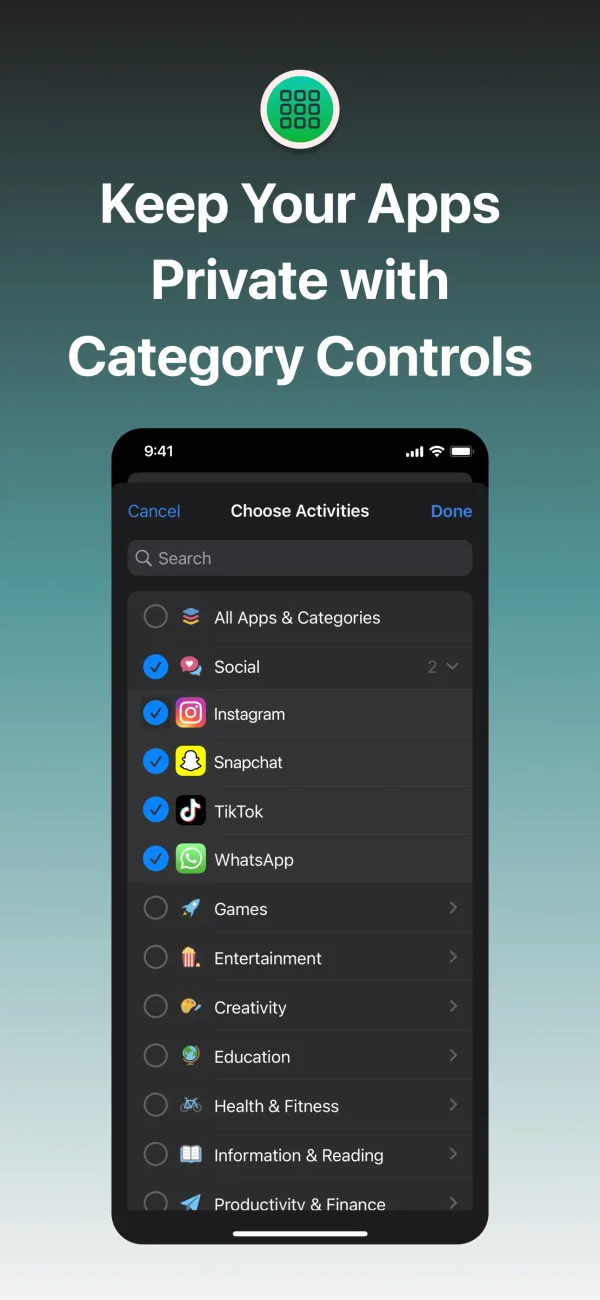
App Blocking: Select and block specific apps that tend to consume your time and attention. Customize your list to include social media, entertainment, or any other apps that distract you.
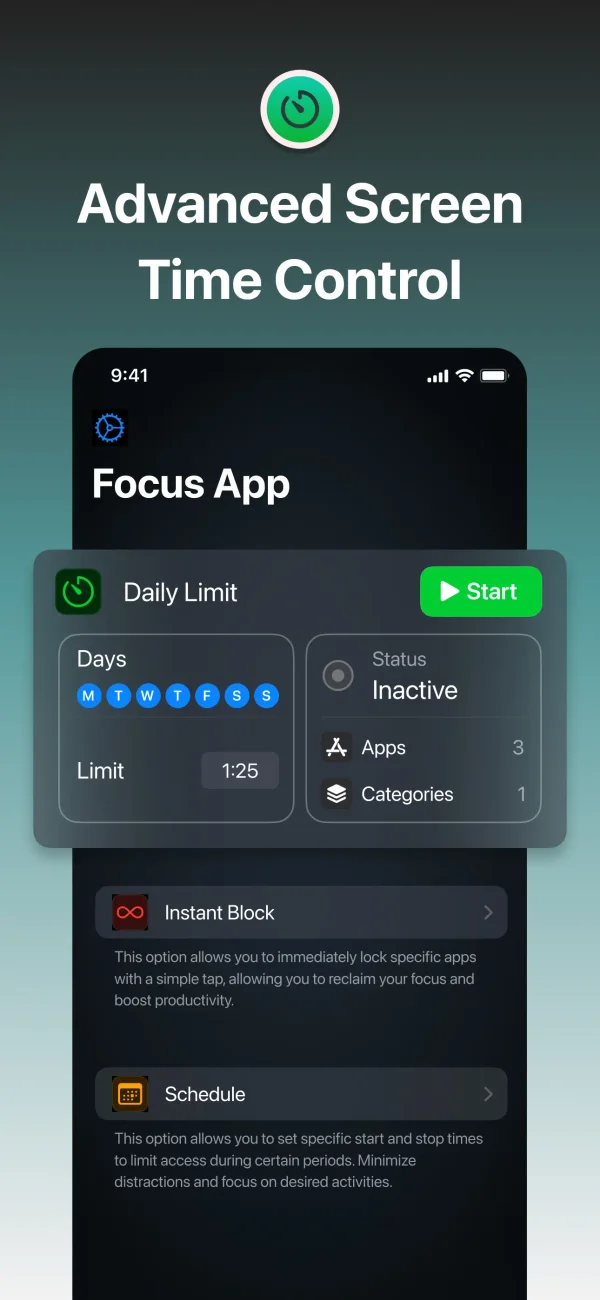
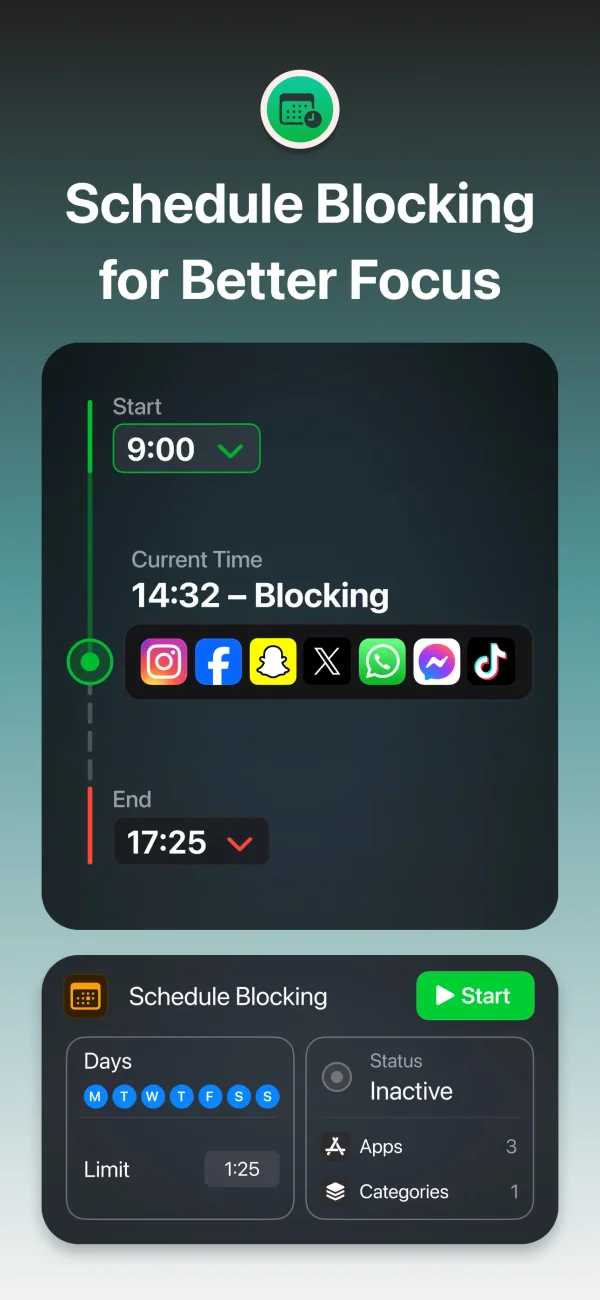
Scheduled Blocking: Set specific time intervals during which Screen Free will automatically block the apps you've chosen. Establish daily routines or create dedicated windows for work, study, or personal time.
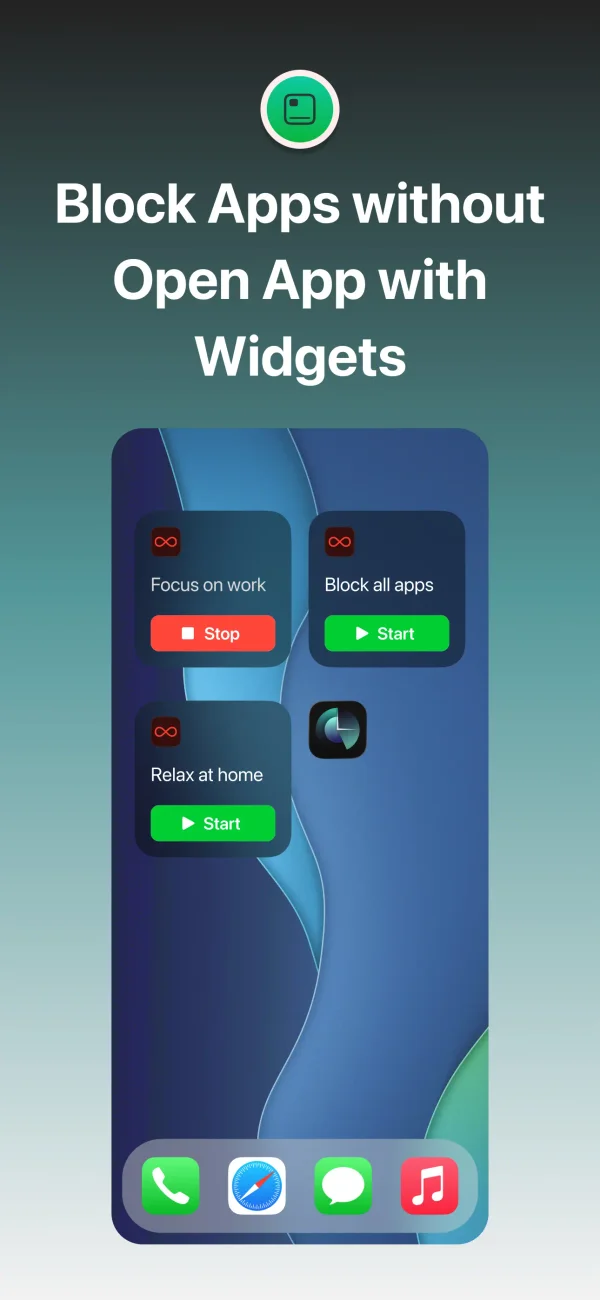
Instant Blocking: Tackle entire categories of apps with a single tap. Block all social media or gaming apps with ease, ensuring that you stay on track without wasting valuable time.
Usage Insights: Gain valuable insights into your app usage patterns and screen time habits. Stay informed about how much time you spend on different apps, helping you make informed decisions and prioritize your digital well-being.
Motivational Reminders: Receive gentle reminders and notifications to encourage you to take breaks, step away from your screen, and engage in other fulfilling activities. Get inspired to explore new hobbies, read a book, or connect with loved ones.
Take the first step towards a more balanced and fulfilling life with Screen Time Control App. It's time to reclaim your time, boost productivity, and create space for the things that truly matter.
* Screen Time Control App offers Pro Plan which could be annual, weekly, monthly or lifetime service. Payment will be charged to iTunes Account at confirmation of purchase and auto-renews at the same price unless disabled in iTunes Account Settings at least 24 hours before the end of the current period. Your subscription can be managed in your iTunes Account Settings. Any unused portion of a free trial period, if offered, will be forfeited when you purchase a subscription.
Links
Terms of Service: https://focus.lilucat.com/legal/terms
Privacy: https://focus.lilucat.com/legal/privacy
Neue Funktionen
Version 1.0.1 · 05.02.2026
- Fixed minors bugs under the hood.
App-Datenschutz
Was Lilucat im App Store zum Umgang dieser App mit Daten angibt.
-
Keine Daten erfasst
Der Entwickler erfasst keine Daten von dieser App.
Die Datenschutzpraktiken können variieren, zum Beispiel je nach den von Ihnen verwendeten Funktionen oder Ihrem Alter.
Informationen
- Anbieter
- LILUCAT LTD
- Kategorie
- Produktivität
- Version
- 1.0.1
- Aktualisiert
- 05.02.2026
- Veröffentlicht
- 04.02.2026
- Größe
- 72,5 MB
- Erfordert
- iOS 17.0 oder neuer
- Altersfreigabe
- 4+
- Preis
- Kostenlos
- In-App-Käufe
- Ja
- Sprachen
- Englisch
- Copyright
- © Lilucat
Das könnte Ihnen auch gefallen
-
 Screen Time Control: InscreenProduktivität
-
 XLocker - KindersicherungApp-Safe, Datenschutz
-
 Bildschirmzeit: App SperrenFokus, Handysucht, Limit
-
 Blob: Weniger BildschirmzeitDigital Detox. Zeit zu wachsen
-
 Bildschirmzeit – eltern appKindersicherung app für eltern
-
 Bildschirmzeit App BlockerTimer, Fokus und Sperre
-
 Pond: Fotos & PasswörterPrivater Tresor ohne Server
-
 Cloak: App SperreScreen Time-Modi & Automatik
-
 Shadow: Block Apps & FocusProduktivität
-
 FocusWell: Screen Time ControlProduktivität