ScreenStream
Live Stream to Kick & More
Entwickelt für iPhone
Kostenlos · In-App-Käufe
- Altersfreigabe4+
- KategorieFoto und Video
- EntwicklerBrad Coughlin
- SprachenEnglisch
- Größe5,2 MB
Verlinkt auf die offizielle App Store-Seite
Download.org hostet keine Datei von ScreenStream. Die Schaltfläche öffnet die App-Seite bei App Store, wo Brad Coughlin die App veröffentlicht. Eintrag zuletzt geprüft am 14.11.2026.
Screenshots

Info
Der Entwickler hat diesen Text nicht in Ihrer Sprache bereitgestellt.
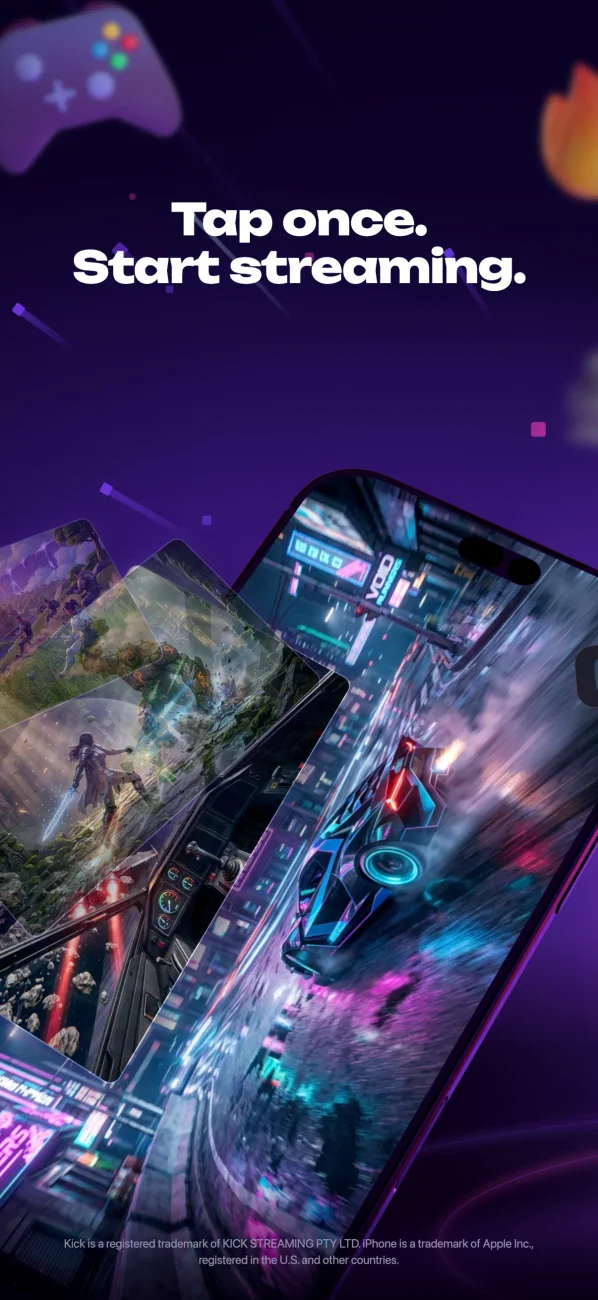
Stream your iPhone screen live to Kick in a single tap.
ScreenStream broadcasts whatever is on your screen — games, apps, walkthroughs — straight to your Kick channel over RTMP. No capture card, no computer, no complicated setup. Pick your destination, tap once, and you're live.
KEY FEATURES
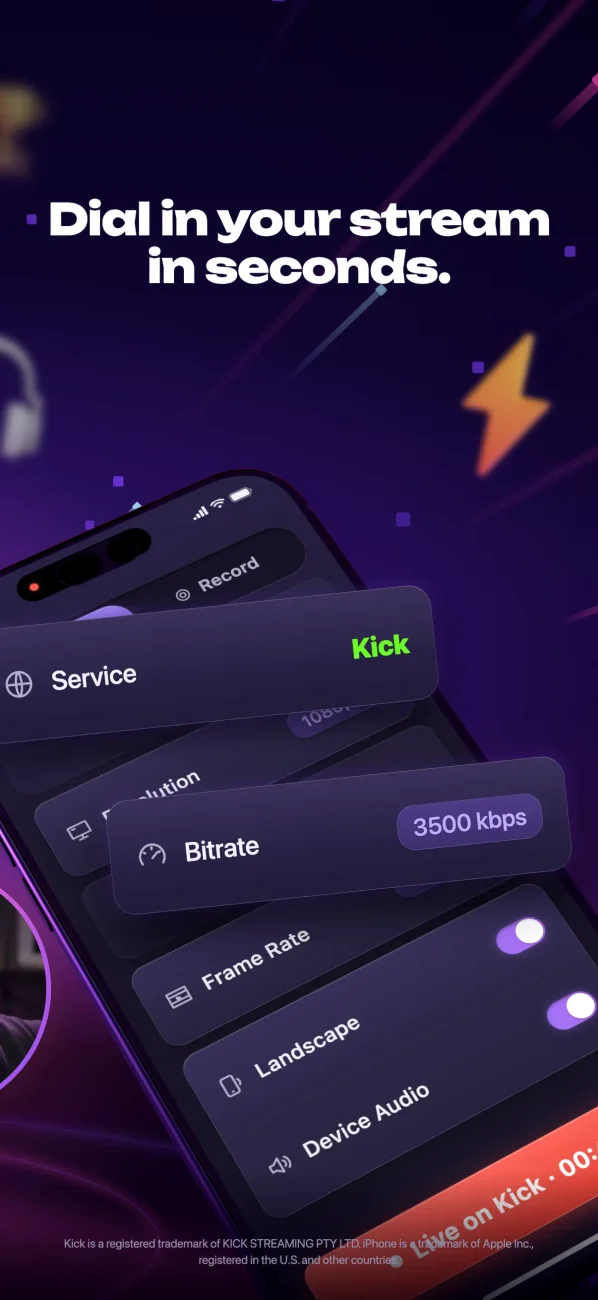
• One-tap streaming to Kick — paste your stream key once and go live anytime
• Custom RTMP server support — point ScreenStream at your own server or any RTMP destination
• Local recording mode — record your screen to your device in H.264 with no network needed
• Microphone narration — add your voice over your gameplay or demo
• Device audio capture — include the sound from your apps and games in the broadcast
• Adjustable quality — tune frame rate and bitrate to match your connection
• Clean, simple interface — everything on one screen, nothing you don't need
HOW IT WORKS
ScreenStream uses Apple's built-in screen broadcasting (ReplayKit), so it captures your entire screen system-wide — not just one app. Start a broadcast from the app or straight from Control Center, and your screen goes live to your chosen destination.
Whether you're streaming mobile games to your Kick audience, recording a tutorial, or broadcasting to your own RTMP server, ScreenStream keeps it fast and simple.
No account required. No ads. No tracking.
Terms of Use: https://www.apple.com/legal/internet-services/itunes/dev/stdeula/
Neue Funktionen
Version 1.2 · 03.10.2026
Recording
- New quality presets: AI Analysis, Medium, High, High 60, 4K Letterbox, and 4K Letterbox 60. AI Analysis keeps files small for sharing with tools like Claude or ChatGPT.
- Recordings now include audio from your mic and device.
- Landscape mode now works for recordings.
Audio
- New Device volume slider for streams and recordings, with a recommended level.
Recordings list
- Recordings show thumbnails. Tap one to watch or share it.
- After recording, a notice shows where the file was saved.
Other changes
- Watermark switch on the main screen.
- Stop responds faster at low frame rates.
- The app opens on the Stream tab.
App-Datenschutz
Was Brad Coughlin im App Store zum Umgang dieser App mit Daten angibt.
-
Keine Daten erfasst
Der Entwickler erfasst keine Daten von dieser App.
Die Datenschutzpraktiken können variieren, zum Beispiel je nach den von Ihnen verwendeten Funktionen oder Ihrem Alter.
Informationen
- Anbieter
- Brad Coughlin
- Kategorie
- Foto und Video
- Version
- 1.2
- Aktualisiert
- 03.10.2026
- Veröffentlicht
- 20.06.2026
- Größe
- 5,2 MB
- Erfordert
- iOS 18.0 oder neuer
- Altersfreigabe
- 4+
- Preis
- Kostenlos
- In-App-Käufe
- Ja
- Sprachen
- Englisch
- Copyright
- © 2026 Bradley Coughlin
Das könnte Ihnen auch gefallen
-
 Live Publisher: RTMP SRT NDIFoto und Video
-
 Larix Broadcaster: Live StreamLive-Encoder: SRT, NDI, RTMP
-
 Reczen - BildschirmaufnahmeLivestream Bildschirm Aufnahme
-
 StreamChamp: Streaming AppFoto und Video
-
 MoblinIRL Streaming
-
 VDO.NinjaFoto und Video
-
 Amigo AI - Face Swap CameraFoto und Video
-
 CameraFi LiveAll-in-one live streaming app
-
 Switcher: Live Streaming AppFoto und Video
-
 Live Now - Live-StreamingLive-Scoreboard, Spiel