- 対象年齢4+
- カテゴリ写真/ビデオ
- 開発元Brad Coughlin
- 言語英語
- サイズ5.2 MB
App Storeの公式ページにリンクしています
Download.orgはScreenStreamのファイルを一切ホストしていません。ボタンを押すと、Brad Coughlinが公開しているApp Storeのアプリページが開きます。ページの最終確認:2026/11/14。
スクリーンショット

概要
開発元はこのテキストをお使いの言語で提供していません。
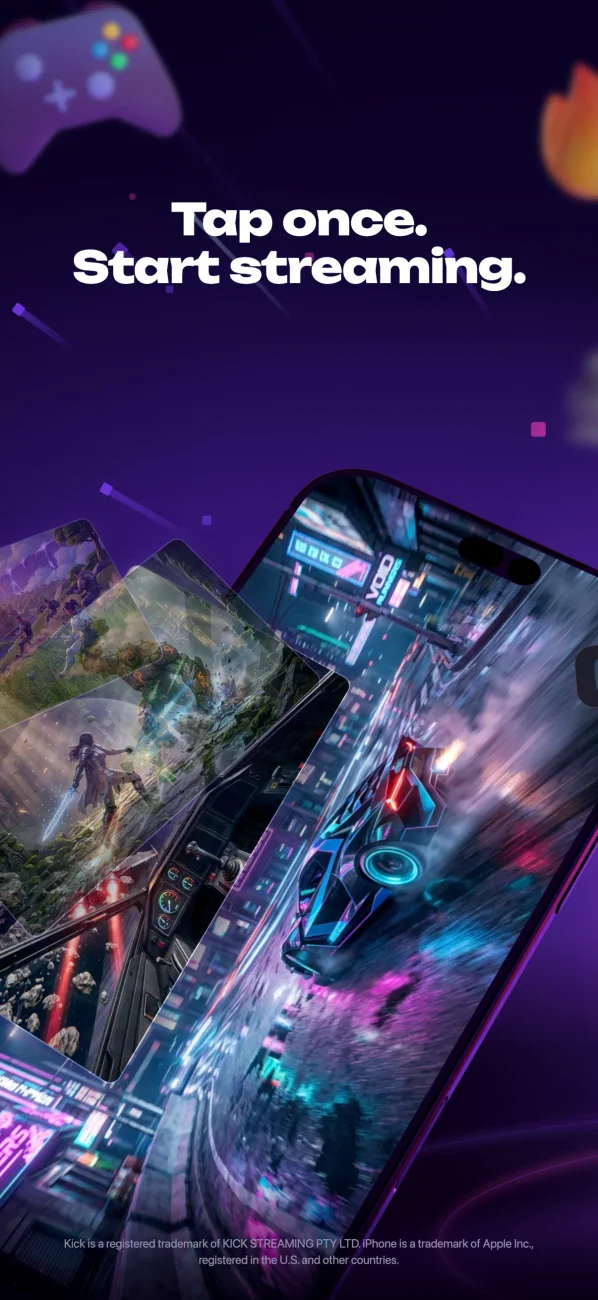
Stream your iPhone screen live to Kick in a single tap.
ScreenStream broadcasts whatever is on your screen — games, apps, walkthroughs — straight to your Kick channel over RTMP. No capture card, no computer, no complicated setup. Pick your destination, tap once, and you're live.
KEY FEATURES
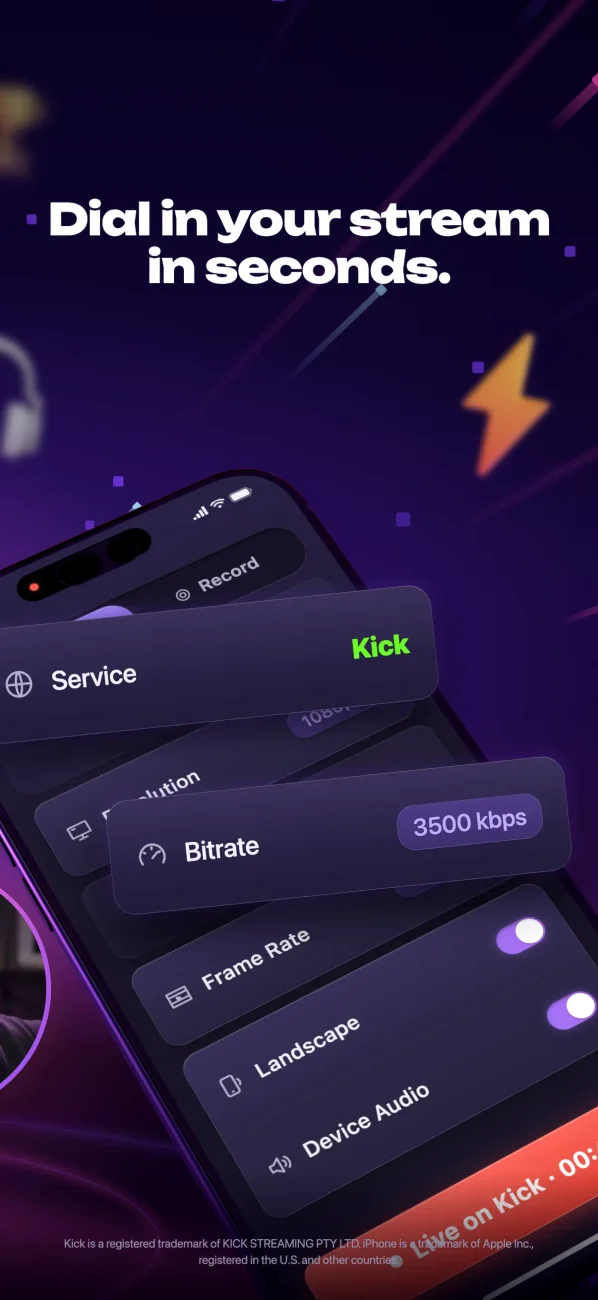
• One-tap streaming to Kick — paste your stream key once and go live anytime
• Custom RTMP server support — point ScreenStream at your own server or any RTMP destination
• Local recording mode — record your screen to your device in H.264 with no network needed
• Microphone narration — add your voice over your gameplay or demo
• Device audio capture — include the sound from your apps and games in the broadcast
• Adjustable quality — tune frame rate and bitrate to match your connection
• Clean, simple interface — everything on one screen, nothing you don't need
HOW IT WORKS
ScreenStream uses Apple's built-in screen broadcasting (ReplayKit), so it captures your entire screen system-wide — not just one app. Start a broadcast from the app or straight from Control Center, and your screen goes live to your chosen destination.
Whether you're streaming mobile games to your Kick audience, recording a tutorial, or broadcasting to your own RTMP server, ScreenStream keeps it fast and simple.
No account required. No ads. No tracking.
Terms of Use: https://www.apple.com/legal/internet-services/itunes/dev/stdeula/
新機能
バージョン 1.2 · 2026/10/3
Recording
- New quality presets: AI Analysis, Medium, High, High 60, 4K Letterbox, and 4K Letterbox 60. AI Analysis keeps files small for sharing with tools like Claude or ChatGPT.
- Recordings now include audio from your mic and device.
- Landscape mode now works for recordings.
Audio
- New Device volume slider for streams and recordings, with a recommended level.
Recordings list
- Recordings show thumbnails. Tap one to watch or share it.
- After recording, a notice shows where the file was saved.
Other changes
- Watermark switch on the main screen.
- Stop responds faster at low frame rates.
- The app opens on the Stream tab.
アプリのプライバシー
このアプリのデータの取り扱いについて、Brad CoughlinがApp Storeで申告している内容です。
-
データの収集なし
開発元はこのアプリからデータを収集しません。
プライバシーの取り扱いは、ご利用の機能やお客様の年齢などに応じて異なる場合があります。
情報
- 販売元
- Brad Coughlin
- カテゴリ
- 写真/ビデオ
- バージョン
- 1.2
- 更新日
- 2026/10/3
- リリース
- 2026/6/20
- サイズ
- 5.2 MB
- 必要条件
- iOS 18.0以降
- 対象年齢
- 4+
- 価格
- 無料
- アプリ内課金
- あり
- 言語
- 英語
- 著作権
- © 2026 Bradley Coughlin
こちらもおすすめ
-
 Live Publisher: RTMP SRT NDI写真/ビデオ
-
 Larix Broadcaster: Live Streamライブ配信:SRT・NDI・RTMP対応
-
 Reczen - 画面録画スクリーン録画 · 画面録画アプリ
-
 StreamChamp: Streaming App写真/ビデオ
-
 Moblin写真/ビデオ
-
 VDO.Ninja写真/ビデオ
-
 Amigo AI - Face Swap Camera写真/ビデオ
-
 CameraFi Liveいつでもどこでも特別な瞬間をライブ配信!
-
 Switcher: Live Streaming App写真/ビデオ
-
 Live Now - ライブストリームライブスコアボード、ゲーム