ScreenStream
Live Stream to Kick & More
Designed for iPhone
Free · In-app purchases
- Age rating4+
- CategoryPhoto & Video
- DeveloperBrad Coughlin
- LanguagesEnglish
- Size5.2 MB
Links to the official App Store page
Download.org hosts no file of ScreenStream. The button opens its official App Store page, published by Brad Coughlin. Listing last checked on Nov 14, 2026.
Screenshots

About
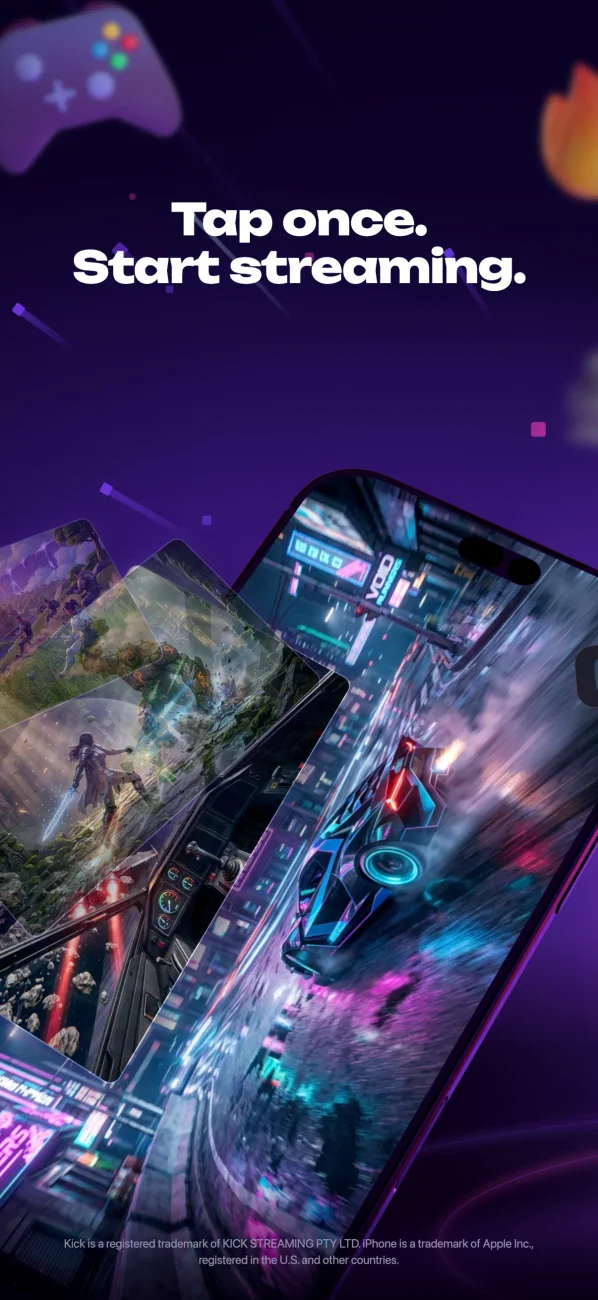
Stream your iPhone screen live to Kick in a single tap.
ScreenStream broadcasts whatever is on your screen — games, apps, walkthroughs — straight to your Kick channel over RTMP. No capture card, no computer, no complicated setup. Pick your destination, tap once, and you're live.
KEY FEATURES
• One-tap streaming to Kick — paste your stream key once and go live anytime
• Custom RTMP server support — point ScreenStream at your own server or any RTMP destination
• Local recording mode — record your screen to your device in H.264 with no network needed
• Microphone narration — add your voice over your gameplay or demo
• Device audio capture — include the sound from your apps and games in the broadcast
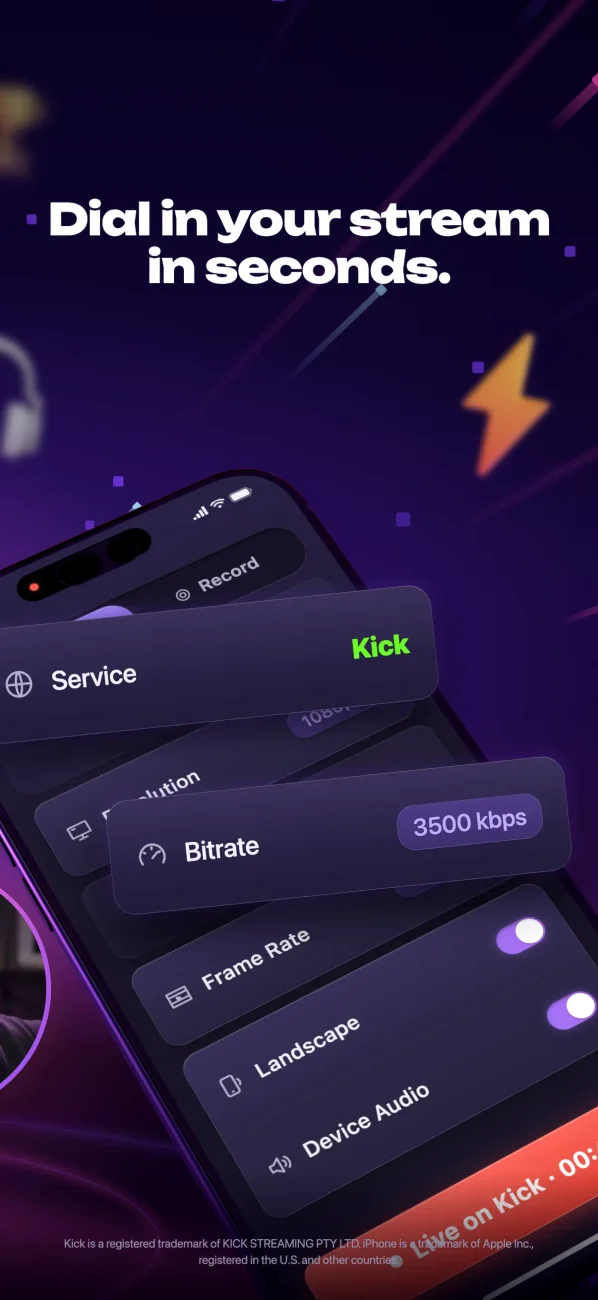
• Adjustable quality — tune frame rate and bitrate to match your connection
• Clean, simple interface — everything on one screen, nothing you don't need
HOW IT WORKS
ScreenStream uses Apple's built-in screen broadcasting (ReplayKit), so it captures your entire screen system-wide — not just one app. Start a broadcast from the app or straight from Control Center, and your screen goes live to your chosen destination.
Whether you're streaming mobile games to your Kick audience, recording a tutorial, or broadcasting to your own RTMP server, ScreenStream keeps it fast and simple.
No account required. No ads. No tracking.
Terms of Use: https://www.apple.com/legal/internet-services/itunes/dev/stdeula/
What’s new
Version 1.2 · Oct 3, 2026
Recording
- New quality presets: AI Analysis, Medium, High, High 60, 4K Letterbox, and 4K Letterbox 60. AI Analysis keeps files small for sharing with tools like Claude or ChatGPT.
- Recordings now include audio from your mic and device.
- Landscape mode now works for recordings.
Audio
- New Device volume slider for streams and recordings, with a recommended level.
Recordings list
- Recordings show thumbnails. Tap one to watch or share it.
- After recording, a notice shows where the file was saved.
Other changes
- Watermark switch on the main screen.
- Stop responds faster at low frame rates.
- The app opens on the Stream tab.
App privacy
What Brad Coughlin declares on the App Store about how this app handles data.
-
Data not collected
The developer does not collect any data from this app.
Privacy practices may vary, for example with the features you use or your age.
Information
- Seller
- Brad Coughlin
- Category
- Photo & Video
- Version
- 1.2
- Updated
- Oct 3, 2026
- Released
- Jun 20, 2026
- Size
- 5.2 MB
- Requires
- iOS 18.0 or later
- Age rating
- 4+
- Price
- Free
- In-app purchases
- Yes
- Languages
- English
- Copyright
- © 2026 Bradley Coughlin
You might also like
-
 Live Publisher: RTMP SRT NDIStream Camera & Video Encoder
-
 Larix Broadcaster: Live StreamSRT, NDI, RTMP Live Encoder
-
 Reczen - Live Stream ScreenLivestream Screen Recorder
-
 StreamChamp: Streaming AppStream Games on TW, YT, FB
-
 MoblinIRL Streaming
-
 VDO.NinjaVideo capture for VDO.Ninja
-
 Amigo AI - Face Swap CameraReal-time Face Swap
-
 CameraFi LiveRecording & Live Streaming
-
 Switcher: Live Streaming AppMulticam Live Streaming
-
 Live Now - Live StreamScoreboard & Screen Recorder