
ScrollGone: Stop Doomscrolling
App Blocker & Screen Time
Entwickelt für iPhone
Kostenlos · In-App-Käufe
- Altersfreigabe4+
- KategorieProduktivität
- EntwicklerMustafa AKCANCA
- SprachenEnglisch
- Größe127,1 MB
Verlinkt auf die offizielle App Store-Seite
Download.org hostet keine Datei von ScrollGone: Stop Doomscrolling. Die Schaltfläche öffnet die App-Seite bei App Store, wo Mustafa AKCANCA die App veröffentlicht. Eintrag zuletzt geprüft am 20.11.2026.
Screenshots
Info
Der Entwickler hat diesen Text nicht in Ihrer Sprache bereitgestellt.
Break the doomscrolling loop. Set app limits and take a breather with cute cat and dog videos.
YOUR APPS, YOUR LIMITS
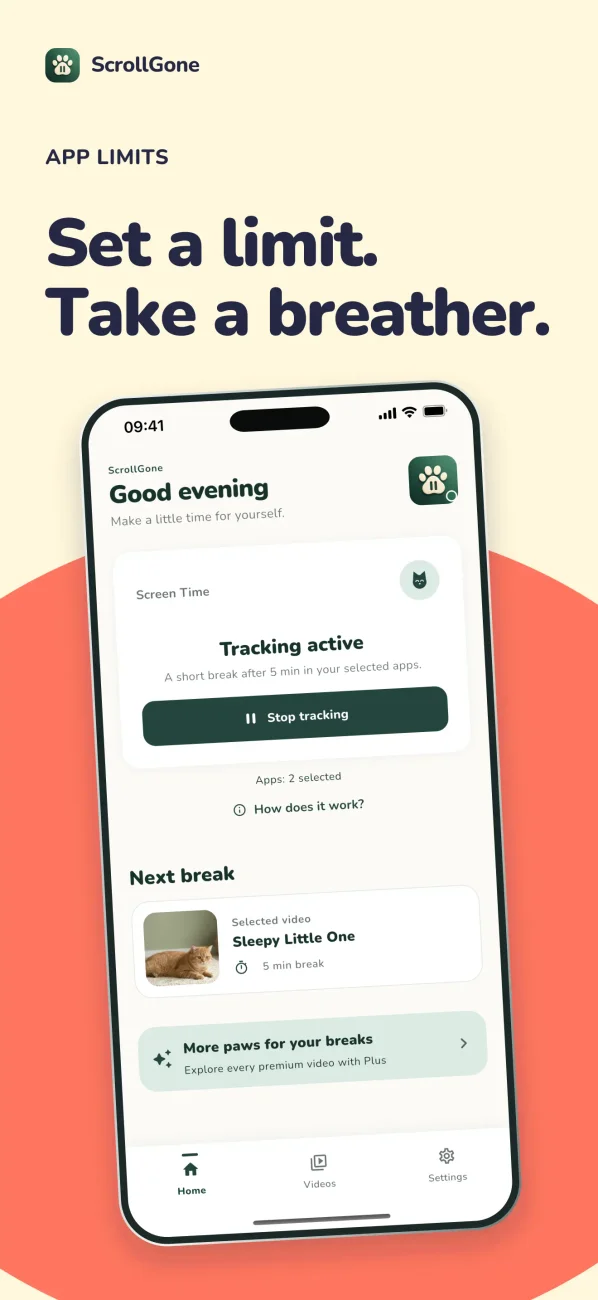
• Choose the apps or categories you want to limit.
• Set your usage time before each break and how long the break lasts.
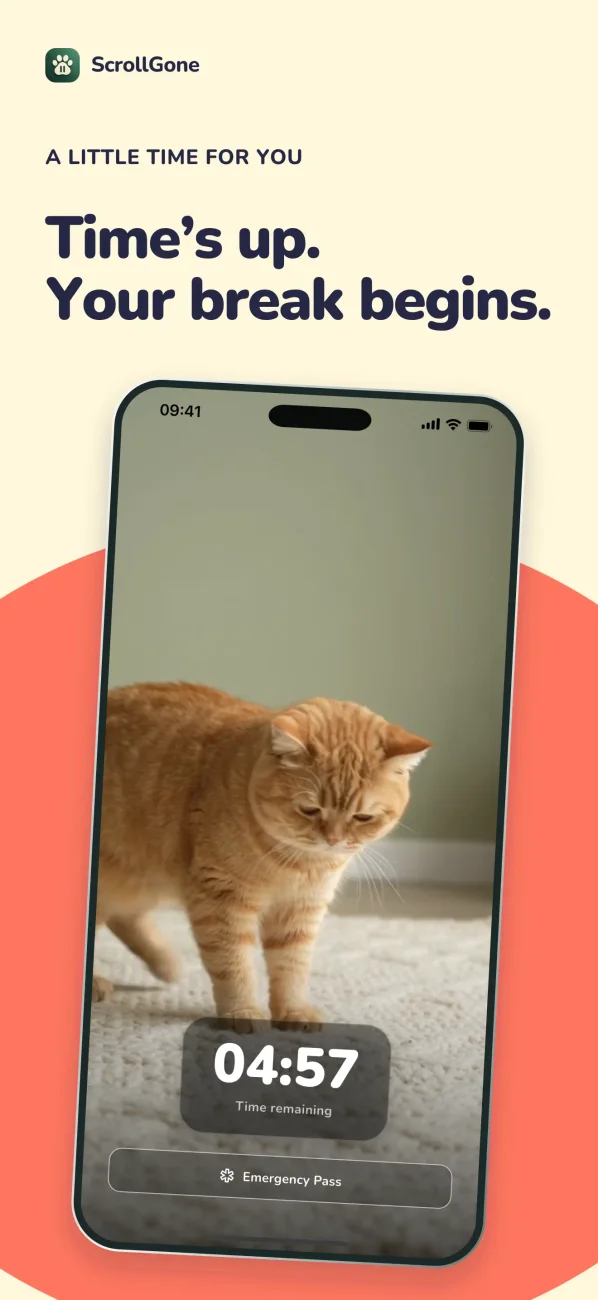
• When your time is up, your selected apps are blocked. Open ScrollGone to start your video break.
• A new usage cycle begins when the break ends. Change your apps, timing and break companion in Settings.
START FREE
One cat video and one dog video are included. Use core app limits and video breaks without an account or subscription. Preview your break video during setup, then close the Plus offer to continue free.
PICK YOUR BREAK COMPANION
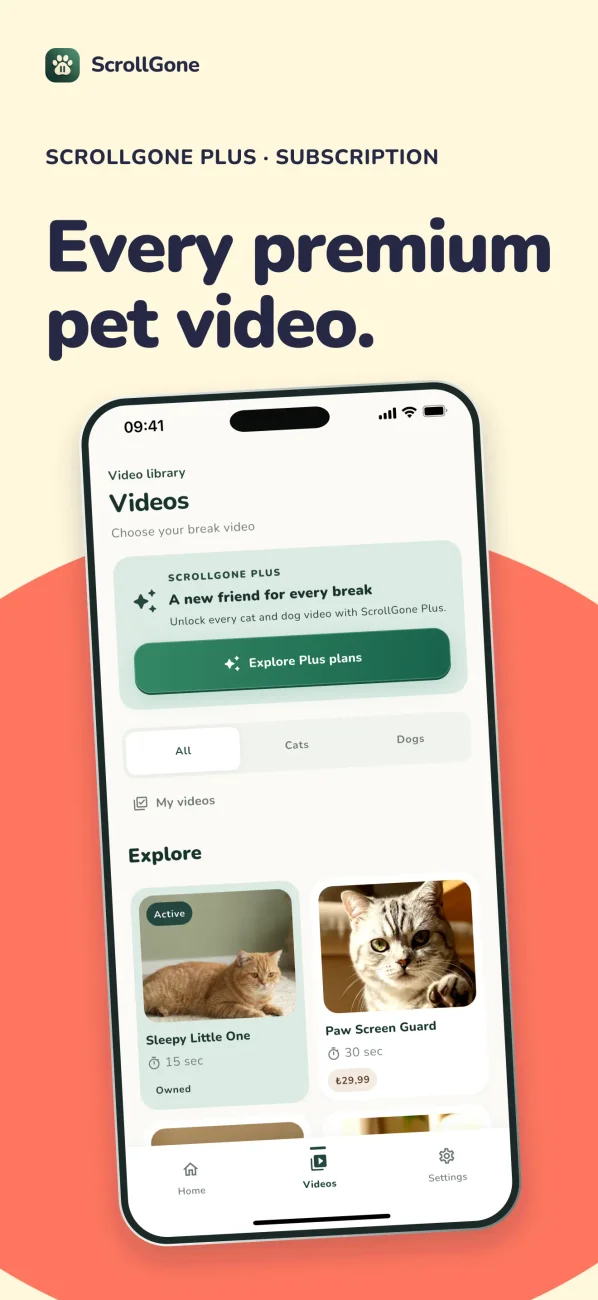
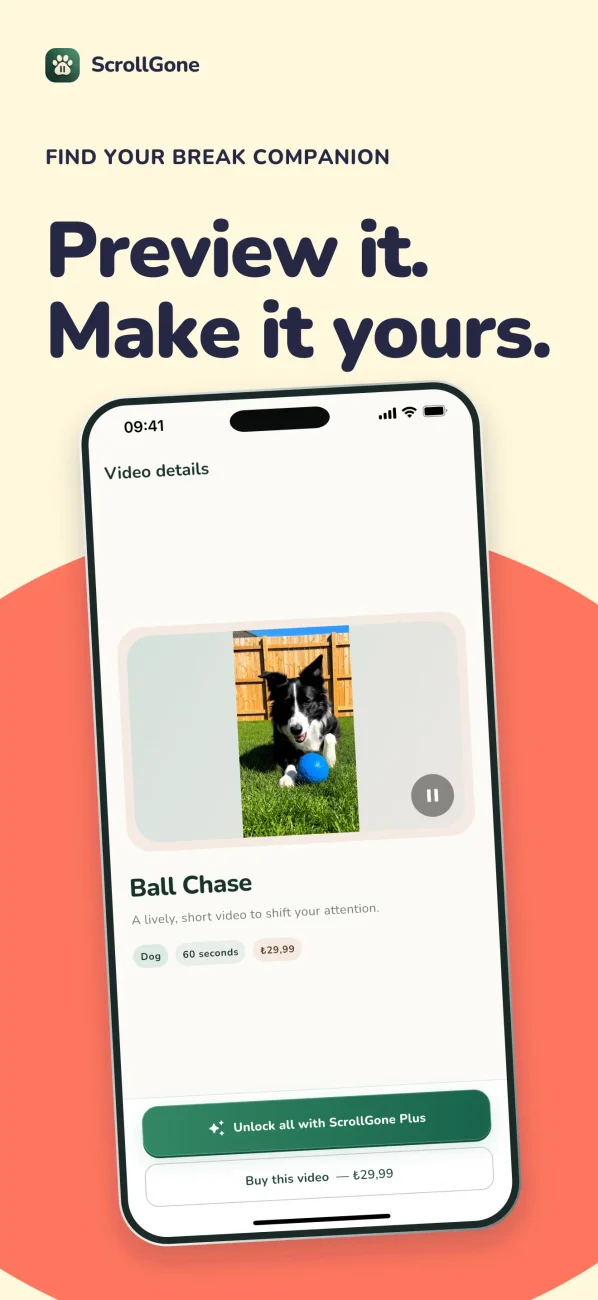
Preview videos in the Video Market and choose which companion joins your next break.
ScrollGone Plus unlocks every premium break video while your subscription is active. Choose a monthly or annual plan. Eligible new subscribers can try annual Plus free for 7 days.
Prefer a one-time purchase? Buy individual premium videos without a subscription.
STAY IN CONTROL
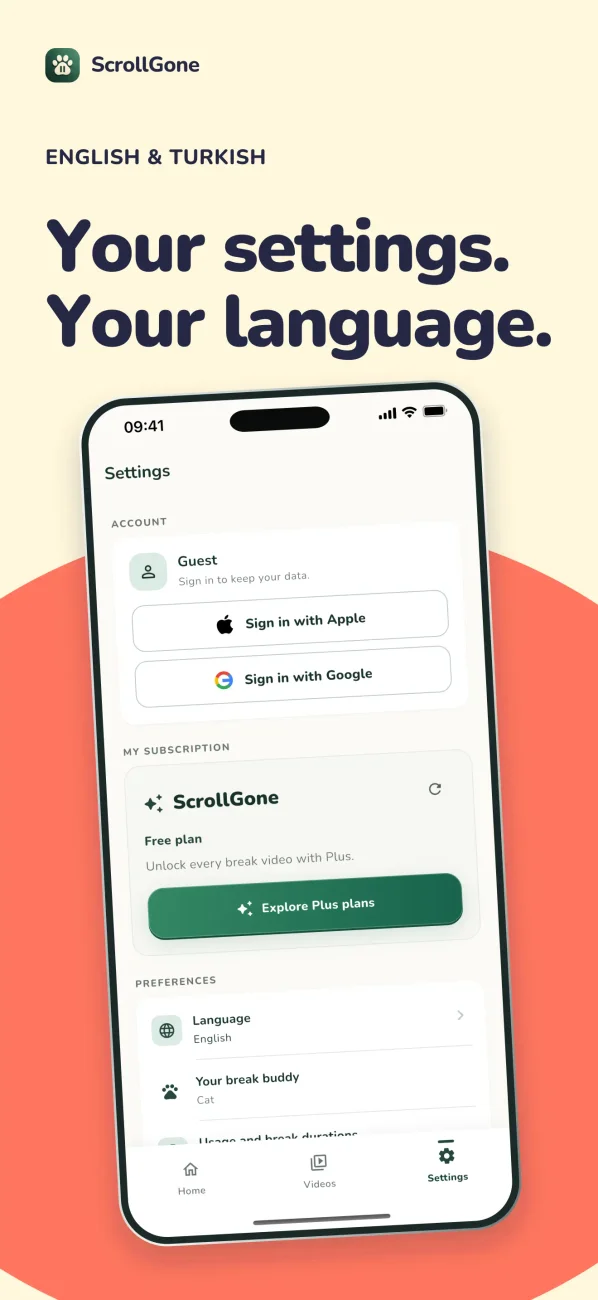
• English and Turkish support: start in your device's preferred supported language and switch in Settings.
• Your Screen Time app selections stay on your device.
• Restore eligible purchases in Settings.
Need to end a break early? An Emergency Pass is available as a separate, single-use purchase, with a maximum of two uses per day. Passes are not included in Plus.
Apple Screen Time permission is required to limit apps. Video breaks play inside ScrollGone.
SUBSCRIPTION DETAILS
Payment is charged to your Apple Account. After the free trial, the annual subscription continues as a paid plan unless canceled. Subscriptions renew automatically unless canceled at least 24 hours before the current period ends. Manage or cancel your subscription in your Apple Account settings. The App Store confirms the current price and trial eligibility before purchase.
Privacy Policy: https://rbt0.com/scrollgone/privacy
ScrollGone Terms of Use: https://rbt0.com/scrollgone/terms
Apple Standard EULA: https://www.apple.com/legal/internet-services/itunes/dev/stdeula/
Neue Funktionen
Version 1.0.2 · 21.09.2026
Explore the refreshed Plus screen with clearer plans, eligible free trials and renewal prices. Try your break buddy’s video during setup and continue free. When switching between monthly and annual plans, Settings now shows when a verified pending change will start. Optional usage analytics can be turned on or off in Settings.
App-Datenschutz
Was Mustafa AKCANCA im App Store zum Umgang dieser App mit Daten angibt.
-
Mit Ihnen verknüpfte Daten
Können erfasst und mit Ihrer Identität verknüpft werden.
- Käufe
- Standort
- Kontaktinformationen
- Kennungen
- Nutzungsdaten
- Sonstige Daten
Die Datenschutzpraktiken können variieren, zum Beispiel je nach den von Ihnen verwendeten Funktionen oder Ihrem Alter.
Informationen
- Anbieter
- Mustafa AKCANCA
- Kategorie
- Produktivität
- Version
- 1.0.2
- Aktualisiert
- 21.09.2026
- Veröffentlicht
- 13.09.2026
- Größe
- 127,1 MB
- Erfordert
- iOS 16.0 oder neuer
- Altersfreigabe
- 4+
- Preis
- Kostenlos
- In-App-Käufe
- Ja
- Sprachen
- Englisch
- Copyright
- © 2026 Rbt0
Das könnte Ihnen auch gefallen
-
 FocusCard: Zeit verdienenBildschirmzeit für Liegestütze
-
 Scrollless - Screen Time BlockProduktivität
-
 Caretix: Screen Time ControlProduktivität
-
 CraveLock: Block Apps & LimitProduktivität
-
 AppTimeLock: Apps blockierenApp-Zeitlimit & Bildschirmzeit
-
 Notepad LiveProduktivität
-
 Serbisch Übersetzer LiveSofort per Stimme sprechen
-
 Bildschirmzeit - DisconnectSocial-Media- & App-Blocker
-
 DIGITAL SEAL: ID- & NFC-LeserPass- und Ausweis-Prüf-App
-
 App Zeitlimit Sperre | AttenWenig Bildschirmzeit