
ScrollGone: Stop Doomscrolling
App Blocker & Screen Time
Dirancang untuk iPhone
Gratis · Pembelian dalam aplikasi
- Batasan usia4+
- KategoriProduktivitas
- PengembangMustafa AKCANCA
- BahasaInggris
- Ukuran127,1 MB
Tertaut ke halaman resmi App Store
Download.org tidak menyimpan file ScrollGone: Stop Doomscrolling apa pun. Tombol ini membuka halaman aplikasi di App Store, tempat Mustafa AKCANCA menerbitkannya. Halaman terakhir diperiksa pada 20/11/2026.
Tangkapan layar
Tentang
Pengembang belum menyediakan teks ini dalam bahasa Anda.
Break the doomscrolling loop. Set app limits and take a breather with cute cat and dog videos.
YOUR APPS, YOUR LIMITS
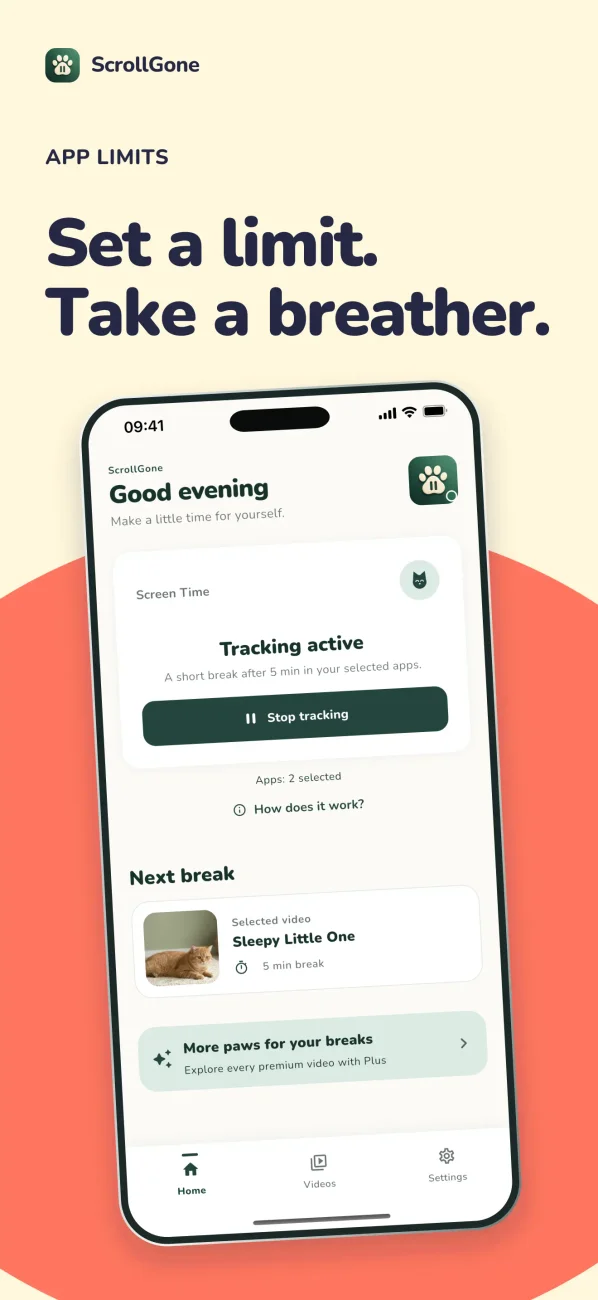
• Choose the apps or categories you want to limit.
• Set your usage time before each break and how long the break lasts.
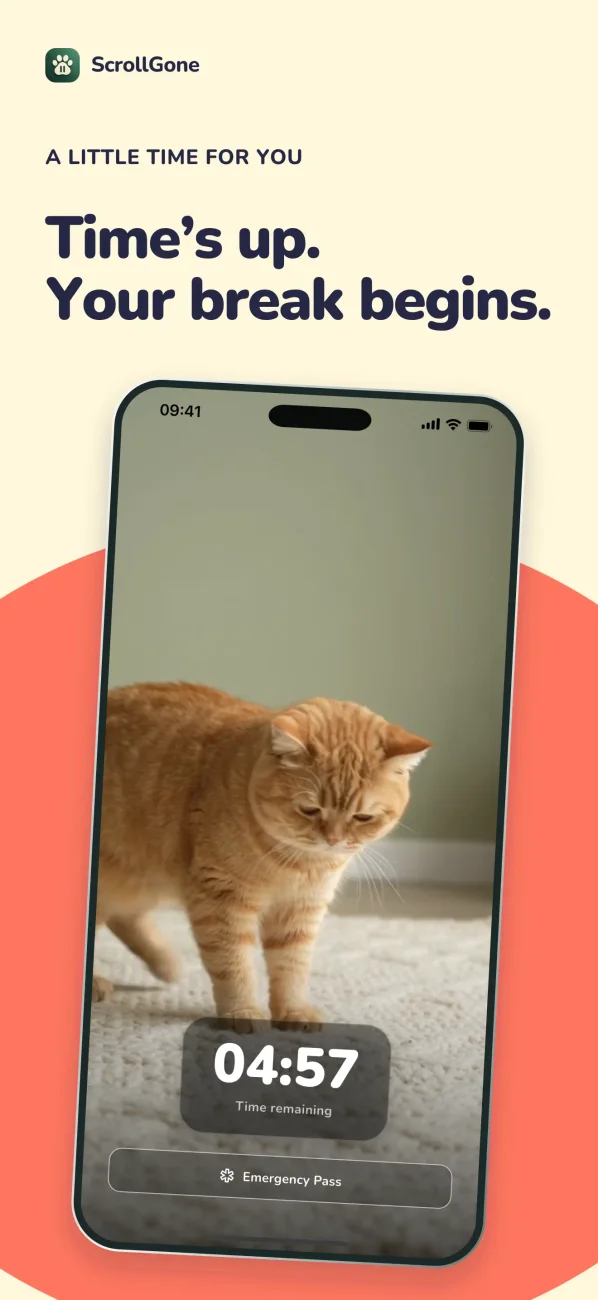
• When your time is up, your selected apps are blocked. Open ScrollGone to start your video break.
• A new usage cycle begins when the break ends. Change your apps, timing and break companion in Settings.
START FREE
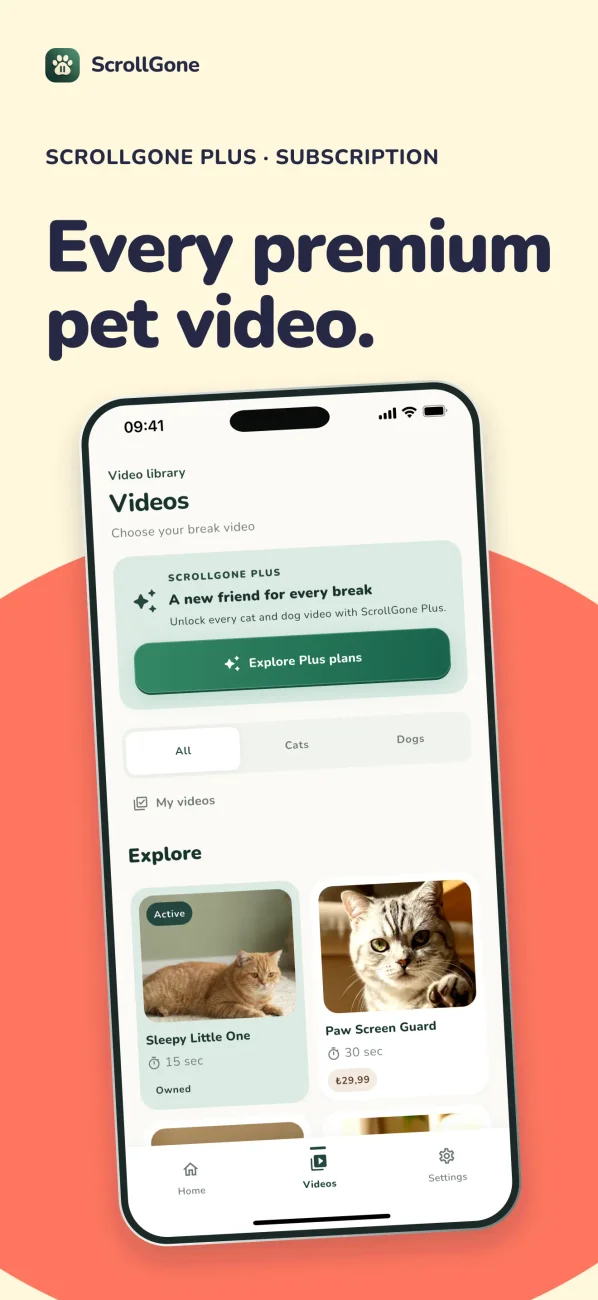
One cat video and one dog video are included. Use core app limits and video breaks without an account or subscription. Preview your break video during setup, then close the Plus offer to continue free.
PICK YOUR BREAK COMPANION
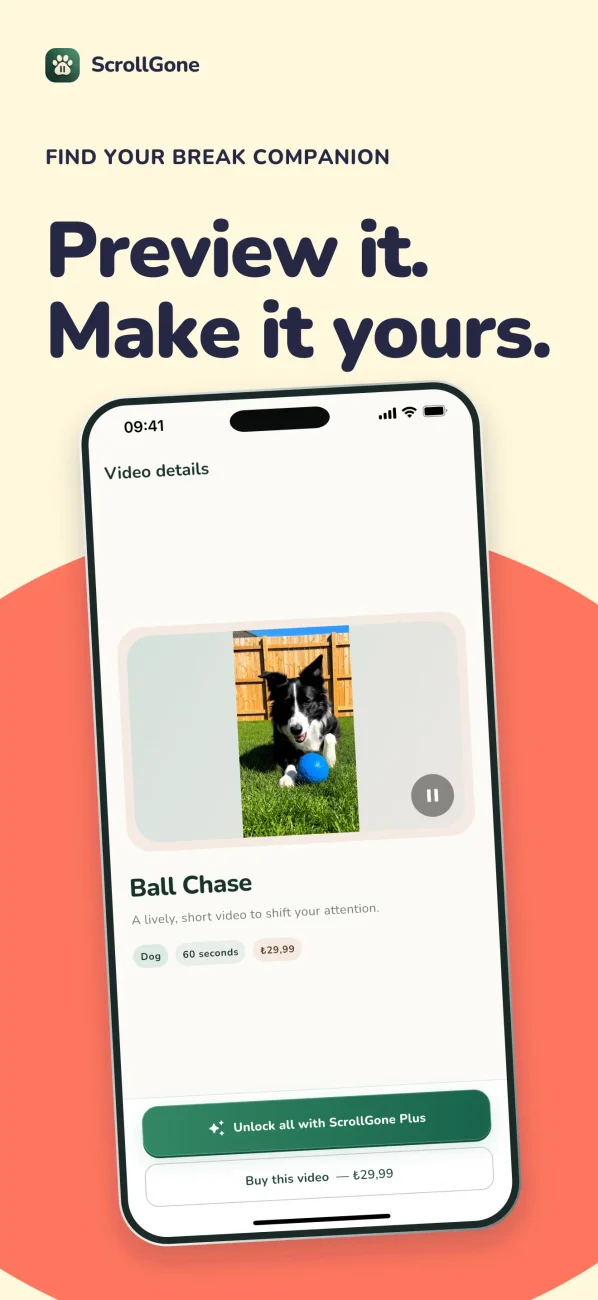
Preview videos in the Video Market and choose which companion joins your next break.
ScrollGone Plus unlocks every premium break video while your subscription is active. Choose a monthly or annual plan. Eligible new subscribers can try annual Plus free for 7 days.
Prefer a one-time purchase? Buy individual premium videos without a subscription.
STAY IN CONTROL
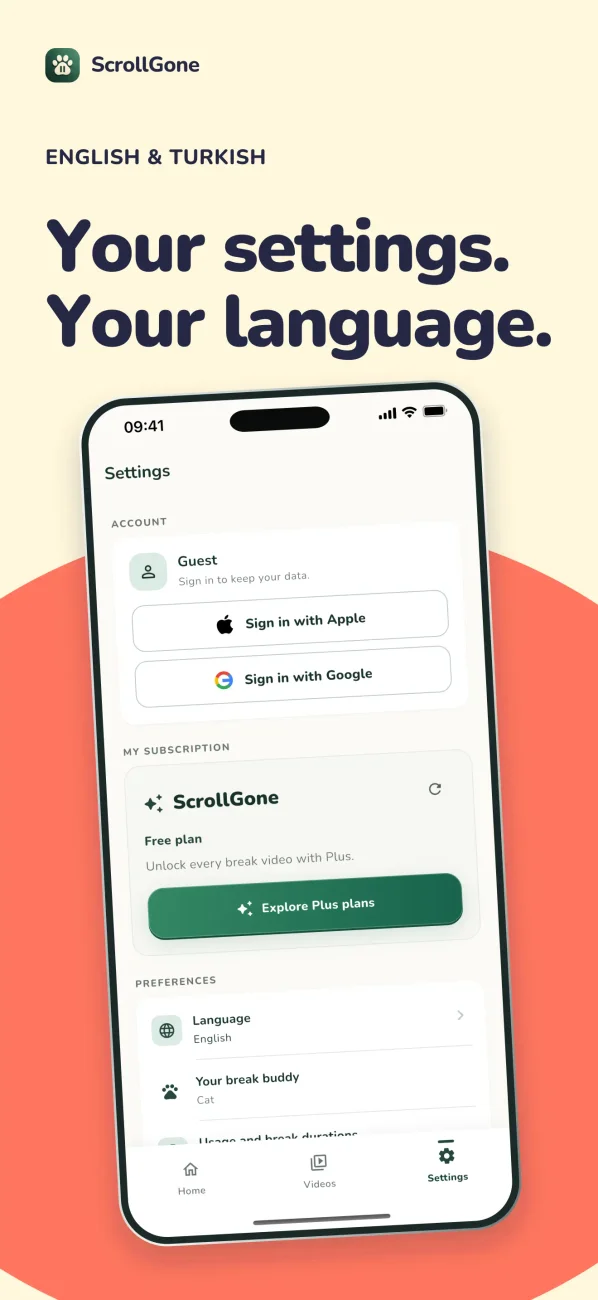
• English and Turkish support: start in your device's preferred supported language and switch in Settings.
• Your Screen Time app selections stay on your device.
• Restore eligible purchases in Settings.
Need to end a break early? An Emergency Pass is available as a separate, single-use purchase, with a maximum of two uses per day. Passes are not included in Plus.
Apple Screen Time permission is required to limit apps. Video breaks play inside ScrollGone.
SUBSCRIPTION DETAILS
Payment is charged to your Apple Account. After the free trial, the annual subscription continues as a paid plan unless canceled. Subscriptions renew automatically unless canceled at least 24 hours before the current period ends. Manage or cancel your subscription in your Apple Account settings. The App Store confirms the current price and trial eligibility before purchase.
Privacy Policy: https://rbt0.com/scrollgone/privacy
ScrollGone Terms of Use: https://rbt0.com/scrollgone/terms
Apple Standard EULA: https://www.apple.com/legal/internet-services/itunes/dev/stdeula/
Yang baru
Versi 1.0.2 · 21/9/2026
Explore the refreshed Plus screen with clearer plans, eligible free trials and renewal prices. Try your break buddy’s video during setup and continue free. When switching between monthly and annual plans, Settings now shows when a verified pending change will start. Optional usage analytics can be turned on or off in Settings.
Privasi aplikasi
Yang dinyatakan Mustafa AKCANCA di App Store tentang cara aplikasi ini menangani data.
-
Data yang ditautkan dengan Anda
Dapat dikumpulkan dan ditautkan dengan identitas Anda.
- Pembelian
- Lokasi
- Info kontak
- Pengenal
- Data penggunaan
- Data lainnya
Praktik privasi dapat bervariasi, misalnya berdasarkan fitur yang Anda gunakan atau usia Anda.
Informasi
- Penjual
- Mustafa AKCANCA
- Kategori
- Produktivitas
- Versi
- 1.0.2
- Diperbarui
- 21/9/2026
- Dirilis
- 13/9/2026
- Ukuran
- 127,1 MB
- Memerlukan
- iOS 16.0 atau yang lebih baru
- Batasan usia
- 4+
- Harga
- Gratis
- Pembelian dalam aplikasi
- Ya
- Bahasa
- Inggris
- Hak cipta
- © 2026 Rbt0
Mungkin Anda juga suka
-
 FocusCard: Blokir AplikasiPush up dan jalan untuk buka
-
 Scrollless - Screen Time BlockProduktivitas
-
 Caretix: Screen Time ControlProduktivitas
-
 CraveLock: Block Apps & LimitProduktivitas
-
 AppTimeLock: Block AppsProduktivitas
-
 Notepad LiveProduktivitas
-
 Penerjemah Serbia LangsungSuara, Teks, Kamera, Offline
-
 Screen Time Limit - DisconnectProduktivitas
-
 DIGITAL SEAL: ID & NFC ReaderProduktivitas
-
 Atten - App BlockerProduktivitas