
ScrollGone: Stop Doomscrolling
App Blocker & Screen Time
Designed for iPhone
In-app purchases
- Age rating4+
- CategoryProductivity
- DeveloperMustafa AKCANCA
- LanguagesEnglish
- Size127.1 MB
Links to the official App Store page
Download.org hosts no file of ScrollGone: Stop Doomscrolling. The button opens its official App Store page, published by Mustafa AKCANCA. Listing last checked on Nov 20, 2026.
Screenshots
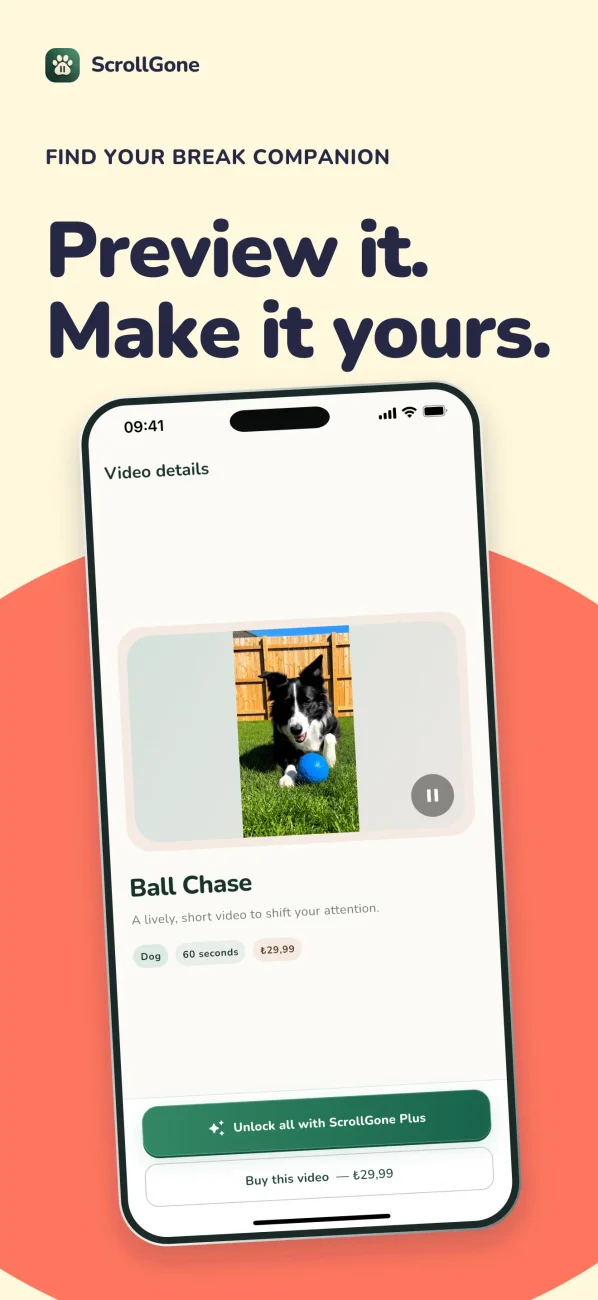
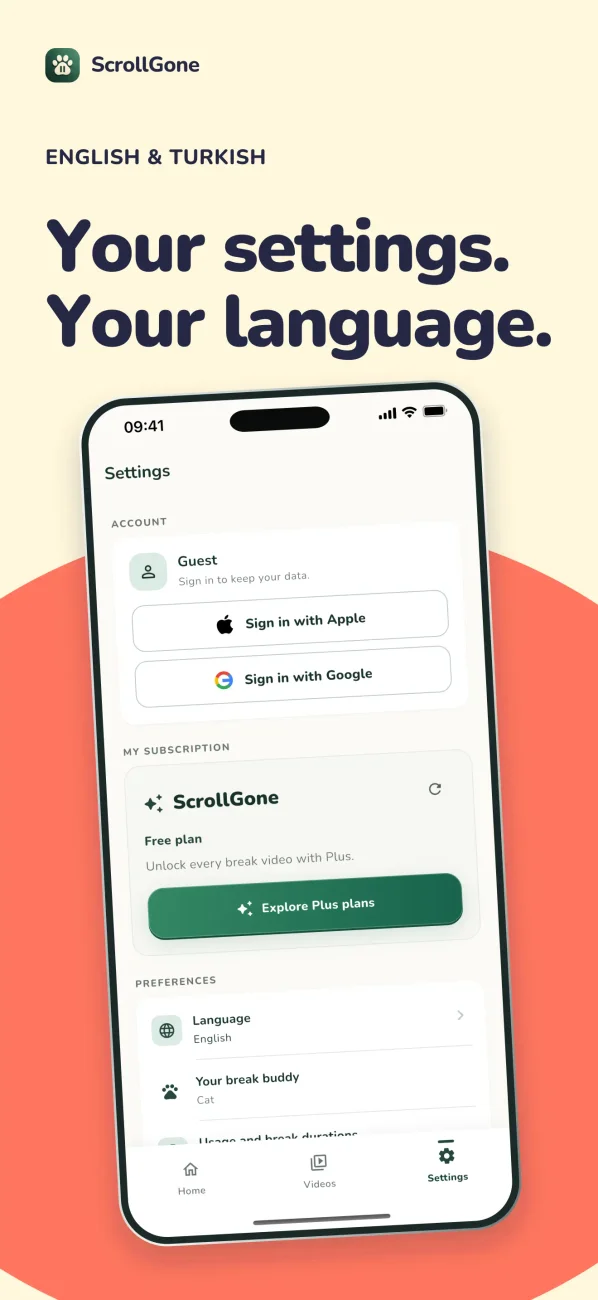
About
Break the doomscrolling loop. Set app limits and take a breather with cute cat and dog videos.
YOUR APPS, YOUR LIMITS
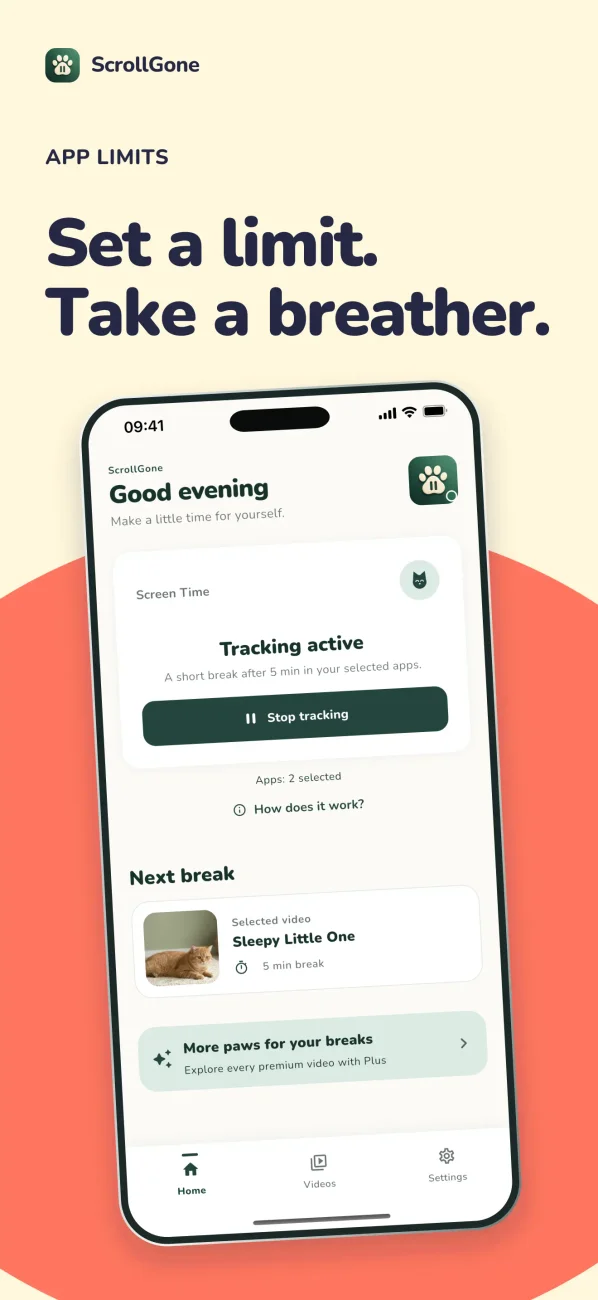
• Choose the apps or categories you want to limit.
• Set your usage time before each break and how long the break lasts.
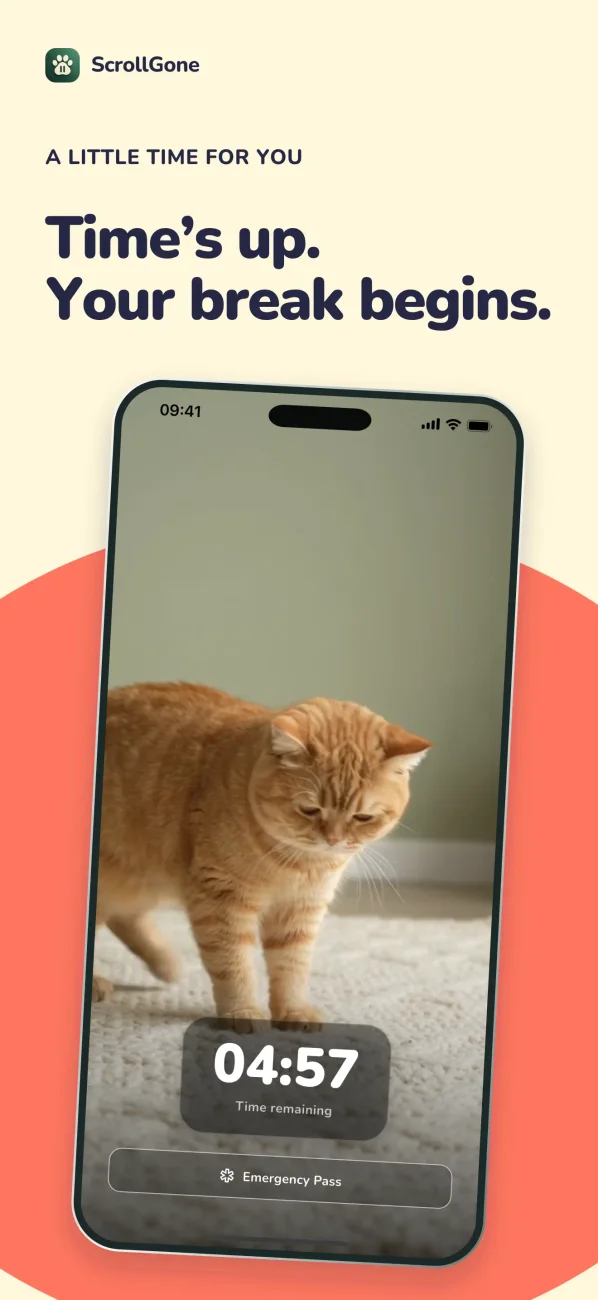
• When your time is up, your selected apps are blocked. Open ScrollGone to start your video break.
• A new usage cycle begins when the break ends. Change your apps, timing and break companion in Settings.
START FREE
One cat video and one dog video are included. Use core app limits and video breaks without an account or subscription. Preview your break video during setup, then close the Plus offer to continue free.
PICK YOUR BREAK COMPANION
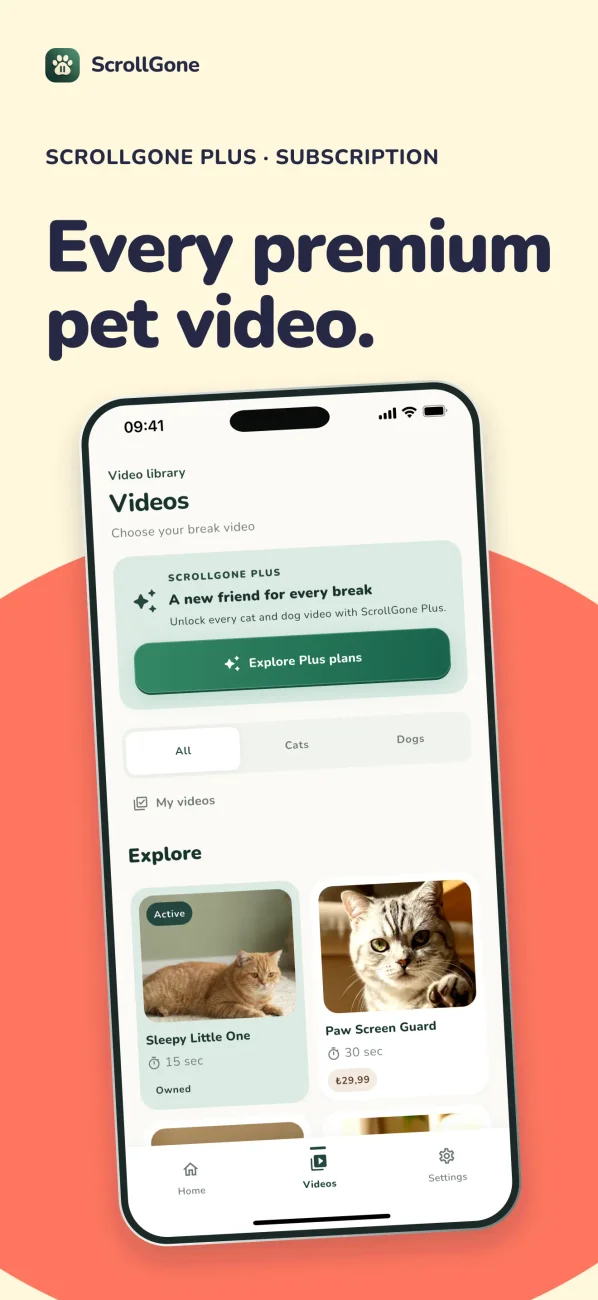
Preview videos in the Video Market and choose which companion joins your next break.
ScrollGone Plus unlocks every premium break video while your subscription is active. Choose a monthly or annual plan. Eligible new subscribers can try annual Plus free for 7 days.
Prefer a one-time purchase? Buy individual premium videos without a subscription.
STAY IN CONTROL
• English and Turkish support: start in your device's preferred supported language and switch in Settings.
• Your Screen Time app selections stay on your device.
• Restore eligible purchases in Settings.
Need to end a break early? An Emergency Pass is available as a separate, single-use purchase, with a maximum of two uses per day. Passes are not included in Plus.
Apple Screen Time permission is required to limit apps. Video breaks play inside ScrollGone.
SUBSCRIPTION DETAILS
Payment is charged to your Apple Account. After the free trial, the annual subscription continues as a paid plan unless canceled. Subscriptions renew automatically unless canceled at least 24 hours before the current period ends. Manage or cancel your subscription in your Apple Account settings. The App Store confirms the current price and trial eligibility before purchase.
Privacy Policy: https://rbt0.com/scrollgone/privacy
ScrollGone Terms of Use: https://rbt0.com/scrollgone/terms
Apple Standard EULA: https://www.apple.com/legal/internet-services/itunes/dev/stdeula/
What’s new
Version 1.0.2 · Sep 21, 2026
Explore the refreshed Plus screen with clearer plans, eligible free trials and renewal prices. Try your break buddy’s video during setup and continue free. When switching between monthly and annual plans, Settings now shows when a verified pending change will start. Optional usage analytics can be turned on or off in Settings.
App privacy
What Mustafa AKCANCA declares on the App Store about how this app handles data.
-
Data linked to you
May be collected and linked to your identity.
- Purchases
- Location
- Contact info
- Identifiers
- Usage data
- Other data
Privacy practices may vary, for example with the features you use or your age.
Information
- Seller
- Mustafa AKCANCA
- Category
- Productivity
- Version
- 1.0.2
- Updated
- Sep 21, 2026
- Released
- Sep 13, 2026
- Size
- 127.1 MB
- Requires
- iOS 16.0 or later
- Age rating
- 4+
- In-app purchases
- Yes
- Languages
- English
- Copyright
- © 2026 Rbt0
You might also like
-
 FocusCard: Earn Screen TimePush-ups & walking app blocker
-
 Scrollless - Screen Time BlockStop Doomscrolling
-
 Caretix: Screen Time ControlApp Blocker, Pomodoro Timer
-
 CraveLock: Block Apps & LimitScreen Time Limit & App Detox
-
 AppTimeLock: Block AppsScreen time limit for any app
-
 Notepad LiveLock Screen Notes
-
 Live Serbian Translator +Translate Conversation, Photo
-
 Screen Time Limit - DisconnectSocial Media & App Blocker
-
 DIGITAL SEAL: ID & NFC ReaderPassport & ID Verification App
-
 Atten - App BlockerScreen Time Control & Limits