SensorStream, powered by ROS 2
Stream data from iPhone to ROS
iPhone, iPad, iPod touch için tasarlandı
Ücretsiz
- Yaş sınırı4+
- KategoriGeliştirici Araçları
- GeliştiriciMartijn Habers
- Dillerİngilizce
- Boyut12,4 MB
Resmi App Store sayfasına bağlanır
Download.org, SensorStream, powered by ROS 2 için hiçbir dosya barındırmaz. Düğme, uygulamanın App Store üzerindeki sayfasını açar; uygulamayı orada Martijn Habers yayınlar. Sayfanın son kontrolü: 16.11.2026.
Ekran görüntüleri
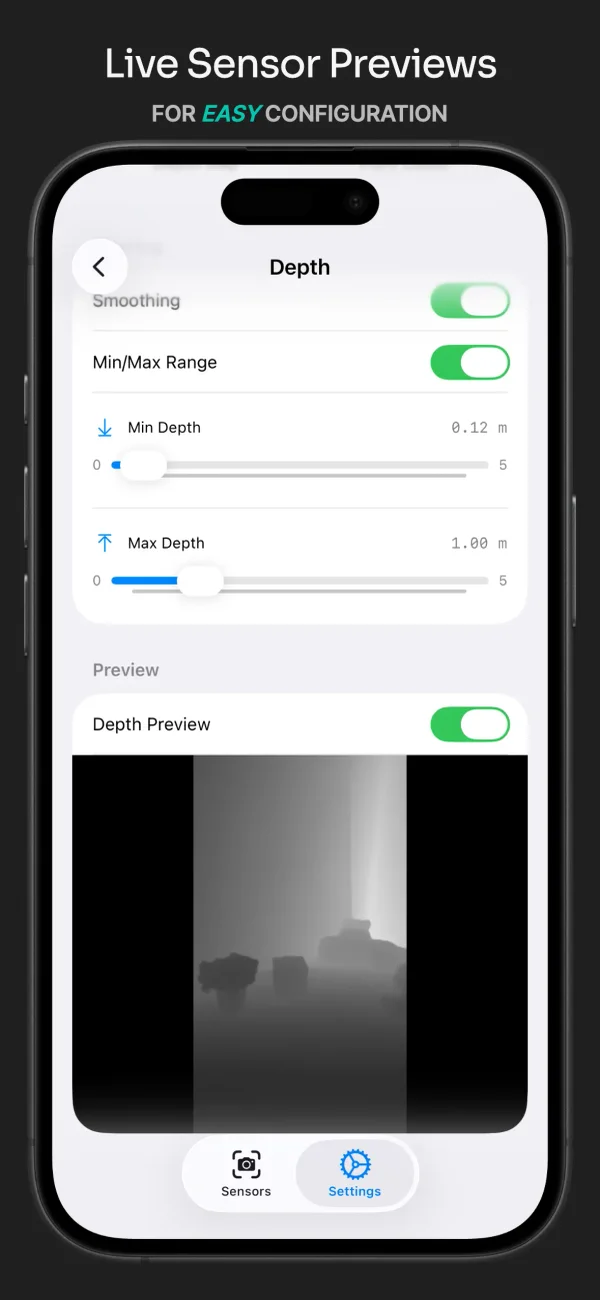
Hakkında
Geliştirici bu metni dilinizde sunmamış.
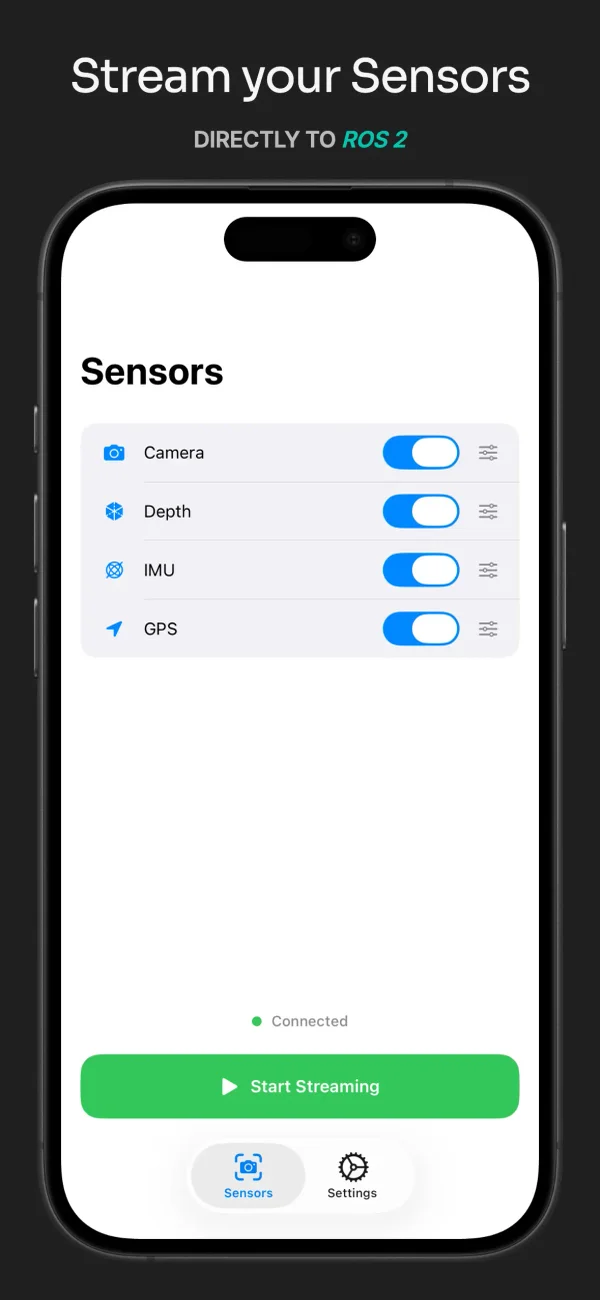
SensorStream turns your iPhone into a sensor platform, streaming
LiDAR depth, RGB camera, IMU, and GPS data to your host computer over
Wi-Fi or USB. Built for robotics prototypers, researchers, or anyone who wants to use the iPhone's powerful built-in sensor suite.
SENSOR STREAMS
• LiDAR Depth — 256×192 depth frames at up to 30 FPS from front and back (Wide) cameras (requires a LiDAR-equipped iPhone)
• RGB Camera — JPEG-compressed colour frames at up to 30 FPS from the
wide-angle camera, or front-facing camera
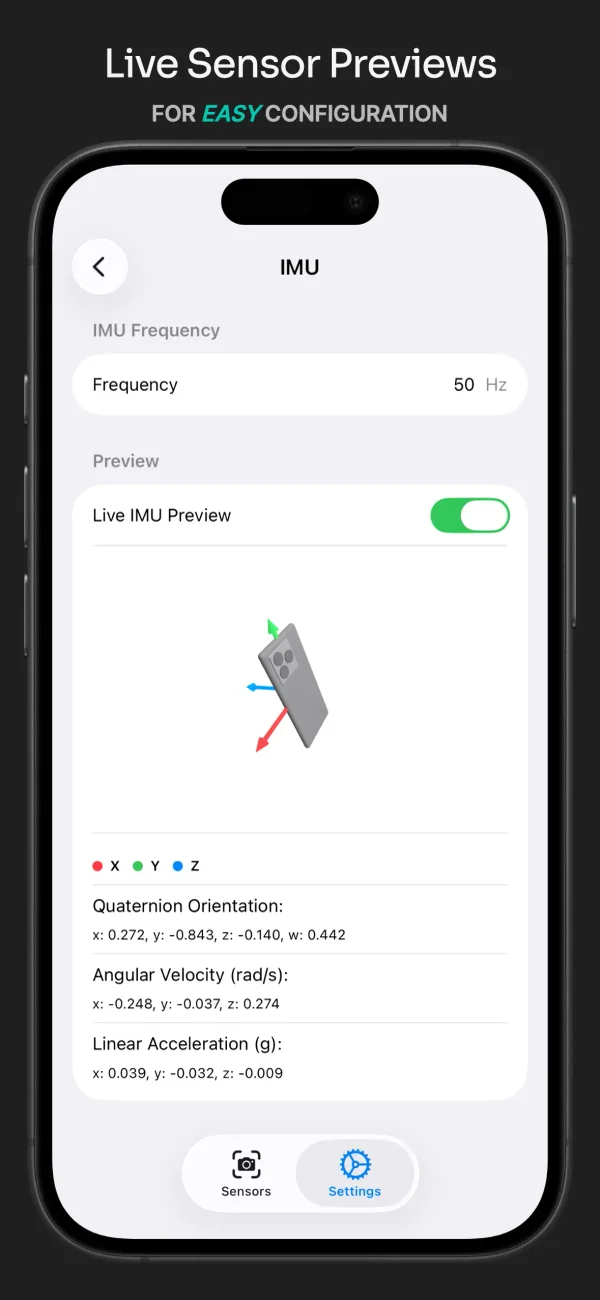
• IMU — accelerometer, gyroscope, and quaternion orientation data at a
configurable frequency
• GPS — GNSS position
TRANSPORT OPTIONS
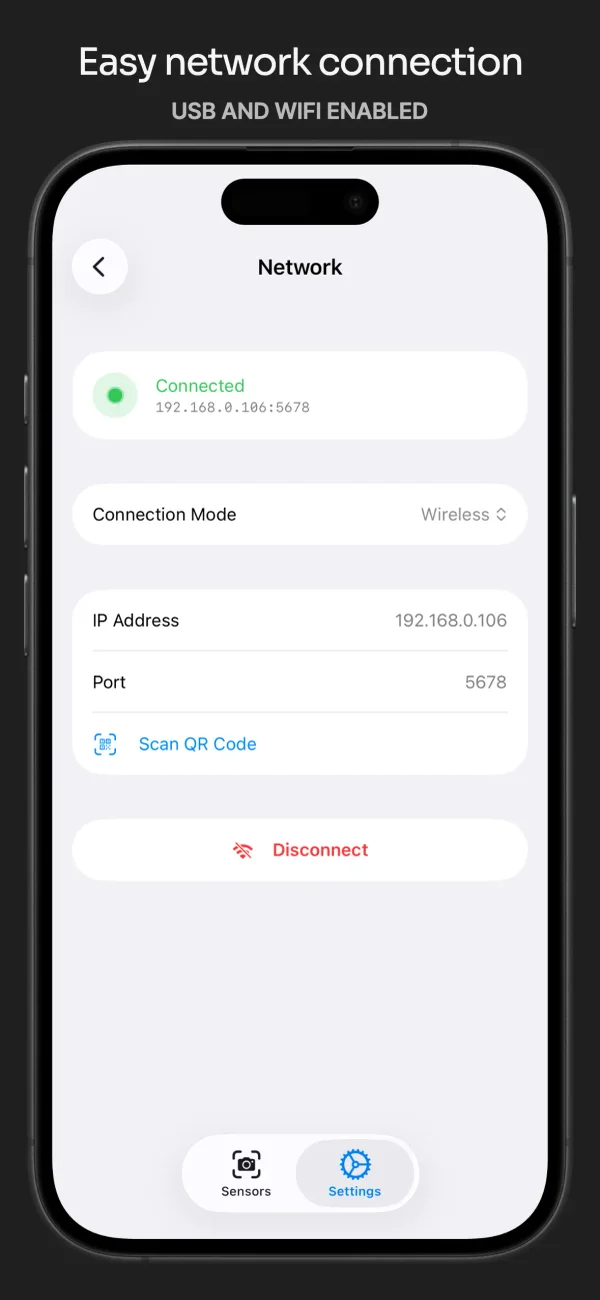
• Wi-Fi (TCP) — connect wirelessly over your local network; scan the server's
QR code from the app for instant pairing
• USB — low-latency wired connection via PeerTalk / iproxy for demanding
real-time applications
INTEGRATION
• Driver for integration with ROS 2 — a companion driver publishes sensor data directly to
ROS 2 topics (/depth_image, /color_image/compressed, /imu/data,
/gps/fix) using sensor_msgs message types
ON-DEVICE PREVIEW
• Real-time depth overlay with adjustable min/max range and colour thresholds
• Live camera preview
• IMU visualiser for orientation feedback
• Per-sensor toggles and settings — configure each sensor independently before
streaming
HOW IT WORKS
1. Start the companion driver on your computer
2. Open SensorStream, go to Settings → Network, and connect via Wi-Fi (scan
the QR code or enter IP/port manually) or USB.
3. Enable the sensors you need on the Dashboard.
4. Tap Start Streaming, that's it.
REQUIREMENTS
• iPhone with iOS 15.6 or later
• LiDAR sensor required for depth streaming (iPhone 12 Pro and later)
• Host computer running Python 3.9+ and ROS 2 Humble for the companion server
Yenilikler
Sürüm 0.2.1 · 06.05.2026
- Added configurable ports for USB
- Changed unclear wording of sensor configuration settings screens
Uygulama gizliliği
Bu uygulamanın verileri nasıl işlediği hakkında Martijn Habers tarafından App Store üzerinde yapılan beyan.
-
Veri toplanmıyor
Geliştirici bu uygulamadan hiçbir veri toplamıyor.
Gizlilik uygulamaları, örneğin kullandığınız özelliklere veya yaşınıza göre değişiklik gösterebilir.
Bilgiler
- Satıcı
- Martijn Habers
- Kategori
- Geliştirici Araçları
- Sürüm
- 0.2.1
- Güncellendi
- 06.05.2026
- Yayın tarihi
- 01.05.2026
- Boyut
- 12,4 MB
- Gereksinim
- iOS 15.4 veya sonrası
- Yaş sınırı
- 4+
- Fiyat
- Ücretsiz
- Diller
- İngilizce
- Telif hakkı
- © 2026 Martijn Habers
Bunları da beğenebilirsiniz
-
 ROS2 Connect MobileGeliştirici Araçları
-
 Foxglove WebSocket BridgeGeliştirici Araçları
-
 Conduit, powered by ROSGeliştirici Araçları
-
 CMD: SSH, Terminal, AğSSH istemcisi ve ağ araçları
-
 OpenCode Mobile AppGeliştirici Araçları
-
 nRF Connect Device ManagerGeliştirici Araçları
-
 Carnets - JupyterGeliştirici Araçları
-
 Terminal#Geliştirici Araçları
-
 Pyto IDEGeliştirici Araçları
-
 xTerminal - SSH Terminal ShellGeliştirici Araçları