SensorStream, powered by ROS 2
Stream data from iPhone to ROS
Designed for iPhone, iPad, iPod touch
Free
- Age rating4+
- CategoryDeveloper Tools
- DeveloperMartijn Habers
- LanguagesEnglish
- Size12.4 MB
Links to the official App Store page
Download.org hosts no file of SensorStream, powered by ROS 2. The button opens its official App Store page, published by Martijn Habers. Listing last checked on Nov 16, 2026.
Screenshots
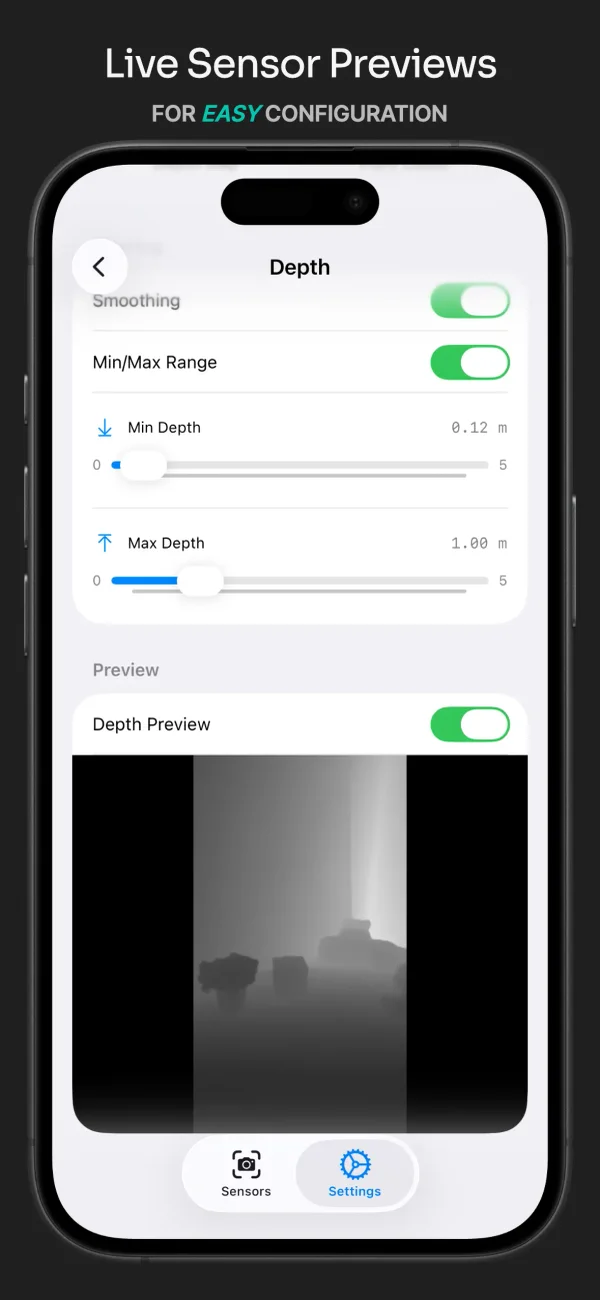
About
SensorStream turns your iPhone into a sensor platform, streaming
LiDAR depth, RGB camera, IMU, and GPS data to your host computer over
Wi-Fi or USB. Built for robotics prototypers, researchers, or anyone who wants to use the iPhone's powerful built-in sensor suite.
SENSOR STREAMS
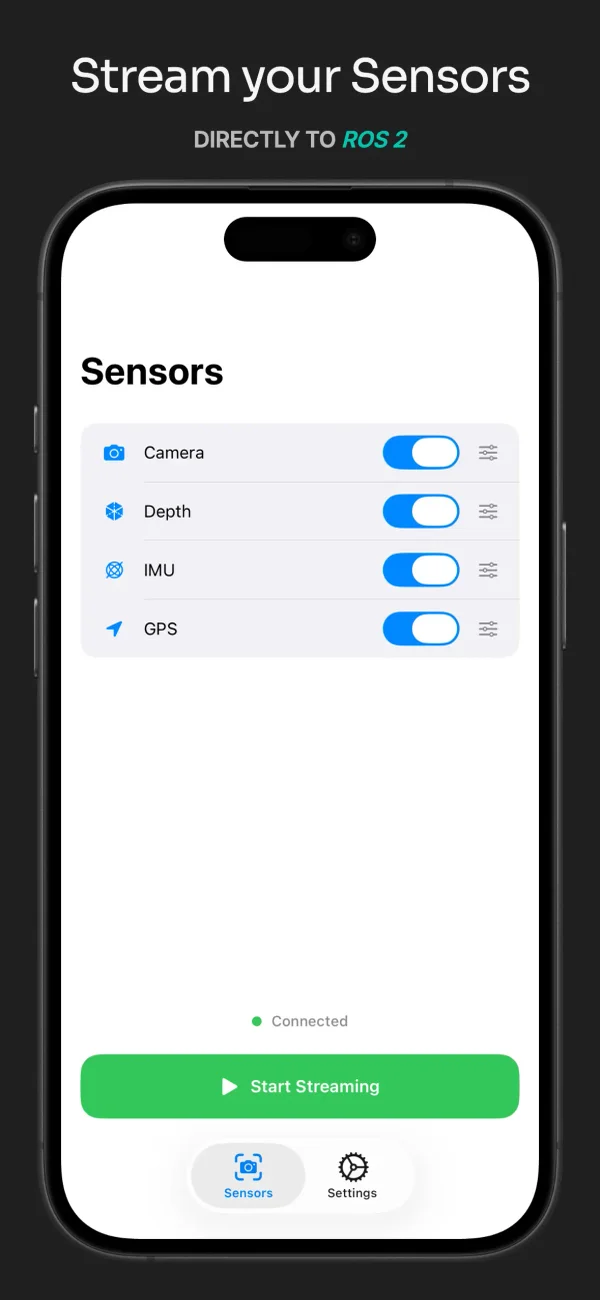
• LiDAR Depth — 256×192 depth frames at up to 30 FPS from front and back (Wide) cameras (requires a LiDAR-equipped iPhone)
• RGB Camera — JPEG-compressed colour frames at up to 30 FPS from the
wide-angle camera, or front-facing camera
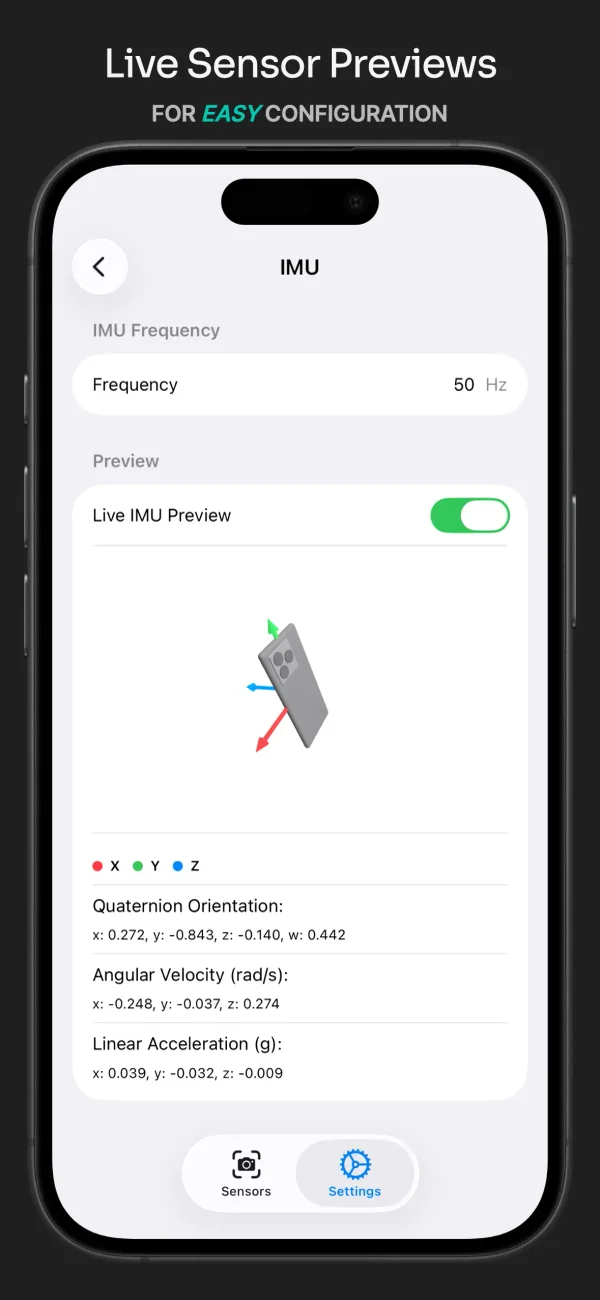
• IMU — accelerometer, gyroscope, and quaternion orientation data at a
configurable frequency
• GPS — GNSS position
TRANSPORT OPTIONS
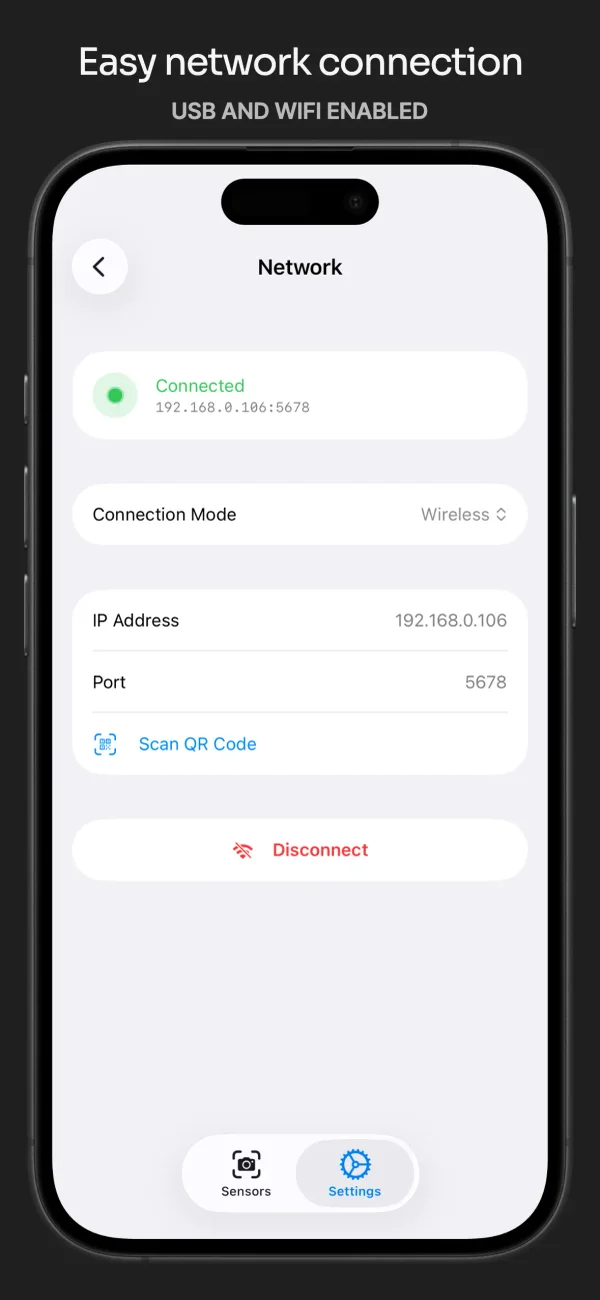
• Wi-Fi (TCP) — connect wirelessly over your local network; scan the server's
QR code from the app for instant pairing
• USB — low-latency wired connection via PeerTalk / iproxy for demanding
real-time applications
INTEGRATION
• Driver for integration with ROS 2 — a companion driver publishes sensor data directly to
ROS 2 topics (/depth_image, /color_image/compressed, /imu/data,
/gps/fix) using sensor_msgs message types
ON-DEVICE PREVIEW
• Real-time depth overlay with adjustable min/max range and colour thresholds
• Live camera preview
• IMU visualiser for orientation feedback
• Per-sensor toggles and settings — configure each sensor independently before
streaming
HOW IT WORKS
1. Start the companion driver on your computer
2. Open SensorStream, go to Settings → Network, and connect via Wi-Fi (scan
the QR code or enter IP/port manually) or USB.
3. Enable the sensors you need on the Dashboard.
4. Tap Start Streaming, that's it.
REQUIREMENTS
• iPhone with iOS 15.6 or later
• LiDAR sensor required for depth streaming (iPhone 12 Pro and later)
• Host computer running Python 3.9+ and ROS 2 Humble for the companion server
What’s new
Version 0.2.1 · May 6, 2026
- Added configurable ports for USB
- Changed unclear wording of sensor configuration settings screens
App privacy
What Martijn Habers declares on the App Store about how this app handles data.
-
Data not collected
The developer does not collect any data from this app.
Privacy practices may vary, for example with the features you use or your age.
Information
- Seller
- Martijn Habers
- Category
- Developer Tools
- Version
- 0.2.1
- Updated
- May 6, 2026
- Released
- May 1, 2026
- Size
- 12.4 MB
- Requires
- iOS 15.4 or later
- Age rating
- 4+
- Price
- Free
- Languages
- English
- Copyright
- © 2026 Martijn Habers
You might also like
-
 ROS2 Connect MobileROS 2 dashboard & robot teleop
-
 Foxglove WebSocket BridgeStream data to Foxglove Studio
-
 Conduit, powered by ROSROS 2 sensors and robot remote
-
 CMD: SSH, Terminal, DOS, PingSSH client & network tools
-
 OpenCode Mobile AppDeveloper Tools
-
 nRF Connect Device ManagerUpdate and manage your devices
-
 Carnets - JupyterA standalone Jupyter notebook
-
 Terminal#SSH client
-
 Pyto IDEPython & WASM
-
 xTerminal - SSH Terminal ShellSSH Client, Shell Console Term