Smart View : Screen Cast
Wireless Display & Mirroring
Entwickelt für iPhone, iPad
Kostenlos · In-App-Käufe
- Altersfreigabe4+
- KategorieDienstprogramme
- EntwicklerKishan Lakkad
- SprachenEnglisch+ 9 weitere
- Größe91,7 MB
Verlinkt auf die offizielle App Store-Seite
Download.org hostet keine Datei von Smart View : Screen Cast. Die Schaltfläche öffnet die App-Seite bei App Store, wo Kishan Lakkad die App veröffentlicht. Eintrag zuletzt geprüft am 27.11.2026.
Screenshots
Info
Der Entwickler hat diesen Text nicht in Ihrer Sprache bereitgestellt.
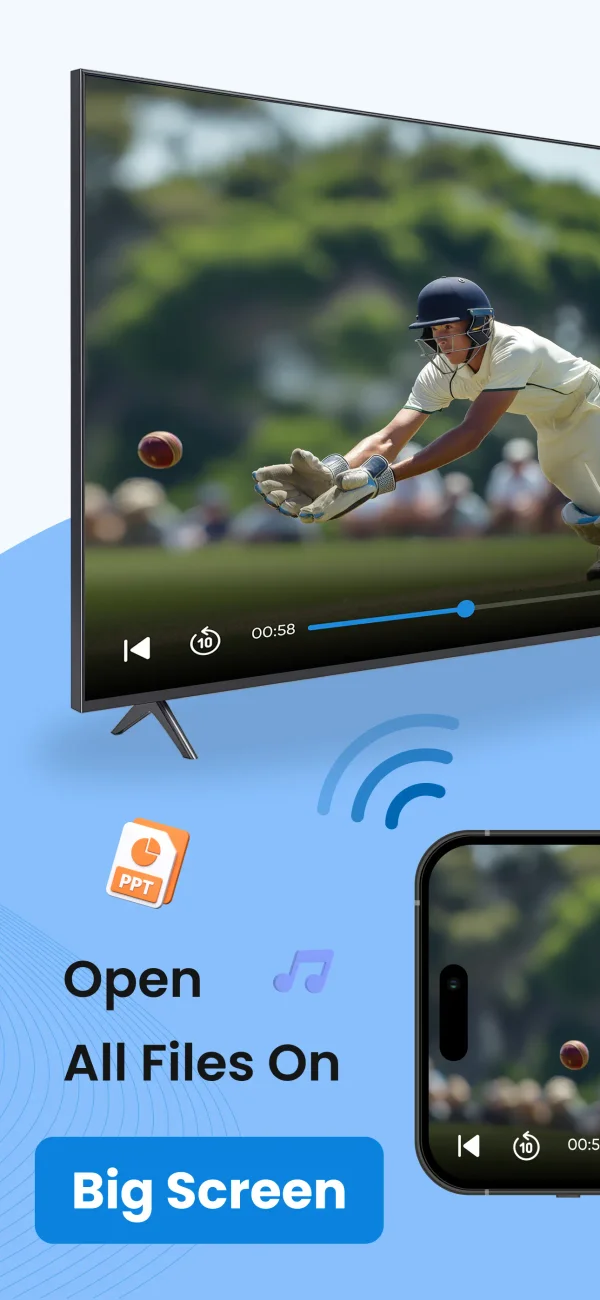
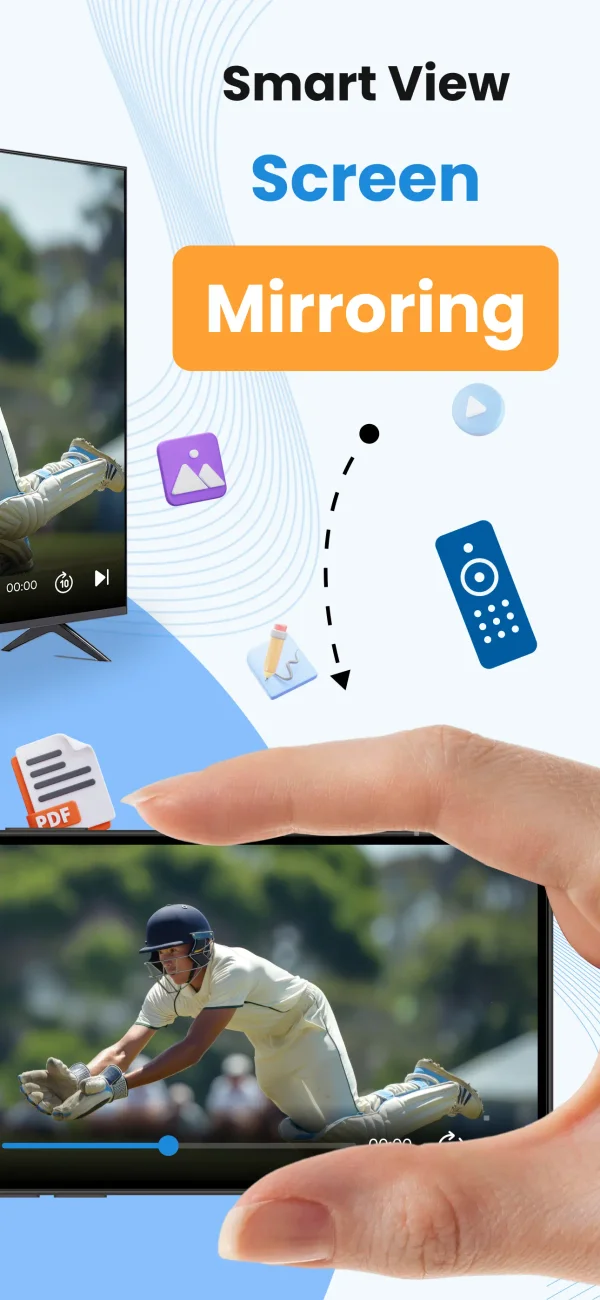
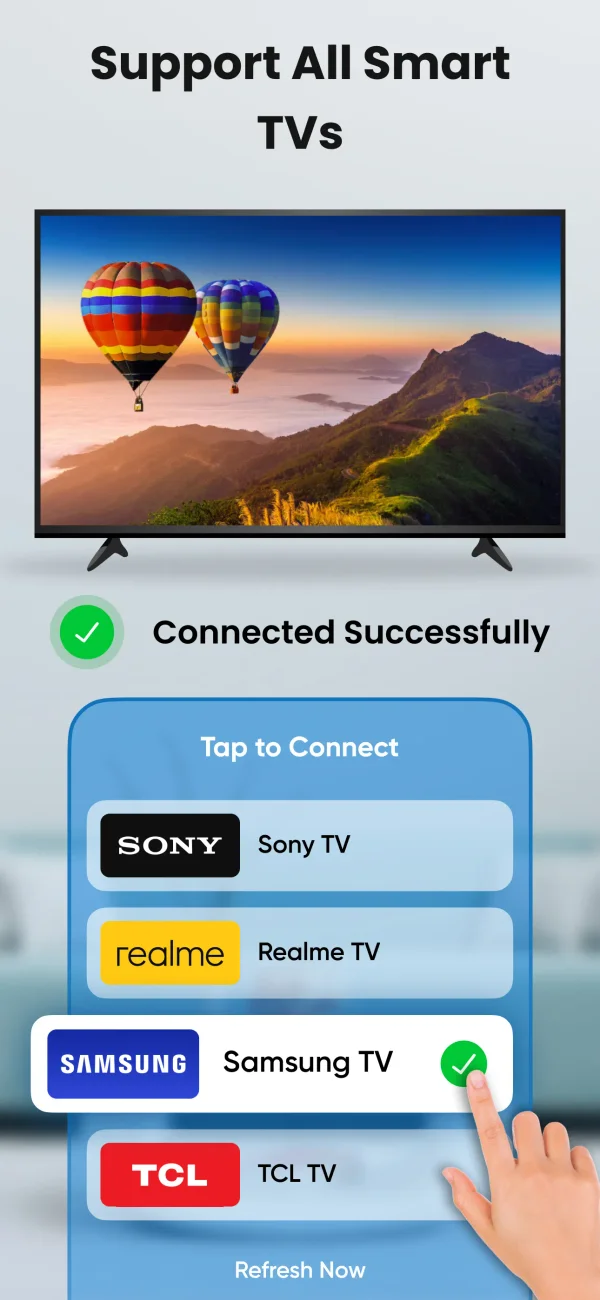
Smart View App Lets you enjoy multimedia content from your mobile and PC on your Smart TV as well as letting you control the Smart TV with your mobile. With Smart View you can easy to watch your favorite content on your TV.
Play content from your mobile
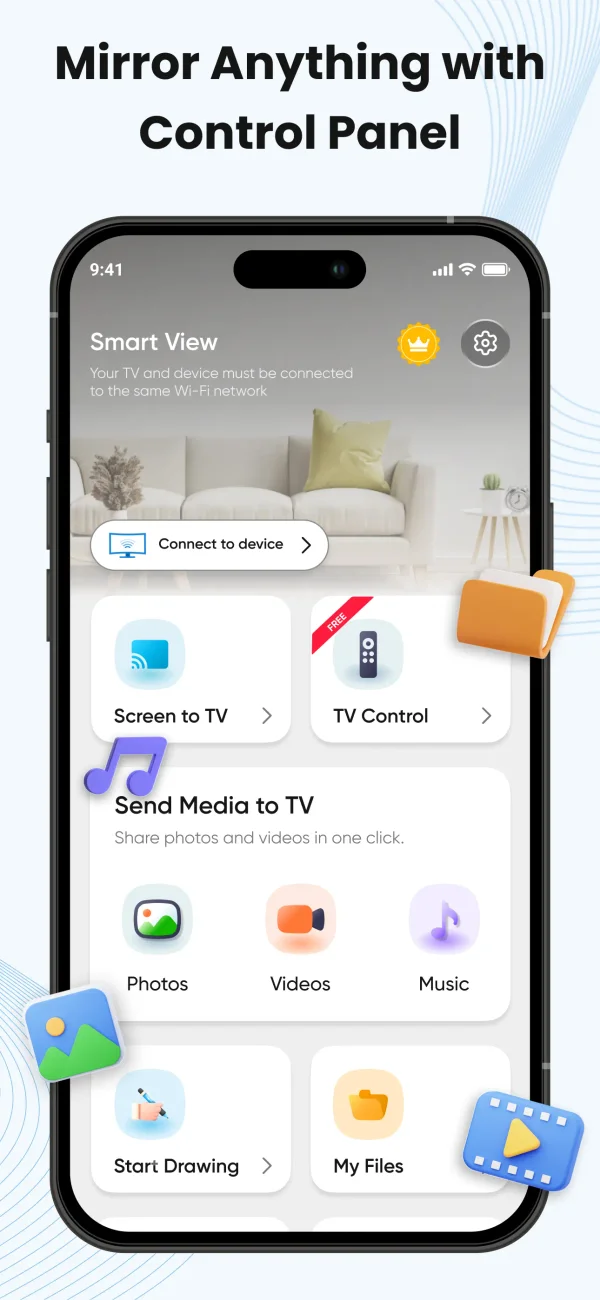
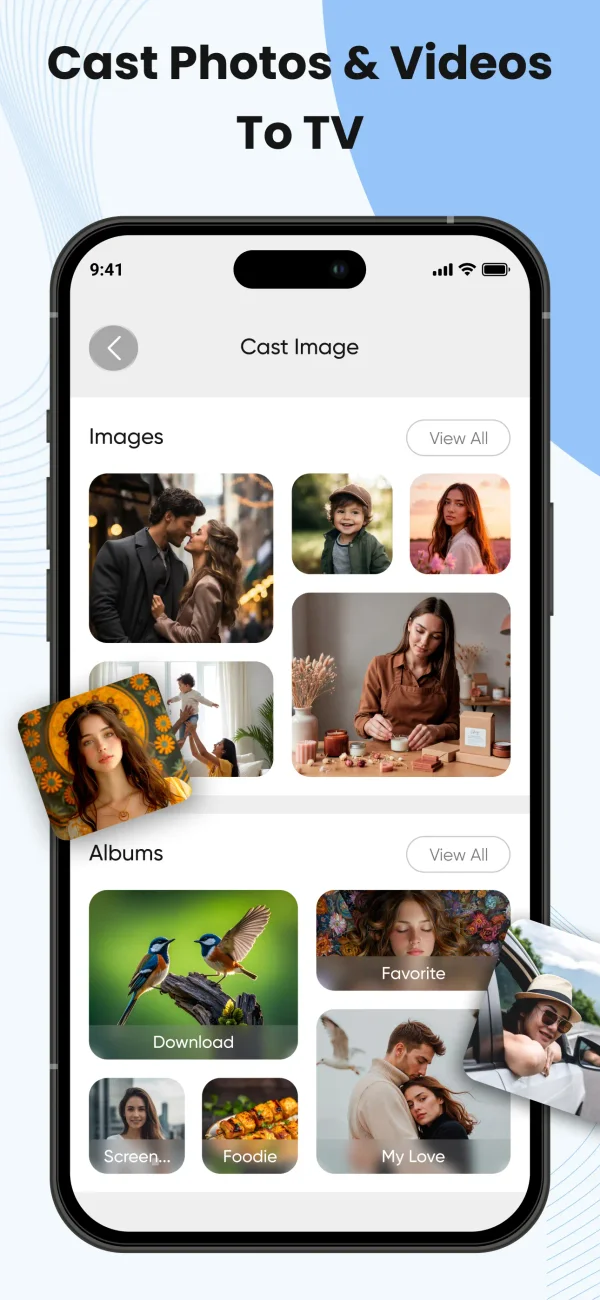
TV Assist, easy to connect your mobile to the TV and select videos, pictures, or even music. Your content will instantly play on the Smart View TV Cast.
Create Playlists
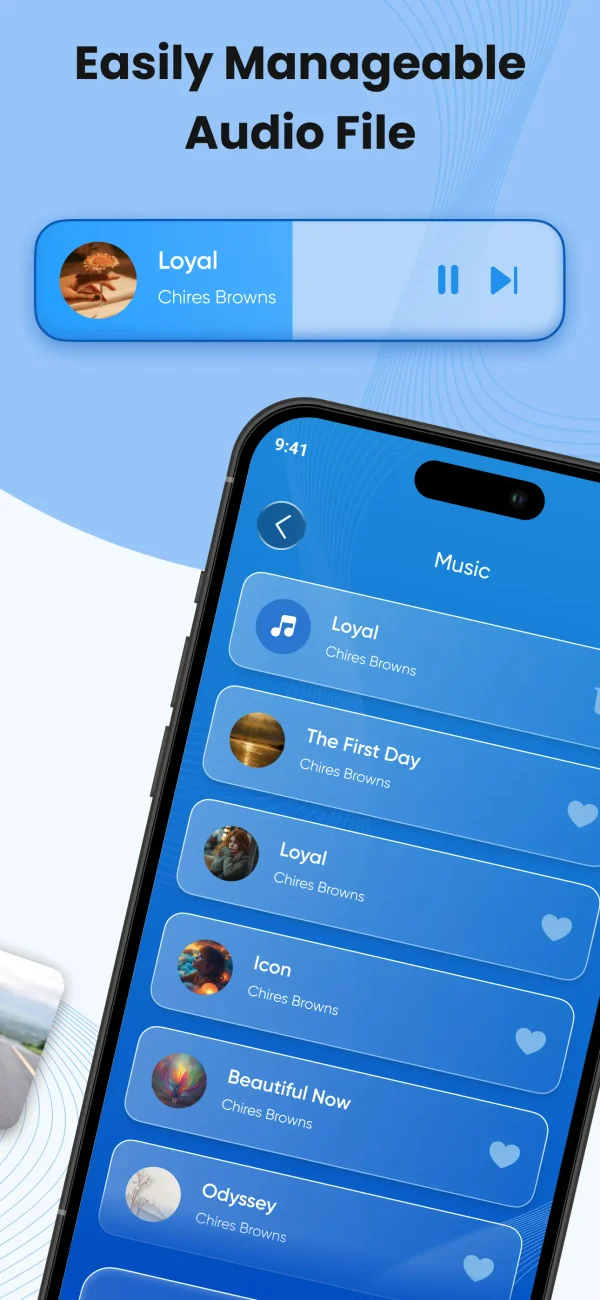
Create personalized playlists to access all of your favorite videos, photos, and music in one place.
Play content from your PC
Add content files or even a whole folder from your PC into Smart View, and play everything on the list in one go!
Features
• Smart Things Smart View App
• Mirror Smart View, Allshare, Allcast
• Phone screen on a large smart TV
• Support for all media files, pictures, videos, etc.
• Cast media files and mirror screen to TV and Windows
• Screen Mirroring - Smart Share - TV
• Cast photos, music & videos to Chromecast
• Cast To TV: Screen Mirroring for Smart TV
• Control your Remote, Smart Remote
• Watch your movies on Chromecast TV
• Easy to connect from the Smart Share App
How to use Mirroring
1. Make sure your phone/tablet and smart TV are connected to the same Wi-Fi network.
2. Enable “Wireless display” on your phone.
3. Enable “Miracast” on your smart TV.
4. Search and pair the device.
SmartThings
With Smart View, you can cast your photos on your TV. Easy cast music from your Chromecast app to your Smart TV. Cast your camera video to your TV screen! Smart share app for all smart TVs. Stream the phone's camera to Chromecast.
Smart Things Smart View app is the best smart view app. By using the SmartThings app, Smart View is a free screen mirroring, with Castto you can broadcast any files to your Smart TV. With SmartShare you can make screen mirroring of any photos, video files, audio, and other content to your Smart TV in real-time and without any delay.
Smart View Smart TV enables you to cast images, videos, and music to all TV or other DLNA Devices. With a smart TV cast, you can stream any content to your device. Smart Share is a screen casting that allows you to easily open any media on the big screen, including mobile games, photos, music, videos, and e-books.
With TV Cast you can control what you watch on your TV without interrupting the playback. Smart View's interface is pretty simple, designed so you never lose sight of whatever you're watching at that moment. All you have to do is connect your TV and smart device to the same network. After that, you're ready to start controlling playback.
All Screen Mirroring App smart view TV screen mirroring assistant for screencasting, Cast Phone to TV with Wi-Fi. Smart Share is the perfect casting app for all smart TVs without Wi-Fi just by using dongles or adaptors. SmartShare provides phone to TV, cast To TV, and TV mirror, all connected with the smart cast.
Smart View Screen Mirroring - use the Costo feature from supported applications. Smart View Free App is able to play games and videos with a screen mirror. Smart View - Cast Phone to TV based on Miracast TV mirror technology is your best choice!
Read our full Terms of Service and our Privacy Policy at:
Privacy Policy
https://smart-view.netlify.app/
Terms of use
https://smart-view.netlify.app/terms
EULA
https://smart-view.netlify.app/eula
Neue Funktionen
Version 11 · 26.11.2026
Your screen mirroring experience just got better.
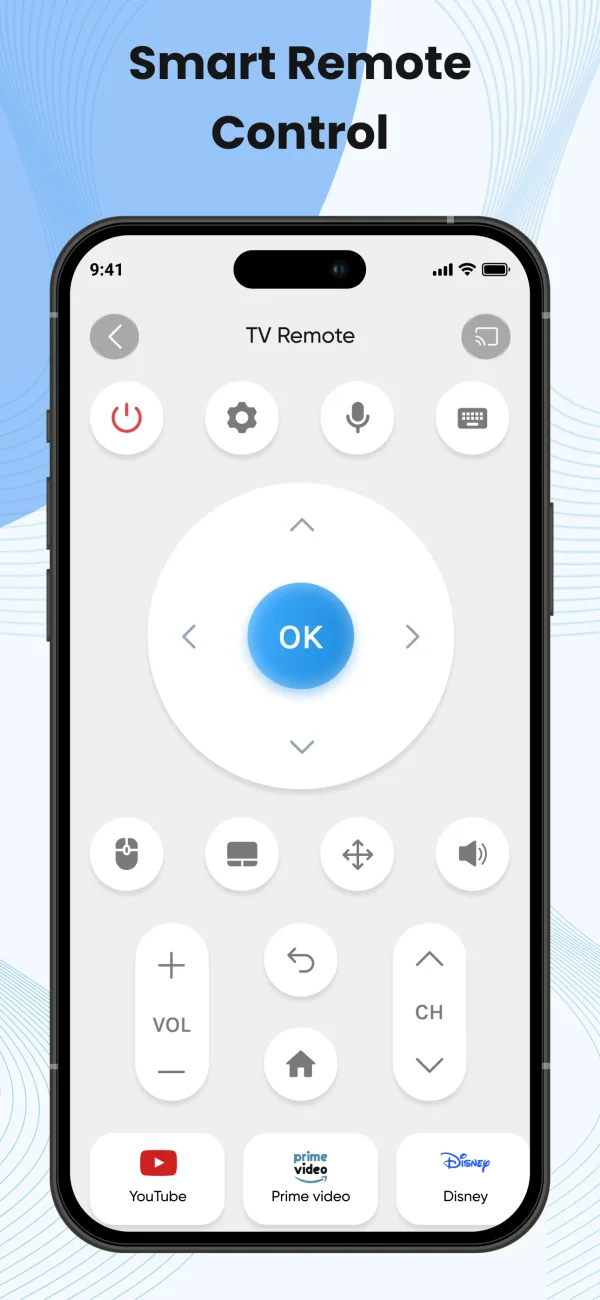
- New: TV Remote
- Faster screen casting performance
- Improved interface
- Stability improvements and bug fixes
App-Datenschutz
Was Kishan Lakkad im App Store zum Umgang dieser App mit Daten angibt.
-
Daten, die zum Tracking Ihrer Person verwendet werden
Können verwendet werden, um Sie über Apps und Websites anderer Unternehmen hinweg zu verfolgen.
- Nutzungsdaten
-
Nicht mit Ihnen verknüpfte Daten
Können erfasst werden, sind aber nicht mit Ihrer Identität verknüpft.
- Nutzungsdaten
Die Datenschutzpraktiken können variieren, zum Beispiel je nach den von Ihnen verwendeten Funktionen oder Ihrem Alter.
Informationen
- Anbieter
- Kishan Lakkad
- Kategorie
- Dienstprogramme
- Version
- 11
- Aktualisiert
- 26.11.2026
- Veröffentlicht
- 04.10.2023
- Größe
- 91,7 MB
- Erfordert
- iOS 17.6 oder neuer
- Altersfreigabe
- 4+
- Preis
- Kostenlos
- In-App-Käufe
- Ja
- Sprachen
- Englisch, Französisch, Deutsch, Hindi, Italienisch, Koreanisch, Portugiesisch, Vereinf. Chinesisch, Spanisch, Türkisch
- Copyright
- © Kishan Lakkad
Das könnte Ihnen auch gefallen
-
 Smart View ™ - TV CastDienstprogramme
-
 Smart View TV Screen MirroringDienstprogramme
-
 Screen Mirroring · TV CastDienstprogramme
-
 Bildschirm spiegeln mit tv ·Bildschirm übertragung um DLNA
-
 Bildschirm spiegeln für TVScreen Mirroring for SmartTV
-
 Bildschirm spiegeln・Smart TV!Handy mit TV verbinden
-
 Samsung Fernbedienung Smart TVRemote control und view things
-
 Screen Mirroring - TV Cast AirSmart View & Screen Miracast
-
 Smart View For Samsung TvDienstprogramme
-
 Bildschirm Spiegeln・MiracastHandy verbinden & Übertragung