Smart View : Screen Cast
Wireless Display & Mirroring
Diseñada para iPhone, iPad
Gratis · Compras en la aplicación
- Clasificación por edad4+
- CategoríaUtilidades
- DesarrolladorKishan Lakkad
- IdiomasInglés+ 9 más
- Tamaño91,7 MB
Enlaza a la página oficial de App Store
Download.org no aloja ningún archivo de Smart View : Screen Cast. El botón abre la página de la aplicación en App Store, donde la publica Kishan Lakkad. Ficha comprobada por última vez el 27/11/2026.
Capturas de pantalla
Acerca de
El desarrollador no ha proporcionado este texto en tu idioma.
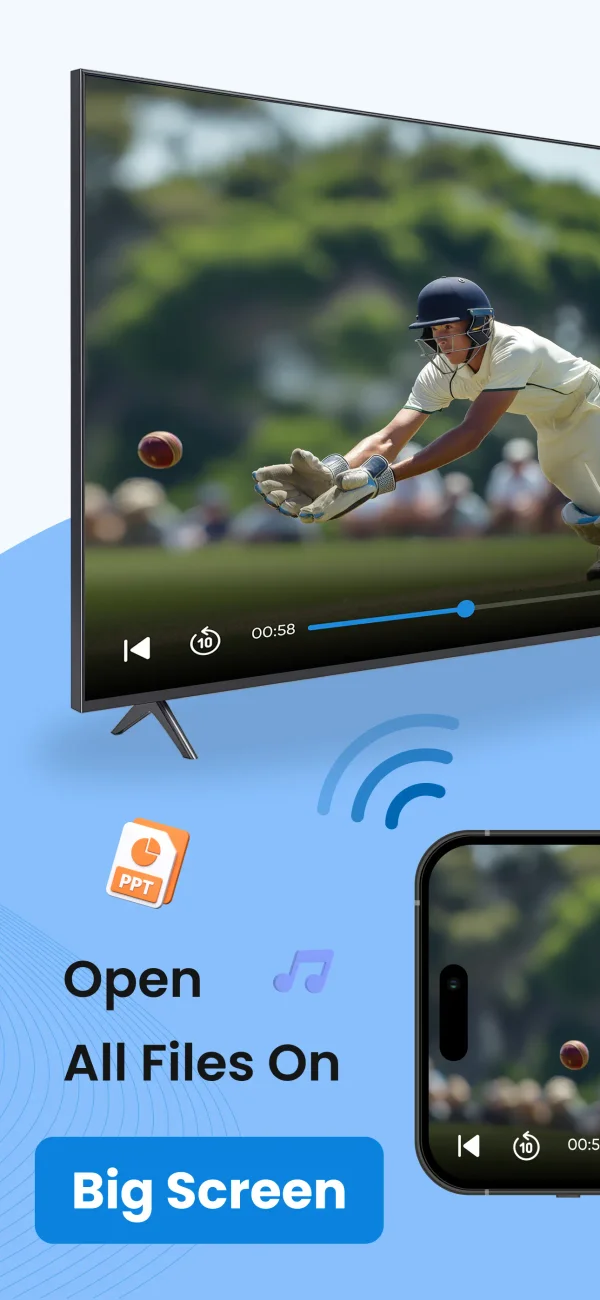
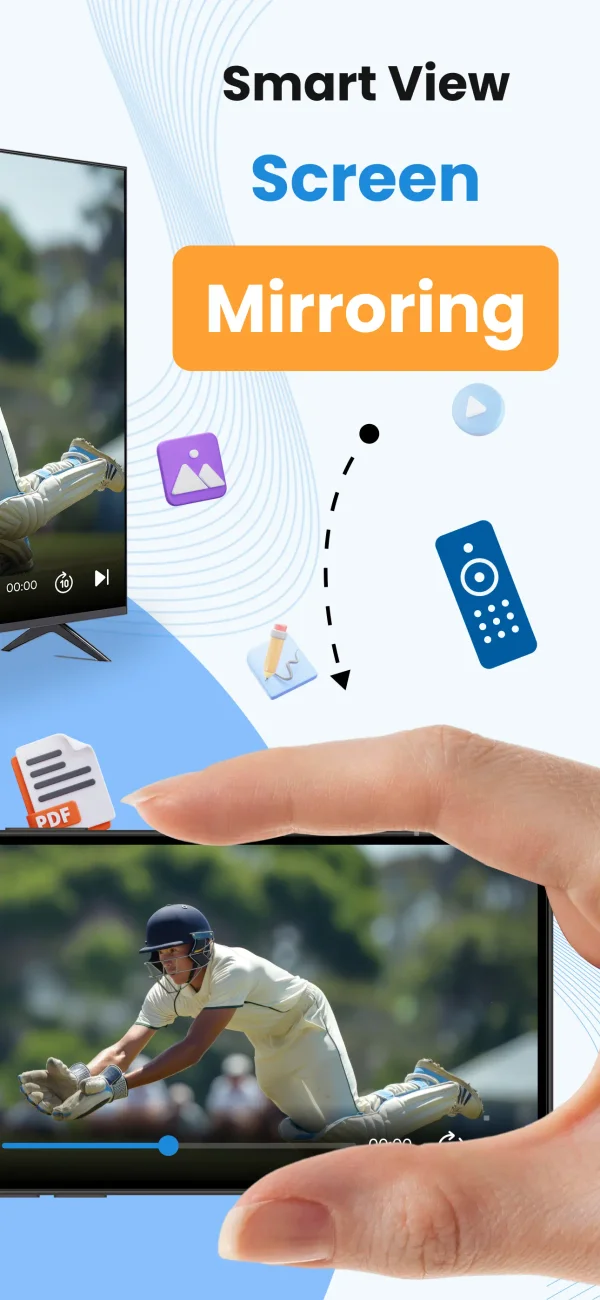
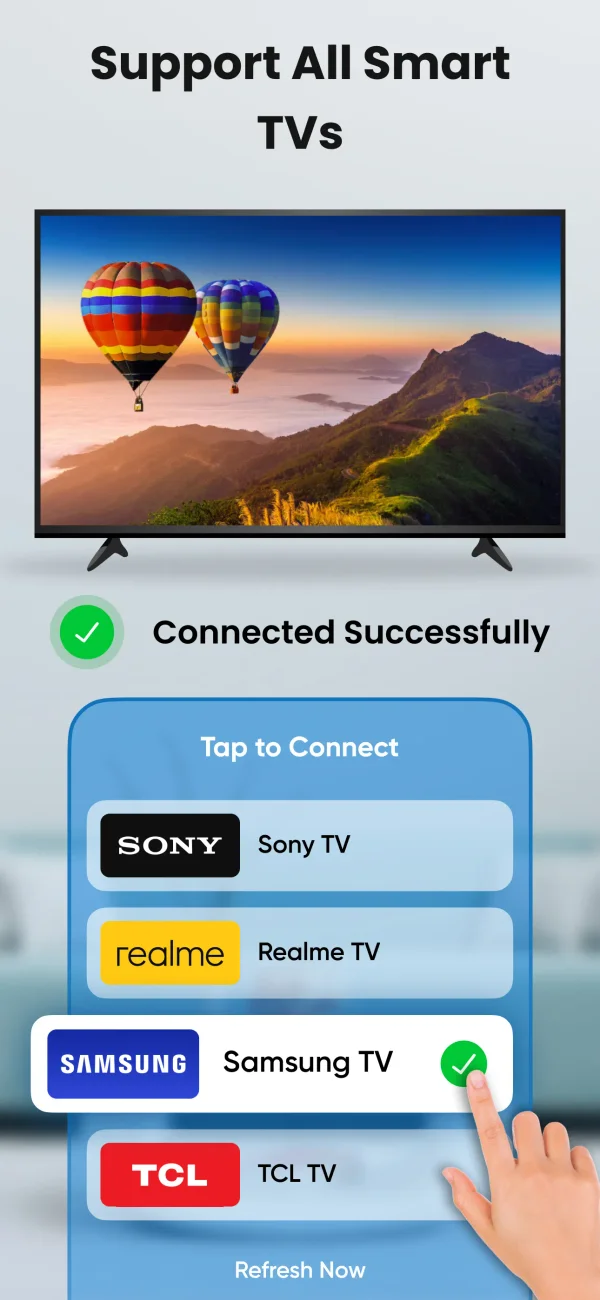
Smart View App Lets you enjoy multimedia content from your mobile and PC on your Smart TV as well as letting you control the Smart TV with your mobile. With Smart View you can easy to watch your favorite content on your TV.
Play content from your mobile
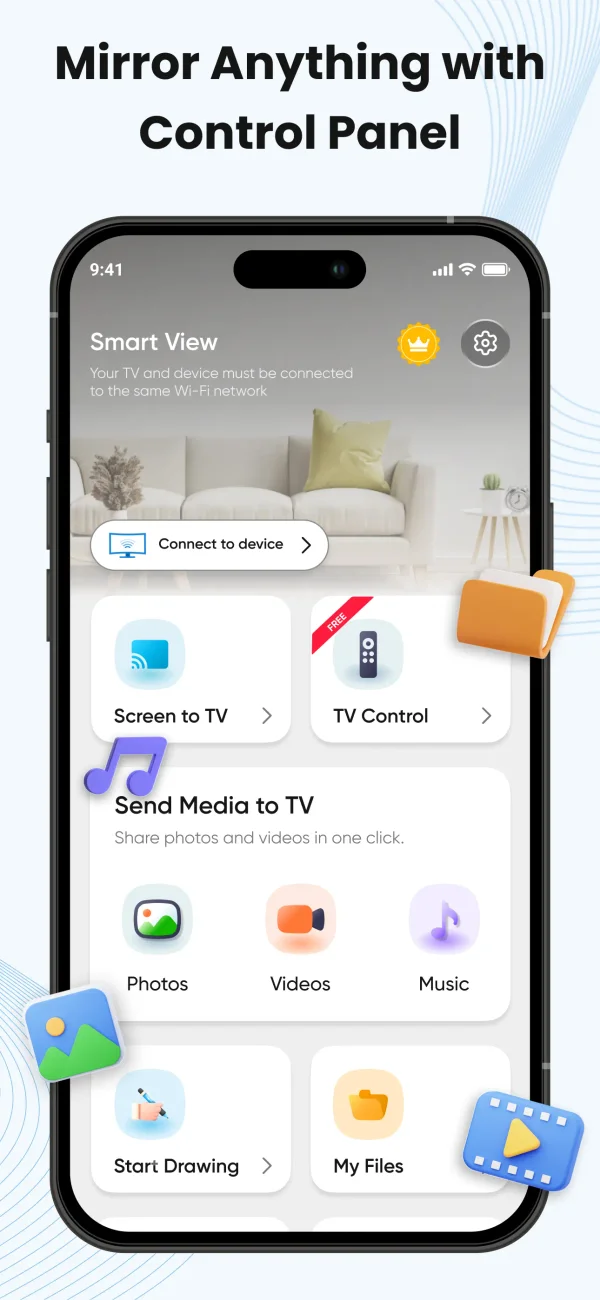
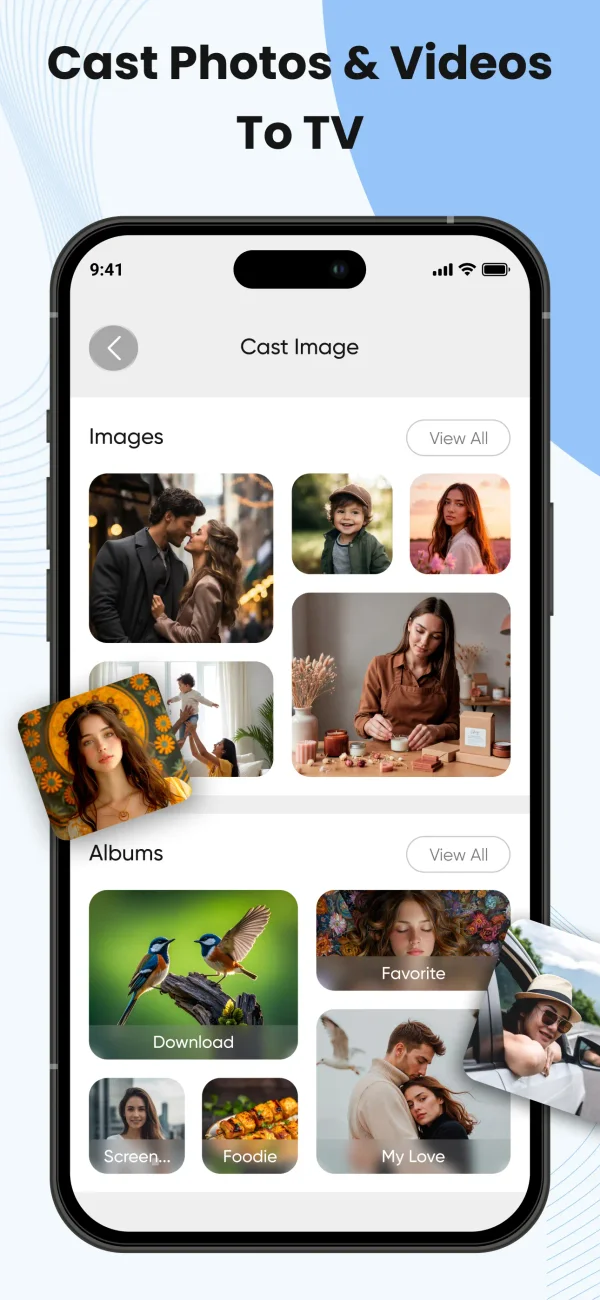
TV Assist, easy to connect your mobile to the TV and select videos, pictures, or even music. Your content will instantly play on the Smart View TV Cast.
Create Playlists
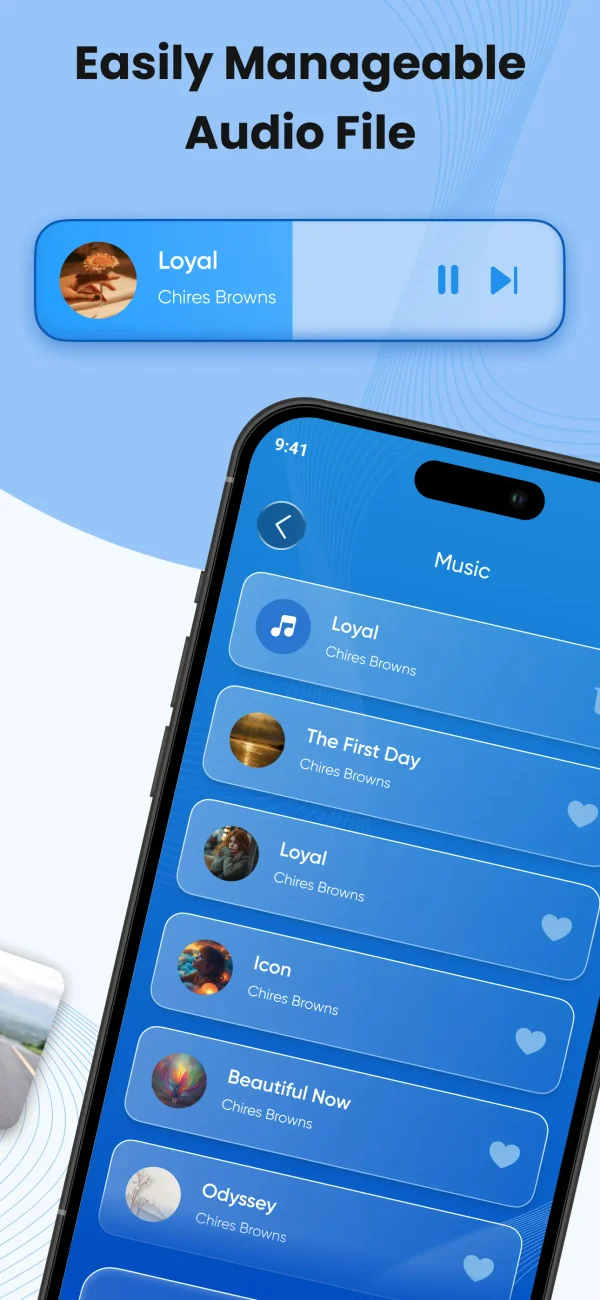
Create personalized playlists to access all of your favorite videos, photos, and music in one place.
Play content from your PC
Add content files or even a whole folder from your PC into Smart View, and play everything on the list in one go!
Features
• Smart Things Smart View App
• Mirror Smart View, Allshare, Allcast
• Phone screen on a large smart TV
• Support for all media files, pictures, videos, etc.
• Cast media files and mirror screen to TV and Windows
• Screen Mirroring - Smart Share - TV
• Cast photos, music & videos to Chromecast
• Cast To TV: Screen Mirroring for Smart TV
• Control your Remote, Smart Remote
• Watch your movies on Chromecast TV
• Easy to connect from the Smart Share App
How to use Mirroring
1. Make sure your phone/tablet and smart TV are connected to the same Wi-Fi network.
2. Enable “Wireless display” on your phone.
3. Enable “Miracast” on your smart TV.
4. Search and pair the device.
SmartThings
With Smart View, you can cast your photos on your TV. Easy cast music from your Chromecast app to your Smart TV. Cast your camera video to your TV screen! Smart share app for all smart TVs. Stream the phone's camera to Chromecast.
Smart Things Smart View app is the best smart view app. By using the SmartThings app, Smart View is a free screen mirroring, with Castto you can broadcast any files to your Smart TV. With SmartShare you can make screen mirroring of any photos, video files, audio, and other content to your Smart TV in real-time and without any delay.
Smart View Smart TV enables you to cast images, videos, and music to all TV or other DLNA Devices. With a smart TV cast, you can stream any content to your device. Smart Share is a screen casting that allows you to easily open any media on the big screen, including mobile games, photos, music, videos, and e-books.
With TV Cast you can control what you watch on your TV without interrupting the playback. Smart View's interface is pretty simple, designed so you never lose sight of whatever you're watching at that moment. All you have to do is connect your TV and smart device to the same network. After that, you're ready to start controlling playback.
All Screen Mirroring App smart view TV screen mirroring assistant for screencasting, Cast Phone to TV with Wi-Fi. Smart Share is the perfect casting app for all smart TVs without Wi-Fi just by using dongles or adaptors. SmartShare provides phone to TV, cast To TV, and TV mirror, all connected with the smart cast.
Smart View Screen Mirroring - use the Costo feature from supported applications. Smart View Free App is able to play games and videos with a screen mirror. Smart View - Cast Phone to TV based on Miracast TV mirror technology is your best choice!
Read our full Terms of Service and our Privacy Policy at:
Privacy Policy
https://smart-view.netlify.app/
Terms of use
https://smart-view.netlify.app/terms
EULA
https://smart-view.netlify.app/eula
Novedades
Versión 11 · 26/11/2026
Your screen mirroring experience just got better.
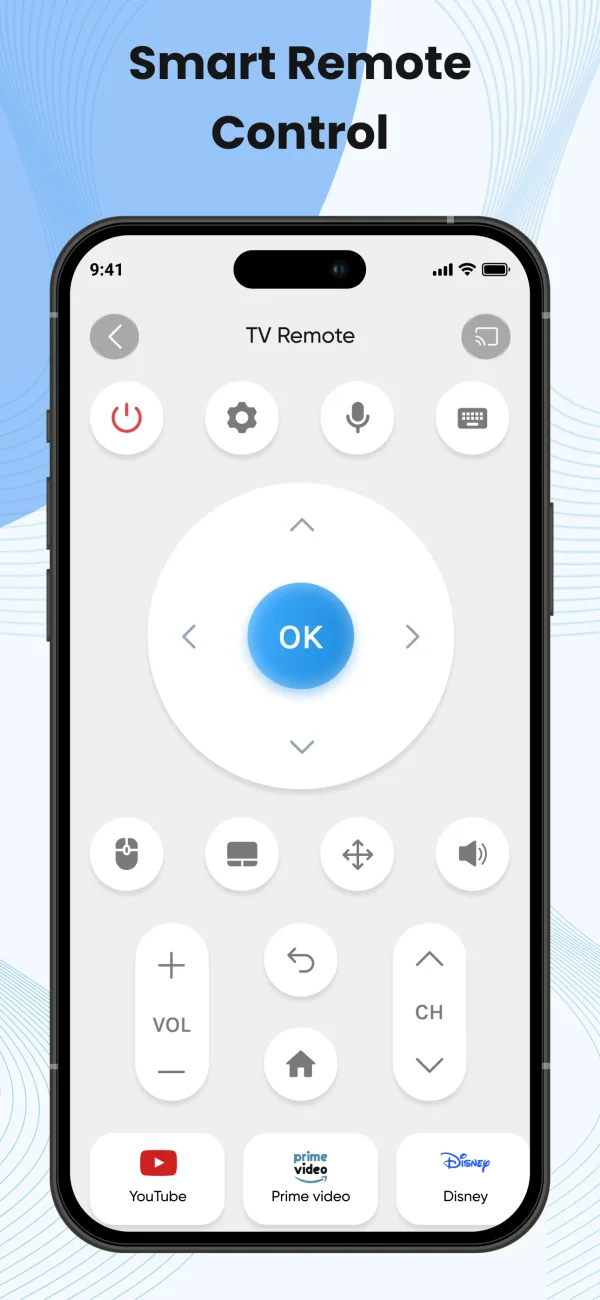
- New: TV Remote
- Faster screen casting performance
- Improved interface
- Stability improvements and bug fixes
Privacidad de la aplicación
Lo que Kishan Lakkad declara en App Store sobre cómo esta aplicación gestiona los datos.
-
Datos usados para rastrearte
Pueden usarse para rastrearte en aplicaciones y sitios web propiedad de otras empresas.
- Datos de uso
-
Datos no vinculados a ti
Pueden recopilarse, pero no se vinculan a tu identidad.
- Datos de uso
Las prácticas de privacidad pueden variar, por ejemplo, según las funciones que uses o tu edad.
Información
- Vendedor
- Kishan Lakkad
- Categoría
- Utilidades
- Versión
- 11
- Actualizado
- 26/11/2026
- Publicado
- 4/10/2023
- Tamaño
- 91,7 MB
- Requiere
- iOS 17.6 o posterior
- Clasificación por edad
- 4+
- Precio
- Gratis
- Compras en la aplicación
- Sí
- Idiomas
- Inglés, Francés, Alemán, Hindi, Italiano, Coreano, Portugués, Chino simplificado, Español, Turco
- Copyright
- © Kishan Lakkad
Quizá también te guste
-
 Smart View ™ - TV CastUtilidades
-
 Smart View TV Screen MirroringUtilidades
-
 Duplicar Pantalla | TV CastTransmitir a TV・Miracast
-
 Duplicar Pantalla · Smart TVConectar movil a tv
-
 Duplicar Pantalla Smart TVCast, Screen Mirroring, Share
-
 Duplicar Pantalla móvil en TV!Compartir Vídeo・Air Cast
-
 Samsung mando a distancia TVSmart control remoto things
-
 Screen Mirroring - TV Cast AirUtilidades
-
 Smart View For Samsung TvUtilidades
-
 Duplicar Pantalla: TV MiracastCompartir Pantalla con TV