Smart View : Screen Cast
Wireless Display & Mirroring
iPhone, iPad için tasarlandı
Ücretsiz · Uygulama içi satın alma
- Yaş sınırı4+
- KategoriYardımcılar
- GeliştiriciKishan Lakkad
- Dillerİngilizce+ 9 dil daha
- Boyut91,7 MB
Resmi App Store sayfasına bağlanır
Download.org, Smart View : Screen Cast için hiçbir dosya barındırmaz. Düğme, uygulamanın App Store üzerindeki sayfasını açar; uygulamayı orada Kishan Lakkad yayınlar. Sayfanın son kontrolü: 27.11.2026.
Ekran görüntüleri
Hakkında
Geliştirici bu metni dilinizde sunmamış.
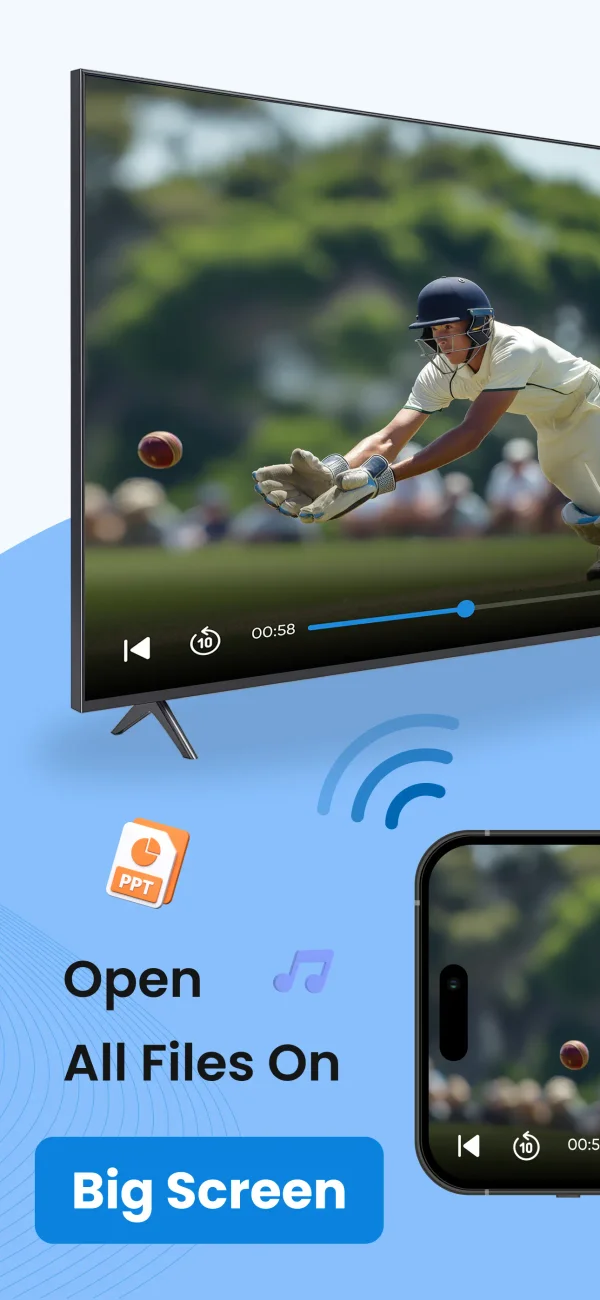
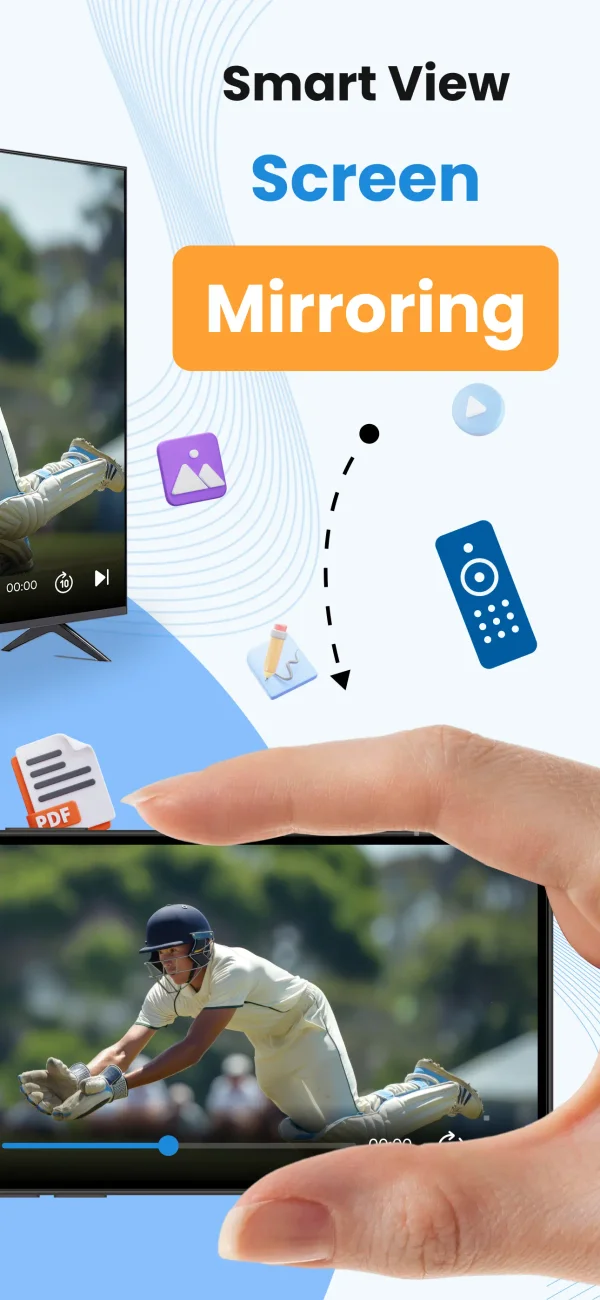
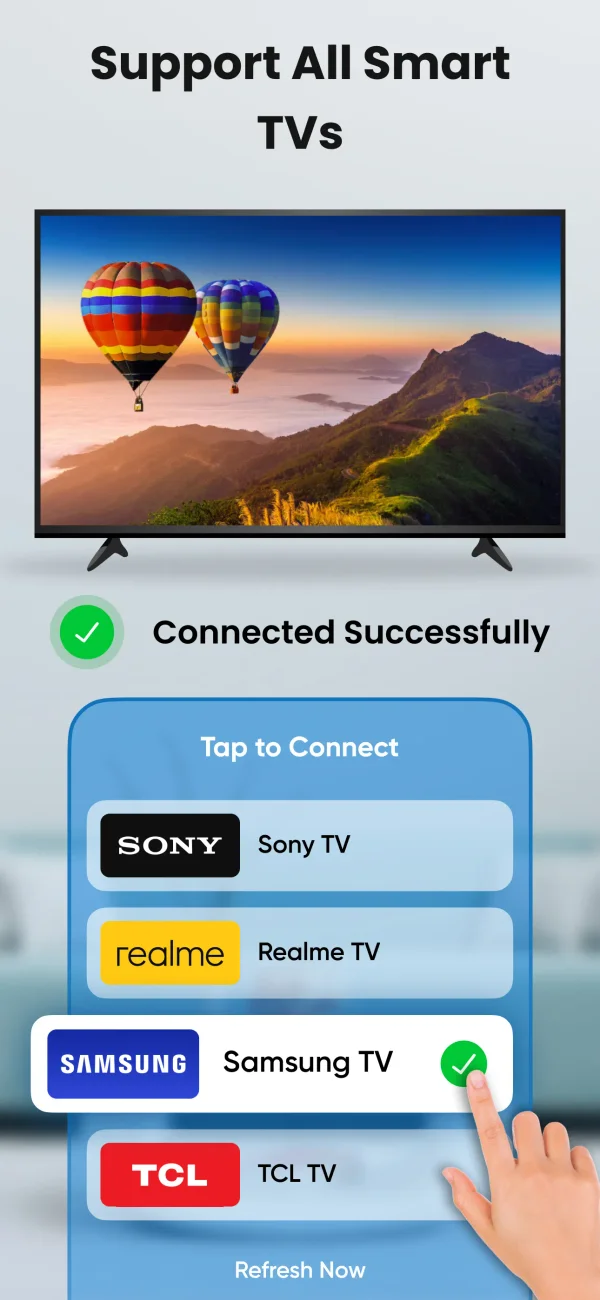
Smart View App Lets you enjoy multimedia content from your mobile and PC on your Smart TV as well as letting you control the Smart TV with your mobile. With Smart View you can easy to watch your favorite content on your TV.
Play content from your mobile
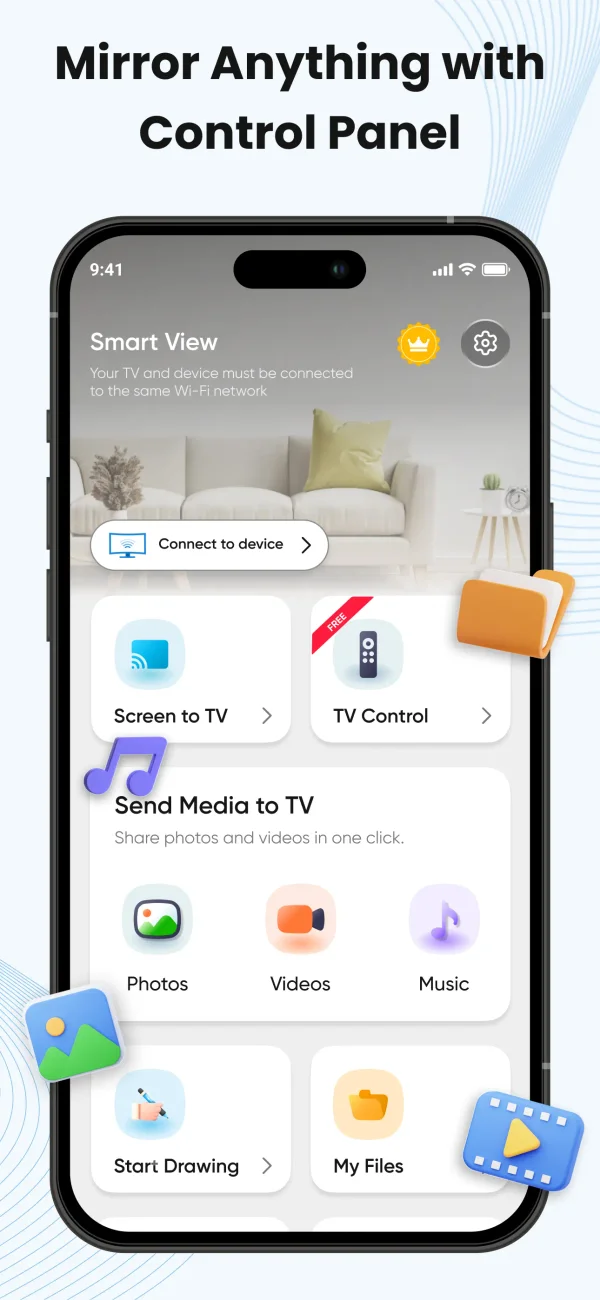
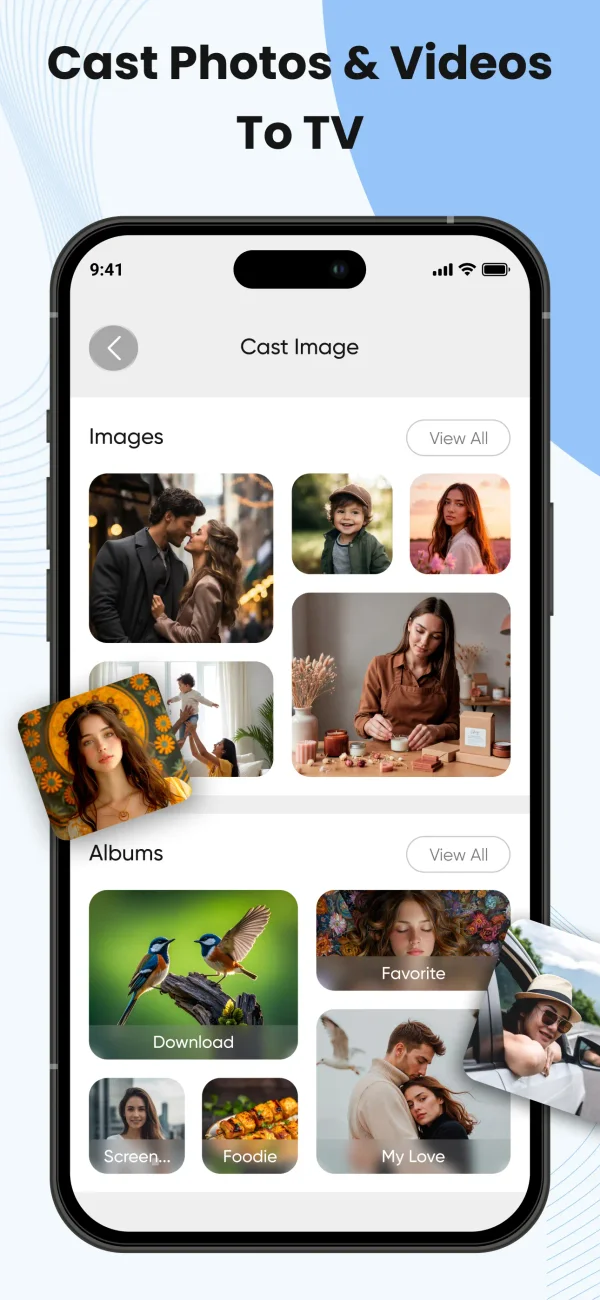
TV Assist, easy to connect your mobile to the TV and select videos, pictures, or even music. Your content will instantly play on the Smart View TV Cast.
Create Playlists
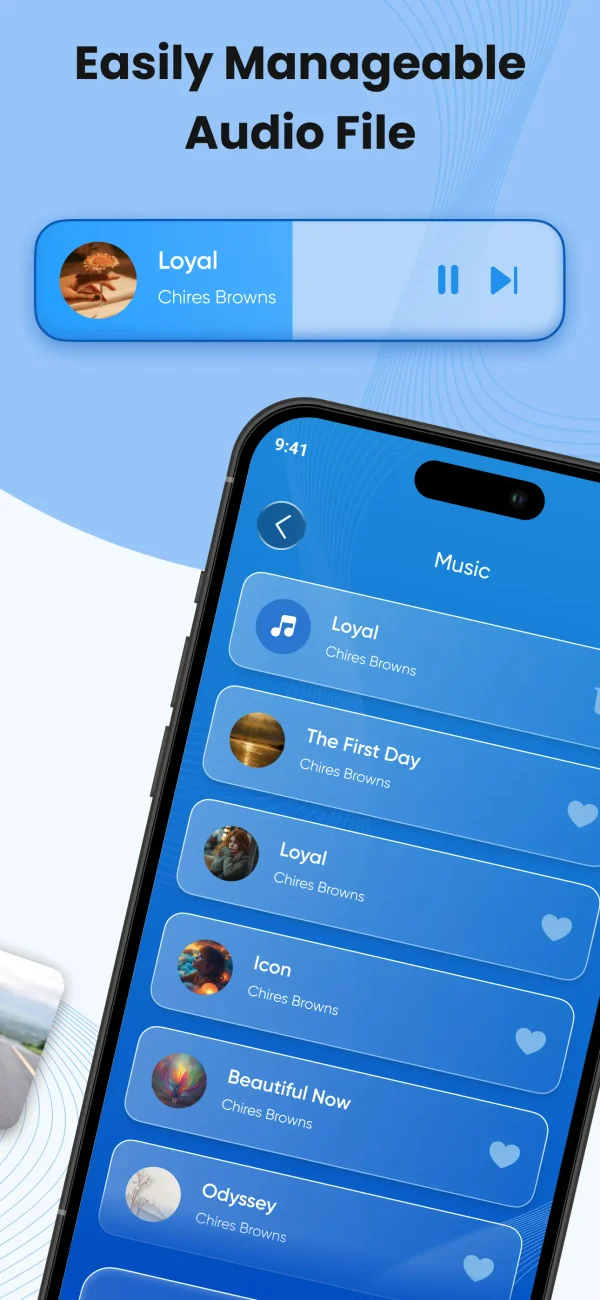
Create personalized playlists to access all of your favorite videos, photos, and music in one place.
Play content from your PC
Add content files or even a whole folder from your PC into Smart View, and play everything on the list in one go!
Features
• Smart Things Smart View App
• Mirror Smart View, Allshare, Allcast
• Phone screen on a large smart TV
• Support for all media files, pictures, videos, etc.
• Cast media files and mirror screen to TV and Windows
• Screen Mirroring - Smart Share - TV
• Cast photos, music & videos to Chromecast
• Cast To TV: Screen Mirroring for Smart TV
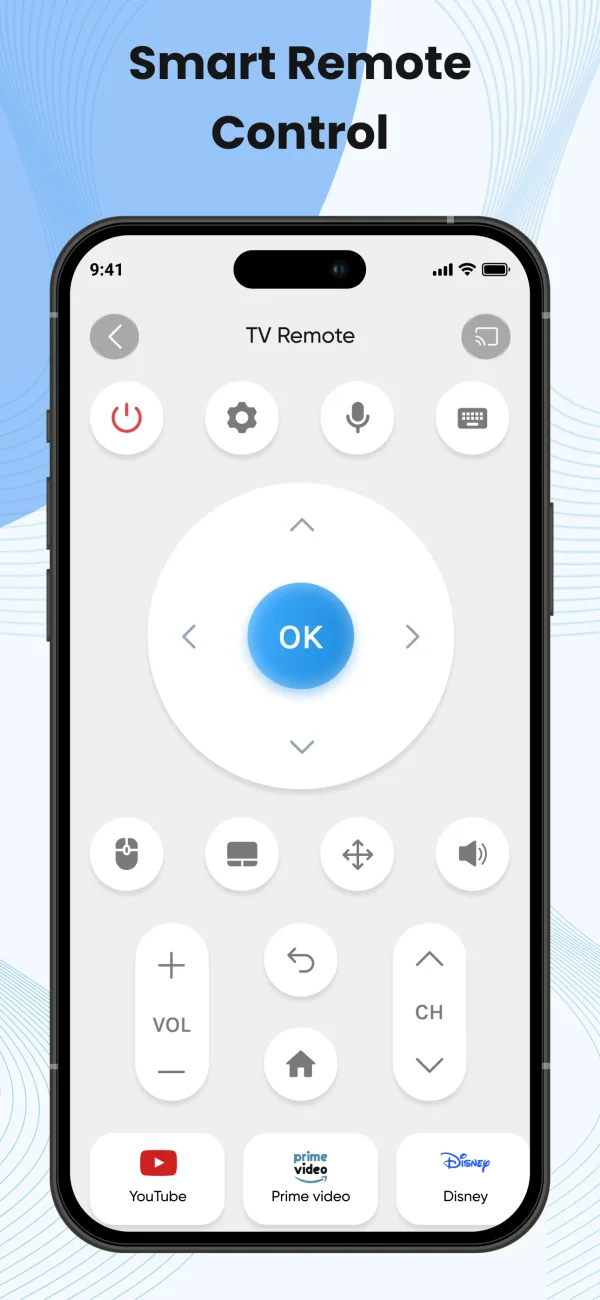
• Control your Remote, Smart Remote
• Watch your movies on Chromecast TV
• Easy to connect from the Smart Share App
How to use Mirroring
1. Make sure your phone/tablet and smart TV are connected to the same Wi-Fi network.
2. Enable “Wireless display” on your phone.
3. Enable “Miracast” on your smart TV.
4. Search and pair the device.
SmartThings
With Smart View, you can cast your photos on your TV. Easy cast music from your Chromecast app to your Smart TV. Cast your camera video to your TV screen! Smart share app for all smart TVs. Stream the phone's camera to Chromecast.
Smart Things Smart View app is the best smart view app. By using the SmartThings app, Smart View is a free screen mirroring, with Castto you can broadcast any files to your Smart TV. With SmartShare you can make screen mirroring of any photos, video files, audio, and other content to your Smart TV in real-time and without any delay.
Smart View Smart TV enables you to cast images, videos, and music to all TV or other DLNA Devices. With a smart TV cast, you can stream any content to your device. Smart Share is a screen casting that allows you to easily open any media on the big screen, including mobile games, photos, music, videos, and e-books.
With TV Cast you can control what you watch on your TV without interrupting the playback. Smart View's interface is pretty simple, designed so you never lose sight of whatever you're watching at that moment. All you have to do is connect your TV and smart device to the same network. After that, you're ready to start controlling playback.
All Screen Mirroring App smart view TV screen mirroring assistant for screencasting, Cast Phone to TV with Wi-Fi. Smart Share is the perfect casting app for all smart TVs without Wi-Fi just by using dongles or adaptors. SmartShare provides phone to TV, cast To TV, and TV mirror, all connected with the smart cast.
Smart View Screen Mirroring - use the Costo feature from supported applications. Smart View Free App is able to play games and videos with a screen mirror. Smart View - Cast Phone to TV based on Miracast TV mirror technology is your best choice!
Read our full Terms of Service and our Privacy Policy at:
Privacy Policy
https://smart-view.netlify.app/
Terms of use
https://smart-view.netlify.app/terms
EULA
https://smart-view.netlify.app/eula
Yenilikler
Sürüm 11 · 26.11.2026
Your screen mirroring experience just got better.
- New: TV Remote
- Faster screen casting performance
- Improved interface
- Stability improvements and bug fixes
Uygulama gizliliği
Bu uygulamanın verileri nasıl işlediği hakkında Kishan Lakkad tarafından App Store üzerinde yapılan beyan.
-
Sizi izlemek için kullanılan veriler
Başka şirketlere ait uygulamalarda ve web sitelerinde sizi izlemek için kullanılabilir.
- Kullanım verileri
-
Sizinle ilişkilendirilmeyen veriler
Toplanabilir ancak kimliğinizle ilişkilendirilmez.
- Kullanım verileri
Gizlilik uygulamaları, örneğin kullandığınız özelliklere veya yaşınıza göre değişiklik gösterebilir.
Bilgiler
- Satıcı
- Kishan Lakkad
- Kategori
- Yardımcılar
- Sürüm
- 11
- Güncellendi
- 26.11.2026
- Yayın tarihi
- 04.10.2023
- Boyut
- 91,7 MB
- Gereksinim
- iOS 17.6 veya sonrası
- Yaş sınırı
- 4+
- Fiyat
- Ücretsiz
- Uygulama içi satın alma
- Evet
- Diller
- İngilizce, Fransızca, Almanca, Hindi, İtalyanca, Korece, Portekizce, Basitleştirilmiş Çince, İspanyolca, Türkçe
- Telif hakkı
- © Kishan Lakkad
Bunları da beğenebilirsiniz
-
 Smart View ™ - TV CastYardımcılar
-
 Smart View TV Screen MirroringYardımcılar
-
 TV’ye Ekran YansıtmaSmart TV için Aynalama
-
 Ekran yansıtma · Smart TVTelevizyona bağlama
-
 Ekran Yansıtma | Screen MirrorScreen Mirroring and Airplay
-
 Screen Mirroring・View Smart TVYardımcılar
-
 Samsung TV kumandası AkıllıTelevizyon uzaktan Smart izle
-
 Screen Mirroring - TV Cast AirYardımcılar
-
 Smart View For Samsung TvYardımcılar
-
 Ekran Yansıtma: SmartTV CastScreen Mirroring & TV Miracast