Sound Relay Equalizer
Equalizer for every app
Entwickelt für iPhone, iPad
Kostenlos
- Altersfreigabe4+
- KategorieMusik
- EntwicklerOliver Rauch
- SprachenEnglisch
- Größe5,2 MB
Verlinkt auf die offizielle App Store-Seite
Download.org hostet keine Datei von Sound Relay Equalizer. Die Schaltfläche öffnet die App-Seite bei App Store, wo Oliver Rauch die App veröffentlicht. Eintrag zuletzt geprüft am 18.11.2026.
Screenshots

Info
Der Entwickler hat diesen Text nicht in Ihrer Sprache bereitgestellt.
Sound Relay Equalizer adds a six-band equalizer to the sound of any app on your iPhone or iPad. Music, podcasts, videos: if it plays through your speaker or headphones, you can shape it.
HOW IT WORKS
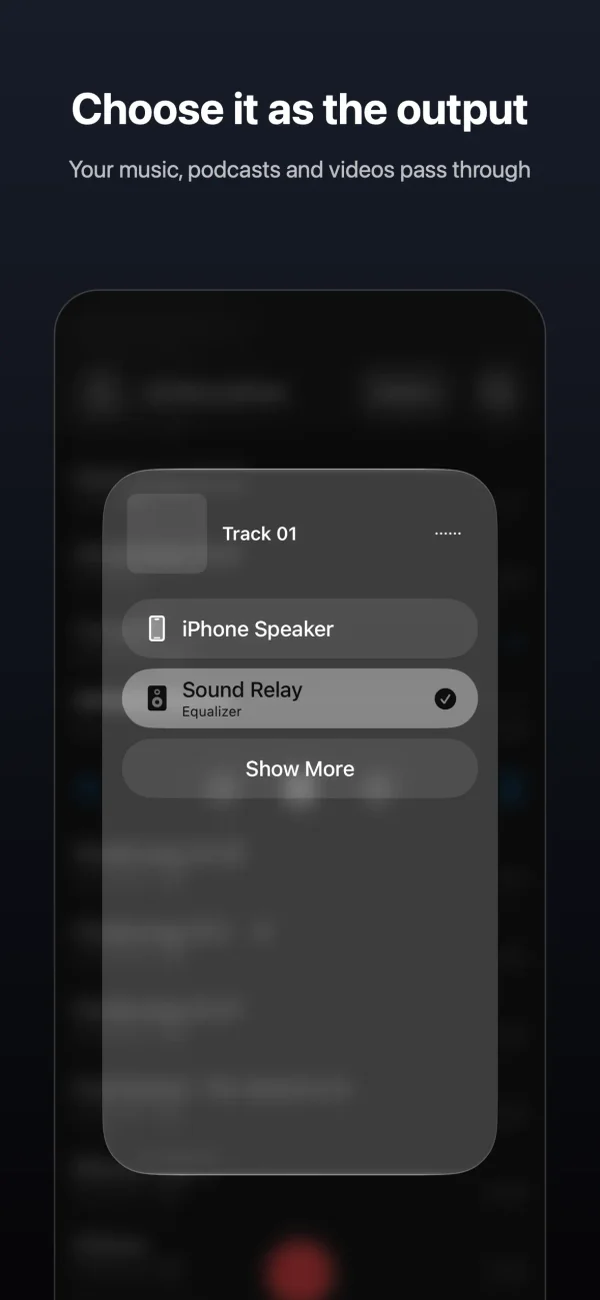
Open Sound Relay once and leave it in the background. Open Control Center, tap the output button and choose "Sound Relay". From then on your audio passes through the equalizer on its way to the headphones or speaker you were using before: AirPods, Bluetooth or wired headphones, or the iPhone speaker. The status row shows which one. Choose your headphones in the output menu again to stop.
SHAPE THE SOUND
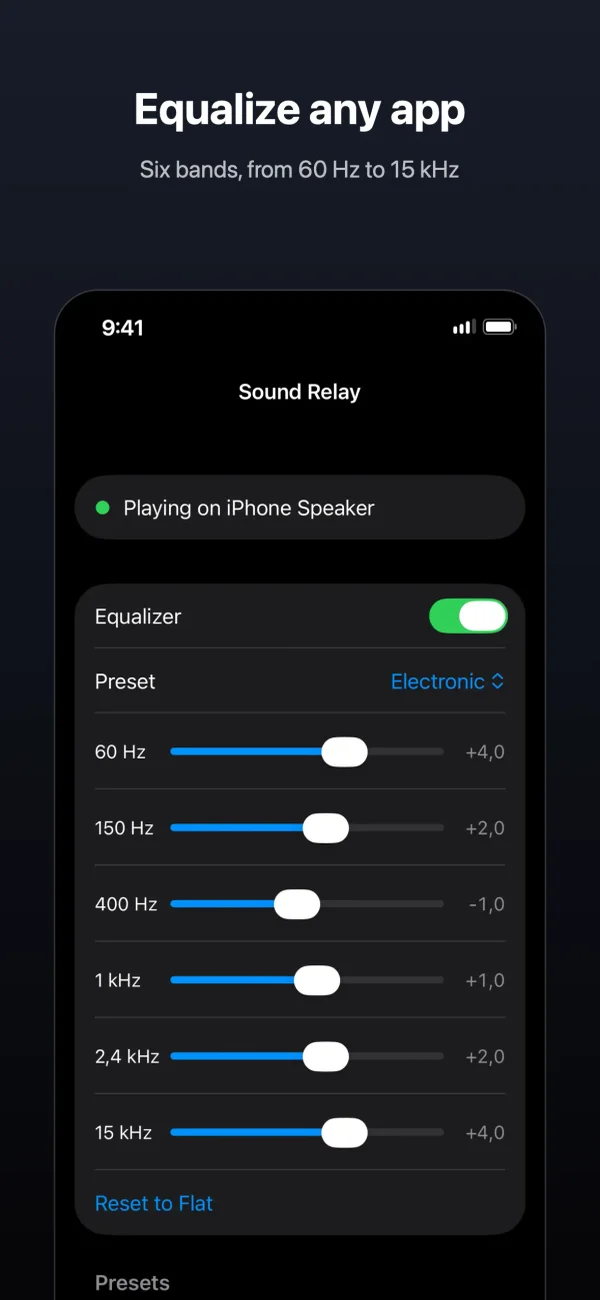
• Six bands: 60 Hz, 150 Hz, 400 Hz, 1 kHz, 2.4 kHz and 15 kHz, each from −12 to +12 dB in half-decibel steps.
• Twelve built-in presets, from Bass Boost to Classical.
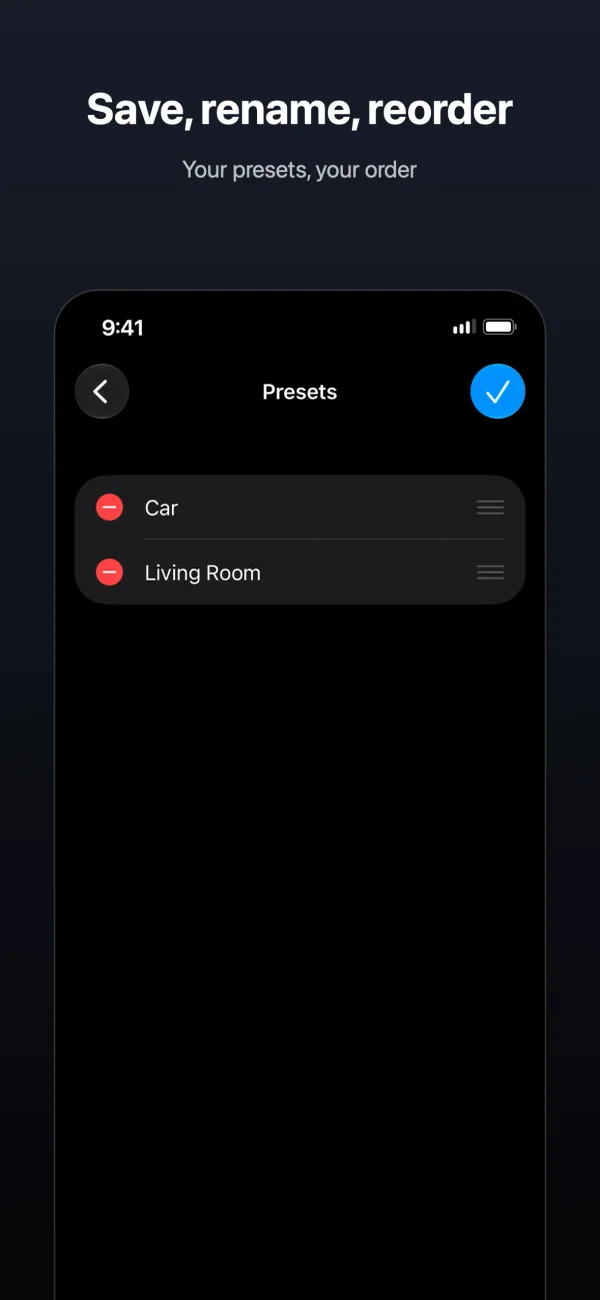
• Save your own presets, rename and reorder them.
• An Equalizer switch to compare with the original sound at any time.
• A built-in limiter keeps boosted bands from distorting.
ALWAYS KNOW WHAT IS HAPPENING
The status row tells you whether Sound Relay is selected and which output it is playing on.
SHORTCUTS AND SIRI
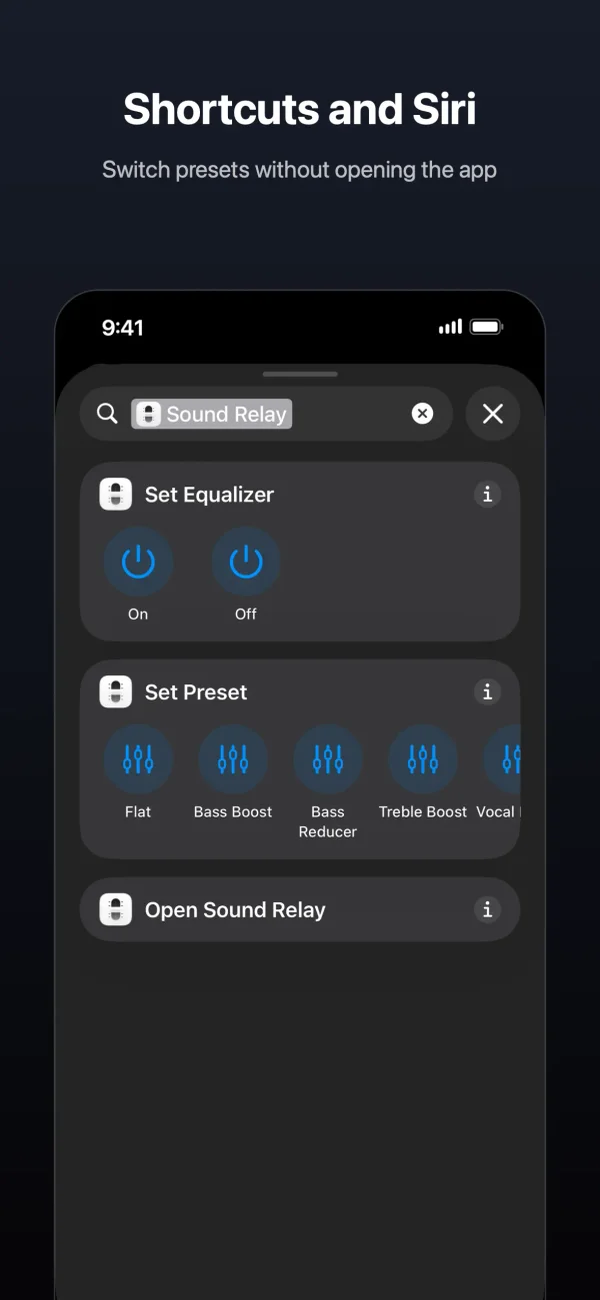
Open Sound Relay, choose a preset or switch the equalizer from the Shortcuts app and Siri. Let an automation open Sound Relay whenever your AirPods connect.
PRIVATE BY DESIGN
Your audio never leaves your device. Sound Relay collects no data, has no account and never records anything.
GOOD TO KNOW
• Sound Relay must be running for the entry to appear in Control Center. After a restart, open it once.
• If your headphones disconnect, Sound Relay mutes instead of playing out loud and tells you with a notification. Your music keeps running in its app; pause it, reconnect, or tap the Play button in Sound Relay to continue on the speaker.
• AirPlay speakers such as HomePod are not supported. With one selected, Sound Relay plays on the device itself.
• Requires iOS 27.
Neue Funktionen
Version 1.1 · 15.11.2026
• Sound Relay is now a full iPad app.
• Smoother playback: the rare corrections for clock drift are faded, not cut.
App-Datenschutz
Was Oliver Rauch im App Store zum Umgang dieser App mit Daten angibt.
-
Keine Daten erfasst
Der Entwickler erfasst keine Daten von dieser App.
Die Datenschutzpraktiken können variieren, zum Beispiel je nach den von Ihnen verwendeten Funktionen oder Ihrem Alter.
Informationen
- Anbieter
- Oliver Rauch
- Kategorie
- Musik
- Version
- 1.1
- Aktualisiert
- 15.11.2026
- Veröffentlicht
- 11.11.2026
- Größe
- 5,2 MB
- Erfordert
- iOS 27.0 oder neuer
- Altersfreigabe
- 4+
- Preis
- Kostenlos
- Sprachen
- Englisch
- Copyright
- © 2026 Oliver Rauch