Sound Relay Equalizer
Equalizer for every app
iPhone, iPad için tasarlandı
Ücretsiz
- Yaş sınırı4+
- KategoriMüzik
- GeliştiriciOliver Rauch
- Dillerİngilizce
- Boyut5,2 MB
Resmi App Store sayfasına bağlanır
Download.org, Sound Relay Equalizer için hiçbir dosya barındırmaz. Düğme, uygulamanın App Store üzerindeki sayfasını açar; uygulamayı orada Oliver Rauch yayınlar. Sayfanın son kontrolü: 18.11.2026.
Ekran görüntüleri

Hakkında
Geliştirici bu metni dilinizde sunmamış.
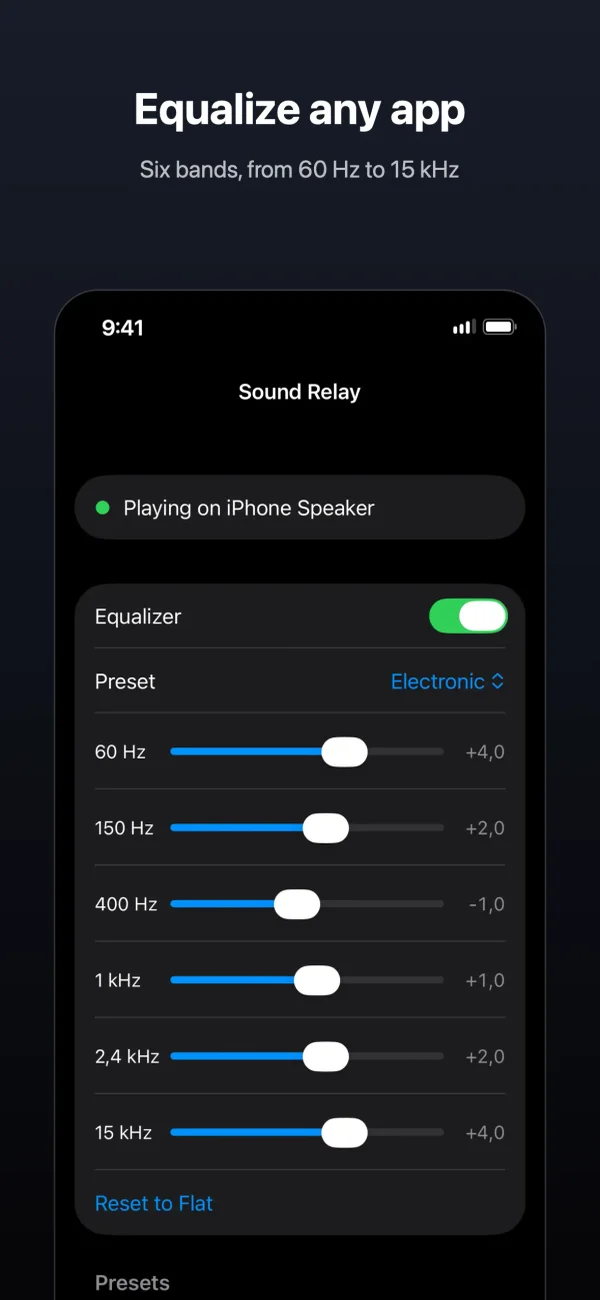
Sound Relay Equalizer adds a six-band equalizer to the sound of any app on your iPhone or iPad. Music, podcasts, videos: if it plays through your speaker or headphones, you can shape it.
HOW IT WORKS
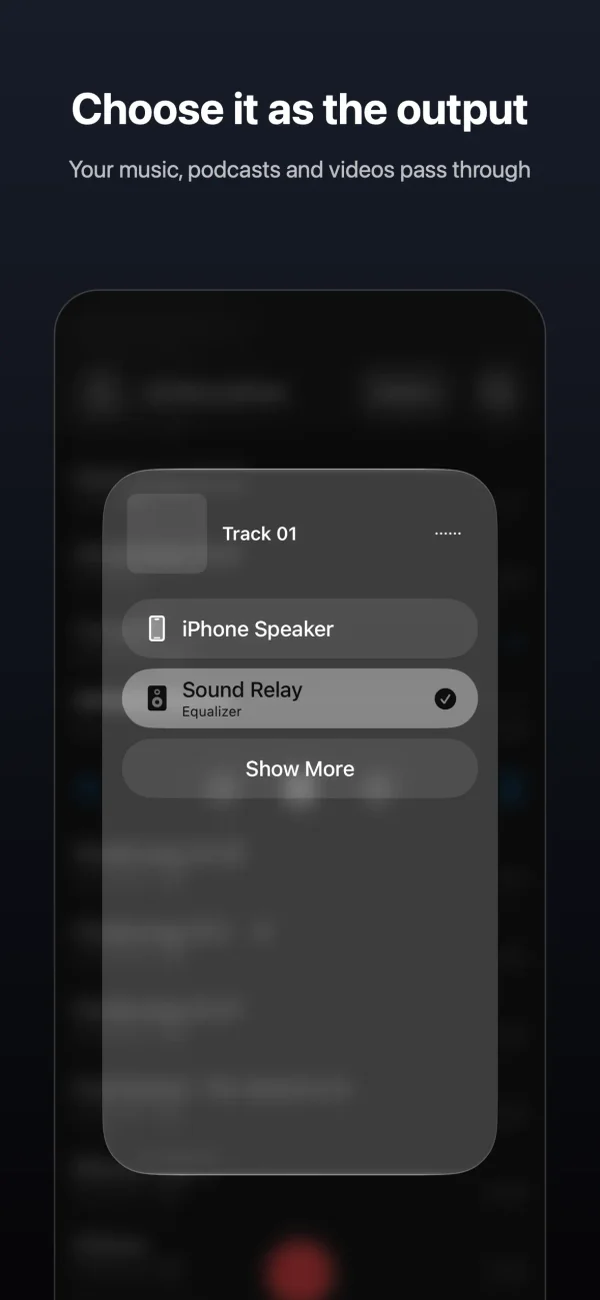
Open Sound Relay once and leave it in the background. Open Control Center, tap the output button and choose "Sound Relay". From then on your audio passes through the equalizer on its way to the headphones or speaker you were using before: AirPods, Bluetooth or wired headphones, or the iPhone speaker. The status row shows which one. Choose your headphones in the output menu again to stop.
SHAPE THE SOUND
• Six bands: 60 Hz, 150 Hz, 400 Hz, 1 kHz, 2.4 kHz and 15 kHz, each from −12 to +12 dB in half-decibel steps.
• Twelve built-in presets, from Bass Boost to Classical.
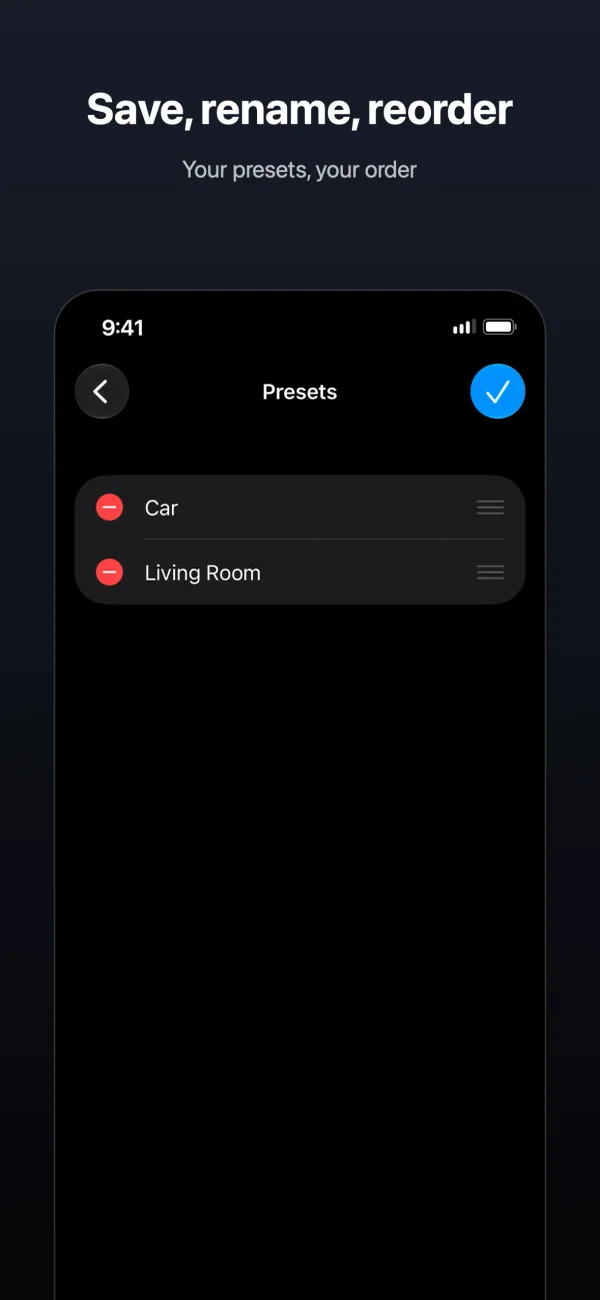
• Save your own presets, rename and reorder them.
• An Equalizer switch to compare with the original sound at any time.
• A built-in limiter keeps boosted bands from distorting.
ALWAYS KNOW WHAT IS HAPPENING
The status row tells you whether Sound Relay is selected and which output it is playing on.
SHORTCUTS AND SIRI
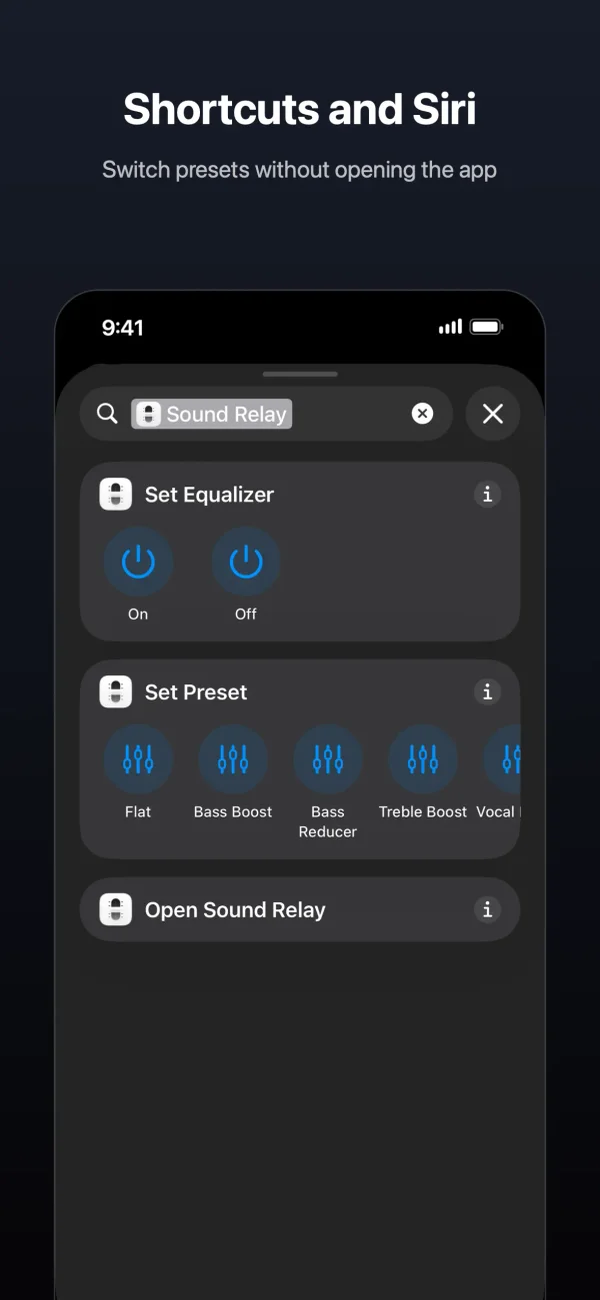
Open Sound Relay, choose a preset or switch the equalizer from the Shortcuts app and Siri. Let an automation open Sound Relay whenever your AirPods connect.
PRIVATE BY DESIGN
Your audio never leaves your device. Sound Relay collects no data, has no account and never records anything.
GOOD TO KNOW
• Sound Relay must be running for the entry to appear in Control Center. After a restart, open it once.
• If your headphones disconnect, Sound Relay mutes instead of playing out loud and tells you with a notification. Your music keeps running in its app; pause it, reconnect, or tap the Play button in Sound Relay to continue on the speaker.
• AirPlay speakers such as HomePod are not supported. With one selected, Sound Relay plays on the device itself.
• Requires iOS 27.
Yenilikler
Sürüm 1.1 · 15.11.2026
• Sound Relay is now a full iPad app.
• Smoother playback: the rare corrections for clock drift are faded, not cut.
Uygulama gizliliği
Bu uygulamanın verileri nasıl işlediği hakkında Oliver Rauch tarafından App Store üzerinde yapılan beyan.
-
Veri toplanmıyor
Geliştirici bu uygulamadan hiçbir veri toplamıyor.
Gizlilik uygulamaları, örneğin kullandığınız özelliklere veya yaşınıza göre değişiklik gösterebilir.
Bilgiler
- Satıcı
- Oliver Rauch
- Kategori
- Müzik
- Sürüm
- 1.1
- Güncellendi
- 15.11.2026
- Yayın tarihi
- 11.11.2026
- Boyut
- 5,2 MB
- Gereksinim
- iOS 27.0 veya sonrası
- Yaş sınırı
- 4+
- Fiyat
- Ücretsiz
- Diller
- İngilizce
- Telif hakkı
- © 2026 Oliver Rauch